
Last Updated on May 15, 2026 by Jawad
Introduction
Hot-swappable mechanical keyboards have quickly become a favorite choice among gamers, typists, and PC enthusiasts because they offer a perfect blend of customization, convenience, and long-term durability. Unlike traditional mechanical keyboards that require soldering to change switches, hot-swappable models allow you to pull out and replace switches with ease—no tools, experience, or technical skill required. This makes them an excellent option for anyone who wants to experiment with different switch types, fine-tune typing feel, or simply replace faulty switches without replacing the entire keyboard.
Whether you prefer smooth linear switches, tactile feedback, or the satisfying click of clicky switches, a hot-swappable board gives you the freedom to swap your setup anytime.
We also have a recommendation for the Best Low-Profile Mechanical Keyboards, so make sure to check that out too!
Top Hot-Swappable Mechanical Keyboards


Comparison
| Product | Image | Rating | Switch Type | Connectivity | Layout | Backlight | Special Features | Buy |
|---|---|---|---|---|---|---|---|---|
|
Redragon Mechanical Gaming Keyboard 🏆 Best Overall |
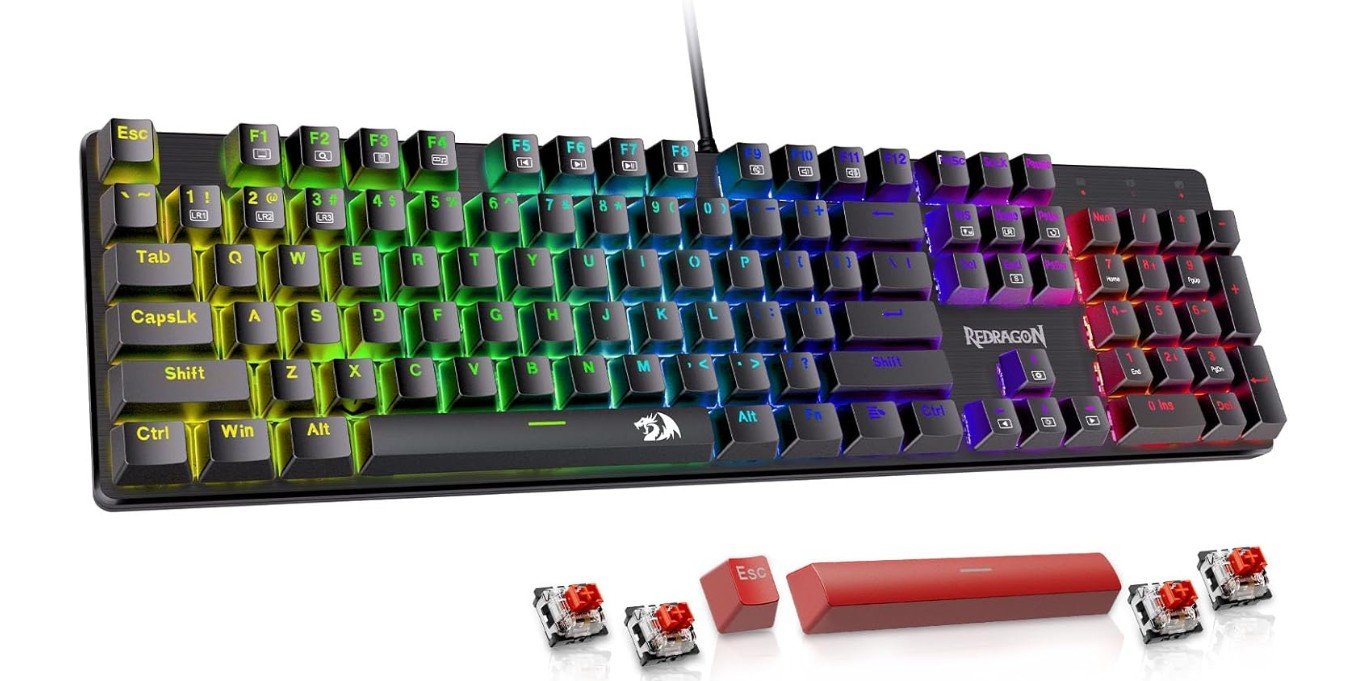 | ★★★★★ | Hot‑swappable Linear | Wired USB | Full Size | RGB | Programmable Lighting, Anti‑Ghosting | Check Price |
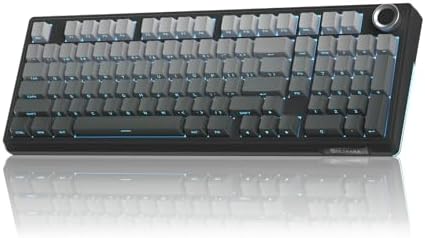
| AULA F99 Wireless Mechanical Keyboard |
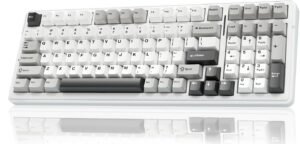 | ★★★★☆ | Hot‑swappable Linear | Tri‑mode (BT5.0/2.4GHz/USB‑C) | 99‑Key | RGB | Wireless + Wired | Check Price |
| Keychron Q5 Max Wireless Custom Mechanical Keyboard |
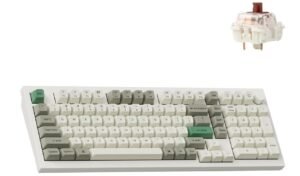 | ★★★★★ | Hot‑swappable Gateron Brown | Wireless + Wired | 96% Compact | RGB | QMK/VIA Programmable | Check Price |
| SOLAKAKA KI99 Pro 96% Wireless Mechanical Keyboard |
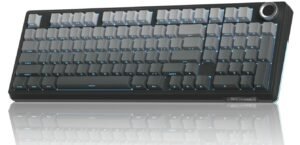 | ★★★★☆ | Hot‑swappable Pre‑Lubed | Wireless + Wired | 96% | RGB | Gasket‑Mounted | Check Price |
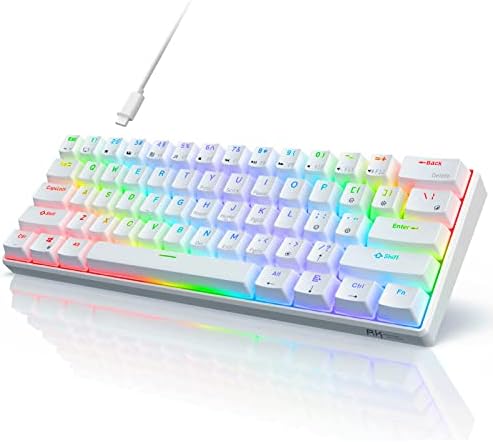
| RK ROYAL KLUDGE RK61 60% Gaming Keyboard |
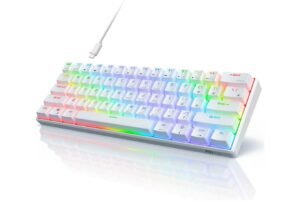 | ★★★★☆ | Hot‑swappable Red | Wired USB | 60% | RGB | Compact Layout | Check Price |
Redragon Mechanical Gaming Keyboard
Redragon Mechanical Gaming Keyboard
The Redragon Mechanical Gaming Keyboard is a solid budget-friendly option for beginners and casual gamers who want reliable performance with stylish RGB lighting. Its hot-swappable red switches feel smooth, fast, and relatively quiet, making the keyboard comfortable for both gaming and everyday typing.
The double-shot PBT keycaps provide better durability and resist wear over time, giving the keyboard a more premium feel. With 11 programmable backlit modes, users can customize the lighting to match their setup and preferences. Anti-ghosting support ensures accurate key registration during intense gameplay sessions.
Overall, this Redragon keyboard offers impressive value, comfortable typing, and dependable gaming performance for PC and Mac users.
AULA F99 Wireless Mechanical Keyboard
AULA F99 Wireless Mechanical Keyboard
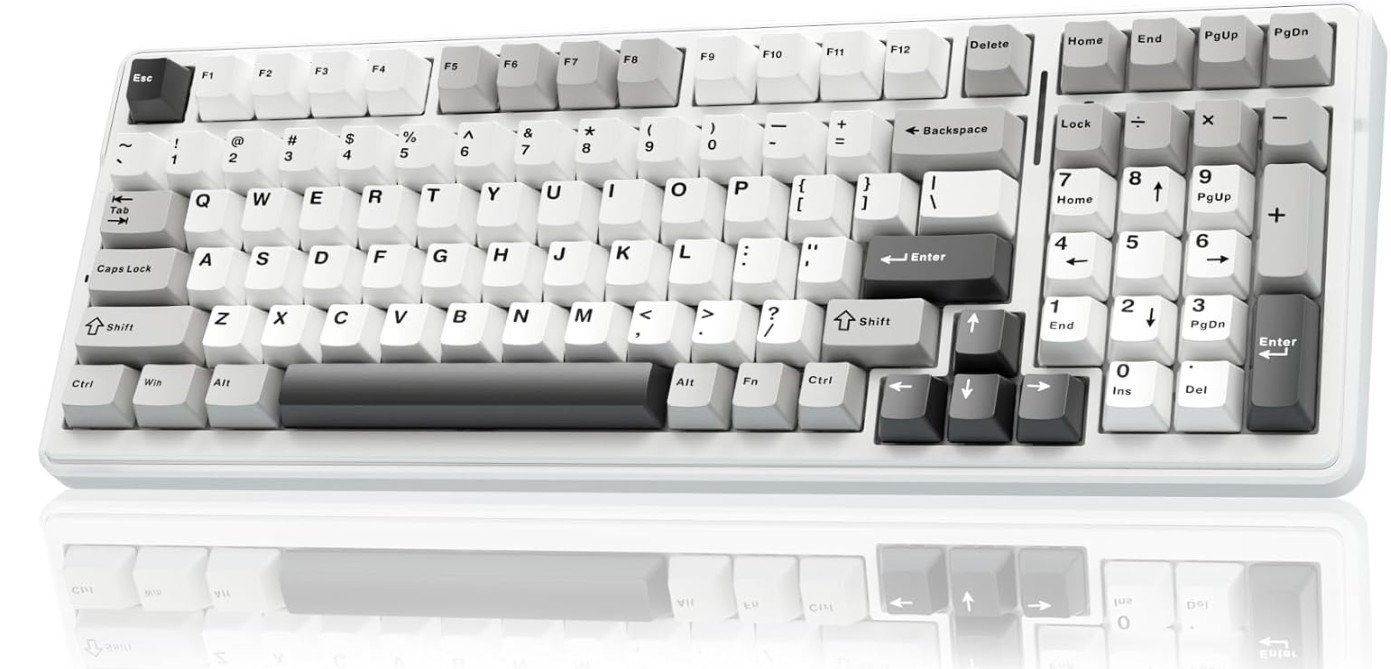
The AULA F99 Wireless Mechanical Keyboard is an excellent budget-friendly custom keyboard that offers premium features for gaming and productivity. Its pre-lubed linear switches feel smooth, responsive, and satisfying for both gaming and typing sessions. The hot-swappable design allows users to easily change switches without soldering, making it perfect for beginners and keyboard enthusiasts.
Tri-mode connectivity with Bluetooth 5.0, 2.4GHz wireless, and USB-C wired support provides flexible compatibility with PCs, tablets, PlayStation, and Xbox devices. RGB backlighting looks vibrant and customizable, while the compact layout helps save desk space.
Overall, the AULA F99 delivers strong build quality, modern features, and excellent value for users wanting a customizable wireless mechanical keyboard.
Keychron Q5 Max Wireless Custom Mechanical Keyboard
Keychron Q5 Max Wireless Custom Mechanical Keyboard
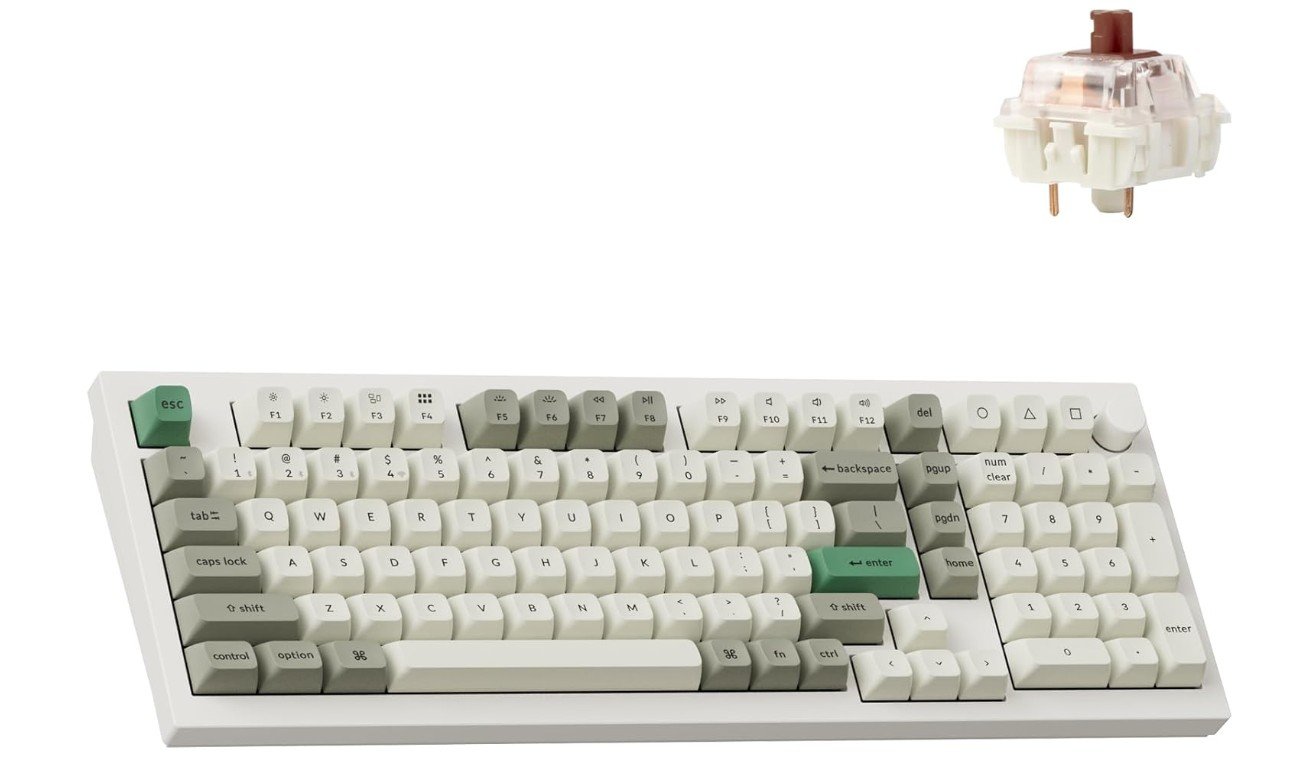
The Keychron Q5 Max is a premium custom mechanical keyboard designed for users who want an exceptional typing experience, strong build quality, and advanced customization features. Its full aluminum body feels extremely sturdy and luxurious, while the 96% layout keeps the number pad in a more compact design to save desk space.
The hot-swappable Gateron Red switches feel smooth and responsive, making the keyboard excellent for gaming and everyday typing. Wireless connectivity through Bluetooth and 2.4GHz works reliably with low latency, and QMK/VIA support allows deep customization. Acoustic foam layers and gasket mounting create a soft, satisfying typing sound and feel.
Overall, the Q5 Max delivers outstanding performance, premium materials, and enthusiast-level features.
SOLAKAKA KI99 Pro 96% Wireless Mechanical Keyboard
SOLAKAKA KI99 Pro 96% Wireless Mechanical Keyboard
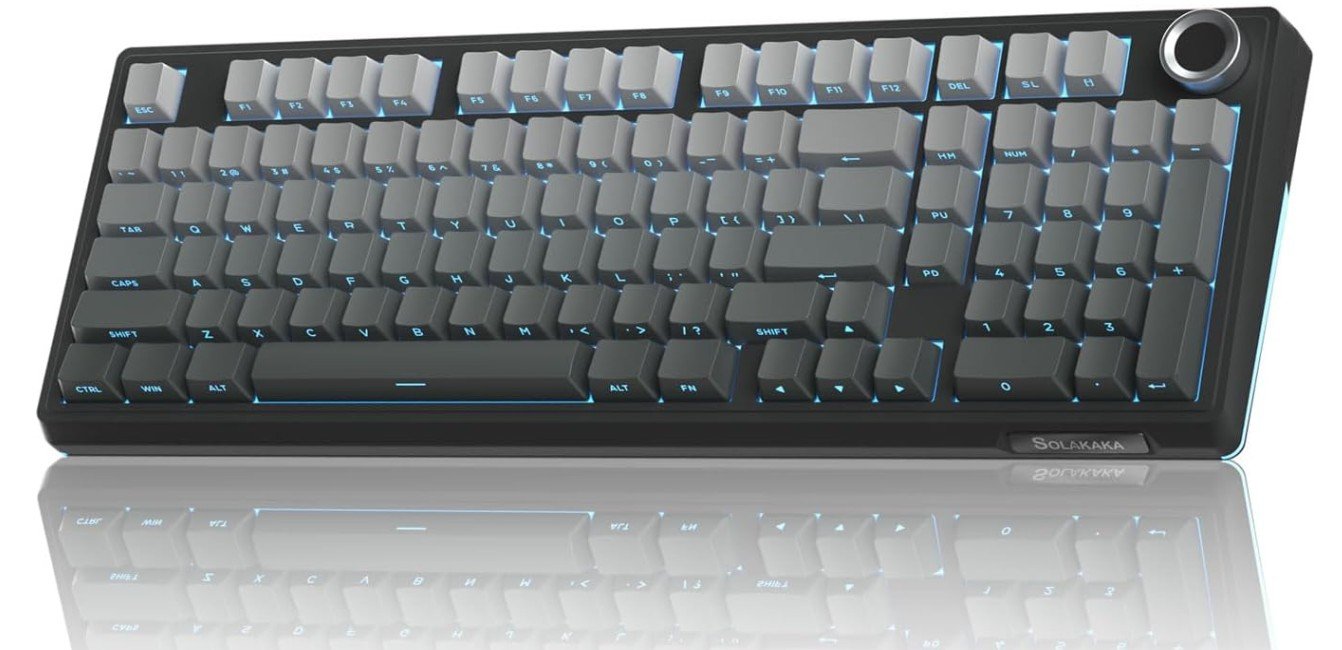
The SOLAKAKA KI99 Pro is a stylish wireless mechanical keyboard that delivers an excellent custom keyboard experience for gamers and typing enthusiasts. Its 96% compact layout keeps essential keys and the number pad while saving desk space for a cleaner setup. The gasket-mounted structure and pre-lubed switches create a smooth and creamy typing sound that feels premium and satisfying during long sessions.
Hot-swappable support allows easy switch customization without soldering, making it beginner-friendly for keyboard enthusiasts. RGB lighting looks vibrant with multiple effects, while Bluetooth, 2.4GHz wireless, and wired connectivity provide flexible compatibility.
Overall, the KI99 Pro offers strong build quality, smooth performance, and impressive value for custom keyboard lovers.
RK ROYAL KLUDGE RK61 60% Gaming Keyboard
RK ROYAL KLUDGE RK61 60% Gaming Keyboard
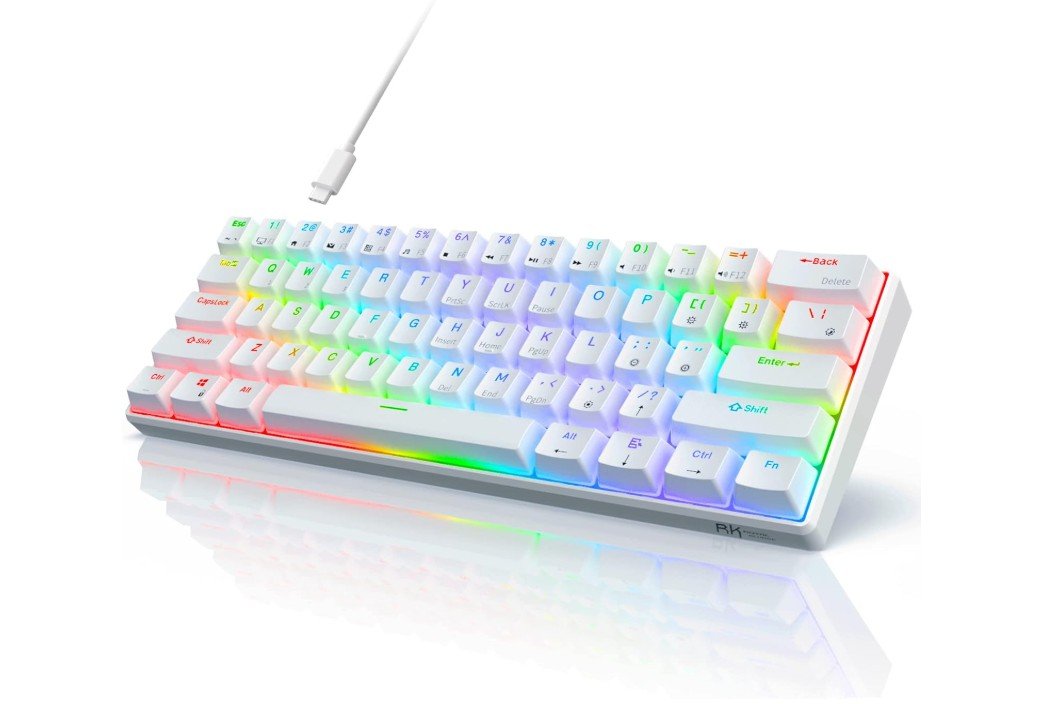
The RK ROYAL KLUDGE RK61 is a compact and beginner-friendly 60% mechanical gaming keyboard that offers impressive features at an affordable price. Its pre-lubed red switches feel smooth, fast, and quiet, making the keyboard excellent for gaming and everyday typing. The hot-swappable design allows users to easily replace switches without soldering, which is perfect for beginners exploring custom keyboards.
QMK/VIA support provides advanced key remapping and customization options rarely seen in budget keyboards. RGB backlighting looks vibrant with multiple lighting effects, while the compact layout saves desk space and improves portability.
Overall, the RK61 delivers strong performance, customization, and excellent value for both gamers and first-time mechanical keyboard users.
Buying Guide: Hot-Swappable Mechanical Keyboards
Hot-swappable mechanical keyboards let you change switches without soldering, so you can try different feels, fix broken switches, or mix switch types quickly. That flexibility is why hot-swap boards are now the default choice for many gamers, typists, and beginners who want to experiment. This guide walks you through the important factors to consider so you pick a keyboard that fits your budget, workspace, and typing style.
Why choose hot-swappable?
Hot-swap means the switch sockets accept switches directly. No soldering. The practical benefits are simple: cheap upgrades (buy switches not a whole keyboard), easy repairs, and the freedom to fine-tune typing feel. If you like trying linear, tactile, and clicky switches or want to test boutique switches, hot-swap makes it low cost and low effort. It’s also great for newcomers who want to learn customization without tools.
Switches: the heart of feel
Switches define how the keyboard feels and sounds. There are three basic families:
- Linear: smooth, no bump, quiet — good for fast gaming and people who like a light press.
- Tactile: has a bump on actuation — good compromise for typing and gaming.
- Clicky: tactile plus audible click — satisfying for some typists but louder.
When choosing switches, check actuation force (light vs heavy), travel distance, and whether they come pre-lubed. Pre-lubed switches feel smoother out of the box. Also consider switch stem compatibility: most hot-swap PCBs fit standard 3-pin and 5-pin switches but confirm with the keyboard spec.
Layout and size
Keyboards come in many sizes. Pick one based on space and workflow:
- Full (100%): includes numpad — best for data entry.
- 96% / 65% / 75%: compact but keep most keys — good balance.
- 60%: minimal and portable — ideal if you value mouse space or portability.
Smaller layouts save desk space and look cleaner, but you’ll lose dedicated keys (numpad, function row, arrows). Think about shortcuts and whether you’re comfortable using layer keys or remaps.
Build quality & typing feel
Materials matter. Aluminum cases feel solid and dampen sound; plastic cases are lighter and cheaper. Plate material (aluminum, brass, polycarbonate) also affects feel: metal plates produce a firmer, sharper sound while polycarbonate and gasket mounts give a softer, cushioned feel. If sound is important, consider gasket-mounted designs or keyboards marketed for “silent” or “tuned” typing.
Keycaps & stabilizers
Keycaps change texture and durability. PBT keycaps resist shine and feel better long-term than ABS. Double-shot PBT or dye-sublimated legends last longest. Stabilizers affect larger keys (Space, Enter). Well-tuned stabilizers reduce rattle; look for pre-lubed or screw-in stabilizers if you care about a premium sound.
Connectivity & power
Decide wired vs wireless. Many hot-swappable boards are wired only, but tri-mode boards (Bluetooth, 2.4 GHz dongle, USB-C) are common now. Wireless adds convenience but can slightly change latency — high-quality 2.4 GHz dongles are nearly indistinguishable from wired for gaming. Also check battery life if you plan to use wireless often.
Software, programmability & firmware
If you want macros or custom layers, check firmware support. QMK/VIA or manufacturer software lets you remap keys and create macros. QMK/VIA are community standards that provide deep customization and are preferred by enthusiasts. If you rely on plug-and-play only, a keyboard without advanced firmware is still fine.
Hot-swap socket type & limitations
Not all hot-swap PCBs are equal. Some support only 3-pin switches; others accept 3- and 5-pin. If you plan to use a wide range of switches, pick a board that supports both. Also know that hot-swap sockets can wear after many insertions; good vendors use durable sockets but extreme heavy swapping could eventually loosen them.
Sound & mods
If sound matters, look for gasket or foam modulation, pre-lubed stabilizers, and plate material. Many users also add foam between case halves, switch film, and lubed switches for a better acoustic profile. If you want a ready-to-use pleasant sound, pick boards advertised as “gasket” or “tuned”.
Price & ecosystem
Hot-swappable boards span budgets. Entry-level models are affordable and great for beginners; premium boards (aluminum, gasket, QMK support) cost more but offer a better typing experience and longevity. Remember cost of switches and keycaps — a quality set of switches and PBT keycaps can equal the keyboard price. Factor the total ecosystem cost if you plan to customize.
FAQs
A hot-swappable keyboard lets you remove and replace switches without soldering. You can easily try different switch types (tactile, linear, clicky) to tune the feel and sound.
Hot-swap lets you:
✔ Customize feel and sound without tools.
✔ Experiment with switches as your preference changes.
✔ Save money by reusing switches when you upgrade.
Most hot-swappable keyboards support standard 3-pin or 5-pin switches from brands like Cherry, Gateron, Kailh, etc., letting you pick tactile, linear, or clicky feel.
Yes! Make sure your keycaps match the layout and profile (e.g., ANSI vs ISO; 60% vs TKL). Most mechanical keycaps fit standard MX-style switches.
Yes — especially if you want to explore switch types without soldering or pay a premium for a custom board upfront. It’s great for learning and personalization.
Often slightly more than fixed-switch keyboards, but the flexibility and customization make them worth it for many users.
Yes — many users add lubed switches, dampeners, foam, or different keycaps to improve feel and sound. Hot-swap makes this easier.
Final tips
If you’re new, buy a cheap hot-swappable board and a few switch testers before investing in expensive switches. Try linear and tactile to discover preference. If sound is important, read user reviews or watch typing/sound tests. And if you plan heavy customization, choose a board with good community support and QMK/VIA compatibility.
Hot-swappable keyboards make customization accessible. Whether you want a quiet office board, a loud and clicky typing machine, or a gaming setup tuned perfectly to your hands, picking the right combination of layout, switches, build, and firmware will keep you happy for years — and let you change your mind without rewiring anything.

Jawad is a passionate tech enthusiast and writer who loves exploring the latest trends in hardware, gadgets, and digital innovation. With a sharp eye for performance and value, he delivers in-depth recommendations and buying guides to help readers make smarter tech decisions.