
Last Updated on May 15, 2026 by Jawad
Introduction
Low-profile mechanical keyboards are designed for people who want the feel of mechanical switches but prefer a slimmer, more modern keyboard. Unlike traditional mechanical keyboards that are thick and tall, low-profile models are much thinner and closer to the desk. This makes them feel more like laptop keyboards, but with better feedback, durability, and performance. Because of their slim shape, they are comfortable to use for long hours and do not usually require a wrist rest.
We also have a recommendation for the Best RGB Gaming Keyboard, so make sure to check that out too!
Top Low-Profile Mechanical Keyboards

Comparison
| Low‑Profile Mechanical Keyboard | Image | Rating | Layout / Size | Connectivity | Best For | Buy |
|---|---|---|---|---|---|---|
| Corsair K100 AIR Wireless RGB Low‑Profile Keyboard 🏆 Best Overall | 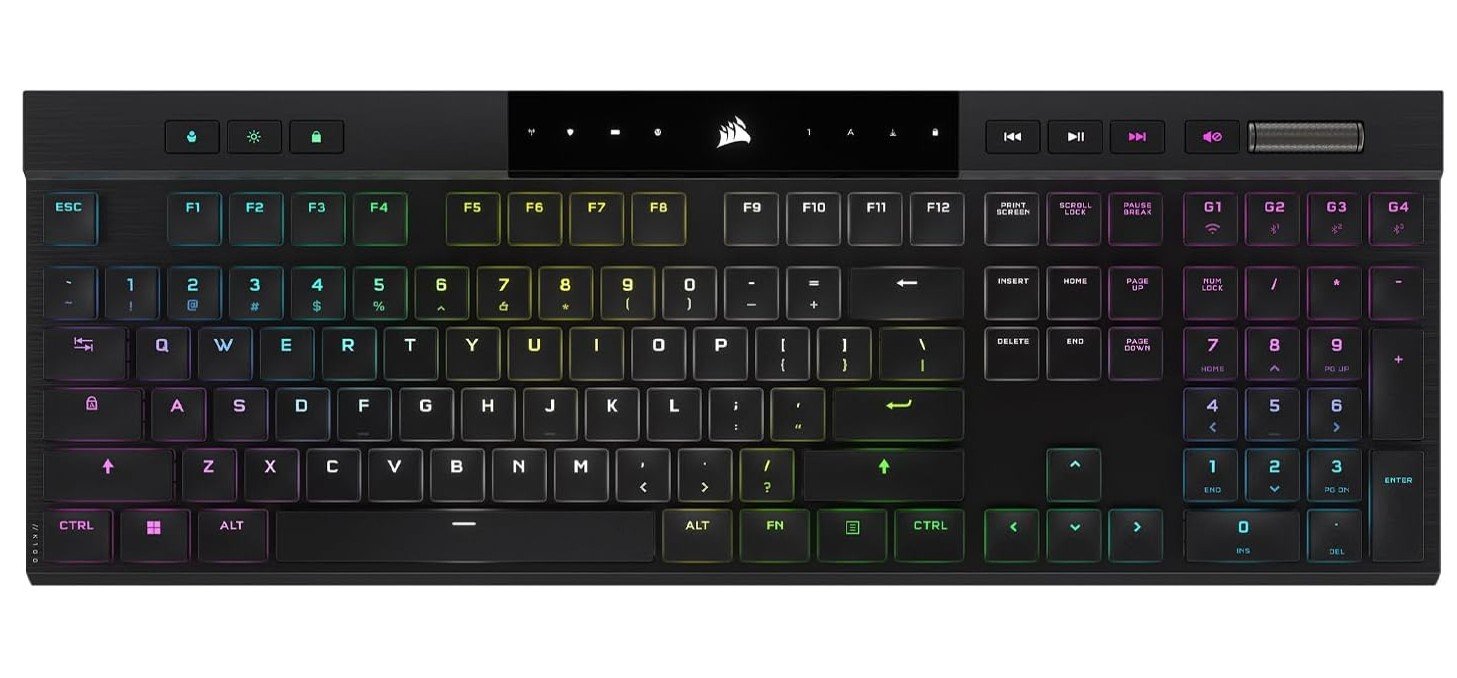 | ★★★★★ | Full‑Size | Wireless / Wired | Gaming & Productivity | Check Price |
| LOFREE Flow2 Low‑Profile Mechanical Keyboard | 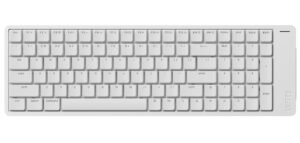 | ★★★★☆ | Full‑Size | Bluetooth / 2.4 GHz / Wired | Sleek Typing & Wireless Use | Check Price |
| Hexgears Low Profile Gaming Keyboard | 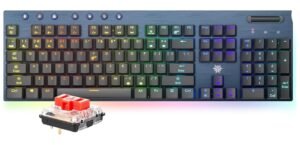 | ★★★☆☆ | Full‑Size | 2‑Mode Wireless / Wired | Gaming & Everyday Typing | Check Price |
| Keychron K17 Max Low‑Profile Mechanical Keyboard | 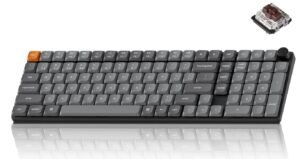 | ★★★★☆ | 96% (Compact) | Bluetooth / Wired | Portable & Programmable | Check Price |
| Cherry KC 500 MX LP Mechanical Keyboard | 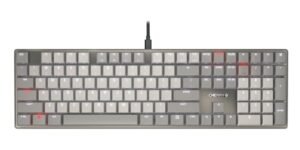 | ★★★☆☆ | Full‑Size | Wired | Productivity & Everyday Use | Check Price |
| EPOMAKER Luma84 Low Profile Aluminum Keyboard 💰 Best Budget | 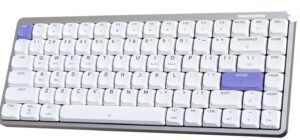 | ★★★☆☆ | 84‑Key Compact | Tri‑Mode Wireless / Wired | Compact & Feature‑Rich | Check Price |
Corsair K100 Mechanical Gaming Keyboard
Corsair K100 Mechanical Gaming Keyboard
The Corsair K100 AIR Wireless is a premium ultra-thin mechanical keyboard built for gamers, professionals, and fast typists who want top-tier performance. Its Cherry MX Ultra Low Profile switches feel incredibly smooth, fast, and comfortable for long typing sessions and competitive gaming. The sleek aluminum design looks modern and luxurious while remaining surprisingly lightweight.
Slipstream wireless technology delivers extremely low latency, and Bluetooth support makes multi-device switching easy. RGB lighting is vibrant and highly customizable through Corsair iCUE software. Despite its slim profile, the keyboard feels solid and responsive.
Overall, it offers an excellent blend of speed, comfort, wireless flexibility, and premium build quality.
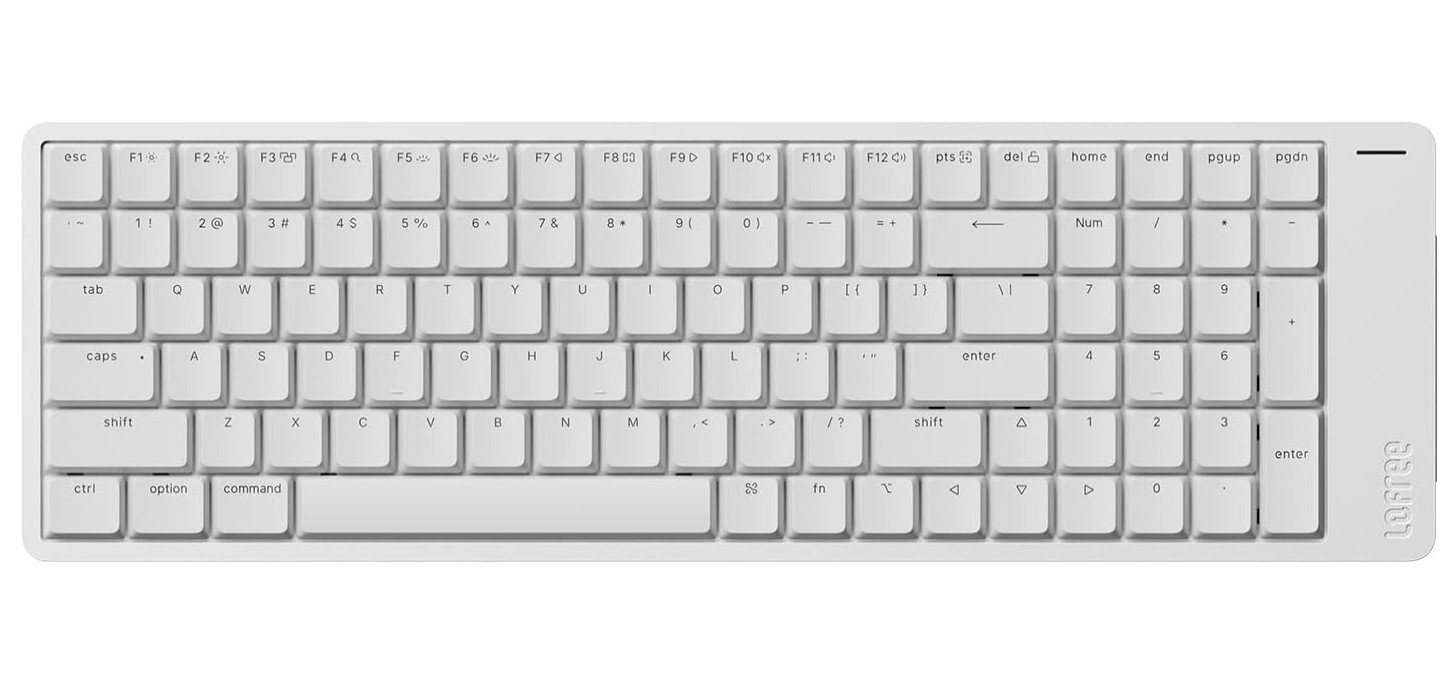
LOFREE Flow2 Low-Profile Mechanical Keyboard
LOFREE Flow2 Low-Profile Mechanical Keyboard
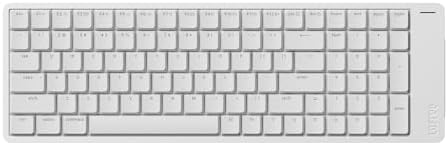
The LOFREE Flow2 is a premium low-profile mechanical keyboard designed for fast typists, professionals, and minimalist setup lovers. Its aluminum alloy body feels incredibly solid and high-end, while the Void linear switches provide a smooth, quiet, and satisfying typing experience. The low-profile design makes typing comfortable during long work sessions without needing a wrist rest.
Tri-mode connectivity with Bluetooth, 2.4GHz wireless, and USB-C allows seamless switching between Windows and macOS devices. The keyboard also delivers impressive acoustics with soft, refined keystrokes and quality stabilizers.
Although expensive, it offers excellent build quality, elegant aesthetics, and a premium typing feel that stands out among low-profile wireless keyboards.
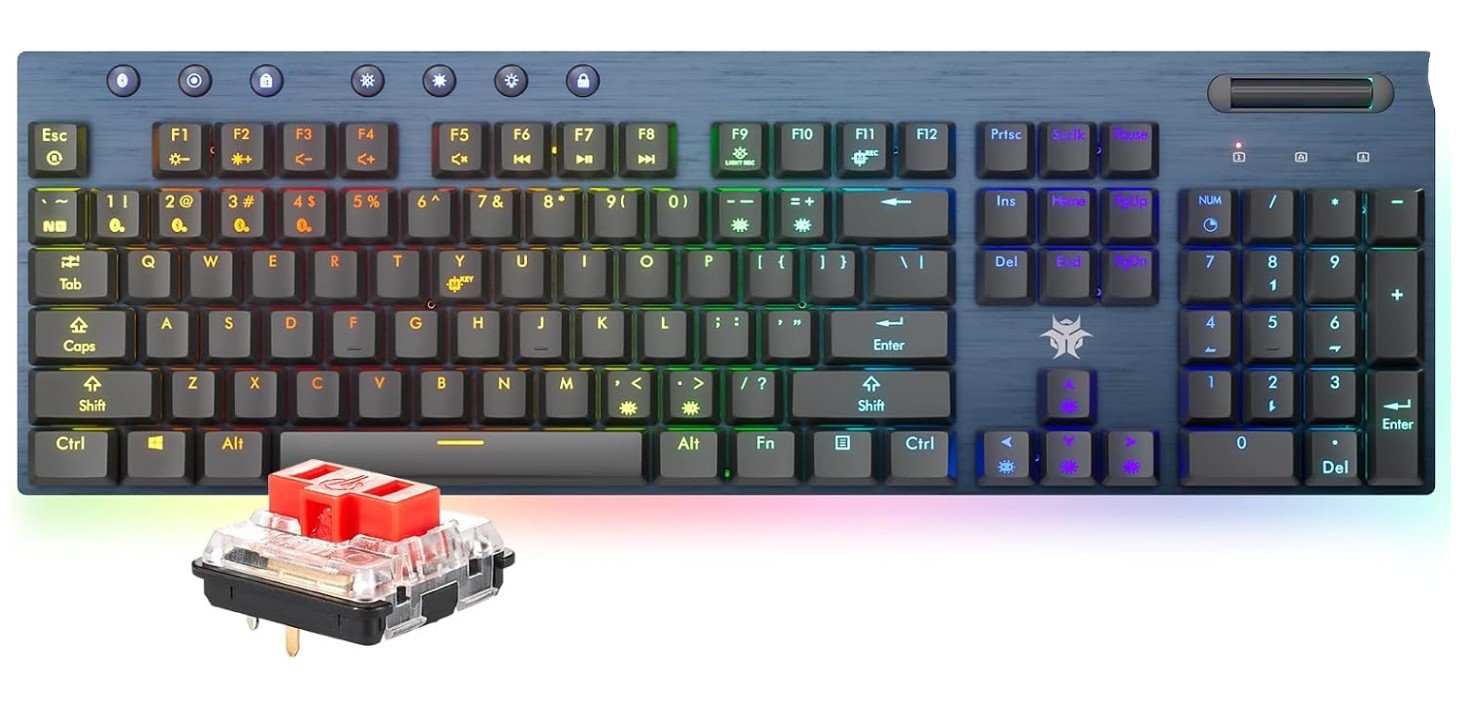
Hexgears Low Profile Gaming Keyboard
Hexgears Low Profile Gaming Keyboard
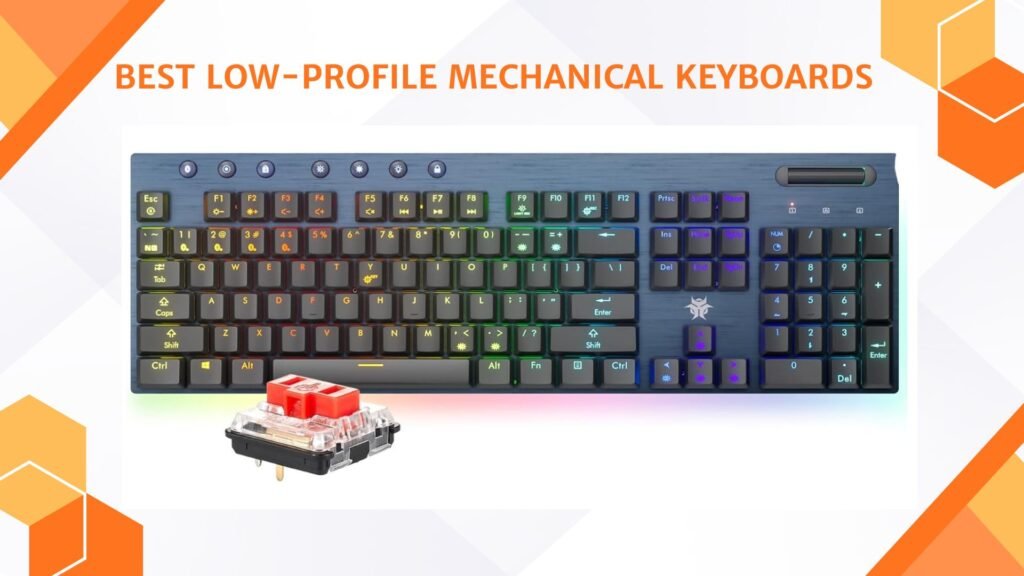
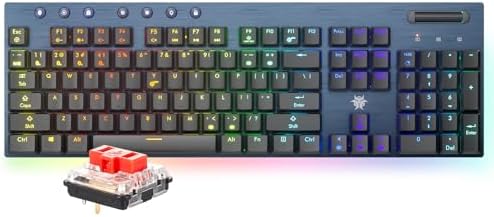
The Hexgears Low Profile Gaming Keyboard is an excellent choice for users who want a slim, modern keyboard with fast and comfortable performance. Its ultra-thin design looks sleek on any desk while the low-profile linear red switches feel smooth, quiet, and responsive for gaming and typing. Dual wireless and wired connectivity provide flexibility across PCs, laptops, and tablets, and the RGB lighting adds a stylish gaming atmosphere.
Dedicated media controls make volume and playback adjustments quick and convenient during gameplay or work. The aluminum frame feels sturdy despite the lightweight design.
Overall, it offers a comfortable low-profile typing experience with impressive features for both gamers and productivity users.
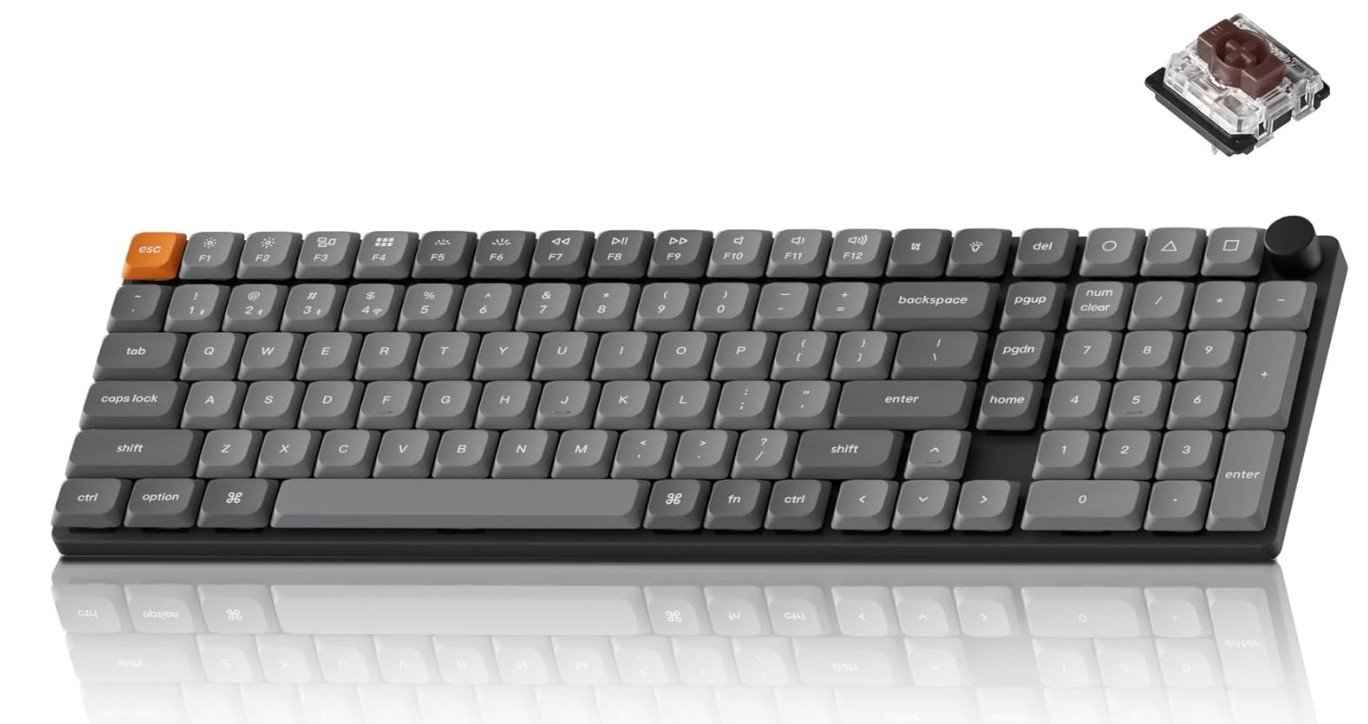
Keychron K17 Max Mechanical Keyboard
Keychron K17 Max Mechanical Keyboard
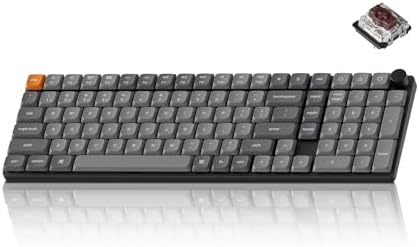
The Keychron K17 Max is an excellent ultra-slim mechanical keyboard for fast typing, productivity, and multitasking. Its low-profile Gateron Brown switches feel smooth, tactile, and comfortable, giving a laptop-like typing experience with better feedback and accuracy. The compact 96% layout saves desk space while still including a numpad for productivity work.
Wireless Bluetooth, 2.4GHz, and USB-C connectivity make switching between devices seamless across Windows and macOS. The aluminum frame feels premium and sturdy, while RGB backlighting adds a modern touch. QMK and Launcher support allow deep customization for macros and key remapping.
Overall, it’s a sleek, responsive, and highly versatile keyboard for work and everyday use.
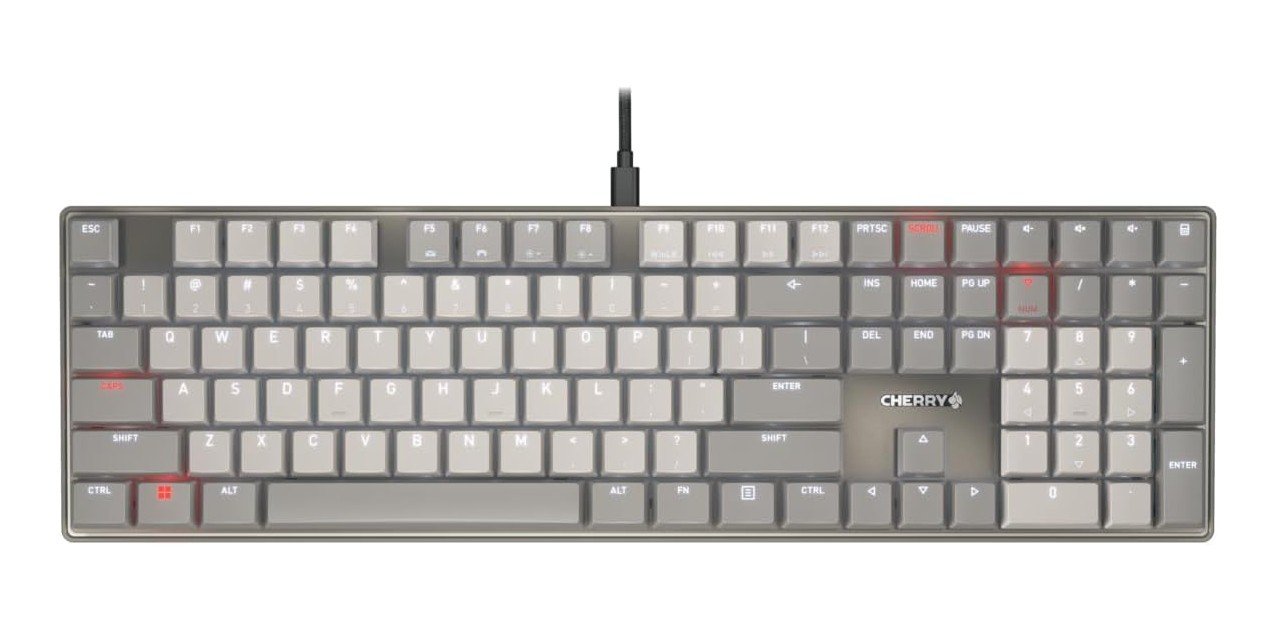
Cherry KC 500 MX LP Mechanical Low Profile Keyboard
Cherry KC 500 MX LP Mechanical Low Profile Keyboard
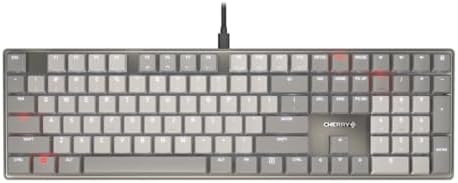
The Cherry KC 500 MX LP is an excellent low-profile keyboard for fast typing, office work, and professional productivity. Its MX LP 2.0 Ivory switches feel smooth, light, and highly responsive, allowing quick and comfortable typing with less finger fatigue. The slim design and durable PBT keycaps give the keyboard a premium feel while maintaining long-term durability.
White backlighting looks clean and professional without being distracting, and the wired USB-A connection ensures stable performance. Despite its compact low-profile build, the keyboard feels sturdy thanks to the metal surface construction.
Overall, it’s a premium mechanical keyboard focused on comfort, speed, and a refined typing experience.
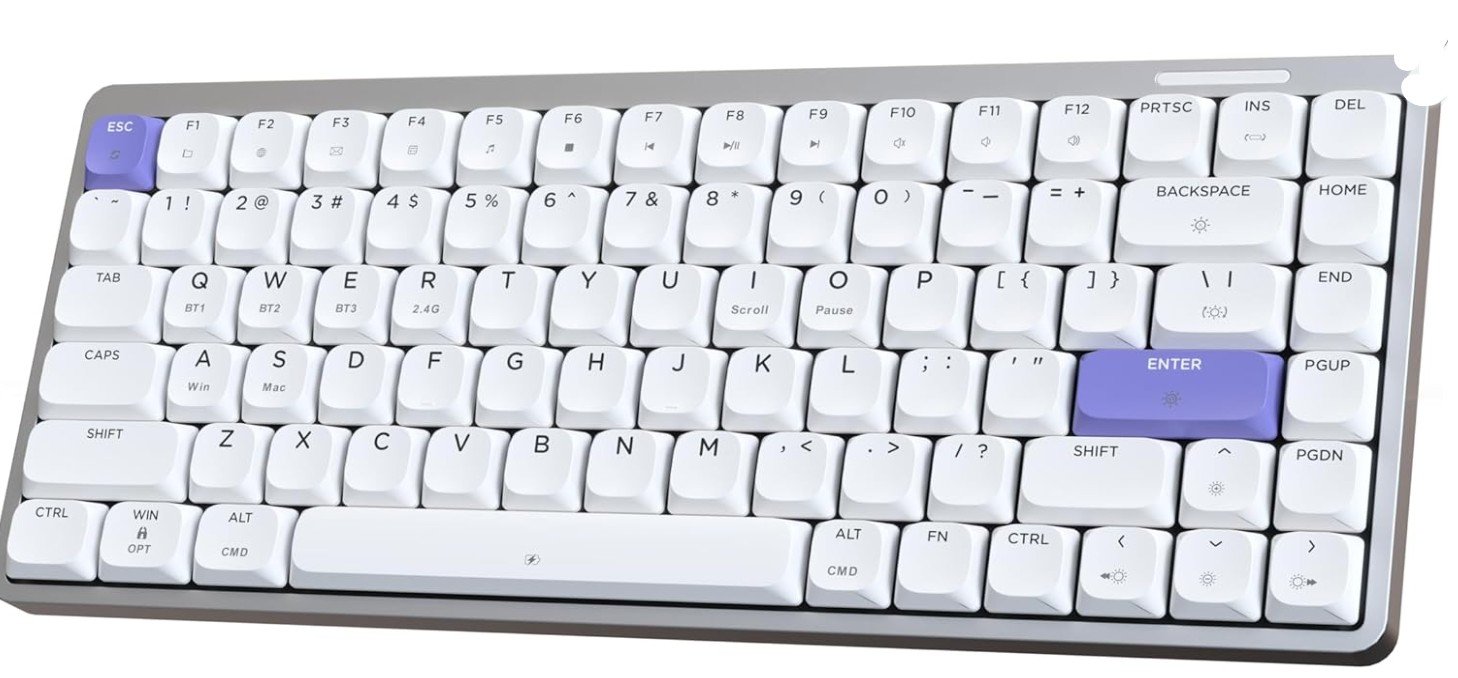
EPOMAKER Luma84 Low Profile Aluminum Mechanical Keyboard
EPOMAKER Luma84 Low Profile Aluminum Mechanical Keyboard
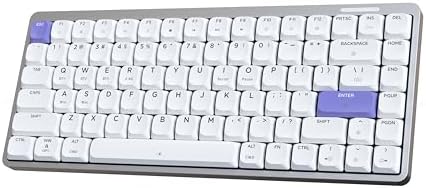
The EPOMAKER Luma84 is a stylish low-profile mechanical keyboard that delivers a smooth and comfortable typing experience for both work and gaming. Its aluminum body feels premium and sturdy, while the Gateron low-profile red switches provide fast, quiet, and responsive keystrokes ideal for long typing sessions. The compact 84-key layout saves desk space without sacrificing essential functionality.
Tri-mode connectivity with Bluetooth, 2.4GHz wireless, and USB-C makes switching between devices effortless across Windows, macOS, and Linux. RGB backlighting and QMK/VIA programmability add excellent customization options.
Overall, it’s a modern, versatile keyboard that combines portability, premium design, and satisfying low-profile performance at a competitive price.
Buying Guide: Low-Profile Mechanical Keyboards
Low-profile mechanical keyboards are designed to be thinner and more compact than traditional mechanical keyboards. They use specially designed low-profile switches and slim keycaps, which reduce the overall height of the keyboard. This makes them feel closer to laptop keyboards while still delivering the durability, precision, and feedback of mechanical switches.
These keyboards are ideal for users who want a clean, modern desk setup, faster key presses, and improved comfort during long typing or gaming sessions. Because your hands sit closer to the desk, low-profile keyboards often reduce wrist strain and eliminate the need for a wrist rest.
Benefits of Choosing a Low-Profile Mechanical Keyboard
One of the biggest advantages of low-profile keyboards is comfort. The reduced key height means your fingers travel less distance with each press, which helps reduce fatigue. This is especially useful for people who type or game for many hours daily.
Another benefit is speed. Shorter actuation distance allows faster key registration, which is helpful for gaming and fast typing. Low-profile keyboards are also lighter and easier to carry, making them a good choice for mobile setups, laptops, and work-from-home users.
Aesthetically, they look sleek and minimal. Many users prefer their slim appearance compared to bulky traditional mechanical keyboards.
Understanding Low-Profile Switch Types
Low-profile switches come in three main types:
Linear switches offer smooth keystrokes with no tactile bump. They are quiet and fast, making them popular for gaming and shared workspaces.
Tactile switches provide a small bump when the key actuates. This feedback helps with typing accuracy and is ideal for office work and writing.
Clicky switches are rare in low-profile form. They produce audible clicks and are generally avoided in quiet environments.
Because low-profile switches are less standardized than regular switches, always check switch compatibility and replacement options before buying.
Keyboard Layouts and Size Options
Low-profile keyboards are available in multiple layouts:
Full-size (100%) keyboards include a number pad and are best for accounting, data entry, and office productivity.
96% layouts retain almost all keys of a full-size keyboard but reduce spacing to save desk space.
75% and TKL (Tenkeyless) layouts remove the number pad but keep function and arrow keys, offering a balance between size and functionality.
65% and 60% layouts are compact and portable but remove dedicated function rows and navigation keys. These are best for minimal desks and travel.
Choose a layout based on how often you use function keys, arrows, and the number pad.
Wired vs Wireless Connectivity
Low-profile keyboards are available in wired and wireless versions.
Wired keyboards offer the most reliable performance with no battery concerns. They are ideal for competitive gaming and fixed desk setups.
Wireless keyboards usually support Bluetooth, 2.4GHz wireless, or both. Tri-mode keyboards (Bluetooth + 2.4GHz + wired) are the most flexible, allowing use across multiple devices.
Battery life varies depending on backlighting and usage. RGB lighting significantly reduces battery life, so consider this if you plan to use wireless mode often.
Build Quality and Materials
Build quality plays a major role in typing feel and durability. Aluminum frames feel premium and reduce flex, while plastic frames are lighter and more affordable.
Keycaps matter as well. PBT keycaps are more durable and resist shine over time, while ABS keycaps are smoother but wear faster. Low-profile keycap replacements can be limited, so quality out of the box is important.
Typing Sound and Acoustics
Low-profile keyboards are generally quieter than traditional mechanical keyboards, but sound still varies by switch type and construction.
Linear and silent switches are best for shared spaces. Aluminum keyboards tend to sound sharper, while keyboards with internal dampening foam sound softer.
If noise is a concern, avoid clicky switches and prioritize keyboards designed for quiet operation.
Programmability and Software Support
Some low-profile keyboards support advanced customization through QMK/VIA, allowing full key remapping, layers, and macros. This is ideal for power users, programmers, and enthusiasts.
Others rely on brand software for lighting and basic remapping. These are easier for beginners but offer less flexibility.
If customization matters to you, confirm software support before buying.
Low-Profile Keyboards for Gaming
For gaming, prioritize low latency and fast switches. Wired or 2.4GHz wireless keyboards provide the best response times.
Linear switches are usually preferred for gaming due to their smooth and fast actuation. Compact layouts like 75% and TKL are popular among gamers because they free up desk space for mouse movement.
Low-Profile Keyboards for Work and Productivity
For office use, comfort and quiet operation matter most. Tactile or silent switches are ideal for typing accuracy without noise.
Full-size or 96% layouts are better for productivity, especially if you work with numbers or spreadsheets. Wireless connectivity and multi-device support are also useful for work setups.
Price Ranges and What to Expect
Budget range ($50–$100): Basic low-profile keyboards with limited customization and plastic builds.
Mid-range ($100–$180): Better materials, tri-mode connectivity, improved switches, and sometimes QMK/VIA support. This is the best value range for most users.
Premium range ($180+): Aluminum builds, advanced wireless performance, high-quality switches, and full programmability.
Things to Check Before Buying
- Preferred layout and desk space
- Switch type and noise level
- Wired or wireless needs
- Battery life expectations
- Build material and keycap quality
- Software or QMK/VIA support
- Replacement switch and keycap availability
FAQs
A low-profile mechanical keyboard has shorter switches and thinner keycaps than regular mechanical keyboards, giving a flatter, laptop-like feel with mechanical performance.
1. Faster key travel and return
2. Lower actuation force
3. Sleeker, compact design
These can improve speed and comfort for gaming and long typing sessions.
Yes. Low-profile keyboards use mechanical switches designed to be shorter but still offer tactile/linear feedback similar to full-size mechanical switches.
They can be — especially if you prefer a quicker, lighter key press and reduced finger fatigue. Preference varies by play-style.
1. Linear: Smooth, quiet
2. Tactile: Bump feedback
3. Clicky: Audible click
Choose based on feel and noise preference.
Yes — low-profile mechanicals feel more precise and consistent than membrane or scissor keyboards, with better durability and feedback.
Many do, though high-end features vary by model. Always check specs if macros or lighting matter to you.
If you like fast, sleek typing or gaming with a slim form factor, low-profile mechanicals are a great choice.
Final Thoughts
Low-profile mechanical keyboards are an excellent choice for users who want comfort, speed, and a modern design without sacrificing mechanical performance. They are especially well-suited for long typing sessions, clean desk setups, and users transitioning from laptops to mechanical keyboards.
By carefully choosing the right layout, switch type, and connectivity option, you can find a low-profile keyboard that fits both your workflow and personal style. Whether you’re gaming, working, or doing both, a good low-profile mechanical keyboard can significantly improve your daily experience.

Jawad is a passionate tech enthusiast and writer who loves exploring the latest trends in hardware, gadgets, and digital innovation. With a sharp eye for performance and value, he delivers in-depth recommendations and buying guides to help readers make smarter tech decisions.