
Last Updated on May 15, 2026 by Jawad
Introduction
Laptops for online classes are designed to provide reliable performance, portability, and long battery life for students attending virtual learning sessions. These laptops typically include efficient processors, enough RAM for multitasking, built-in webcams, microphones, and clear displays for smooth video conferencing and online collaboration. Lightweight designs and fast SSD storage also help improve productivity and convenience during daily schoolwork. Many affordable models can easily handle web browsing, document editing, educational apps, and streaming lectures without slowing down.
Whether for school, college, or remote learning, a dependable laptop for online classes helps students stay connected, organized, and productive while supporting a comfortable and efficient learning experience from anywhere.
We also have a recommendation for the Best Budget Touchscreen Laptop, so make sure to check that out too!
Top Laptops for Online Classes


Comparison
| Laptop | Image | Rating | Display | Processor | RAM | Storage | OS | Use | Buy |
|---|---|---|---|---|---|---|---|---|---|
|
acer Aspire 3 A315‑24P‑R7VH 🏆 Best Overall 🔥 Top Pick |
 | ★★★★☆ | 15.6″ FHD | AMD Ryzen 3 7320U | 8 GB | 128 GB SSD | Windows 11 Home | Online Classes | Check Price |
|
Dell 15 Laptop DC15255 💰 Best Value |
 | ★★★★☆ | 15.6″ FHD, 120 Hz | AMD Ryzen 5 7520U | 8 GB | 512 GB SSD | Windows 11 Home | Online Classes | Check Price |
| HP Pavilion 15.6″ FHD Laptop |
 | ★★★★☆ | 15.6″ FHD | Intel Core i3‑N305 | 8 GB | 672 GB (512 GB SSD + 160 GB) | Windows 11 | Online Classes | Check Price |
| Lenovo IdeaPad 3i Chromebook |
 | ★★★★☆ | 15.6″ FHD | Intel Celeron N4500 | 8 GB | 64 GB eMMC | Chrome OS | Online Classes | Check Price |
| HP Chromebook 14″ |
 | ★★★★☆ | 14″ HD | Intel N100 | 8 GB | 128 GB UFS | Chrome OS | Online Classes | Check Price |
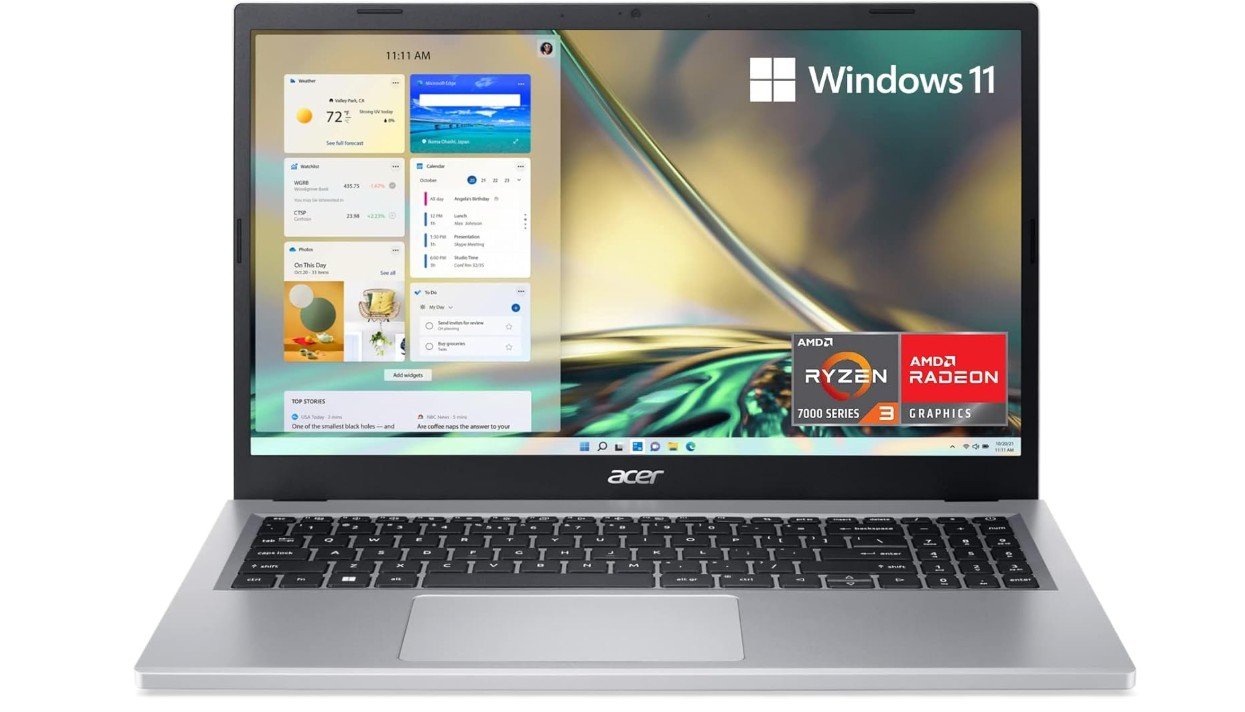
acer Aspire 3 A315-24P-R7VH Slim Laptop
acer Aspire 3 A315-24P-R7VH Slim Laptop
The Acer Aspire 3 A315-24P-R7VH is an excellent budget laptop for online classes, everyday productivity, and light multitasking. Powered by the AMD Ryzen 3 7320U and 8GB LPDDR5 memory, it delivers smooth performance for Zoom meetings, web browsing, Google Classroom, Microsoft Office, and video streaming. The 15.6-inch Full HD display provides sharp visuals and comfortable viewing for long study sessions, while Wi-Fi 6 ensures stable internet connectivity for online learning. Its slim and lightweight design makes it easy to carry between school, home, or travel. The 128GB NVMe SSD improves boot times and overall responsiveness compared to traditional storage options.
Battery life is impressive for all-day school use, and Acer’s AI noise reduction features help improve video call quality during online classes. Although the storage capacity is somewhat limited and the integrated Radeon graphics are not intended for heavy gaming, the Aspire 3 remains one of the best affordable laptops for students seeking reliable everyday performance and portability.
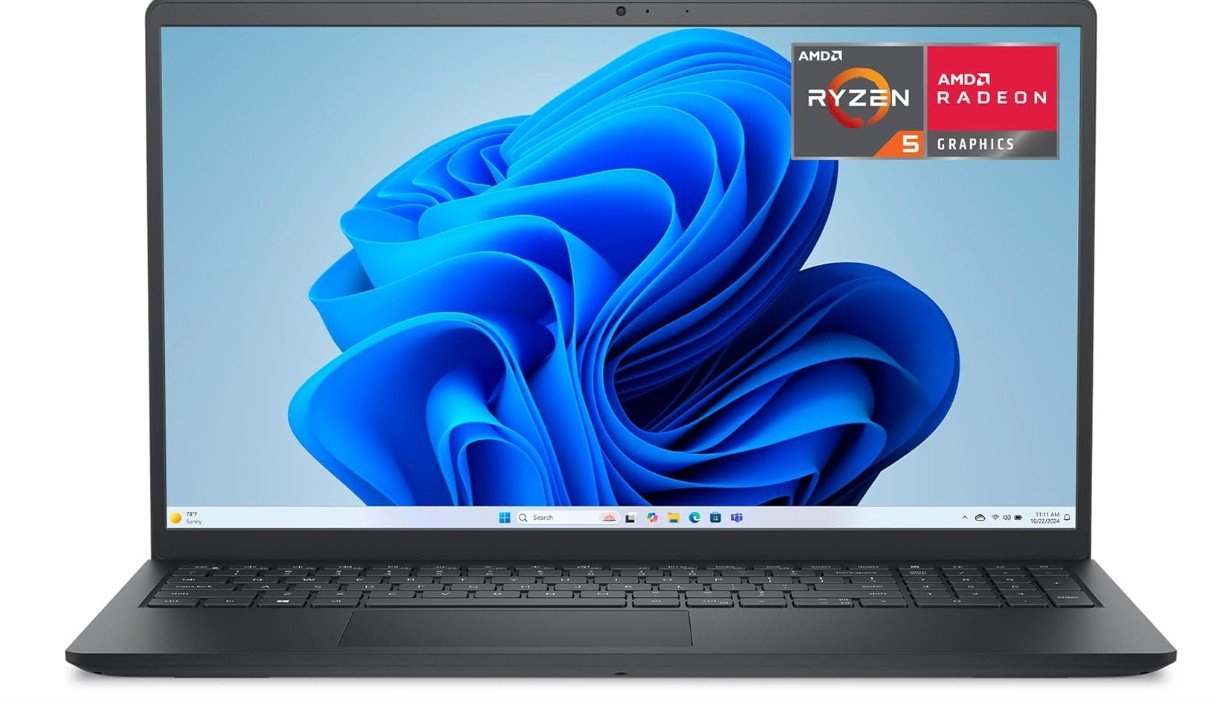
Dell 15 Laptop
Dell 15 Laptop
The Dell 15 DC15255 is a reliable and student-friendly laptop that offers solid everyday performance for online classes, productivity, and entertainment. Powered by the AMD Ryzen 5 7520U and 8GB LPDDR5 RAM, it handles Zoom meetings, Google Classroom, web browsing, streaming, and multitasking smoothly. The 15.6-inch Full HD 120Hz display is a standout feature, delivering sharper visuals and smoother scrolling than standard budget laptops, making long study sessions more comfortable. Its fast 512GB SSD provides quick boot times and responsive application performance, while Wi-Fi connectivity supports stable online learning.
The sleek Carbon Black design feels modern and portable for school or travel use. Battery life is respectable for all-day productivity, and Dell’s onsite service support adds extra peace of mind for students. Although the Radeon 610M graphics are not intended for demanding gaming, the laptop remains an excellent affordable option for online classes, office work, and everyday computing.
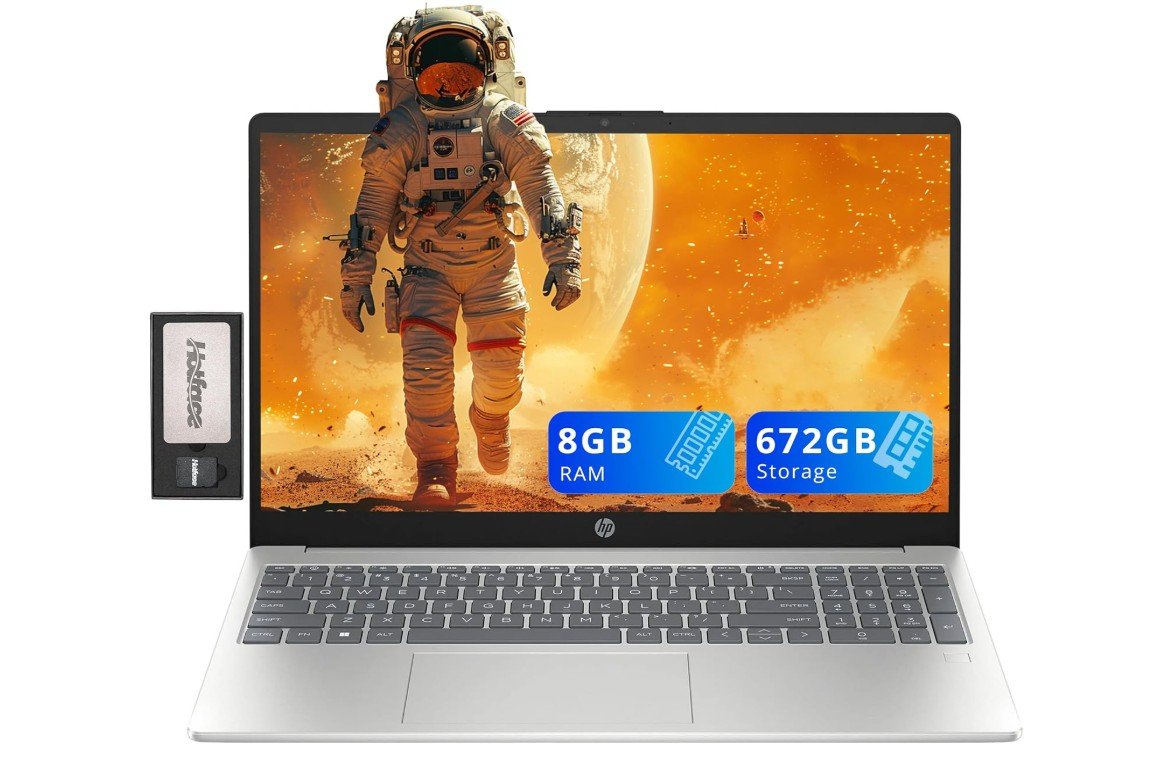
HP Pavilion 15.6″ FHD Laptop
HP Pavilion 15.6″ FHD Laptop
The HP Pavilion 15.6″ Laptop is a dependable and student-friendly laptop that offers solid performance for online classes, productivity, and everyday multitasking. Powered by the Intel i3-N305 and 8GB RAM, it handles Zoom meetings, Google Classroom, web browsing, document editing, and streaming smoothly for daily schoolwork. The 15.6-inch Full HD display provides clear visuals and comfortable viewing during long study sessions, while the included fingerprint reader, numeric keypad, and webcam add practical convenience for students and remote learning. With a combined 672GB storage setup, including a fast 512GB SSD, the system delivers quick boot times and responsive performance.
Wi-Fi 6 improves online connectivity for stable video calls and virtual classes, while the sleek silver design keeps the laptop modern and portable. Although it is not built for gaming or demanding creative tasks, the HP Pavilion remains an excellent affordable option for students needing reliable performance, strong multitasking capability, and everyday usability for online education.
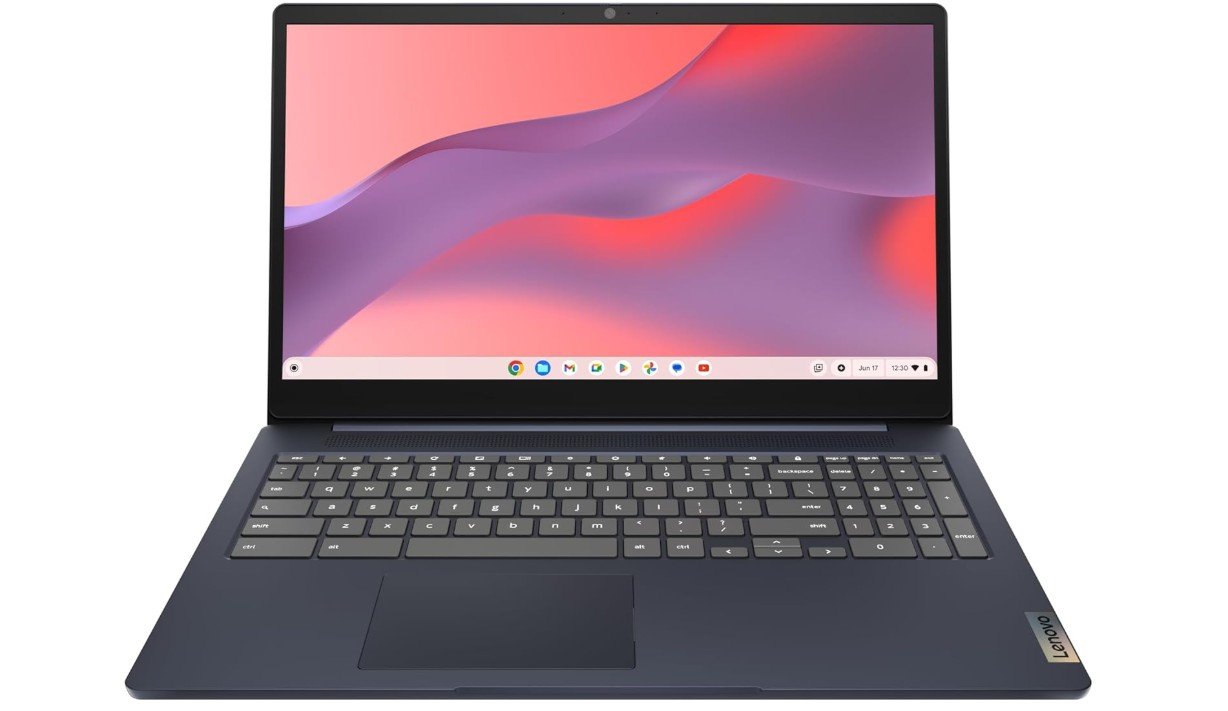
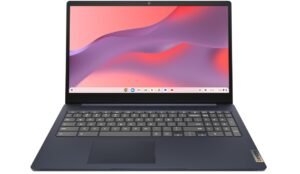
Lenovo IdeaPad 3i Chromebook
Lenovo IdeaPad 3i Chromebook
The Lenovo IdeaPad 3i Chromebook is an excellent affordable laptop for online classes, web browsing, and everyday schoolwork. Powered by the Intel Celeron N4500 and 8GB RAM, it delivers smooth performance for Zoom meetings, Google Classroom, streaming lectures, and multitasking with ChromeOS apps. The 15.6-inch Full HD display is a major advantage for students, offering sharp visuals and comfortable viewing during long study sessions. Its lightweight Abyss Blue design makes it portable for school or travel, while the 720p webcam supports clear video calls and online learning.
ChromeOS provides fast boot times, strong security, and simple cloud-based productivity tools for students. Battery life is impressive for all-day classes and assignments without frequent charging. Although the 64GB eMMC storage is limited for large offline files and the laptop is not intended for gaming or demanding desktop applications, the IdeaPad 3i Chromebook remains a reliable, budget-friendly option for students seeking dependable performance, portability, and ease of use for online education.
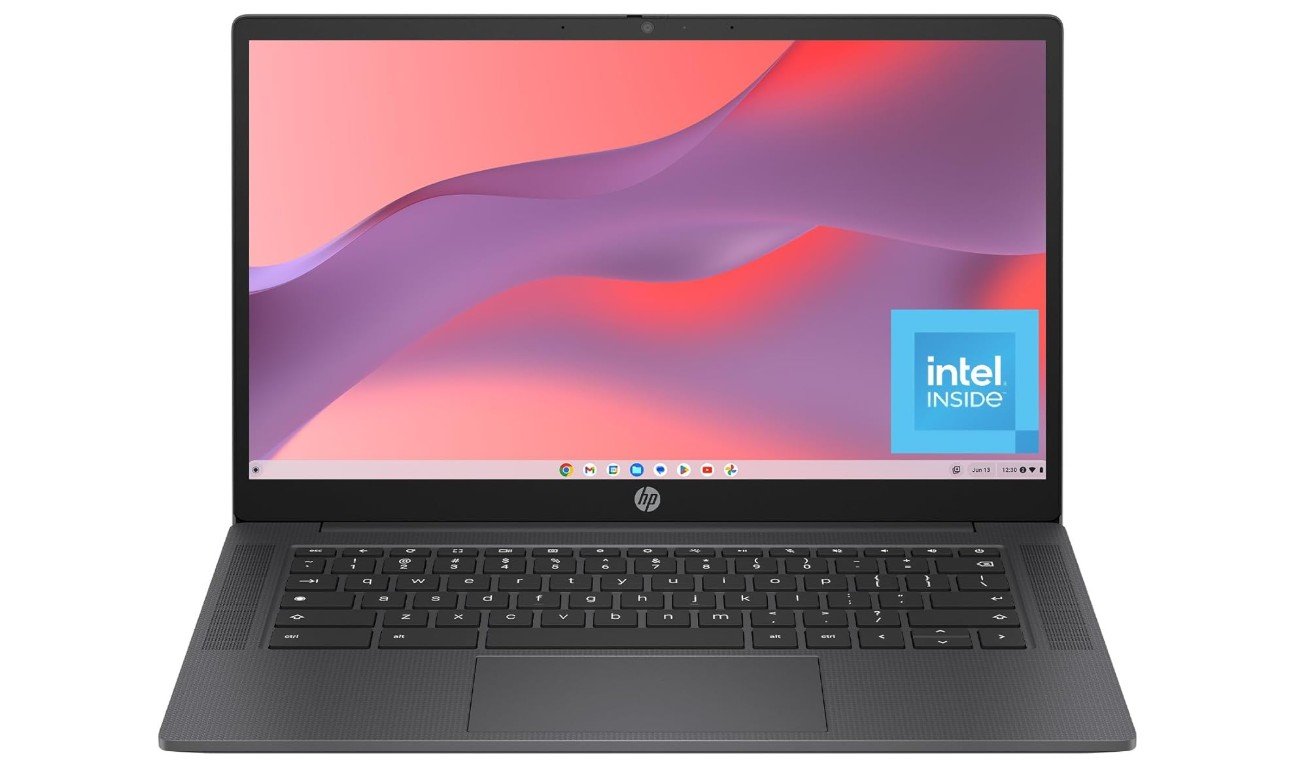
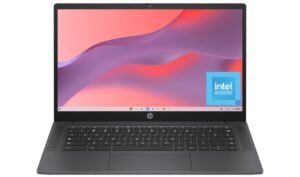
HP Chromebook 14 inch Laptop
HP Chromebook 14 inch Laptop
The HP Chromebook 14a-nf0099nr is an excellent affordable laptop for online classes, web browsing, and everyday schoolwork. Powered by the Intel N100 processor and 8GB RAM, it delivers noticeably smoother performance than older Celeron-based Chromebooks, making Zoom meetings, Google Classroom, streaming lectures, and multitasking feel fast and responsive. The 14-inch HD display offers comfortable viewing for long study sessions, while the lightweight Chalkboard Gray design makes it easy to carry between school and home. With 128GB UFS storage, the Chromebook feels quicker than many entry-level eMMC-based systems and provides enough space for school files and apps.
ChromeOS ensures fast boot times, strong built-in security, and simple cloud-based productivity tools ideal for students. Battery life is excellent for all-day online learning without frequent charging. Although it is not intended for demanding gaming or professional desktop software, the HP Chromebook 14 remains a reliable, portable, and budget-friendly choice for online classes and everyday productivity.
Buying Guide — Laptops for Online Classes
Online classes require a laptop that is reliable, easy to use, and comfortable for long study sessions. Whether you are a school student or a college learner, choosing the right laptop can make online learning smooth and stress-free. This detailed guide explains everything you need to know before buying a laptop for online classes.
Why Choosing the Right Laptop Matters
A good laptop helps you attend live video classes, watch recorded lectures, complete assignments, and communicate with teachers without interruptions. Slow performance, poor battery life, or a bad webcam can make online learning frustrating. That is why it is important to focus on the right features instead of just the price.
Processor (CPU)
The processor is the brain of the laptop. For online classes, you do not need a very powerful CPU, but it should be modern and reliable. Intel Core i3 or i5, AMD Ryzen 3 or 5, and Apple M-series processors are all good choices. Basic processors like Intel Celeron or Pentium can work for simple tasks, but they may feel slow with multitasking.
RAM (Memory)
RAM plays a big role in smooth performance.
- 8 GB RAM is the minimum recommended for online classes, video calls, and browsing.
- 16 GB RAM is better if you open many tabs, use multiple apps, or want the laptop to last longer without slowing down.
Avoid laptops with only 4 GB RAM if possible.
Storage Type and Size
Always choose a laptop with SSD storage instead of a traditional hard drive. SSDs make the laptop start faster and apps load quickly.
- 256 GB SSD is enough for most students.
- 512 GB SSD is better if you save many files or videos.
Chromebooks can work well with smaller storage because they use cloud storage.
Display Size and Quality
A comfortable display is very important for long classes.
- Screen size between 13 to 15.6 inches is ideal.
- Full HD (1920×1080) resolution is best for clear text and videos.
HD screens are usable but not as sharp, especially on larger displays.
Webcam, Microphone, and Audio
Online classes depend heavily on video and audio.
- A 720p webcam is the minimum requirement.
- Built-in microphones should be clear enough for speaking in class.
If audio quality is basic, using earphones or a headset is a good solution.
Battery Life
Good battery life means you can attend classes without worrying about charging.
- Aim for 8 hours or more of real-world battery life.
- Premium laptops and MacBooks can last 12 hours or more.
Operating System Choices
- Chrome OS: Best for online classes, Google Classroom, and web-based learning. Simple, fast, and affordable.
- Windows 11: More flexible, supports many apps and software.
- macOS: Excellent performance and battery life, but more expensive.
Keyboard, Build, and Portability
A comfortable keyboard helps with typing notes and assignments. A lightweight design is easier to carry around. Backlit keyboards are useful for night study. Make sure the laptop feels sturdy.
Budget Recommendations
- Budget range: Basic Chromebooks or entry-level Windows laptops with 8 GB RAM.
- Mid-range: Best value for most students with better performance and displays.
- Premium: Thin, light laptops with long battery life for long-term use.
Final Buying Tips
Before buying, check user reviews for battery life, webcam quality, and real-world performance. Always choose at least 8 GB RAM and SSD storage. Pick the operating system that matches your learning needs.
FAQs
For online classes, choose a laptop with a clear display (preferably Full HD), at least 8 GB of RAM, SSD storage (256 GB or more), a reliable processor (Intel Core i3/Ryzen 3 or better), a good webcam, Wi-Fi support, and long battery life (8+ hours). These features ensure smooth video calls, multitasking, and daily study use.
Not always. Most online class activities—video calls, browsing, document work, and streaming lectures—can run smoothly on mid-range laptops. A basic modern processor with 8 GB RAM and SSD storage is enough for regular online class needs.
Yes. Chromebooks are great for online learning if your work is mostly web-based (Google Classroom, Zoom/Meet, Docs). They start fast, last long on battery, and are usually more affordable. However, they work best with internet access and don’t run heavy software.
At least 8 GB of RAM is recommended. This helps with multitasking (video calls + browsing + notes). If you plan to do more demanding tasks like programming or creative apps, consider 16 GB.
A 13″ to 15.6″ display is ideal. Larger screens make video classes and multitasking easier, while smaller ones are more portable.
A 720p webcam is the minimum. A good webcam makes you clearer on video calls. If built-in quality is low, consider using a separate webcam or good headset.
Yes. Many laptops under $500 with SSD and 8 GB RAM can handle online classes well, especially Chromebooks and budget Windows laptops.
Final Thoughts
For online classes, you do not need the most expensive laptop. A balanced laptop with a modern processor, enough RAM, SSD storage, clear display, and good battery life is more than enough. Choosing wisely will help you focus on learning, not on technical problems. If you want, I can also suggest the best laptops available on Amazon within your budget.

Jawad is a passionate tech enthusiast and writer who loves exploring the latest trends in hardware, gadgets, and digital innovation. With a sharp eye for performance and value, he delivers in-depth recommendations and buying guides to help readers make smarter tech decisions.