Last Updated on May 15, 2026 by Jawad
Introduction
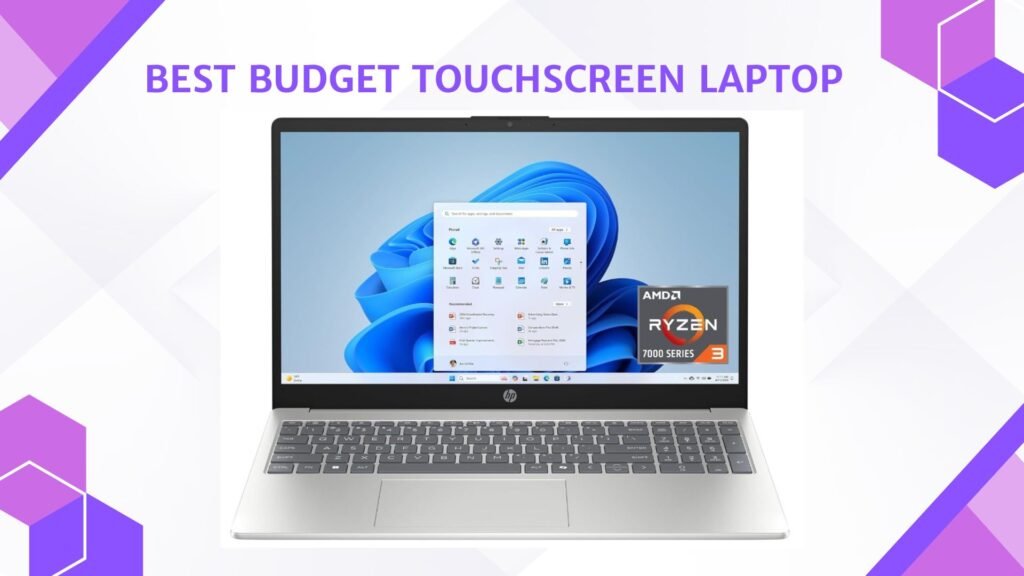
A budget touchscreen laptop offers the convenience of touch controls and portability without the high price of premium devices. These laptops are ideal for students, office users, and casual users who want a more interactive experience for browsing, note-taking, streaming, and everyday productivity tasks. Many affordable touchscreen laptops feature Full HD displays, lightweight designs, SSD storage, and decent battery life for smooth daily performance. Some models also include 2-in-1 convertible designs that allow the laptop to function as a tablet for added flexibility.
Whether for school, work, or entertainment, a budget touchscreen laptop provides a user-friendly and versatile computing experience while remaining affordable for most buyers.
We also have a recommendation for the Best 2-in-1 Laptops Under $600, so make sure to check that out too!
Top Budget Touchscreen Laptop


Comparison
| Touchscreen Laptop | Image | Rating | Processor | RAM / Storage | Display | Best For | Buy |
|---|---|---|---|---|---|---|---|
| Lenovo IdeaPad 1i Laptop 🏆 Best Overall | 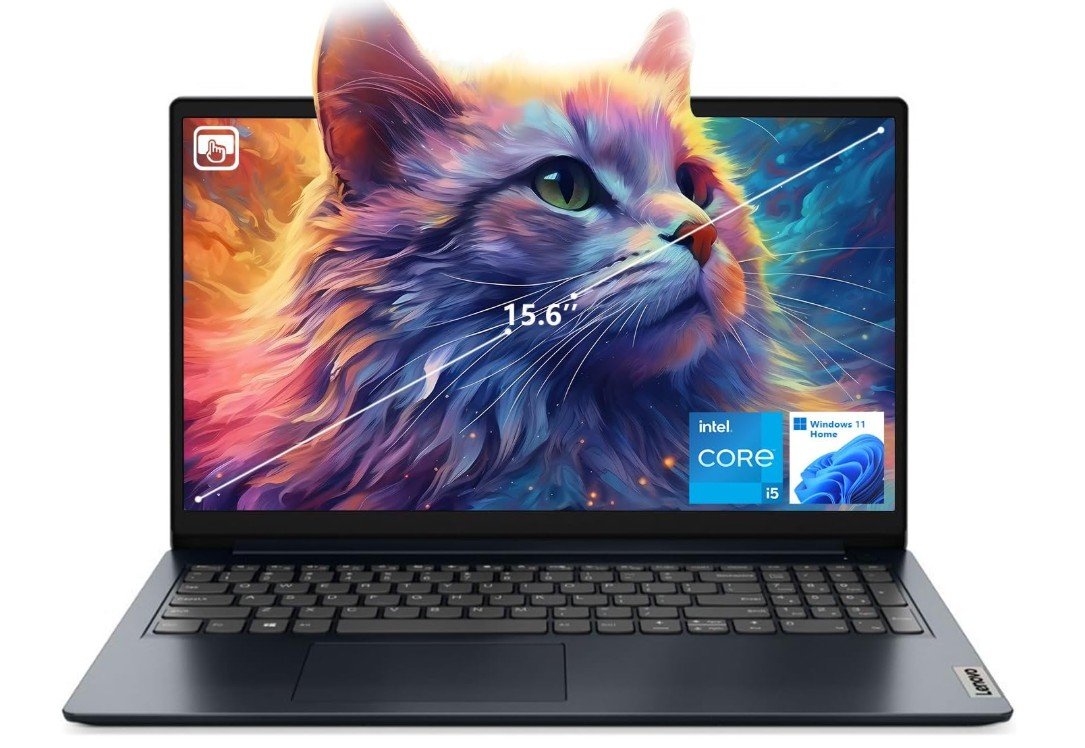 | ★★★★☆ | Intel Core i5‑1235U | 16GB RAM / 512GB SSD | 15.6″ FHD Touchscreen | Everyday Use & Productivity | Check Price |
| Dell Inspiron Touchscreen Laptop | 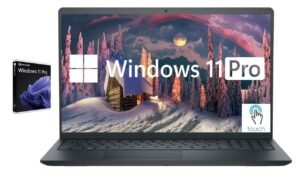 | ★★★★☆ | Intel Core i5‑1155G7 | 8‑32GB RAM / 128GB‑1TB SSD | 15.6″ FHD IPS Touchscreen | Business & Student Work | Check Price |
| HP 15.6″ Touchscreen Laptop | 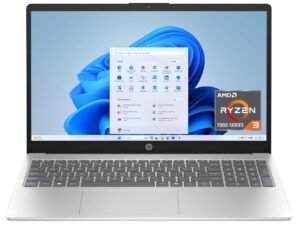 | ★★★☆☆ | AMD Ryzen 3‑7320U | 8GB RAM / 128GB SSD | 15.6″ HD Touchscreen | Budget Everyday Tasks | Check Price |
| ASUS Chromebook Flip CX1 💰 Best Budget | 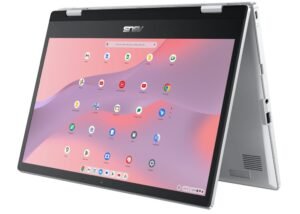 | ★★★☆☆ | Intel Celeron N4500 | 8GB RAM / 128GB eMMC | 14″ FHD Touchscreen | Budget ChromeOS Use | Check Price |
| HP Chromebook 14 Laptop | 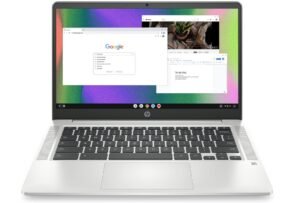 | ★★★☆☆ | Intel Celeron N4120 | 4GB RAM / 64GB eMMC | 14″ HD Touchscreen | Basic Browsing & Streaming | Check Price |
Lenovo IdeaPad 1i Laptop
Lenovo IdeaPad 1i Laptop
The Lenovo IdeaPad 1i is a well-rounded everyday laptop that offers strong performance and excellent value for students, professionals, and home users. Powered by the Intel Core i5-1235U and 16GB RAM, it handles multitasking, office work, web browsing, streaming, and video conferencing smoothly. The 15.6-inch Full HD touchscreen display provides sharp visuals and added convenience for navigation and productivity tasks. Its fast 512GB SSD ensures quick boot times and responsive overall performance, while Wi-Fi 6 improves wireless connectivity and online stability.
The lightweight blue design gives the laptop a modern and stylish appearance, making it easy to carry for work or school. Features like HDMI output, webcam support, and Windows 11 Home further improve daily usability. Although it is not intended for demanding gaming or heavy creative workloads, the IdeaPad 1i delivers excellent battery life, solid portability, and dependable performance for everyday computing needs.
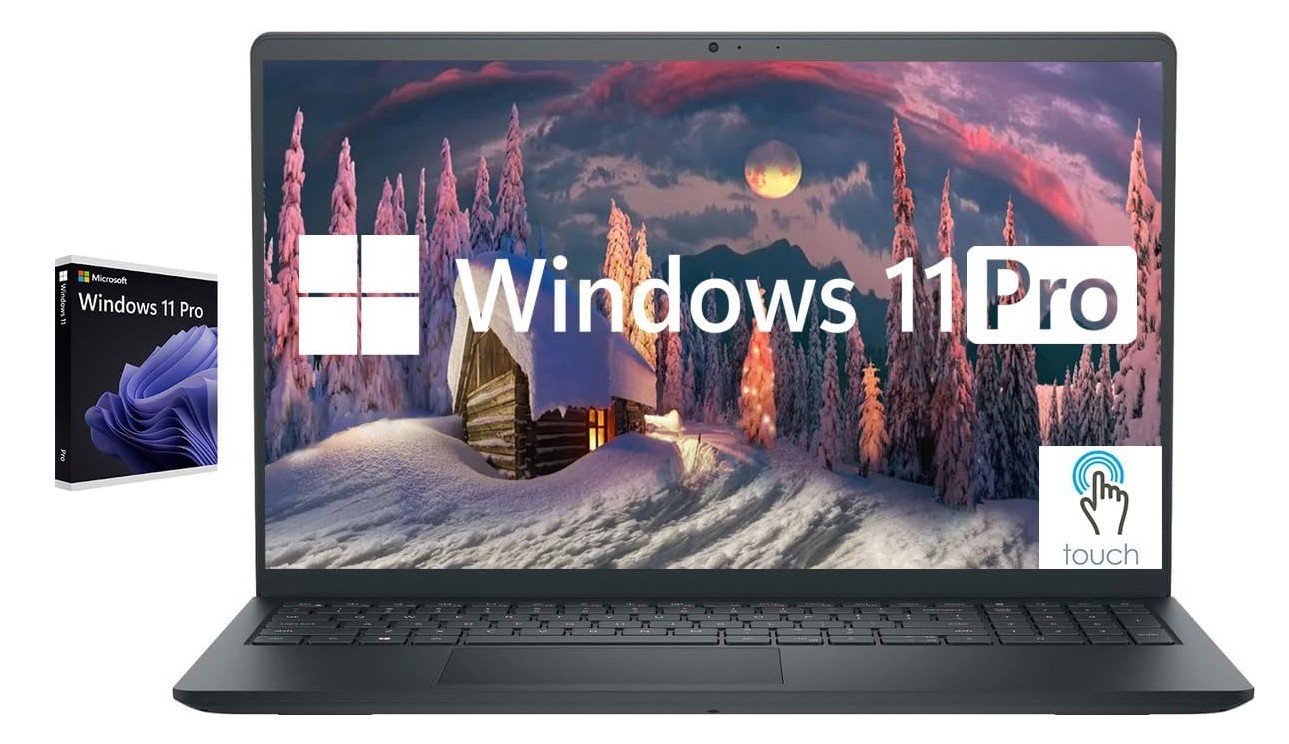
Dell Inspiron Touchscreen Laptop
Dell Inspiron Touchscreen Laptop
The Dell Inspiron Touchscreen Laptop is a reliable and well-rounded productivity machine designed for students, business users, and everyday multitaskers. Powered by the Intel Core i5-1155G7 with 32GB RAM, it delivers smooth performance for office work, web browsing, video conferencing, streaming, and multitasking. The 15.6-inch Full HD IPS touchscreen provides clear visuals, responsive touch controls, and comfortable viewing angles for work and entertainment. Its fast 1TB SSD ensures quick boot times and excellent overall responsiveness, while Windows 11 Pro adds extra business-focused features and security.
Practical additions like an HDMI port, numeric keypad, webcam, and sleek Carbon Black design improve everyday usability. Battery life is solid for daily productivity, and the lightweight design makes it easy to carry for work or school. Although it is not intended for demanding gaming or heavy creative workloads, the Inspiron offers excellent value, strong multitasking capabilities, and dependable everyday performance for productivity-focused users.
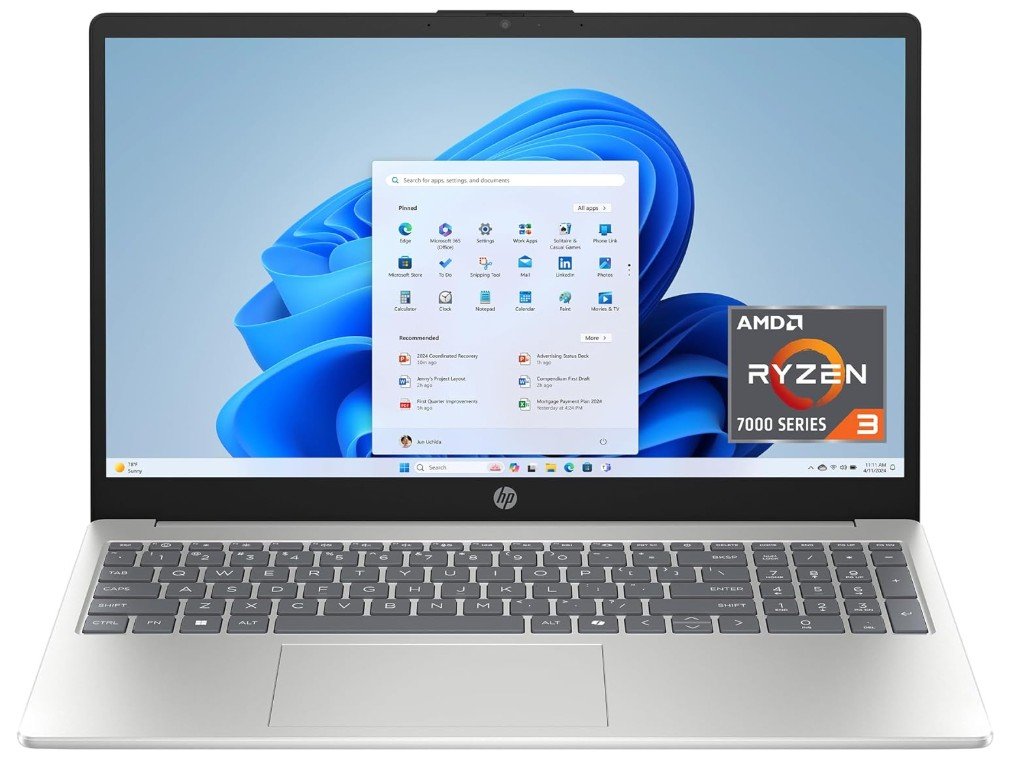
HP 15.6 inch Laptop
HP 15.6 inch Laptop
The HP 15-fc0099nr is a solid budget-friendly laptop designed for students, home users, and everyday productivity tasks. Powered by the AMD Ryzen 3 7320U and 8GB RAM, it delivers smooth performance for web browsing, online classes, streaming, office work, and light multitasking. The 15.6-inch HD touchscreen adds convenience for navigation and casual use, while the slim Natural Silver design feels modern and portable. Its 128GB SSD provides fast boot times and responsive performance compared to traditional hard drives.
Features like Wi-Fi connectivity, AMD Radeon graphics, and Windows 11 Home in S Mode make it practical for daily computing. Battery life is decent for basic use, and HP’s fast charging support adds extra convenience. However, the HD resolution and limited storage may feel restrictive for advanced users or heavy multitasking. Overall, the HP 15-fc0099nr offers excellent value for casual computing, students, and budget-conscious buyers seeking a reliable everyday laptop.
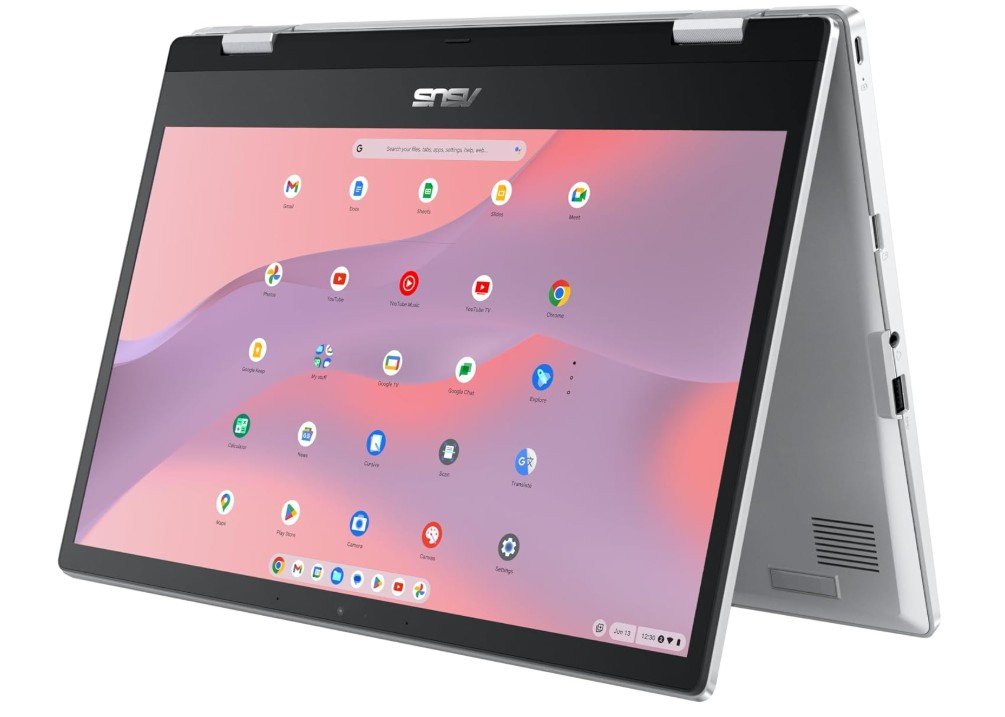
ASUS Chromebook Flip CX1 Convertible Laptop
ASUS Chromebook Flip CX1 Convertible Laptop
The ASUS Chromebook Flip CX1 CX1400FKA-AS88FT is a versatile and budget-friendly convertible Chromebook designed for students, casual users, and everyday productivity. Powered by the Intel Celeron N4500 and 8GB RAM, it handles web browsing, online classes, streaming, and cloud-based tasks smoothly within ChromeOS. The 14-inch Full HD NanoEdge touchscreen delivers clear visuals with slim bezels, while the 360-degree hinge allows flexible laptop, tablet, tent, and presentation modes for added convenience. With 128GB eMMC storage, performance feels responsive for everyday ChromeOS usage, and battery life is excellent for all-day portability.
The lightweight Transparent Silver design looks modern and easy to carry for school or travel. Features like touchscreen support, solid keyboard comfort, and reliable ChromeOS security add to its practicality. Although it is not built for heavy gaming or advanced desktop applications, the Chromebook Flip CX1 remains an excellent affordable 2-in-1 laptop for students, browsing, streaming, and productivity-focused users.
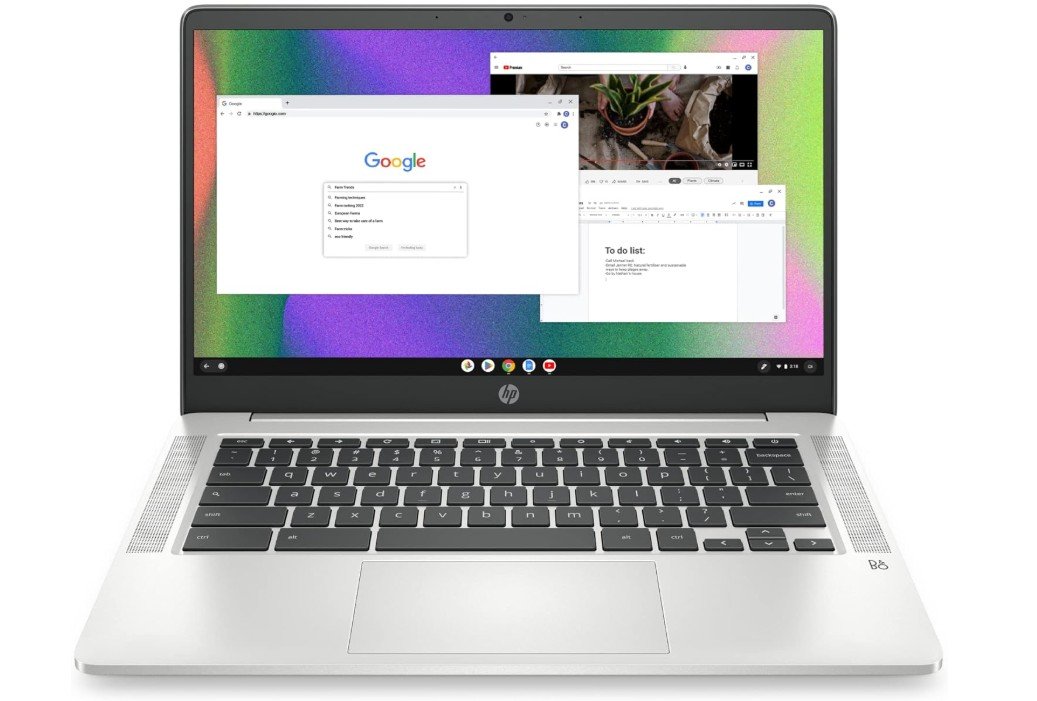
HP Chromebook 14 Laptop
HP Chromebook 14 Laptop
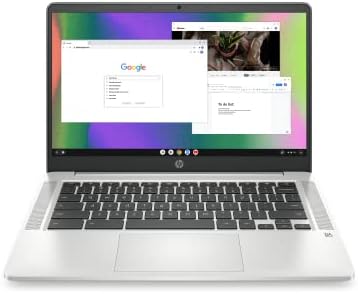
The HP Chromebook 14 (14a-na0226nr) is a lightweight and budget-friendly laptop designed for students, casual users, and everyday web-based tasks. Powered by the Intel Celeron N4120 and ChromeOS, it handles browsing, streaming, email, online classes, and Google Workspace apps smoothly with excellent efficiency. The 14-inch HD display provides decent visuals for daily use, while the thin Mineral Silver design makes the laptop easy to carry for school or travel. Battery life is a major highlight, offering long-lasting performance for all-day productivity and entertainment.
Features like Wi-Fi connectivity, integrated 4K-capable graphics, and ChromeOS security make it simple and reliable for everyday users. Although the 4GB RAM and 64GB eMMC storage limit heavy multitasking and advanced applications, the Chromebook remains a strong affordable option for web browsing, media streaming, and cloud-based productivity tasks.
Buying Guide: Budget Touchscreen Laptop
What Is a Budget Touchscreen Laptop?
A budget touchscreen laptop is a laptop that offers touch input at an affordable price. These laptops are designed for everyday users who need a simple and flexible device for common tasks. They are popular among students, office workers, home users, and seniors because they are easy to use and more interactive than traditional laptops. Instead of using only a mouse or touchpad, you can tap, swipe, and zoom directly on the screen.
Budget touchscreen laptops usually focus on value rather than high-end power. They are not made for heavy gaming, professional video editing, or advanced 3D work. However, they are more than capable of handling web browsing, online classes, office work, video streaming, and light multitasking. With the right choice, a budget touchscreen laptop can last several years and offer great everyday performance.
Why Choose a Touchscreen Laptop on a Budget?
Touchscreen laptops are no longer just luxury devices. Today, many affordable models include touchscreens, making them more accessible than ever. The biggest advantage of a touchscreen is ease of use. Scrolling through web pages, zooming into photos, signing documents, or navigating apps feels faster and more natural with touch.
For students, touchscreens are helpful for reading PDFs, online learning, and note-taking. For office users, they make presentations and document reviews easier. For home users, touchscreens add comfort when watching videos, browsing social media, or video calling family and friends. If you are buying a laptop for someone who is not very tech-savvy, a touchscreen can also make learning easier.
Display Quality: What to Look For
The display is one of the most important parts of a touchscreen laptop. Since you will interact with it directly, quality matters a lot.
Screen Resolution
Try to choose a laptop with Full HD (1920 × 1080) resolution if possible. Full HD screens look sharper, show clearer text, and provide better viewing quality than HD (1366 × 768). HD screens are still usable but may look less sharp, especially on larger displays.
Screen Size
Budget touchscreen laptops usually come in:
- 13–14 inches: Easy to carry, lighter, and good for students or travel
- 15.6 inches: Better for multitasking, watching videos, and office work
Choose the size based on portability and comfort.
Touch Responsiveness
A good touchscreen should respond quickly and smoothly to taps and swipes. Cheaper models may feel slightly less responsive, but most modern budget laptops still offer decent touch performance for everyday use.
Processor (CPU): Performance Matters
The processor controls how fast and smooth your laptop feels. For budget touchscreen laptops, common processors include:
- Intel Core i3 or i5 (older or U-series)
- AMD Ryzen 3 or Ryzen 5
- Intel Celeron or Pentium (entry-level)
For basic tasks like browsing, email, and videos, entry-level processors can work. However, for better long-term performance and smoother multitasking, an Intel Core i5 or AMD Ryzen 5 is a safer choice. These processors handle daily tasks more easily and slow down less over time.
Avoid very old or extremely low-end processors if possible, as they can feel slow with modern software.
RAM: How Much Memory Do You Need?
RAM helps your laptop run multiple apps at the same time.
- 4GB RAM: Only for very light use, not recommended
- 8GB RAM: Best minimum for smooth everyday use
- 16GB RAM: Great for multitasking and long-term use
For most users, 8GB RAM is the sweet spot. It allows you to open many browser tabs, use office apps, and stream videos without lag. If your budget allows, 16GB RAM gives extra comfort and future-proofing.
Storage: SSD vs eMMC
Storage affects speed and how much data you can save.
SSD (Solid State Drive)
- Much faster than traditional storage
- Faster boot times and app loading
- Highly recommended
eMMC Storage
- Slower than SSD
- Found in cheaper laptops and Chromebooks
- Acceptable for basic use
Try to get at least 256GB SSD if possible. 128GB can work, but storage fills up quickly. If the laptop uses eMMC storage, cloud storage may be needed.
Operating System: Windows or ChromeOS?
Windows 11
Windows laptops support a wide range of software and are suitable for work, school, and home use. Windows 11 Home is common in budget laptops and is easy to use.
ChromeOS (Chromebooks)
Chromebooks are simpler, faster, and more secure. They are best for users who rely on web apps like Google Docs, Gmail, and YouTube. They are not ideal if you need traditional Windows software.
Choose the operating system based on the apps you use daily.
Keyboard and Touchpad Comfort
A comfortable keyboard is important, especially if you type a lot. Look for:
- Well-spaced keys
- Good key travel
- Optional numeric keypad on larger laptops
The touchpad should be responsive and accurate. Even with a touchscreen, a good touchpad improves overall comfort.
Battery Life Expectations
Budget touchscreen laptops usually offer 6 to 10 hours of battery life. Real-world battery life depends on usage. Browsing and document work uses less power, while streaming and multitasking drain battery faster.
If you need long battery life for school or travel, check user reviews for real usage results.
Ports and Connectivity
A good budget touchscreen laptop should include:
- USB-A ports for older devices
- USB-C port for modern accessories
- HDMI for external monitors
- Headphone jack
- Wi-Fi 5 or Wi-Fi 6
Wi-Fi 6 offers better speed and stability but is not mandatory for most users.
Build Quality and Design
Budget laptops usually use plastic builds to keep costs low. This is normal, but the laptop should still feel solid. A thin and lightweight design is easier to carry, while slightly heavier laptops may feel more durable.
Who Should Buy a Budget Touchscreen Laptop?
Budget touchscreen laptops are ideal for:
- Students and online learners
- Office and work-from-home users
- Home and family use
- Seniors and beginners
- Casual media consumption
They are not ideal for heavy gaming or professional creative work.
Final Buying Tips
- Set your budget and focus on key features
- Prioritize RAM, SSD, and display quality
- Read user reviews before buying
- Avoid very low-end specs if possible
- Choose based on your daily needs, not just price
FAQs
A touchscreen laptop lets you interact with the screen using touch, similar to a tablet, which can be helpful for browsing, drawing, or intuitive control.
Yes — most budget touchscreen laptops handle browsing, streaming, documents, video calls, and light multitasking smoothly.
13″ to 15.6″ is typical — offering a balance between portability and screen space.
Yes — most offer 6–10 hours of mixed use, enough for school or work sessions.
Yes — they work well for note-taking, research, classes, and entertainment.
Conclusion
A budget touchscreen laptop is a smart choice if you want flexibility, ease of use, and good value for money. By focusing on the right display, processor, RAM, storage, and operating system, you can find a laptop that meets your daily needs without overspending. With careful selection, a budget touchscreen laptop can be reliable, comfortable, and enjoyable for years to come.

Jawad is a passionate tech enthusiast and writer who loves exploring the latest trends in hardware, gadgets, and digital innovation. With a sharp eye for performance and value, he delivers in-depth recommendations and buying guides to help readers make smarter tech decisions.