
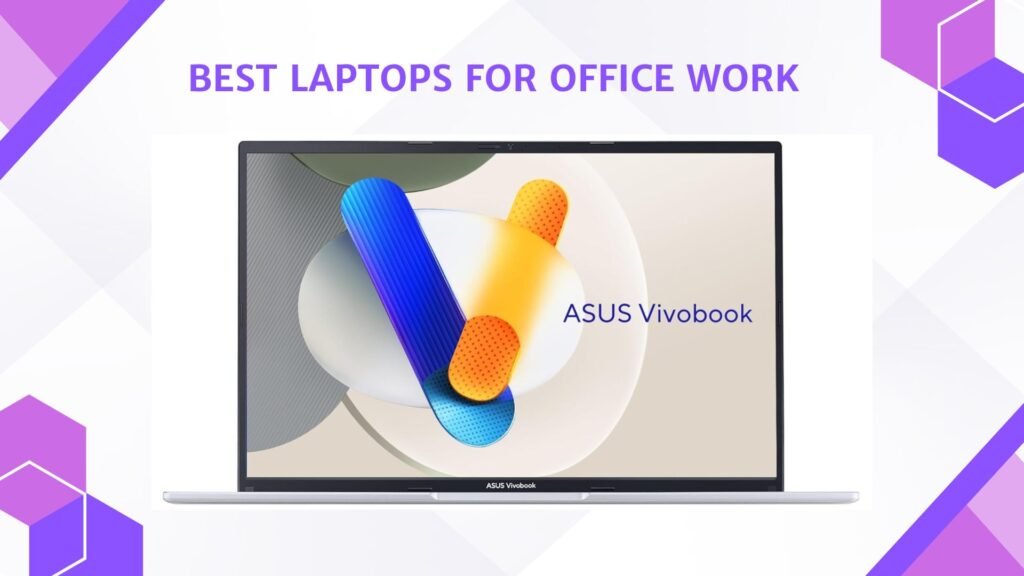
Last Updated on May 15, 2026 by Jawad
Introduction
Laptops for office work are designed to provide reliable performance, portability, and productivity for daily professional tasks. These laptops typically feature efficient processors, fast SSD storage, comfortable keyboards, and long battery life to handle multitasking, video conferencing, document editing, spreadsheets, and web browsing smoothly. Many modern office laptops also include lightweight designs, high-quality webcams, and security features such as fingerprint readers for better convenience and protection. Whether working from home, in a corporate environment, or while traveling, a dependable office laptop helps improve workflow and efficiency throughout the day.
From budget-friendly options to premium business models, office laptops are essential tools for professionals, students, and remote workers alike.
We also have a recommendation for the Best Budget Touchscreen Laptop, so make sure to check that out too!
Top Laptops for Office Work


Comparison
| Laptop | Image | Rating | CPU | RAM | Storage | Display | Use Case | Buy |
|---|---|---|---|---|---|---|---|---|
|
Lenovo V‑Series V15 Business Laptop 🏆 Best Overall |
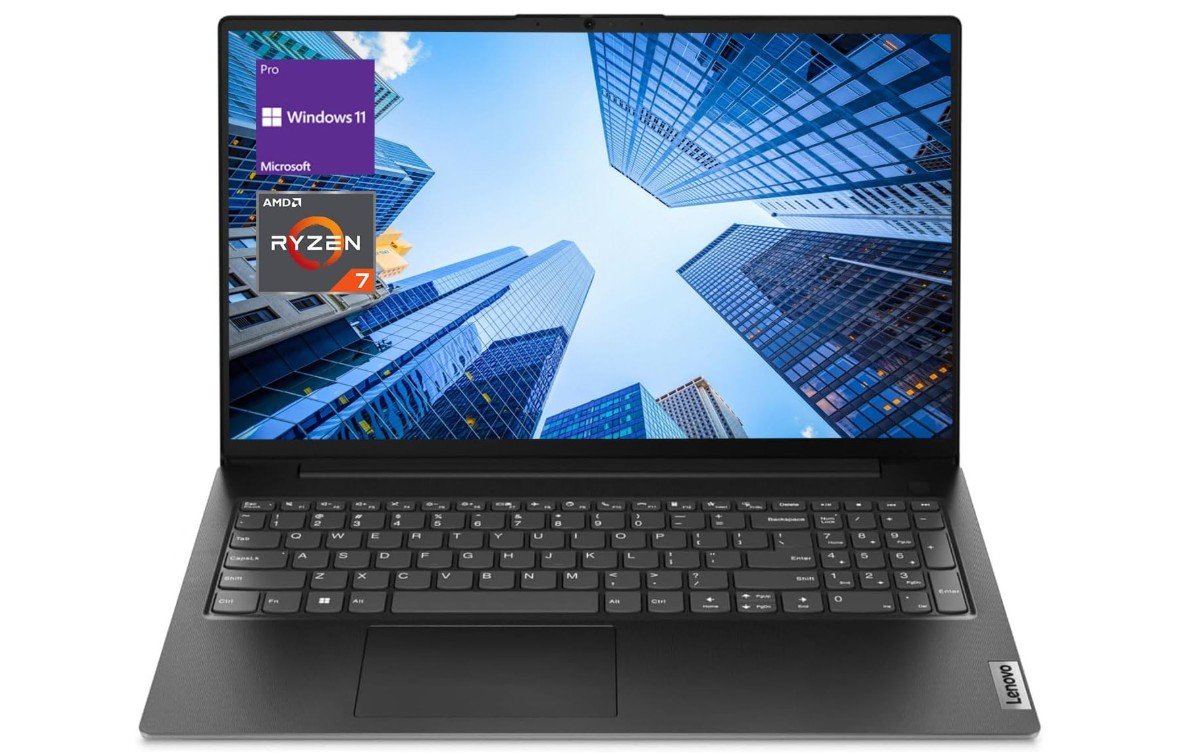 | ★★★★☆ | AMD Ryzen 7 7730U | 24GB DDR4 | 1TB NVMe SSD | 15.6″ FHD | Everyday Office & Multitasking | Check Price |
|
Dell Inspiron Touchscreen Laptop 💰 Best Value |
 | ★★★★☆ | Intel Core i5‑1155G7 | 32GB DDR4 | 1TB SSD | 15.6″ FHD Touch | Office Productivity | Check Price |
| HP 15.6″ Business Laptop |
 | ★★★☆☆ | Intel Core i3‑1215U | 16GB DDR4 | 1TB SSD | 15.6″ HD Touch | Basic Daily Tasks | Check Price |
| ASUS Vivobook 16 Laptop |
 | ★★★★☆ | Intel Core i5‑13420H | 16GB | 512GB SSD | 16″ WUXGA | Office & Browsing | Check Price |
| Dell Latitude 7420 FHD Laptop |
 | ★★★★☆ | Intel Core i7 11th Gen | 16GB | 512GB SSD | 14″ FHD | Business & Travel | Check Price |
Lenovo V-Series V15 Business Laptop
Lenovo V-Series V15 Business Laptop
The Lenovo V-Series V15 is an excellent business laptop designed for office work, multitasking, and professional productivity. Powered by the AMD Ryzen 7 7730U and 24GB RAM, it delivers fast and reliable performance for spreadsheets, video conferencing, multitasking, web browsing, and office applications. The 15.6-inch Full HD display provides clear visuals for long work sessions, while the 1TB SSD ensures quick boot times and smooth overall responsiveness. Practical business-focused features such as the numeric keypad, HDMI port, RJ45 Ethernet, webcam, and Windows 11 Pro make it highly suitable for office environments and remote work.
Its lightweight black design looks professional and portable for daily commuting or travel. Battery life is solid for productivity tasks, and the efficient Ryzen processor keeps performance smooth during heavy multitasking. Although it is not intended for gaming or advanced creative workloads, the Lenovo V15 offers excellent value, strong multitasking capability, and dependable everyday business performance for professionals and office users.
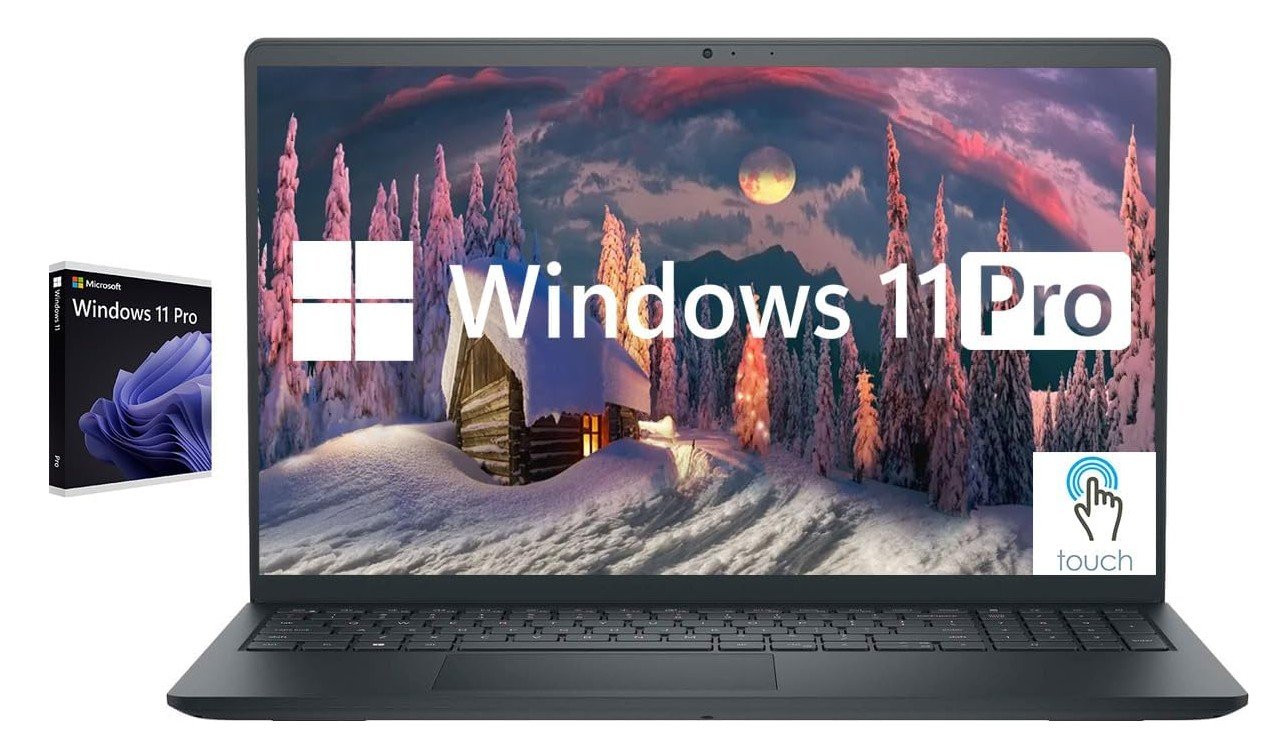
Dell Inspiron Touchscreen Laptop
Dell Inspiron Touchscreen Laptop
The Dell Inspiron Touchscreen Laptop is an excellent productivity-focused laptop designed for office work, business tasks, and student use. Powered by the Intel Core i5-1155G7 and an impressive 32GB RAM configuration, it handles multitasking, spreadsheets, video conferencing, office applications, and web browsing smoothly with excellent responsiveness. The 15.6-inch Full HD IPS touchscreen provides sharp visuals, wide viewing angles, and added convenience for navigation and presentations. Its fast 1TB SSD ensures quick boot times and efficient file access, making daily workflows feel fast and reliable. Business-friendly features such as Windows 11 Pro, a numeric keypad, HDMI connectivity, and a sleek Carbon Black design make it highly suitable for professional environments and remote work.
Battery life is solid for productivity tasks, and the lightweight design improves portability for commuting or travel. Although it is not designed for gaming or demanding creative workloads, the Dell Inspiron offers outstanding multitasking performance, dependable everyday usability, and excellent value for office professionals and students.
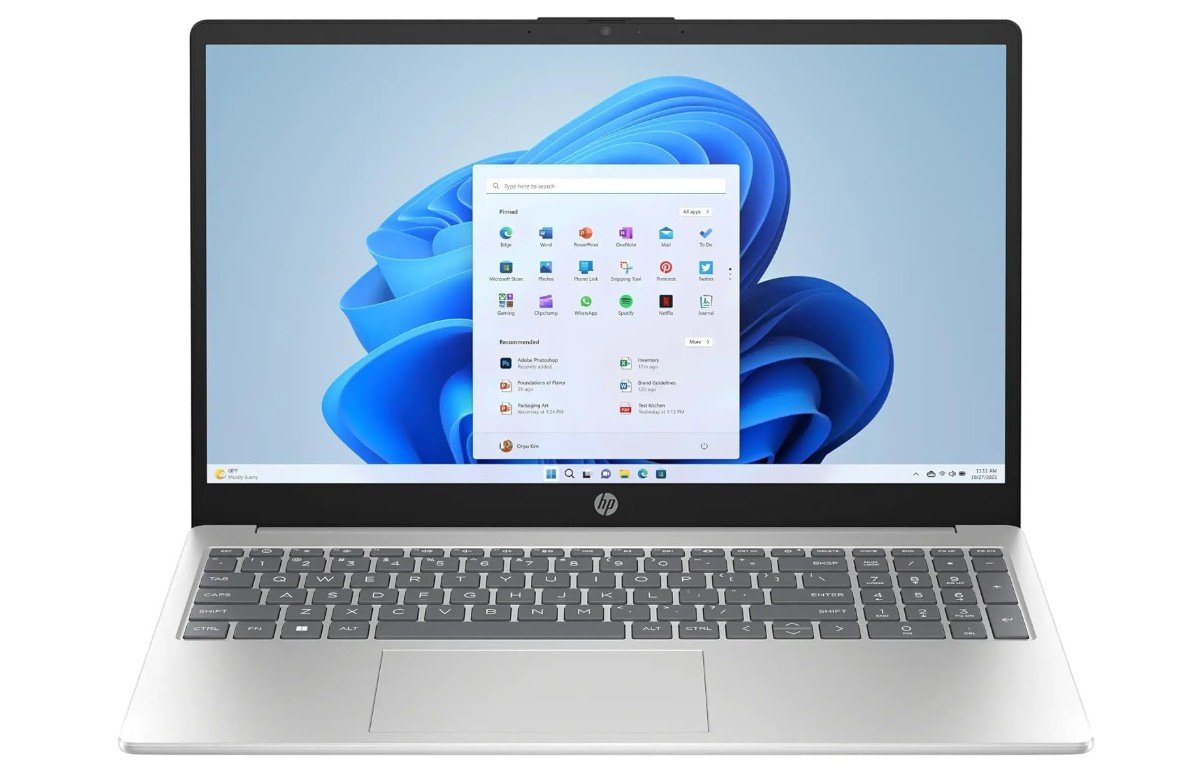
HP 15.6″ Business Laptop
HP 15.6″ Business Laptop
The HP 15.6″ Business Laptop is a reliable productivity-focused machine designed for office work, multitasking, and everyday professional use. Powered by the Intel Core i3-1215U and 16GB RAM, it handles spreadsheets, web browsing, video conferencing, Microsoft Office tasks, and multitasking smoothly for daily business workflows. The large 1TB SSD provides fast boot times, quick file access, and plenty of storage for documents and applications. Its HD touchscreen display adds convenience for navigation and presentations, while practical features like the numeric keypad, webcam, HDMI port, and Wi-Fi connectivity improve usability for office environments.
The included lifetime Microsoft Office 2024 license and Copilot AI Chat support add extra value for productivity users. Battery life is solid for all-day work sessions, and the lightweight design keeps the laptop portable for commuting or remote work. Although the HD display is less sharp than Full HD alternatives and the system is not intended for gaming or demanding creative workloads, the HP 15.6″ Business Laptop remains an excellent affordable choice for office professionals, students, and remote workers seeking dependable everyday performance.
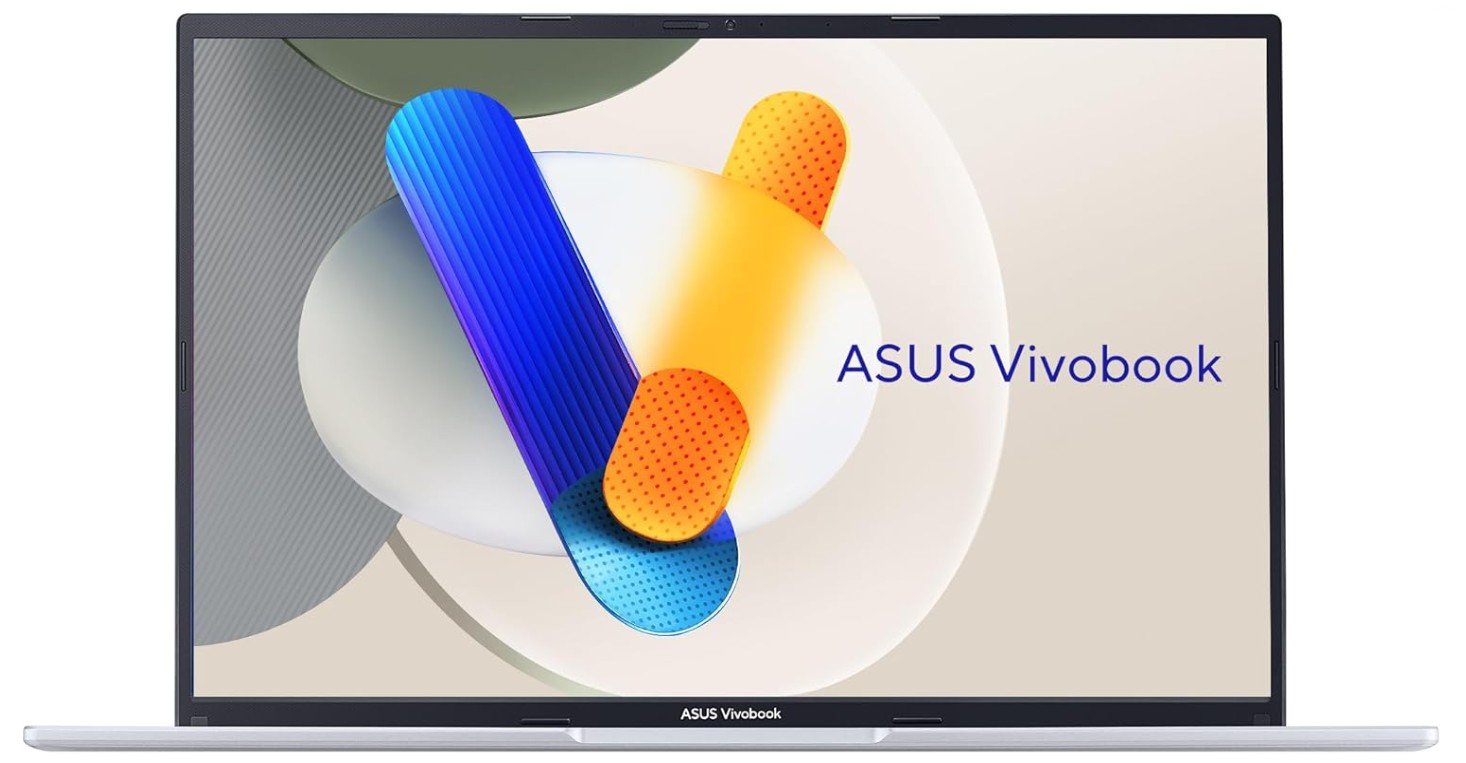
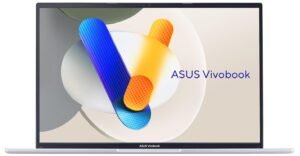
ASUS Vivobook 16 Laptop
ASUS Vivobook 16 Laptop
The ASUS Vivobook 16 F1605VA-ES56 is an excellent office and productivity laptop that combines strong performance, a large display, and a professional design for everyday business use. Powered by the Intel Core i5-13420H and 16GB memory, it handles multitasking, spreadsheets, video conferencing, office applications, and web browsing smoothly with fast responsiveness. The spacious 16-inch WUXGA display provides more screen space than standard laptops, making multitasking and document work more comfortable during long office sessions. Its fast 512GB SSD ensures quick boot times and efficient file access, while the slim Cool Silver design looks modern and professional for office environments.
Features like Windows 11, a comfortable keyboard, and solid battery life improve daily productivity and remote work usability. Although the integrated Intel Iris Xe graphics are not intended for gaming or heavy creative workloads, the Vivobook 16 remains a dependable and well-balanced laptop for professionals, students, and office users seeking strong everyday performance and portability.
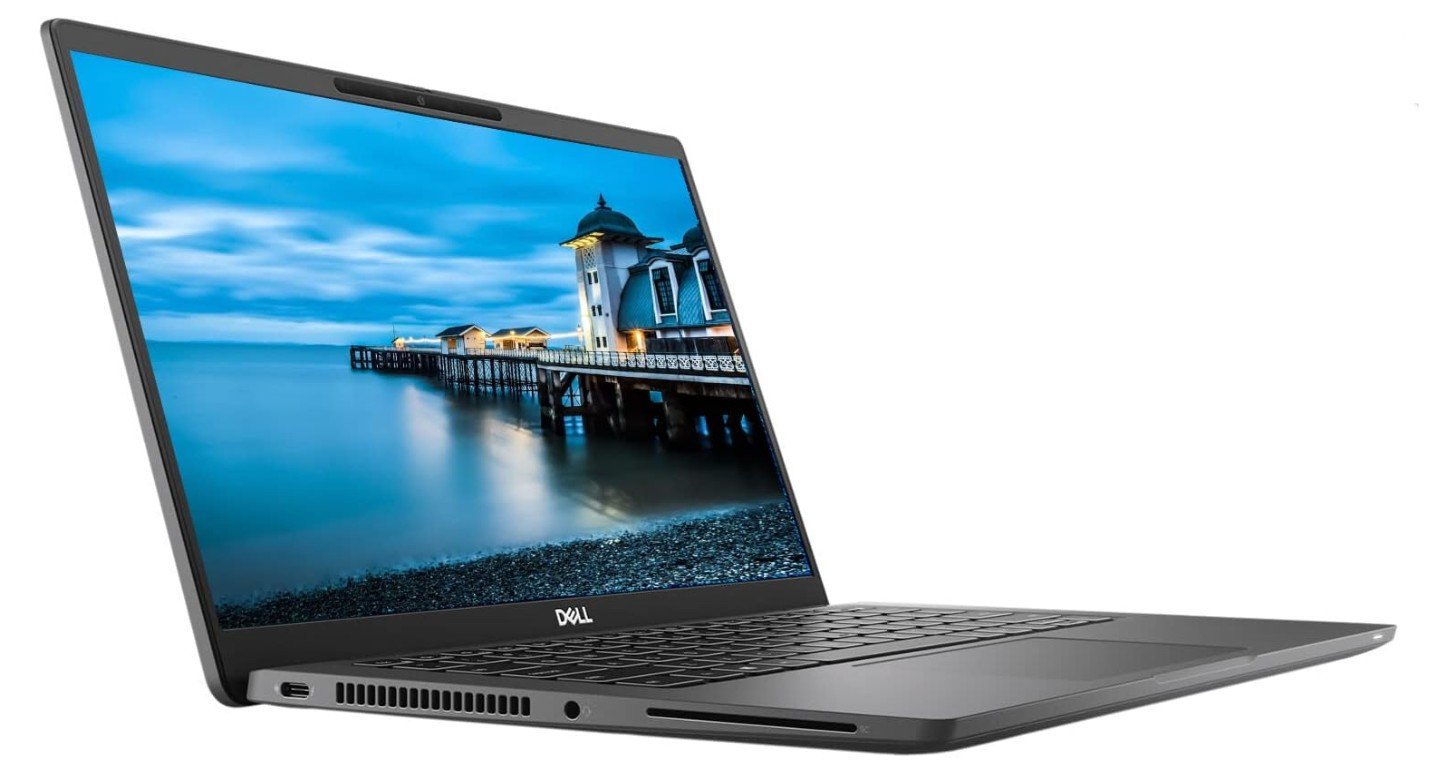
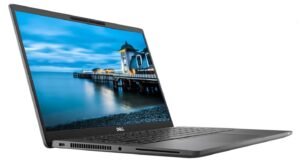
Dell Latitude 7420 FHD Laptop
Dell Latitude 7420 FHD Laptop
The Dell Latitude 7420 is a premium business laptop that remains an excellent choice for office work, multitasking, and professional productivity, even as a renewed model. Powered by the 11th Gen Intel Core i7 processor with 16GB RAM and a fast 512GB SSD, it handles spreadsheets, video conferencing, office applications, web browsing, and multitasking smoothly and efficiently. The Full HD display delivers sharp visuals for long work sessions, while the lightweight carbon fiber design feels durable, portable, and professional for commuting or remote work.
Business-focused features such as Windows 11 Pro, strong security options, Wi-Fi, Bluetooth, and excellent keyboard comfort make it ideal for office environments. Battery life is solid for everyday productivity, and the Latitude series is known for dependable enterprise-grade build quality. Although it is not designed for gaming or demanding creative workloads, the Latitude 7420 remains a highly reliable and value-packed business laptop for professionals seeking performance, portability, and durability.
Buying Guide: Laptops for Office Work
Choosing the right laptop for office work is important because it directly affects your daily productivity, comfort, and efficiency. Whether you work from home, in a corporate office, or travel frequently, a good office laptop should be fast, reliable, and comfortable to use for long hours. Unlike gaming or creative laptops, office laptops focus more on smooth performance, battery life, portability, and practical features like good keyboards and webcams.
Before buying, you should understand your needs. Some people mainly use Word, Excel, emails, and video calls, while others handle multitasking, business software, or remote collaboration tools. The best laptop is the one that matches your workflow and lasts several years without feeling slow.
Processor (CPU): The Brain of Your Laptop
The processor is one of the most important parts of any office laptop. For normal productivity tasks, a mid-range processor like an Intel Core i5 or AMD Ryzen 5 is usually enough. If you open many apps at once or work with large spreadsheets, an Intel Core i7 or Ryzen 7 gives smoother performance. Experts suggest choosing at least an i5 or Ryzen 5 for business applications to ensure reliable speed and efficiency.
Newer processors also improve battery efficiency and help laptops stay cool during long work sessions. You usually don’t need a dedicated graphics card for office work because integrated graphics can easily handle documents, browsing, and video meetings.
RAM: Smooth Multitasking Matters
RAM controls how many apps you can run at the same time without slowing down. Today, 8GB is considered the minimum for office laptops, while 16GB is ideal for multitasking or long-term use. Many buying guides recommend choosing more RAM if you want your laptop to remain fast for several years.
If your job involves heavy spreadsheets, large browsers, or collaboration apps, 16GB or higher gives a smoother experience.
Storage: Always Choose SSD
Storage affects how fast your laptop boots and opens files. Most modern office laptops use SSD drives, which are much faster than old hard drives. A 512GB SSD is a safe choice for professionals because it gives enough space for documents, software, and backups.
If you mainly store files in the cloud, even 256GB may be enough, but many users prefer 512GB to 1TB for flexibility.
Display Size and Resolution
Your screen affects both comfort and productivity. A Full HD (1920×1080) display is the most common choice because it offers clear text and good workspace. Higher resolution screens provide sharper visuals, while larger displays make multitasking easier.
- 13–14 inches: Lightweight and portable
- 15–16 inches: Balanced for work and comfort
- 17 inches: Best for spreadsheets and multitasking
Many professionals prefer anti-glare screens to reduce eye strain during long working hours.
Battery Life: Work Without Interruptions
Battery life is very important for office laptops, especially if you attend meetings or travel. Long battery life allows you to work anywhere without constantly searching for a charger. Some premium business laptops can last over 15 hours during light use, showing how important efficiency has become in modern devices.
Look for laptops that advertise all-day battery performance, but remember real-world usage depends on brightness, apps, and background tasks.
Keyboard, Touchpad, and Comfort
Office workers spend many hours typing, so keyboard quality matters more than many people realize. A comfortable keyboard with good spacing and feedback helps reduce fatigue. Backlit keyboards are also useful if you work in low-light environments.
The touchpad should feel smooth and accurate because it improves daily navigation. Business laptops like ThinkPads are often praised for their excellent typing experience, which shows how important ergonomics are for professionals.
Build Quality and Portability
If you carry your laptop frequently, choose a lightweight model with a strong build. Business laptops often use aluminum or carbon fiber designs to improve durability while staying portable. Thin and light laptops are easier to carry but may have fewer ports, so always check connectivity options before buying.
Many buyers choose 13- or 14-inch models for travel because they balance performance and portability.
Ports and Connectivity
Even though performance is important, ports also matter for office use. You may need HDMI for presentations, USB ports for accessories, or Ethernet for stable internet. Some ultra-thin laptops reduce ports to keep the design slim, so make sure the laptop has everything you need.
Wi-Fi 6 and Bluetooth are common features that help with fast wireless connections during remote work or meetings.
Operating System and Software Compatibility
Most office laptops run Windows because it supports business apps and corporate networks. Some professionals prefer macOS because of its efficiency and battery life. Your choice should depend on the software you use daily.
Windows laptops are usually more flexible in pricing and hardware options, while MacBooks focus on premium design and efficiency.
Budget and Value for Money
Office laptops come in different price ranges:
- Budget: Basic i3 or Ryzen 3 laptops for light work
- Mid-range: i5/Ryzen 5 with 16GB RAM for most professionals
- Premium: i7/Ryzen 7 or Apple Silicon for heavy multitasking and long battery life
Many budget work-from-home laptops include i5 processors, 8GB RAM, and 512GB SSD, showing how mid-range hardware has become the standard for office productivity.
Extra Features That Improve Office Work
Modern office laptops include features that improve daily productivity:
- Webcam privacy shutter for security
- Fingerprint readers for fast login
- AI assistants and productivity tools
- Quiet cooling systems for office environments
While these features are not required, they can make your work experience smoother and more professional.
Future-Proofing Your Purchase
Buying a laptop is a long-term investment. Many experts recommend choosing slightly higher specs than your current needs so the device stays useful for several years. Future-proofing means selecting enough RAM, modern processors, and SSD storage so your laptop doesn’t feel outdated too quickly.
Most business laptops can last 4–7 years if maintained properly, which makes choosing the right configuration very important.
FAQs
For most office users, a laptop with an Intel Core i5 or AMD Ryzen 5 processor, at least 8GB–16GB RAM, and SSD storage offers smooth performance for daily tasks like documents, emails, and meetings. Experts recommend these mid-range specs because they handle multitasking efficiently without slowing down.
Yes. SSD drives make laptops start faster and open files quickly. Most buying guides suggest at least 256GB–512GB SSD, while 1TB is useful if you store many files locally.
A good business laptop should last at least 8–12 hours during normal work. Many professionals prefer longer battery life for meetings and travel so they don’t need to charge frequently.
Usually no. Integrated graphics are powerful enough for browsing, Office apps, video calls, and light editing. Dedicated GPUs are only needed for gaming or heavy creative tasks.
Business laptops often include stronger build quality, security features, and longer battery life. Many experts say durability, portability, and reliability are key traits in professional devices.
Final Thoughts
A good office laptop should be reliable, comfortable, and fast enough to handle daily productivity tasks without stress. Focus on the key components like processor, RAM, SSD storage, display quality, and battery life rather than flashy features. Mid-range laptops with an Intel Core i5 or Ryzen 5, 16GB RAM, and a 512GB SSD are usually the best balance for most professionals.
Before making a decision, think about how you work every day. If you travel often, choose a lightweight model with long battery life. If you manage spreadsheets or multitask heavily, a larger screen and more RAM will help. By understanding these factors, you can confidently choose a laptop that improves productivity and makes office work easier for years to come.

Jawad is a passionate tech enthusiast and writer who loves exploring the latest trends in hardware, gadgets, and digital innovation. With a sharp eye for performance and value, he delivers in-depth recommendations and buying guides to help readers make smarter tech decisions.