
Last Updated on May 9, 2026 by Jawad
Introduction
Razer mice are very popular for gaming because they are fast, accurate, and comfortable to use. They are designed for gamers who want smooth performance and quick reactions. Most Razer mice come with high DPI sensors, which help you move the cursor very precisely. They also have customizable buttons so that you can set controls based on your needs. The design is usually lightweight with RGB lighting, making them look stylish. Overall, Razer gaming mice are a good choice for both beginners and professional players who want better control and performance during gameplay.
We also have a recommendation for the Best Logitech Gaming Mouse, so make sure to check that out too!
Top Razer Mouse for Gaming


Comparison
| Model | Image | DPI Sensor | Connectivity | Weight | Best For | Battery Life | Rating | Buy |
|---|---|---|---|---|---|---|---|---|
| Razer Viper V4 Pro | 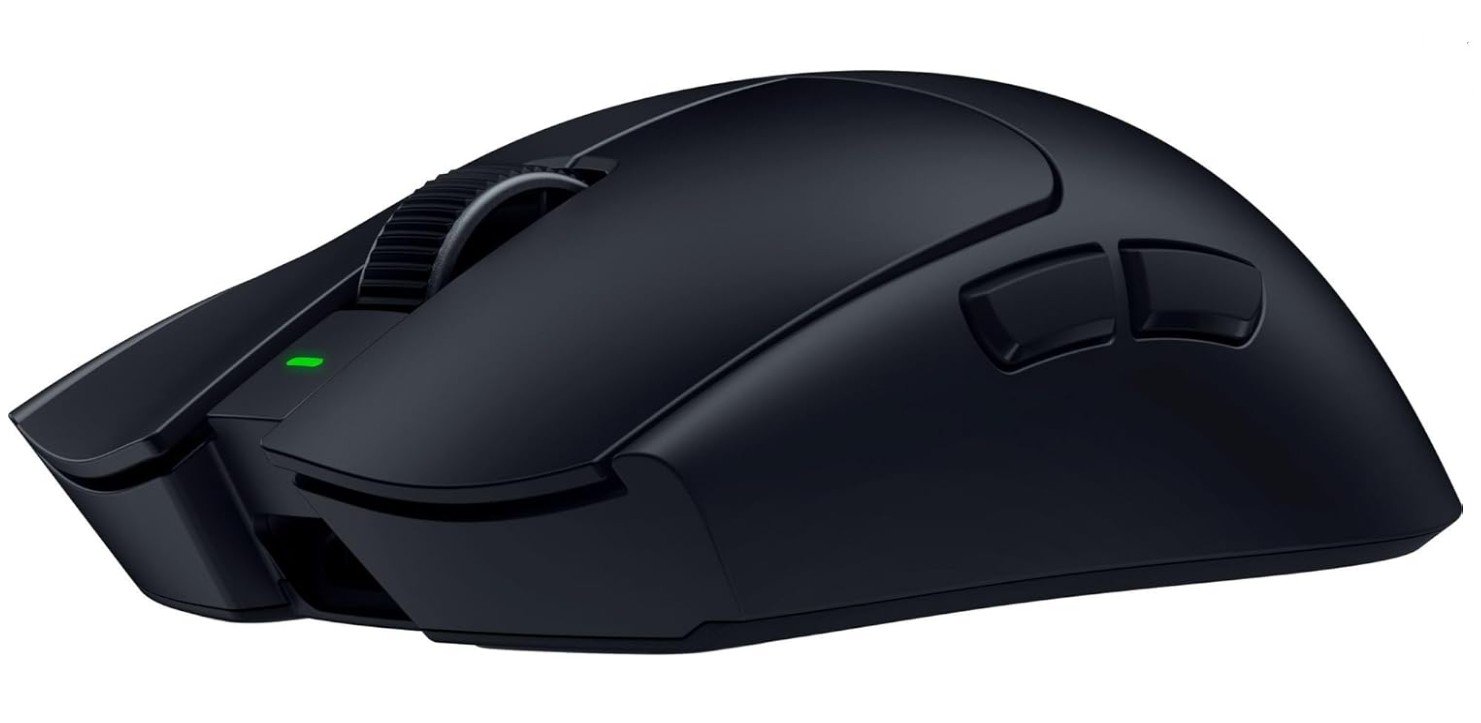 | 50K Optical Sensor | 2.4GHz Wireless / USB-C | 49g | Esports FPS Gaming | Up to 180 hrs | ★★★★★ | Check Price |
|
Razer Basilisk V3 Pro 🏆 Best Overall |  | 30K Optical Sensor | 3 Modes (2.4GHz / BT / USB) | ~88g | All-round Gaming | Up to 140 hrs | ★★★★★ | Check Price |
|
Razer Cobra Pro 💰 Best Budget Wireless |  | 30K Optical Sensor | 2.4GHz / Bluetooth / USB-C | ~77g | Casual + Competitive | Up to 170 hrs | ★★★★☆ | Check Price |
| Razer DeathAdder Essential | 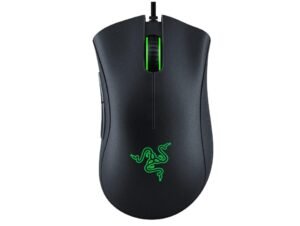 | 6400 DPI Sensor | Wired USB | ~96g | Budget Gaming | Wired (No Battery) | ★★★★☆ | Check Price |
| Razer Orochi V2 |  | 18K Optical Sensor | Bluetooth / 2.4GHz | ~60g | Travel Gaming | Up to 950 hrs | ★★★★☆ | Check Price |
Razer Viper V4 Pro Wireless Esports Gaming Mouse
Razer Viper V4 Pro Wireless Esports Gaming Mouse
The Razer Viper V4 Pro Wireless Esports Gaming Mouse is a very impressive gaming mouse made for speed and accuracy. It feels extremely light at just 49g, which makes it easy to move quickly during intense games. The 50K DPI sensor tracks movements very smoothly, and the 8K polling rate gives fast response times.
Clicks feel sharp and reliable thanks to the optical switches. The battery life is also strong, so you don’t need to charge it often. Its simple design is comfortable for long gaming sessions.
Overall, it is a great choice for serious gamers who want top performance.
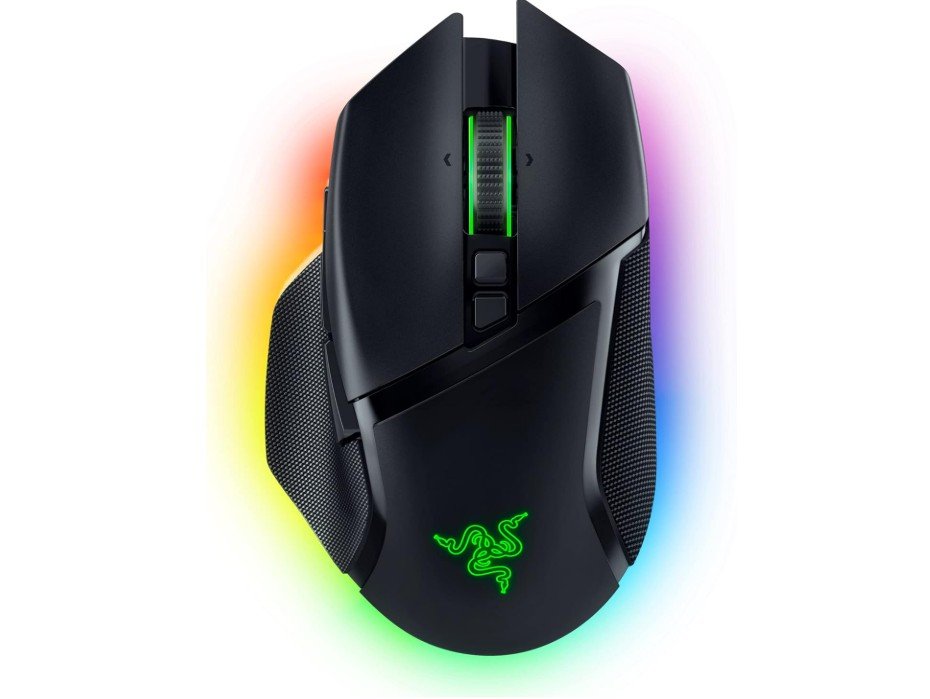
Razer Basilisk V3 Pro Wireless Gaming Mouse
Razer Basilisk V3 Pro Wireless Gaming Mouse
The Razer Basilisk V3 Pro Wireless Gaming Mouse is a powerful and comfortable mouse designed for gamers who like extra features. It has a strong build and an ergonomic shape that fits well in the hand, especially for long gaming sessions. The 30K DPI sensor is very accurate, and the HyperScroll wheel is smooth and useful for both gaming and everyday use.
With 13 programmable buttons, you can customize controls easily. The RGB lighting looks bright and stylish. Battery life is also good for a wireless mouse.
Overall, it is a great option for gamers who want performance and customization.
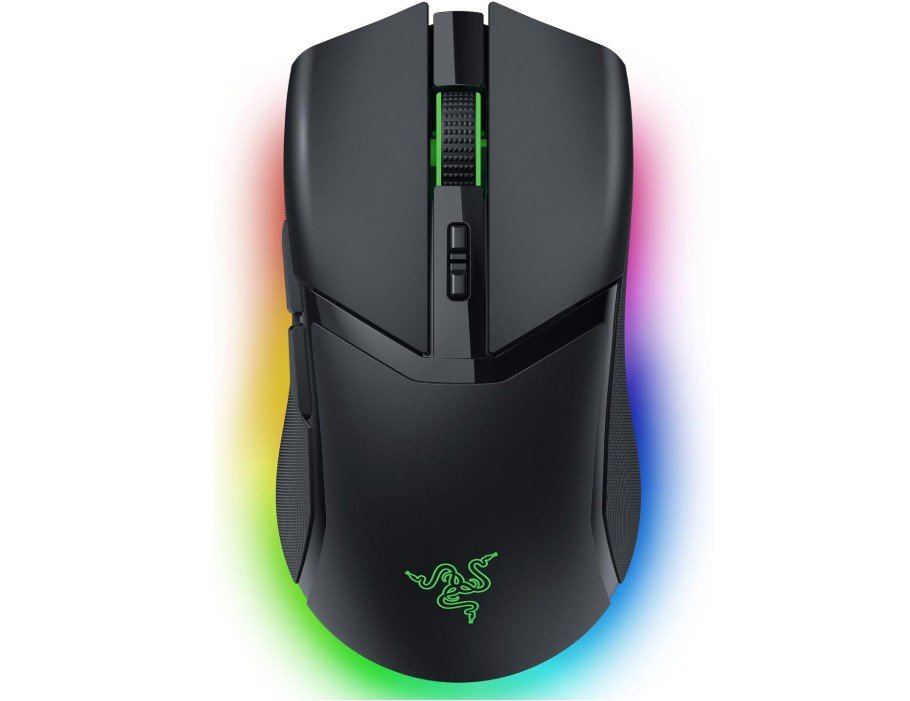
Razer Cobra Pro Wireless Gaming Mouse
Razer Cobra Pro Wireless Gaming Mouse
The Razer Cobra Pro Wireless Gaming Mouse is a versatile gaming mouse with a good balance of performance and features. It feels comfortable in hand and works well for long gaming sessions. The 30K DPI sensor is very accurate, and the clicks are fast and responsive thanks to the optical switches. It has 10 customizable buttons, which are useful for different games and tasks.
The RGB lighting looks bright and stylish, adding a premium feel. Battery life is also strong, especially in Bluetooth mode.
Overall, it is a great choice for gamers who want both performance and customization in one mouse.
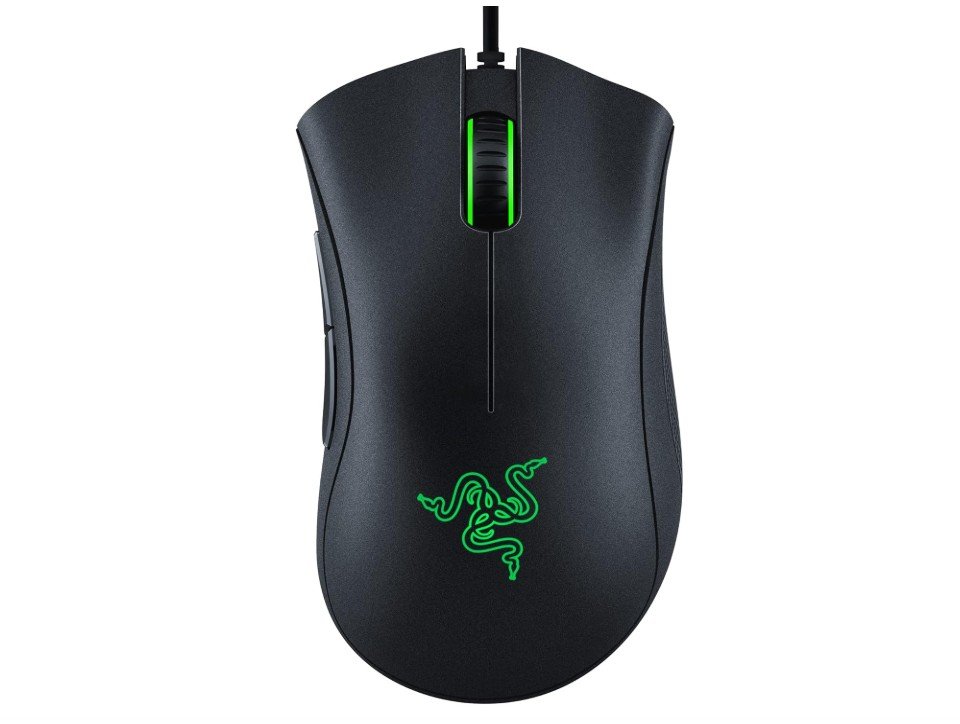
Razer DeathAdder Essential Gaming Mouse
Razer DeathAdder Essential Gaming Mouse
The Razer DeathAdder Essential Gaming Mouse is a simple and reliable gaming mouse designed for everyday gamers. It has a comfortable ergonomic shape that fits well in the hand, making it good for long use.
The 6400 DPI sensor gives decent accuracy for most games, and the buttons respond quickly. The rubber side grips help improve control during fast movements. It is not very fancy, but it performs well for its price. The design is strong and durable, making it a good budget option.
Overall, it is a solid choice for beginners or casual gamers who want smooth performance without spending too much.
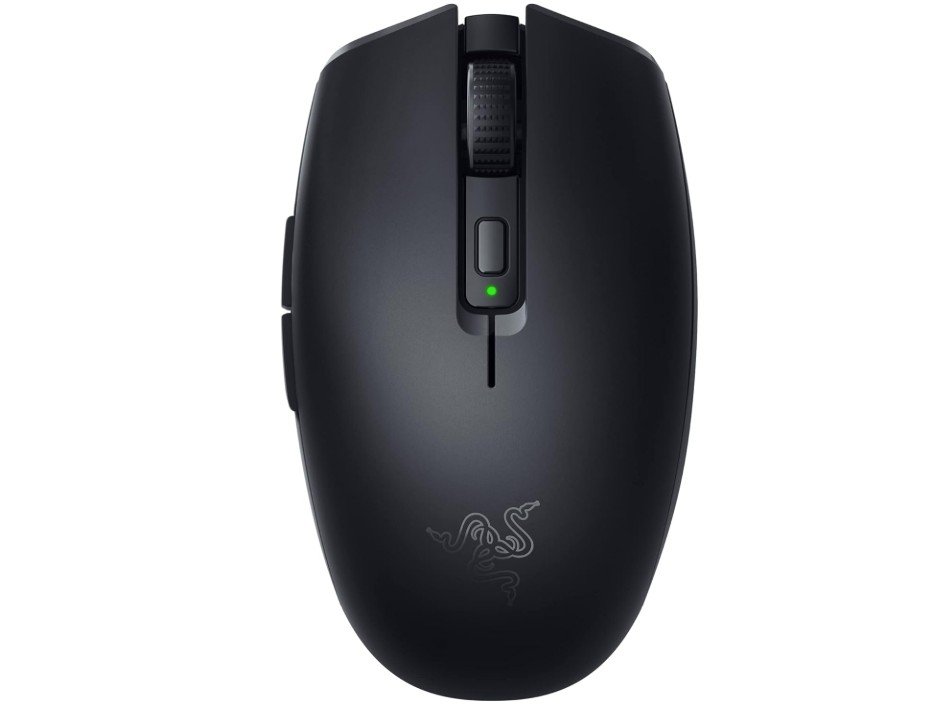
Razer Orochi V2 Mobile Wireless Gaming Mouse
Razer Orochi V2 Mobile Wireless Gaming Mouse
The Razer Orochi V2 Mobile Wireless Gaming Mouse is a very lightweight and portable mouse made for both gaming and travel use. It feels small but comfortable, especially for users with medium or small hands.
The 18K DPI sensor gives good accuracy, and the wireless performance is smooth with no delay. One of its best features is the amazing battery life, which can last for months. It supports both Bluetooth and 2.4GHz connections, making it very flexible. The design is simple but strong.
Overall, it is a great choice for users who want a lightweight, long-lasting, and reliable wireless gaming mouse.
Razer Mouse for Gaming – Complete Buying Guide
Choosing the right gaming mouse is important because it directly affects your aim, speed, and overall gaming performance. A good mouse is not only about design or RGB lights, but also about accuracy, comfort, and responsiveness. Razer is one of the most popular brands in the gaming industry, known for producing high-performance mice used by both casual and professional gamers. Their products are designed to deliver fast response times, precise tracking, and long-lasting durability, making them a strong choice for competitive gaming.
Understanding DPI and Sensor Performance
DPI, or dots per inch, is one of the most important features in a gaming mouse. It controls how sensitive your mouse is and how fast the cursor moves on the screen. Razer mice usually offer adjustable DPI settings, allowing players to switch between slow and precise control or fast movement depending on the game. However, higher DPI does not always mean better performance, because accuracy and consistency matter more than extreme numbers. Modern Razer sensors are designed to provide smooth tracking without lag or skipping, which is essential for FPS and competitive gaming.
Importance of Polling Rate and Response Time
Polling rate refers to how often your mouse sends information to the computer. A standard gaming mouse usually runs at 1000 Hz, which is already very smooth and responsive for most players. Some advanced Razer models offer even higher polling rates for ultra-fast response times, which can be useful in esports gaming. A higher polling rate reduces delay between your movement and the on-screen action, making gameplay feel more immediate and precise. While higher settings sound impressive, most gamers will not notice a big difference beyond standard high-performance levels.
Sensor Technology and Accuracy
One of the biggest strengths of Razer gaming mice is their sensor technology. The company uses advanced optical sensors that ensure precise tracking across different surfaces. This means the cursor does not skip or drift during fast movements, which is especially important in shooting games where accuracy is critical. Even when moving quickly or making sudden changes in direction, the sensor remains stable and responsive. This reliability is one of the reasons many professional gamers prefer Razer mice over cheaper alternatives.
Comfort, Grip, and Design
Comfort plays a major role in choosing a gaming mouse because long gaming sessions can cause hand fatigue if the design is not suitable. Razer mice come in different shapes, including ergonomic and symmetrical designs, to support different grip styles such as palm, claw, and fingertip grip. A well-designed mouse reduces strain on the hand and allows better control during intense gameplay. Lightweight models are especially popular in fast-paced games because they allow quicker movements, while slightly heavier models provide more stability for controlled aiming.
Wired vs Wireless Gaming Mice
Razer offers both wired and wireless gaming mice, and each has its own advantages. Wired mice provide a direct connection without the need for charging, ensuring stable performance at all times. On the other hand, wireless Razer mice now use advanced technology that delivers almost zero delay, making them just as reliable as wired options. Wireless models also offer a cleaner setup and more freedom of movement. Many modern gamers now prefer wireless mice because battery life has improved significantly, allowing hours or even days of continuous use without interruption.
Customization and Software Features
Another strong advantage of Razer gaming mice is their customization options. Through Razer software, users can change DPI settings, assign functions to buttons, and control RGB lighting effects. This level of customization allows gamers to adjust the mouse according to different games and personal preferences. Some models also include multiple programmable buttons, which can be used for quick actions or in-game commands. This flexibility makes the mouse more useful not only for gaming but also for productivity tasks.
Choosing the Right Razer Mouse for You
When selecting a Razer mouse, it is important to consider your gaming style and personal needs. Fast-paced FPS players often prefer lightweight and highly responsive mice, while MMO players may benefit from models with more programmable buttons. Casual gamers may prioritize comfort and simplicity over advanced features. Budget is also an important factor because Razer offers both affordable and premium models. Instead of focusing only on specifications, it is better to choose a mouse that feels comfortable and matches your gaming habits.
FAQs – Razer Gaming Mouse
DPI (Dots Per Inch) is the sensitivity of your mouse. It controls how fast the cursor moves on the screen when you move the mouse. Higher DPI means faster movement, while lower DPI gives more precise control. Razer mice allow you to change DPI easily through software or dedicated buttons, so you can adjust it for different games and play styles.
Polling rate is how often the mouse sends data to your computer. A higher polling rate means smoother and more responsive movement with less delay. Most gaming mice use 1000 Hz, while advanced Razer models can go even higher for competitive gaming. This helps improve reaction speed in fast-paced games.
Yes, modern Razer wireless mice are designed with low latency technology. They perform almost the same as wired mice, especially in 2.4GHz mode. Many esports players now use wireless Razer mice because they are fast, stable, and offer more freedom of movement without cable drag.
Yes, Razer mice use software that allows you to customize DPI levels, button functions, macros, and RGB lighting. This helps you create different profiles for different games and switch between them easily.
Razer uses optical or mechanical switches depending on the model. These switches are designed to last millions of clicks, making them very durable for long-term gaming use. Higher-end models often have even longer-rated lifespans for competitive reliability.
High-end Razer mice offer better sensors, lighter designs, faster switches, and more customization. However, not every gamer needs top-tier features. Casual players can still get great performance from mid-range models, while competitive gamers benefit most from premium options.
Final Thoughts
Razer gaming mice are widely respected for their performance, precision, and build quality. They are designed to support different types of gamers, from beginners to professionals. With advanced sensors, responsive switches, and strong customization options, they offer a complete gaming experience. While some models can be expensive, the performance and durability often justify the price. In the end, the best Razer mouse is the one that fits your hand comfortably and supports your gaming style effectively.

Jawad is a passionate tech enthusiast and writer who loves exploring the latest trends in hardware, gadgets, and digital innovation. With a sharp eye for performance and value, he delivers in-depth recommendations and buying guides to help readers make smarter tech decisions.