
Last Updated on April 28, 2026 by Jawad
Introduction
A 32 inch curved gaming monitor is a popular choice for gamers who want a more immersive and enjoyable experience. The large screen size gives you plenty of space to see details clearly, whether you are playing fast action games, open world adventures, or even using it for everyday tasks like watching videos or browsing. The curved design is what makes this type of monitor special. It gently wraps around your field of view, making everything feel closer and more natural to your eyes.
This curved shape helps reduce distortion at the edges of the screen and can also make long gaming sessions more comfortable. Instead of moving your eyes too much from side to side, the curve keeps everything within a more natural viewing angle. This can help reduce eye strain, especially if you spend many hours in front of the screen.
Most 32 inch curved gaming monitors come with features that gamers love, such as high refresh rates and low response times. These features make gameplay smoother and reduce motion blur, which is important in fast-paced games like shooters or racing games. Many models also include technologies like adaptive sync, which helps prevent screen tearing and gives a more fluid gaming experience.
In addition to gaming, these monitors are also great for entertainment and productivity. The large display makes movies more enjoyable and gives you enough space to multitask easily. Overall, a 32 inch curved gaming monitor is a great option if you want a balance of size, comfort, and performance in one screen.
Top 32 Inch Curved Gaming Monitor


Comparison
| Model | Image | Resolution | Refresh Rate | Curve | Panel | Best For | Rating | Buy |
|---|---|---|---|---|---|---|---|---|
| CRUA 32” 4K Curved | 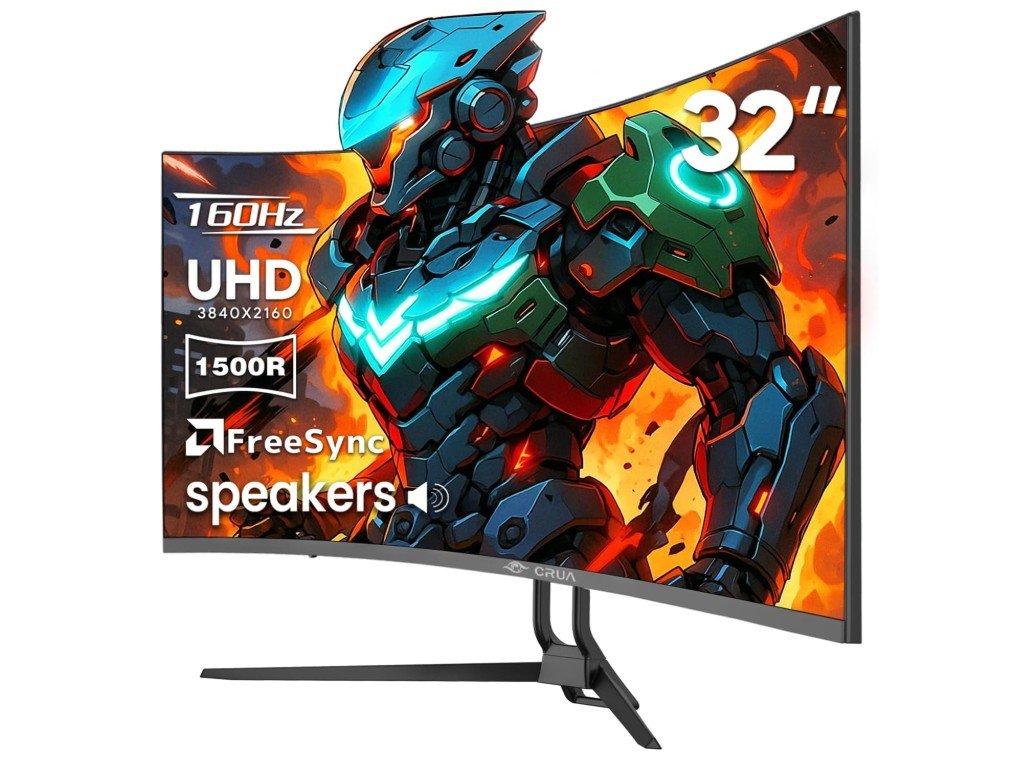 | 4K UHD | 160Hz | 1500R | VA | High-resolution gaming | ★★★★☆ | Check Price |
|
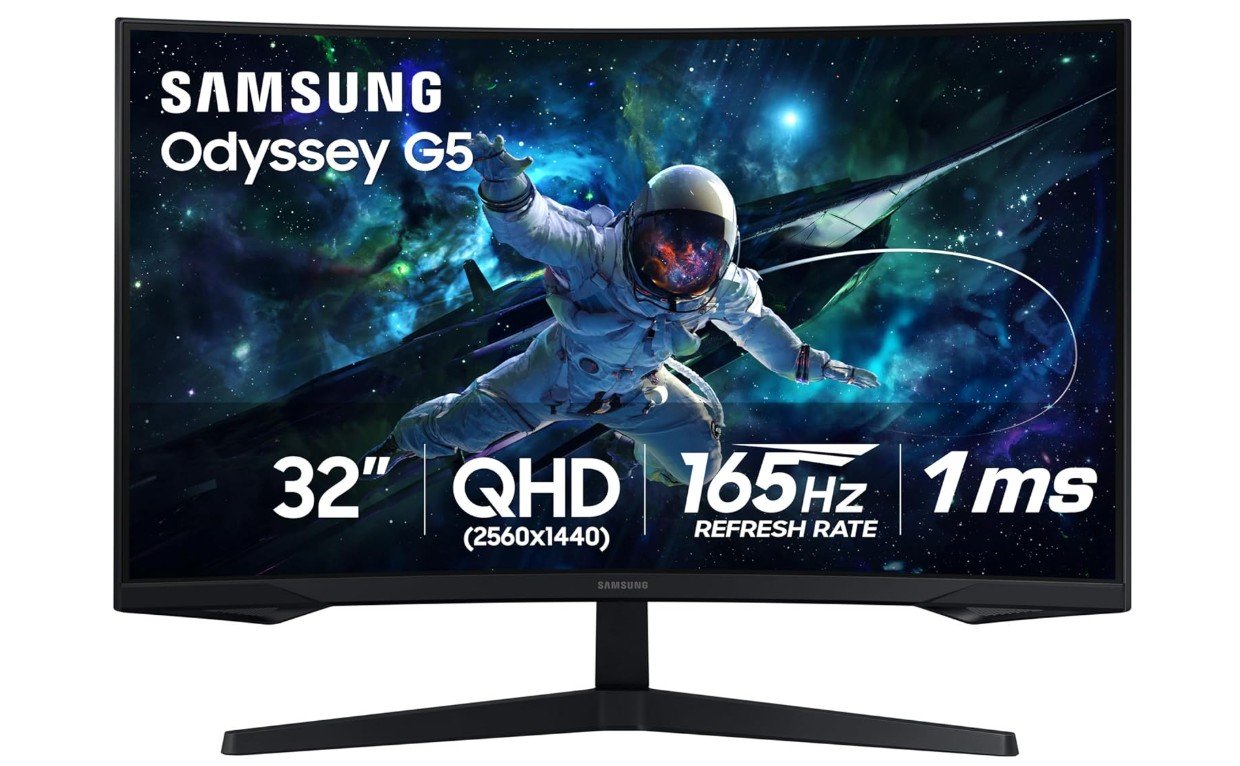
Samsung Odyssey G55C 🏆 Best Overall |  | QHD (1440p) | 165Hz | 1000R | VA | Balanced gaming + immersion | ★★★★★ | Check Price |
|
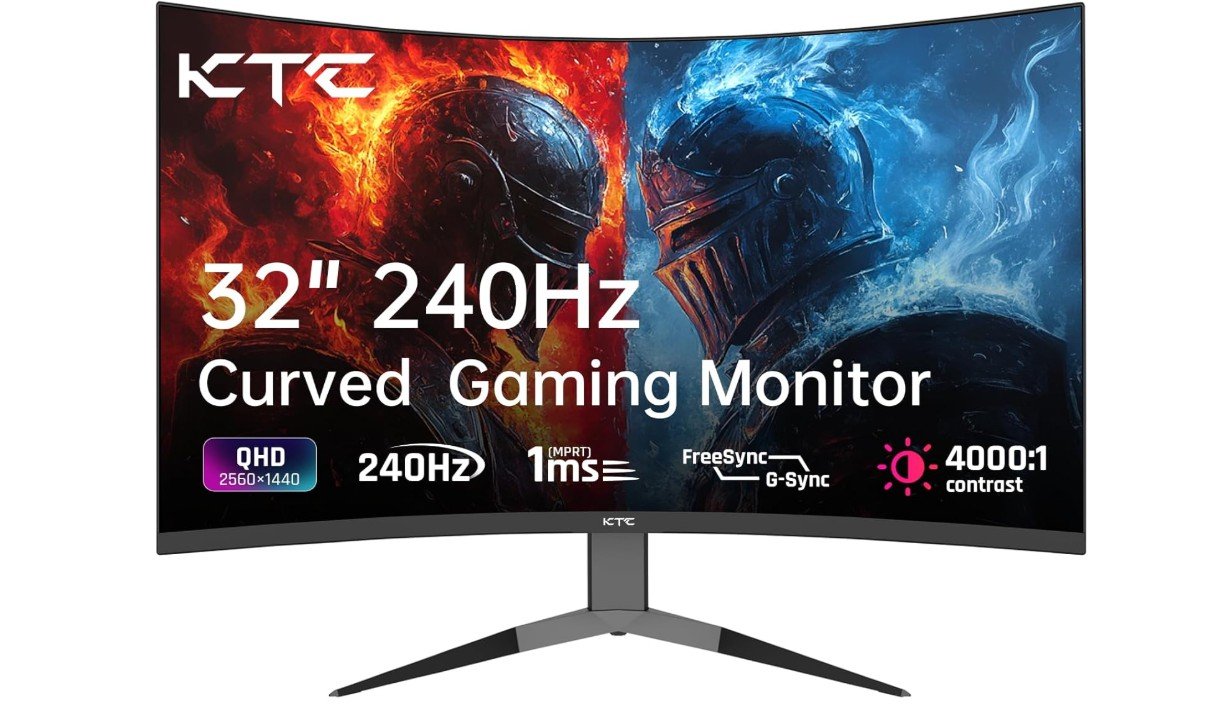
KTC H32S25E 💰 Best High Refresh | 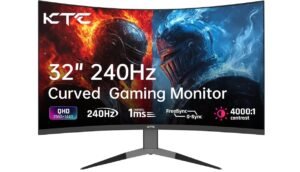 | QHD (1440p) | 240Hz | 1000R | VA | Competitive gaming | ★★★★★ | Check Price |
| Z-Edge UG32 | 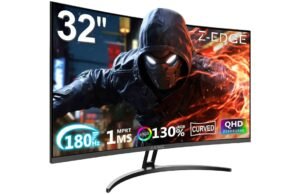 | QHD (1440p) | 180Hz | 1500R | VA | Budget immersive gaming | ★★★★☆ | Check Price |
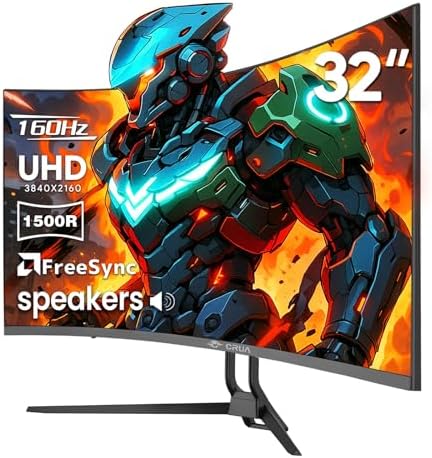
CRUA 32″ Curved Gaming Monitor
CRUA 32″ Curved Gaming Monitor
The CRUA 32-inch curved gaming monitor offers a strong mix of features for gamers who want a large and immersive display without spending too much money. One of its biggest strengths is the 4K UHD resolution, which delivers very sharp and detailed visuals. Whether you are playing games, watching movies, or doing everyday work, the picture quality looks clear and vibrant. The 1500R curved design also adds to the experience by wrapping the screen slightly around your view, making games feel more engaging and natural.
Another highlight is the high refresh rate of 144Hz, which can go up to 160Hz. This makes gameplay smoother, especially in fast-paced games like shooting or racing. Combined with AMD FreeSync support, the monitor helps reduce screen tearing and lag, giving a more fluid and responsive experience. These features are important for gamers who want better performance and smoother visuals during intense gameplay.
The VA panel used in this monitor provides good contrast, which means deeper blacks and better color depth compared to basic displays. It also supports 120% sRGB, so colors appear more vivid and lively. However, like many VA panels, it may not be as fast in response time as high-end IPS or OLED screens, so competitive gamers might notice slight motion blur in very fast scenes.
The monitor also includes built-in speakers, which are useful for basic audio needs, although they are not very powerful. The design is simple and modern, and the option for wall mounting adds flexibility for different setups. Connectivity is another strong point, with HDMI 2.1 and DisplayPort 1.4 allowing you to connect modern gaming PCs and consoles easily.
Overall, the CRUA 32-inch curved gaming monitor is a solid choice for casual and mid-level gamers who want a large 4K screen with smooth performance and immersive design at a reasonable price.
SAMSUNG 32″ Odyssey Curved Gaming Monitor
SAMSUNG 32″ Odyssey Curved Gaming Monitor
The Samsung Odyssey G55C 32-inch curved gaming monitor is a solid mid-range gaming monitor that focuses on delivering smooth performance and an immersive experience at a reasonable price. With its 32-inch screen and aggressive 1000R curve, it pulls you into the game and makes everything feel closer and more engaging. This strong curvature is one of its standout features, especially for racing games and story-driven titles where immersion matters a lot.
The QHD (2560 × 1440) resolution offers a good balance between sharp visuals and performance. It looks clear and detailed without being as demanding as 4K, which means you can get higher frame rates more easily. Combined with the 165Hz refresh rate and 1ms response time, the monitor delivers smooth gameplay with minimal motion blur. Fast-paced games feel responsive, and AMD FreeSync helps reduce screen tearing and stuttering for a better overall experience.
The VA panel provides strong contrast, so blacks look deeper and colors appear more vivid. This makes it great for both gaming and watching movies. HDR10 support adds some extra brightness and dynamic range, although it is not as powerful as high-end HDR displays. Still, it improves the overall viewing experience slightly.
In terms of design, the monitor has a modern gaming look with a sturdy build. It includes useful features like eye care modes and a glare-free screen, making it comfortable for long sessions. However, it does have some limitations. The viewing angles are not as wide as IPS panels, and some users may notice slight ghosting in fast scenes due to the VA panel. Also, it does not include built-in speakers.
Overall, the Samsung Odyssey G55C is a great choice for gamers who want a large curved display with smooth performance and good visuals without spending too much money.
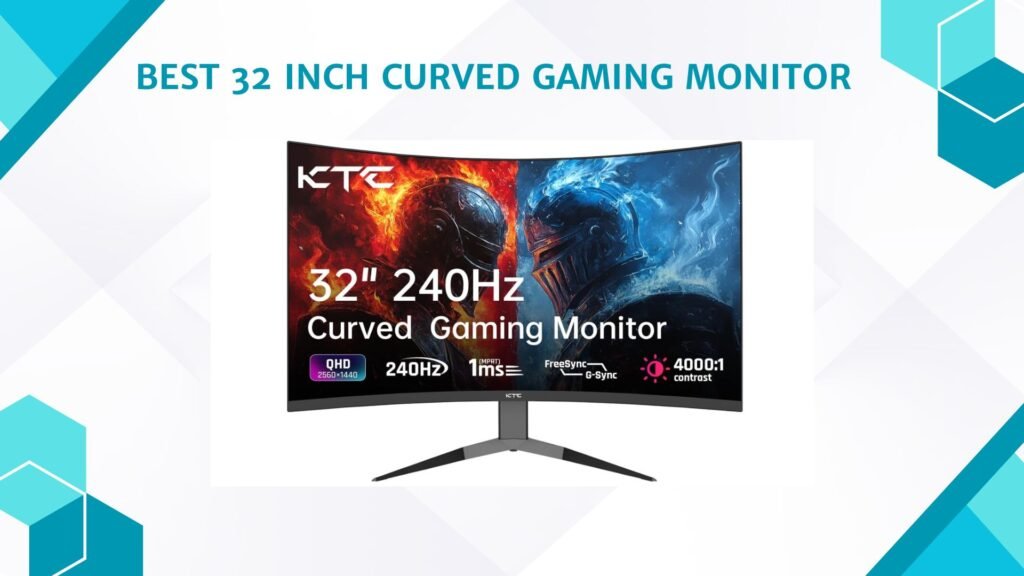
KTC 32 Inch 240Hz Curved Gaming Monitor
KTC 32 Inch 240Hz Curved Gaming Monitor
The KTC 32-inch 240Hz curved gaming monitor (H32S25E) is designed mainly for gamers who want very smooth performance and an immersive experience without spending too much money. One of its biggest strengths is the 240Hz refresh rate, which makes gameplay feel extremely smooth compared to standard 60Hz or even 144Hz monitors. Fast-paced games like shooting or racing feel more responsive, and the 1ms response time helps reduce motion blur during quick movements.
The 32-inch screen combined with a 1000R curve creates a strong sense of immersion. The screen wraps around your field of view, making games feel more realistic and engaging, especially in story-based or simulation games. The QHD (1440p) resolution provides good clarity, offering a balance between sharp visuals and performance. It is not as demanding as 4K, so you can achieve higher frame rates more easily on most gaming PCs.
The VA panel is another highlight, offering deep blacks and strong contrast, which improves the overall picture quality. Colors also look vibrant thanks to the wide color gamut. This makes the monitor suitable not only for gaming but also for watching movies and general use. However, like most VA panels, it can show slight ghosting in darker scenes, especially during fast motion.
In terms of design, the monitor looks modern with thin bezels and a simple gaming style. It includes useful features like Adaptive Sync to reduce screen tearing and multiple ports for easy connectivity. The stand supports tilt adjustment, but it lacks height or swivel options, which may be a downside for some users.
Overall, the KTC H32S25E is a great value gaming monitor that focuses on speed and immersion. It is best suited for gamers who want ultra-smooth performance and a large curved display, though it may not be perfect for those who need top-level color accuracy or full ergonomic adjustments.
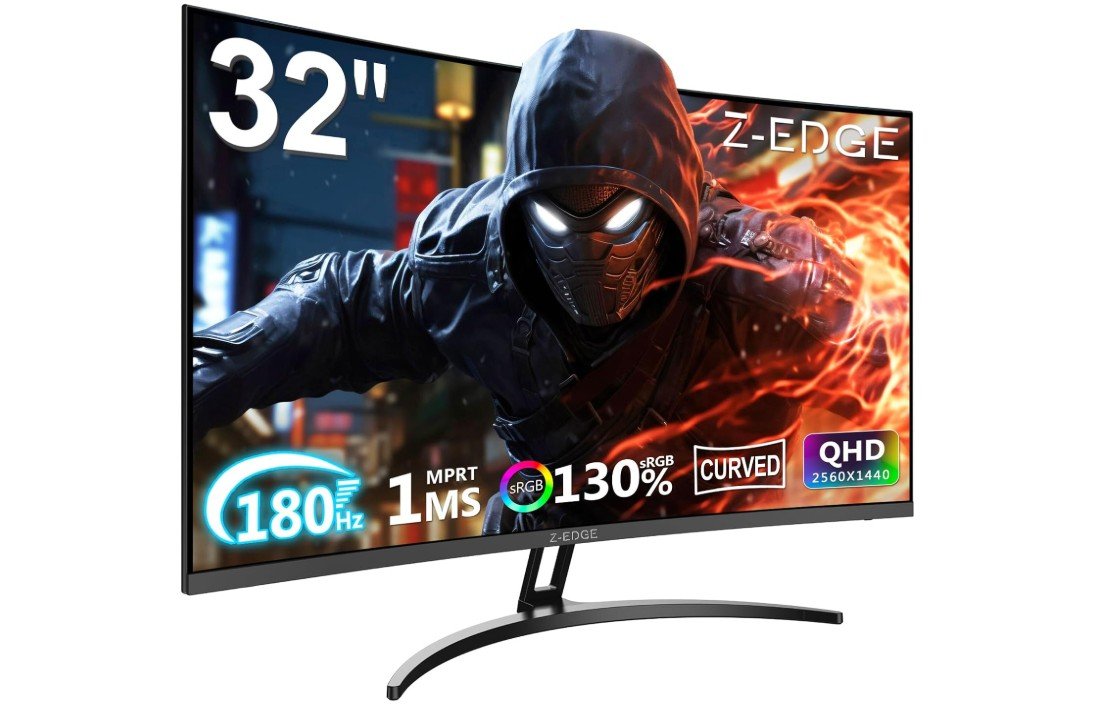
Z-Edge 32 inch Curved Gaming Monitor
Z-Edge 32 inch Curved Gaming Monitor
The Z-Edge 32-inch curved gaming monitor is a good option for gamers who want a large screen, smooth performance, and a budget-friendly price. Its 32-inch QHD (1440p) resolution gives clear and sharp visuals, making games, movies, and daily use look detailed and enjoyable. The 1500R curved design adds to the experience by wrapping the screen slightly around your view, which makes gaming feel more immersive and natural, especially in racing, action, and open-world games.
One of the strongest features of this monitor is its high refresh rate, which goes up to 180Hz depending on the connection. Even at 144Hz or 165Hz, the gameplay feels very smooth compared to standard monitors. Combined with the 1ms MPRT response time, fast movements in games look more responsive with less motion blur. This makes it a good choice for casual and competitive gamers.
The VA panel provides strong contrast with a 3000:1 ratio, which means blacks look deeper and colors appear more rich. This improves the overall picture quality, especially in dark scenes. The monitor also supports 16.7 million colors, giving decent color accuracy for gaming and entertainment. However, like most VA panels, it may show slight ghosting in fast-paced scenes.
In terms of design, the ultra-slim bezel makes it look modern and clean, and it is good for multi-monitor setups. The monitor also includes multiple connectivity options like HDMI and DisplayPort, making it easy to connect to PCs, laptops, and consoles. Adaptive Sync support helps reduce screen tearing for smoother gameplay.
On the downside, it does not have premium features like strong HDR or advanced ergonomic adjustments. The stand is basic, and color performance is good but not professional-level.
Overall, the Z-Edge 32-inch curved monitor is a solid value choice for gamers who want a big, smooth, and immersive display without spending too much money.
Buying Guide: 32-Inch Curved Gaming Monitor
A 32-inch curved gaming monitor is a great choice for gamers who want a large display and an immersive experience. The size makes games feel more engaging, while the curved design helps pull you into the action. It is also useful for watching movies, multitasking, and general computer use. However, choosing the right monitor is important because different models offer different levels of performance, quality, and features.
Resolution
Resolution is one of the most important factors when selecting a monitor. It defines how sharp and detailed the image will appear. On a 32-inch screen, Full HD resolution can look slightly stretched or less sharp because of the larger display size. QHD resolution is considered the best balance because it provides clear visuals without putting too much pressure on your graphics card. It is smooth for gaming and still delivers good detail for everyday use. 4K resolution offers the highest level of sharpness and is ideal for users who want premium image quality, but it requires a powerful GPU to run games smoothly at higher settings.
Refresh Rate and Performance
Refresh rate plays a major role in gaming performance because it controls how many times the screen updates per second. A higher refresh rate results in smoother motion, which is especially noticeable in fast-paced games. Standard monitors operate at 60Hz, which is fine for basic use, but gaming monitors typically start at 120Hz or 144Hz. Higher-end models can reach 165Hz or even 240Hz, which makes gameplay extremely fluid. Along with refresh rate, response time is also important because it controls how quickly pixels change color. A lower response time reduces motion blur and helps keep fast movements clear and sharp.
Curved Design and Immersion
The curved design of a 32-inch monitor is measured in values like 1000R, 1500R, or 1800R. A lower number means a stronger curve. A more curved display creates a more immersive experience because it matches the natural shape of your eyes and field of view. This makes games feel more realistic and reduces the need to move your eyes across a wide flat screen. For gaming, a stronger curve like 1000R or 1500R is usually preferred because it enhances immersion, especially in racing, shooting, and adventure games.
Panel Technology
The type of display panel also affects the overall experience. VA panels are commonly used in curved monitors because they offer strong contrast and deep blacks, which improve visual depth. However, they may sometimes show slight ghosting in fast scenes. IPS panels provide better color accuracy and wider viewing angles, making them good for creative work and general use, but they usually have lower contrast compared to VA. TN panels are faster but have poor color quality, so they are rarely used in modern curved gaming monitors. For most users, VA panels offer the best balance for curved gaming displays.
Adaptive Sync and Smooth Gameplay
Adaptive sync technology such as AMD FreeSync or NVIDIA G-Sync is important for a smooth gaming experience. It helps match the monitor’s refresh rate with the graphics card’s output, which reduces screen tearing and stuttering. This makes gameplay look more stable and fluid, especially in fast-moving scenes. Most modern gaming monitors include FreeSync support, and some are compatible with G-Sync as well.
Brightness, HDR, and Color Quality
Brightness affects how well you can see the screen in different lighting conditions. A good gaming monitor should have enough brightness to remain clear in both dark and bright environments. HDR support improves contrast and color range, making images look more realistic. However, in many mid-range monitors, HDR is basic and does not deliver full cinematic quality. Color accuracy is also important because it affects how vibrant and realistic the visuals appear. Monitors with higher sRGB or DCI-P3 coverage provide richer colors, which improves both gaming and entertainment experiences.
Connectivity and Compatibility
Modern gaming monitors come with multiple connection options such as HDMI and DisplayPort. HDMI is commonly used for consoles and general devices, while DisplayPort is preferred for PC gaming because it supports higher refresh rates and better performance. Having multiple ports allows you to connect different devices easily, making the monitor more flexible for various setups.
Design, Comfort, and Setup
A good monitor should not only perform well but also be comfortable to use. Adjustable stands help you position the screen at the right height and angle, reducing strain during long gaming sessions. Many curved monitors also support VESA mounting, which allows you to attach them to a wall or monitor arm for a cleaner and more flexible setup. Thin bezels and modern designs also improve the overall look of your gaming space.
Choosing Based on Your Needs
The right monitor depends on how you plan to use it. If you are a casual gamer, a QHD display with 144Hz refresh rate is usually more than enough. If you play competitive games, higher refresh rates like 165Hz or 240Hz can give you an advantage with smoother motion. If you also use your monitor for movies, editing, or multitasking, then color accuracy and resolution become more important factors to consider.
FAQs
Yes, a 32-inch curved monitor is very good for gaming. It gives a large viewing area and a more immersive experience, especially in racing, shooting, and open-world games. The curved screen also helps reduce eye movement and makes gameplay feel more natural.
The best resolution is usually QHD (1440p) because it offers a good balance between sharp visuals and smooth performance. 4K is sharper but needs a powerful graphics card, while Full HD may look less sharp on a 32-inch screen.
The “R” value shows how curved the monitor is. A lower number like 1000R means a stronger curve, which feels more immersive. 1500R is slightly less curved but still very good for gaming and everyday use.
A curved monitor is better for immersion and comfort, especially on larger screens like 32 inches. However, flat monitors are better for tasks that require straight lines and wide viewing angles, such as design work.
No, in fact curved monitors can reduce eye strain for some users because they match the natural shape of your eyes and reduce the need to move your head or eyes too much.
Final Thoughts
A 32-inch curved gaming monitor is a powerful upgrade for any gaming or entertainment setup. It combines size, immersion, and performance in one display. By focusing on resolution, refresh rate, panel type, and curvature, you can choose a monitor that fits your needs perfectly. The right choice will give you a smoother, more enjoyable, and more immersive experience whether you are gaming, working, or watching content.