
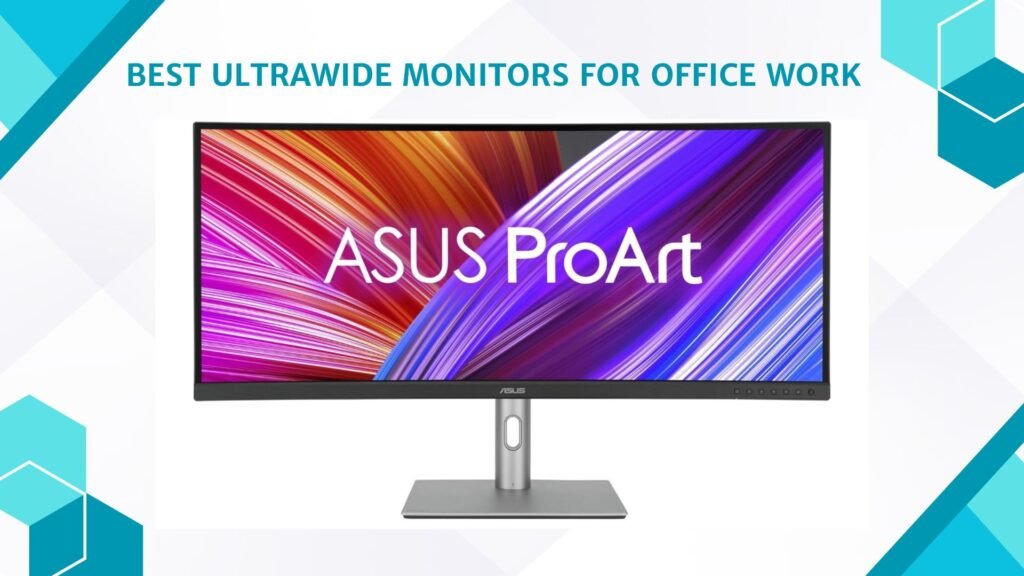
Last Updated on May 15, 2026 by Jawad
Introduction
Ultrawide monitors for office work provide a spacious screen area that improves productivity, multitasking, and overall workflow efficiency. With wider aspect ratios like 21:9 or 32:9, these monitors allow users to open multiple windows side by side without needing dual-monitor setups. They are ideal for professionals working with spreadsheets, video editing, coding, graphic design, or multitasking-heavy tasks. Many ultrawide office monitors also feature ergonomic stands, USB-C connectivity, high-resolution displays, and eye-care technologies for comfortable long-hour usage.
The immersive wide display reduces clutter and helps create a cleaner workspace, making ultrawide monitors an excellent upgrade for remote workers, creators, and office professionals.
We also have a recommendation for the Best Monitors for Students, so make sure to check that out too!
Top Ultrawide Monitors for Office Work



Comparison
| Monitor | Image | Rating | Size & Aspect | Resolution | Panel | Refresh | Best For | Approx Price | Buy |
|---|---|---|---|---|---|---|---|---|---|
|
LG 34″ Curved UltraWide WQHD Smart Monitor 🏆 Best Overall 🔥 Top Pick |
 | ★★★★☆ | 34″ 21:9 | 3440×1440 | VA | Up to 100Hz | Everyday Productivity | Check Price | |
|
ASUS ProArt Display 34″ UltraWide 💰 Best Value |
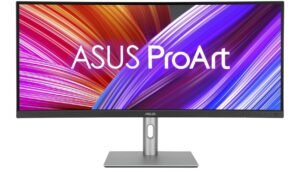 | ★★★★☆ | 34″ 21:9 | 3440×1440 | IPS | 60Hz | Professional Productivity | Check Price | |
| Samsung 34″ ViewFinity S50GC Series |
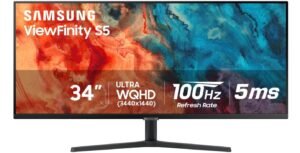 | ★★★★☆ | 34″ 21:9 | 3440×1440 | VA | Up to 100Hz | Office Multitasking | Check Price | |
| Philips 346E2CUAE 34″ Curved UltraWide |
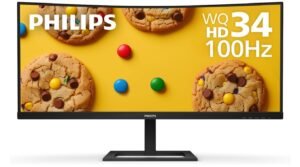 | ★★★★☆ | 34″ 21:9 | 3440×1440 | VA | 100Hz | Productivity & USB‑C | Check Price | |
| Deco Gear 34″ Business Curved UltraWide |
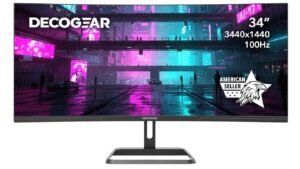 | ★★★☆☆ | 34″ 21:9 | 3440×1440 | VA | 100Hz | Budget Productivity | Check Price | |
| Sceptre 30″ UltraWide IPS Monitor |
 | ★★★☆☆ | 30″ 21:9 | 2560×1080 | IPS | Up to 210Hz | Budget Office Use | Check Price |
LG 34″ Curved UltraWide WQHD(3440×1440) Smart Monitor
LG 34″ Curved UltraWide WQHD(3440×1440) Smart Monitor
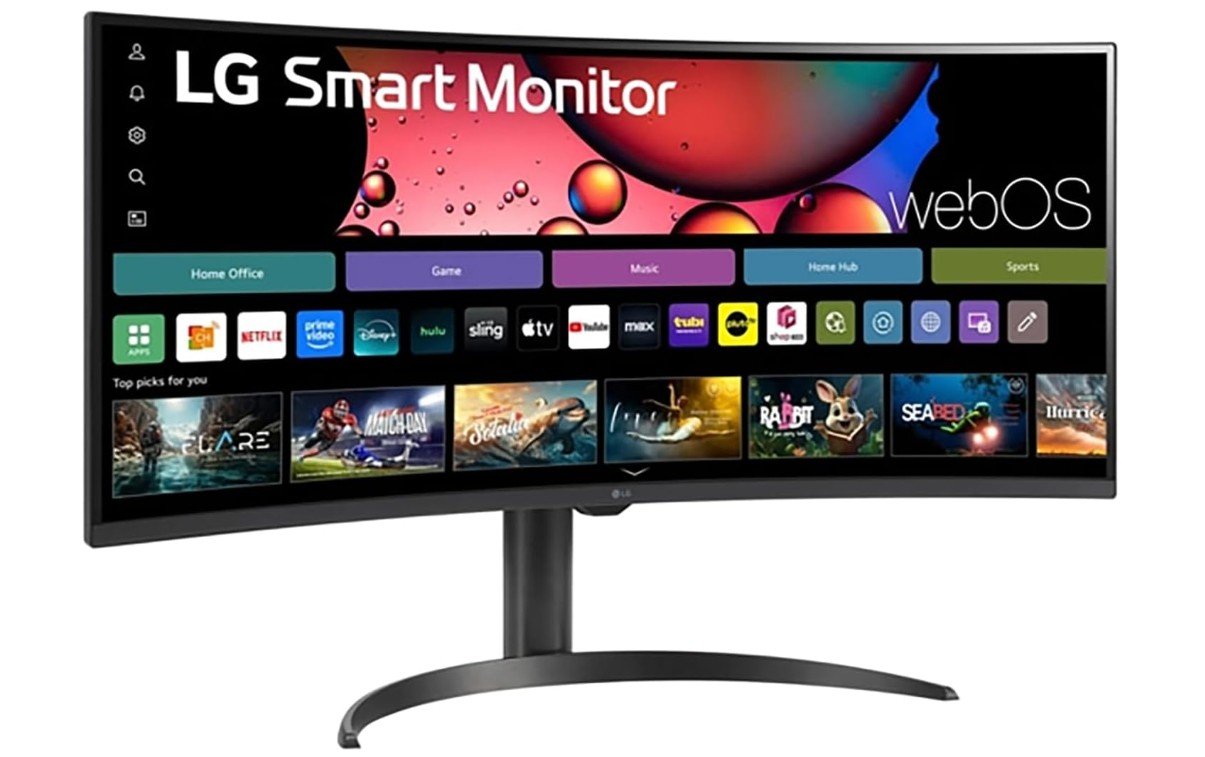
The LG 34-inch Curved UltraWide Smart Monitor is an excellent choice for office work, multitasking, and productivity-focused setups. Its UltraWide WQHD resolution provides a massive workspace that allows users to keep multiple applications, spreadsheets, browsers, and documents open side by side without needing a second monitor.
The curved IPS display delivers sharp visuals, vibrant colors with 99% sRGB coverage, and comfortable viewing angles for long work sessions. The 100Hz refresh rate also makes scrolling and multitasking feel smoother than standard office monitors. Features like webOS, AirPlay 2, and the included Magic Remote add extra convenience for streaming and wireless productivity.
Overall, it is a versatile and highly efficient monitor for modern office use.
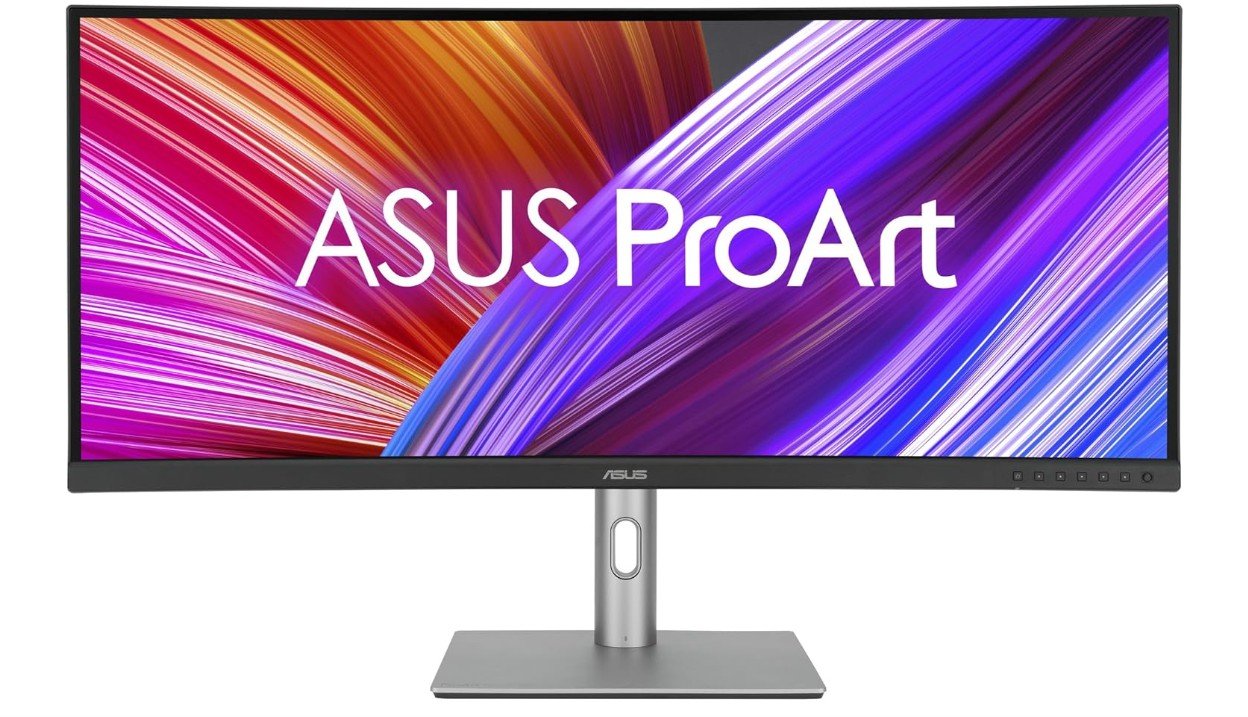
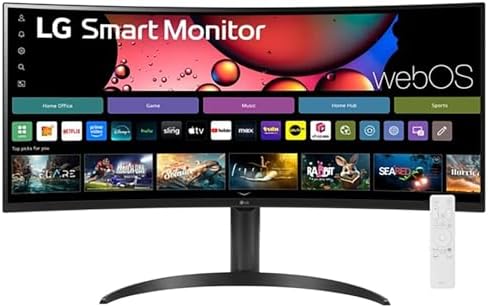
ASUS ProArt Display 34” Ultrawide Curved Professional HDR Monitor
ASUS ProArt Display 34” Ultrawide Curved Professional HDR Monitor
The ASUS ProArt PA34VCNV is an outstanding ultrawide monitor for office work, productivity, and professional multitasking. Its 34-inch 21:9 IPS display provides a massive workspace that allows users to comfortably manage spreadsheets, documents, browsers, video calls, and multiple applications side by side without needing dual monitors. The 3440×1440 resolution delivers sharp text and clear visuals, while the factory-calibrated 100% sRGB coverage and Delta E<2 accuracy ensure excellent color precision for creative and professional tasks.
USB-C docking with 96W power delivery, RJ45 Ethernet, and multiple connectivity options also improve workflow convenience. Although the 60Hz refresh rate feels less smooth than newer 100Hz productivity monitors, overall image quality, multitasking efficiency, and professional features are excellent for office work.
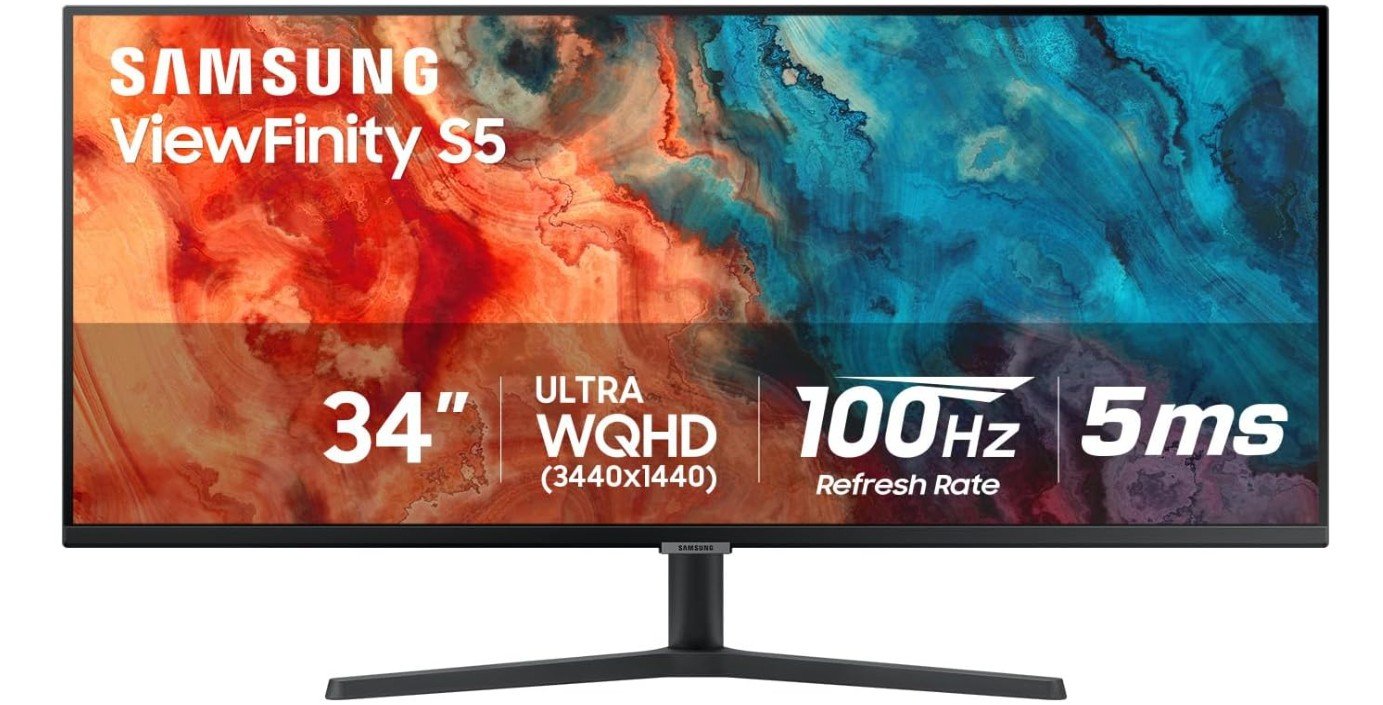
Samsung 34″ ViewFinity S50GC Series Ultrawide QHD Monitor
Samsung 34″ ViewFinity S50GC Series Ultrawide QHD Monitor
The Samsung ViewFinity S50GC is an excellent ultrawide monitor for office work, multitasking, and productivity-focused users who need extra workspace and comfortable everyday performance. Its 34-inch UltraWide QHD display provides plenty of room for spreadsheets, documents, browsers, video calls, and multiple applications side by side without requiring dual monitors. The 100Hz refresh rate makes scrolling and multitasking feel smoother than standard office displays, while HDR10 and the VA panel deliver strong contrast and vibrant visuals.
Eye Care features help reduce strain during long work sessions, and PIP/PBP functionality improves multitasking efficiency even further. Although the tilt-only stand and VA viewing consistency are minor drawbacks, overall workspace efficiency and productivity value are excellent for office use.
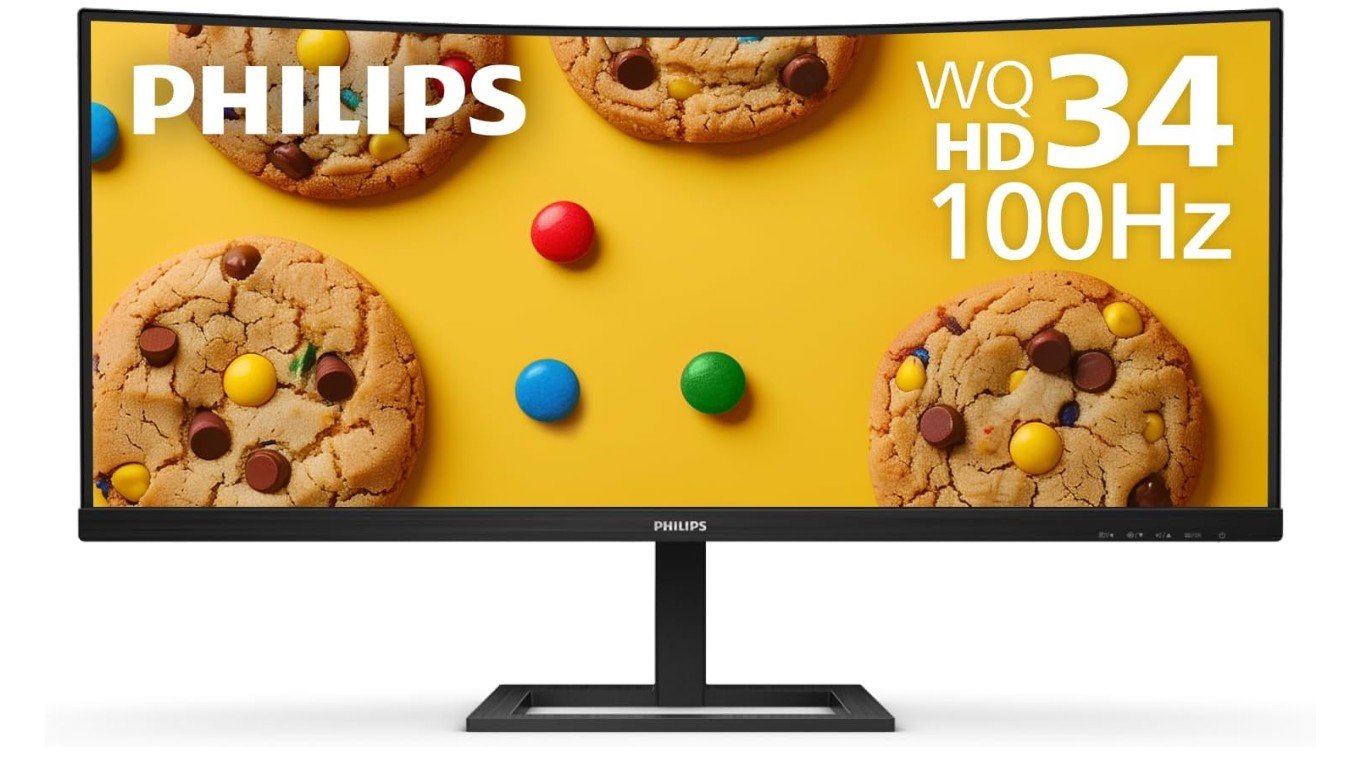
Philips 346E2CUAE 34” Curved Frameless UltraWide Monitor
Philips 346E2CUAE 34” Curved Frameless UltraWide Monitor
The Philips 346E2CUAE is an excellent ultrawide monitor for office work, productivity, and multitasking thanks to its large 34-inch curved UltraWide QHD display. The 3440×1440 resolution provides plenty of workspace for spreadsheets, documents, browsers, video calls, and multiple applications side by side without needing a dual-monitor setup. Its 100Hz refresh rate also makes scrolling and multitasking feel smoother than traditional office monitors.
The IPS panel delivers vibrant colors with 121% sRGB coverage and wide viewing angles, while USB-C charging simplifies laptop connectivity and desk organization. MultiView PIP/PBP features improve workflow efficiency further, and the height-adjustable stand adds ergonomic comfort. Overall, it is a highly versatile and productivity-focused monitor for office environments.
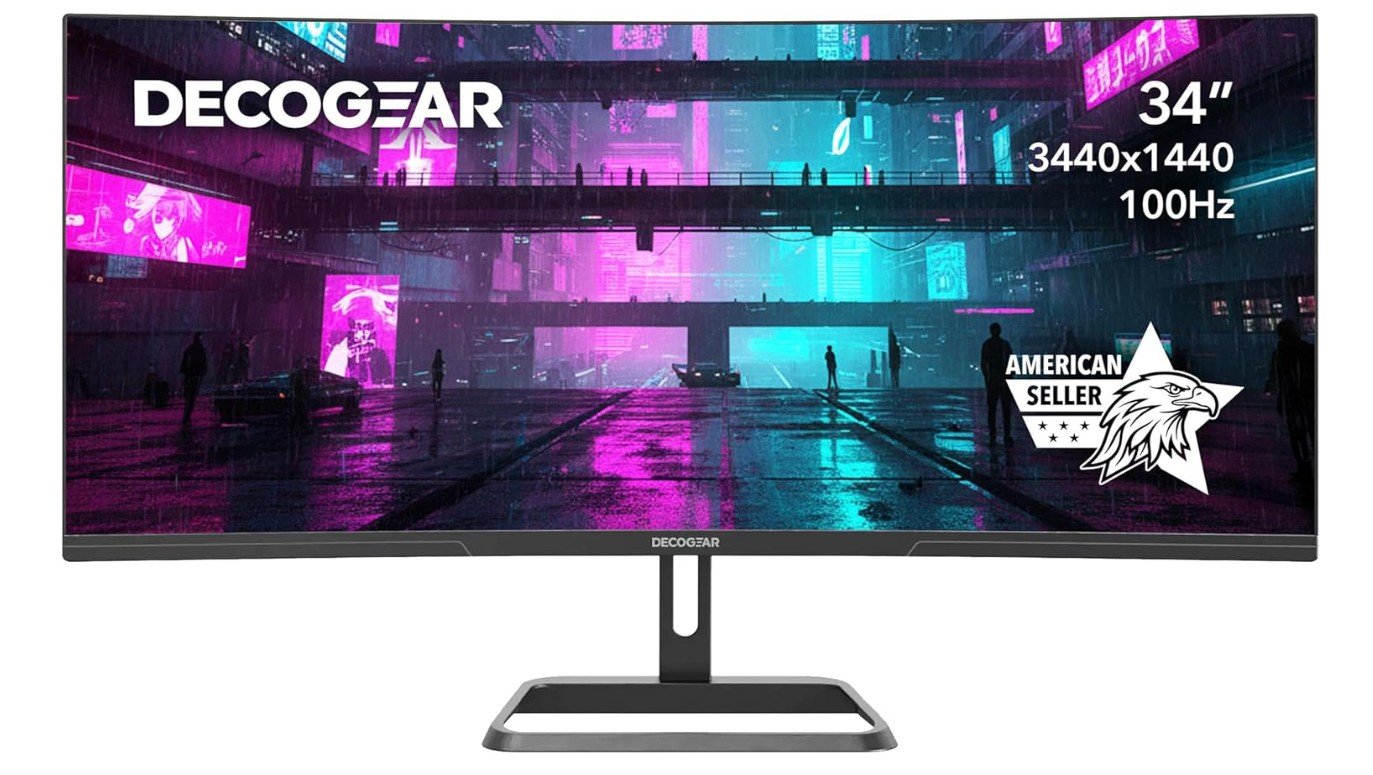
Deco Gear 34-Inch Business Curved Super UltraWide Monitor
Deco Gear 34-Inch Business Curved Super UltraWide Monitor
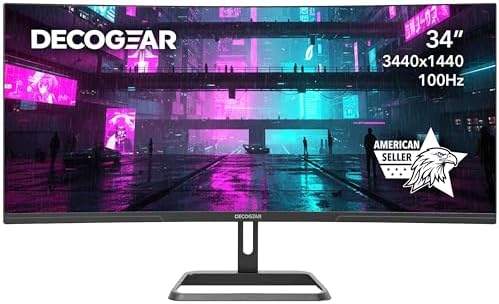
The Deco Gear 34-inch Super UltraWide monitor is an excellent productivity-focused display for office work, multitasking, and business environments. Its large 3440×1440 curved ultrawide screen provides massive workspace for spreadsheets, documents, browsers, video calls, and multiple applications side by side without needing dual monitors. The 100Hz refresh rate also makes scrolling and multitasking feel smoother than traditional office displays, while the 100% sRGB coverage delivers vibrant and accurate colors for professional use.
Features like Picture-in-Picture and Picture-by-Picture improve workflow efficiency further, and low blue light technology helps reduce eye strain during long work sessions. Although the tilt-only stand limits ergonomics slightly, overall workspace efficiency, immersion, and productivity value are excellent for office use.
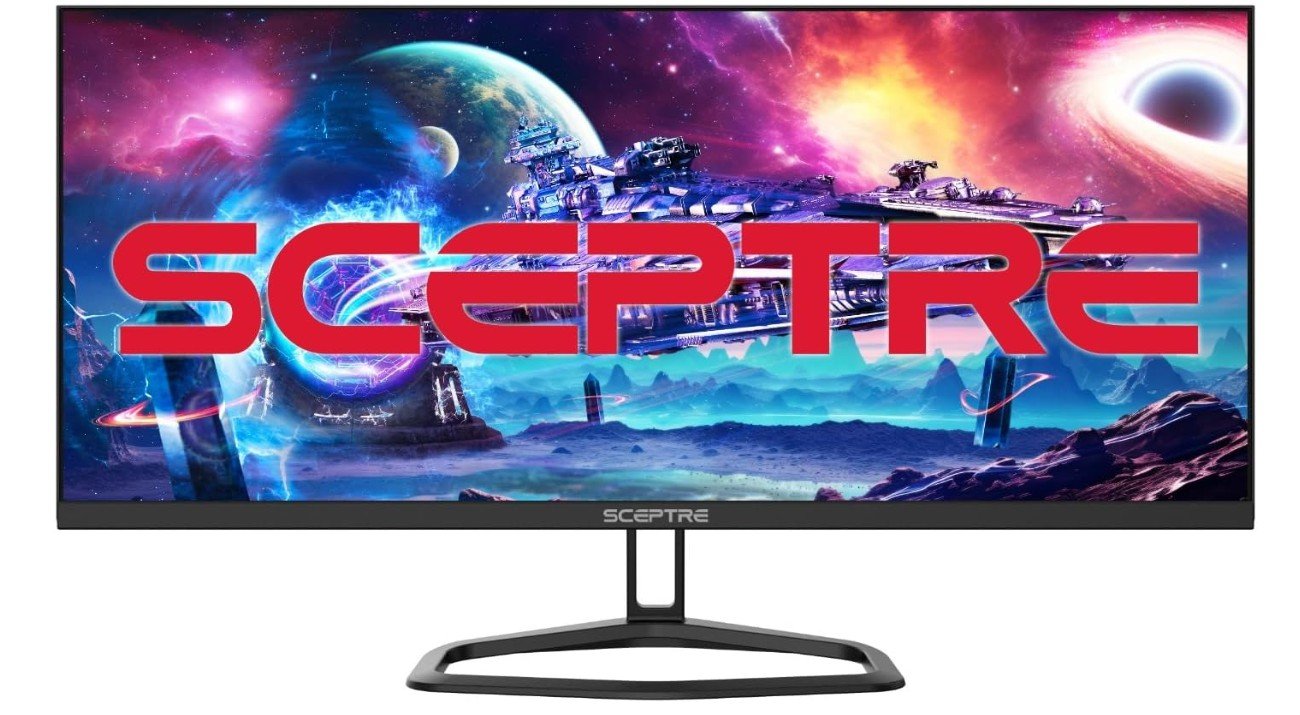
Sceptre 30-inch IPS Monitor Ultra Wide/Slim Monitor
Sceptre 30-inch IPS Monitor Ultra Wide/Slim Monitor
The Sceptre E305B-FU200T is a surprisingly versatile ultrawide monitor for office work, multitasking, and productivity. Its 30-inch 21:9 IPS display provides a much wider workspace than standard monitors, making it easy to keep spreadsheets, documents, browsers, and communication apps open side by side without needing dual monitors. The 2560×1080 ultrawide resolution offers good screen space, while the IPS panel delivers solid colors and wide viewing angles for comfortable everyday use. Its high refresh rate also makes scrolling and multitasking feel smoother than traditional office displays.
Built-in speakers and multiple DisplayPort and HDMI connections add convenience, although the limited ergonomic adjustments and lower pixel density compared to 1440p ultrawides are minor drawbacks.
Ultrawide Monitors for Office Work: Buying Guide
Buying an ultrawide monitor for office work can completely change how you use your computer every day. Instead of working on a small screen and constantly switching between tabs, an ultrawide display gives you a wider digital workspace where you can open multiple windows at once. Many professionals choose ultrawide monitors because they combine the benefits of dual monitors into one seamless screen without the gap in the middle. This makes multitasking feel smoother and helps keep your desk clean and organized. Studies and user reports suggest that wider displays can improve workflow efficiency by allowing more content to stay visible at the same time.
Why Ultrawide Monitors Are Good for Productivity
One of the main reasons ultrawide monitors are popular for office productivity is the 21:9 aspect ratio. Compared to a traditional 16:9 screen, this wider format gives extra horizontal space, which is perfect for documents, spreadsheets, coding windows, or research tabs. Instead of opening apps one by one, you can arrange them side by side and work faster. Many people find this especially useful for writing, programming, project management, or video calls with notes open next to them.
Choosing the Right Resolution
When choosing an ultrawide monitor for office work, resolution is one of the most important things to consider. A common choice is 3440×1440 because it provides a good balance between sharp text and screen space. Higher resolution means clearer fonts and less eye strain during long working sessions. Office-focused ultrawide monitors usually prioritize sharp visuals, accurate colors, and useful connectivity rather than extremely high refresh rates.
IPS vs VA Panels for Office Use
Panel type also plays a big role in how comfortable a monitor feels during daily use. IPS panels are known for wide viewing angles and consistent colors, which makes them a popular option for professional office setups. VA panels, on the other hand, often provide stronger contrast and deeper blacks, which some users prefer when reading text or working in darker environments. There is no single “best” panel type, but IPS is often recommended when color accuracy and clarity are important.
USB-C Connectivity and Docking Features
Another feature that many office users look for is USB-C connectivity. Modern ultrawide monitors often include USB-C docking, which allows you to connect a laptop with just one cable for video, charging, and data transfer. This makes your workspace cleaner and reduces cable clutter. Some premium productivity monitors also include Ethernet ports, USB hubs, and KVM switches so you can easily switch between devices.
Comfort, Curvature, and Ergonomics
Ergonomics and comfort should not be ignored when buying a monitor for long office sessions. Curved ultrawide screens are popular because they follow the natural shape of your vision, which can help reduce eye strain and neck movement compared to using multiple displays. Many curved designs are created to keep the edges of the screen closer to your eyes, making large displays easier to use throughout the day.
Refresh Rate and Performance for Office Tasks
Refresh rate is another specification you may notice when comparing monitors, but for office work, it is not as important as resolution or panel quality. A refresh rate of 60Hz to 100Hz is usually more than enough for typing, browsing, and general productivity tasks. Higher refresh rates can make scrolling feel smoother, but they are mainly targeted toward gaming rather than business use.
Picking the Right Size and Screen Shape
You should also think about the size and curve level that fits your desk. Most office ultrawide monitors are around 34 inches, which provides enough width for multitasking without taking up too much space. Larger 38-inch or 40-inch ultrawides can replace dual-monitor setups entirely, but they require more desk depth and a comfortable viewing distance. Some people prefer flat ultrawide screens for spreadsheets, while others like curved models for immersion and comfort.
Useful Productivity Features
Software features can also improve your productivity. Many ultrawide monitors include picture-by-picture or picture-in-picture modes, allowing you to display two devices at once. This is helpful if you use both a work laptop and a personal computer. Window management software and built-in split-screen tools make it easy to organize your workspace without needing extra accessories.
Things to Consider Before Buying
Before buying, it’s important to consider your workflow and not just the size of the screen. While ultrawide monitors provide a large workspace, some users feel that too much horizontal space can become distracting if it’s not organized properly. Choosing the right resolution, curve, and layout tools can help you stay focused and get the most benefit from the wider display.
FAQs
Yes. Ultrawide monitors are very helpful for productivity because they allow you to open multiple apps side by side without switching tabs. The extra screen space makes tasks like writing, spreadsheets, research, and multitasking much easier.
Most office users prefer 34-inch ultrawide monitors because they provide enough workspace without taking too much desk space. Larger 38-inch or 49-inch displays can replace dual monitors but require more viewing distance and desk depth.
Curved ultrawide screens can feel more comfortable because they follow your natural viewing angle and reduce neck and eye movement. Some research suggests curved displays may help lower eye fatigue compared to flat wide screens.
In many cases, yes. A single ultrawide monitor can provide a similar workspace to two displays but without the bezel gap in the middle, making your setup cleaner and more focused.
IPS panels are often recommended because they provide better viewing angles and accurate colors, while VA panels offer higher contrast which can make text easier to read. The best choice depends on personal preference and budget.
No. A refresh rate between 60Hz and 100Hz is usually enough for typing, browsing, and productivity tasks. Higher refresh rates are mostly useful for gaming rather than business work.
Final Thoughts
In the end, the best ultrawide monitor for office work is one that balances comfort, clarity, and connectivity. Look for features like a 3440×1440 or higher resolution, IPS or high-quality VA panels, USB-C docking, and ergonomic adjustments. A well-chosen ultrawide display can simplify your workflow, reduce clutter, and create a more enjoyable working environment, making it a strong upgrade for modern home offices and professional setups.

Jawad is a passionate tech enthusiast and writer who loves exploring the latest trends in hardware, gadgets, and digital innovation. With a sharp eye for performance and value, he delivers in-depth recommendations and buying guides to help readers make smarter tech decisions.