
Last Updated on May 15, 2026 by Jawad
Budget monitors for programming are designed to provide comfortable viewing, sharp text clarity, and productivity-focused features at an affordable price. These monitors often include IPS panels for better viewing angles, Full HD or QHD resolutions for clear code readability, and eye-care technologies such as flicker-free screens and low blue light modes to reduce eye strain during long coding sessions. Many budget-friendly options also offer ergonomic stands, USB-C connectivity, and thin bezels for multitasking setups.
While they may not include premium features found in expensive professional displays, budget programming monitors still deliver reliable performance for students, developers, remote workers, and anyone building an efficient workspace without overspending.
We also have a recommendation for the Best Monitors for Students, so make sure to check that out too!
Top Budget Monitors for Programming


Comparison
| Monitor | Image | Rating | Size & Resolution | Panel | Refresh Rate | Best For | Buy |
|---|---|---|---|---|---|---|---|
| Samsung 27″ Essential S3 (S36GD) 🏆 Best Overall | 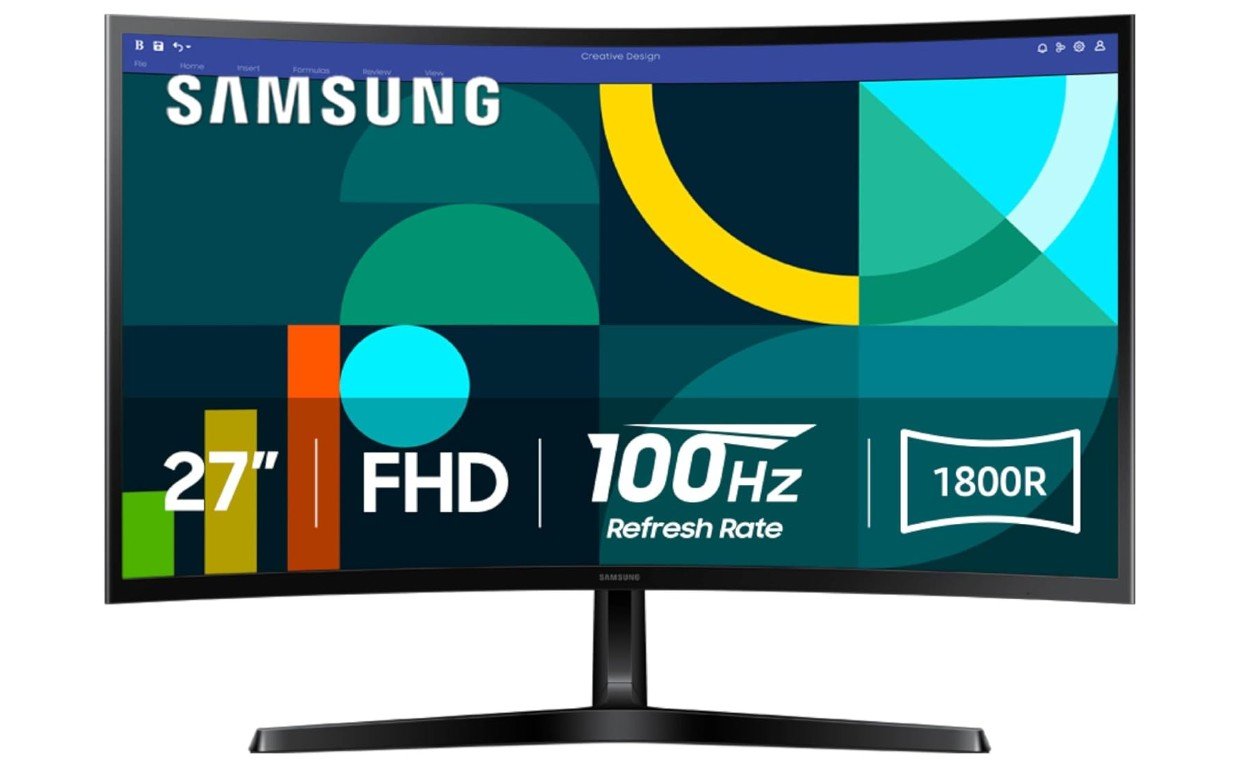 | ★★★★☆ | 27″ / FHD (1920×1080) | Curved | 100Hz | Balanced Coding & Comfort | Check Price |
| Philips New 27″ Class Thin FHD Monitor |  | ★★★★☆ | 27″ / FHD | LED | 100Hz | Budget Programming | Check Price |
| Dell 27 Monitor – SE2725HM |  | ★★★★☆ | 27″ / FHD (1920×1080) | IPS | 100Hz | Reliable Daily Coding | Check Price |
| KTC 27″ QHD 100Hz Monitor | 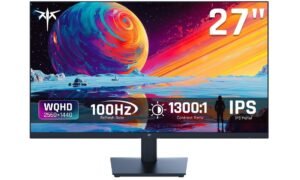 | ★★★★☆ | 27″ / QHD (2560×1440) | IPS | 100Hz | Best for Multitasking | Check Price |
| SAMSUNG 34″ ViewFinity S50GC | 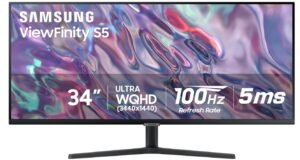 | ★★★★☆ | 34″ / Ultra‑WQHD (3440×1440) | IPS | 100Hz | Productivity & Wide Workspace | Check Price |
| ASUS 27″ Eye Care Monitor (VA279QG) 💰 Best Value | 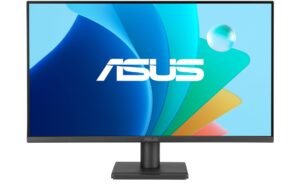 | ★★★★☆ | 27″ / FHD (1920×1080) | IPS | 120Hz | Comfort & Smooth Scroll | Check Price |
Samsung 27″ Essential S3 (S36GD) Series Curved Computer
Samsung 27″ Essential S3 (S36GD) Series Curved Computer
The Samsung Essential S3 (S36GD) is a good budget-friendly monitor for programming, coding, and everyday productivity. Its 27-inch curved display creates a more immersive workspace that helps improve focus during long coding sessions, while the 100Hz refresh rate makes scrolling through code and multitasking feel smoother than standard 60Hz office monitors. Samsung’s Advanced Eye Comfort technology reduces blue light and screen flicker, helping minimize eye strain during extended work hours.
The slim design also looks clean and modern on a desk setup. Although the Full HD resolution feels slightly less sharp for coding compared to 1440p monitors, overall comfort, smoothness, and affordability make it a solid programming monitor choice.
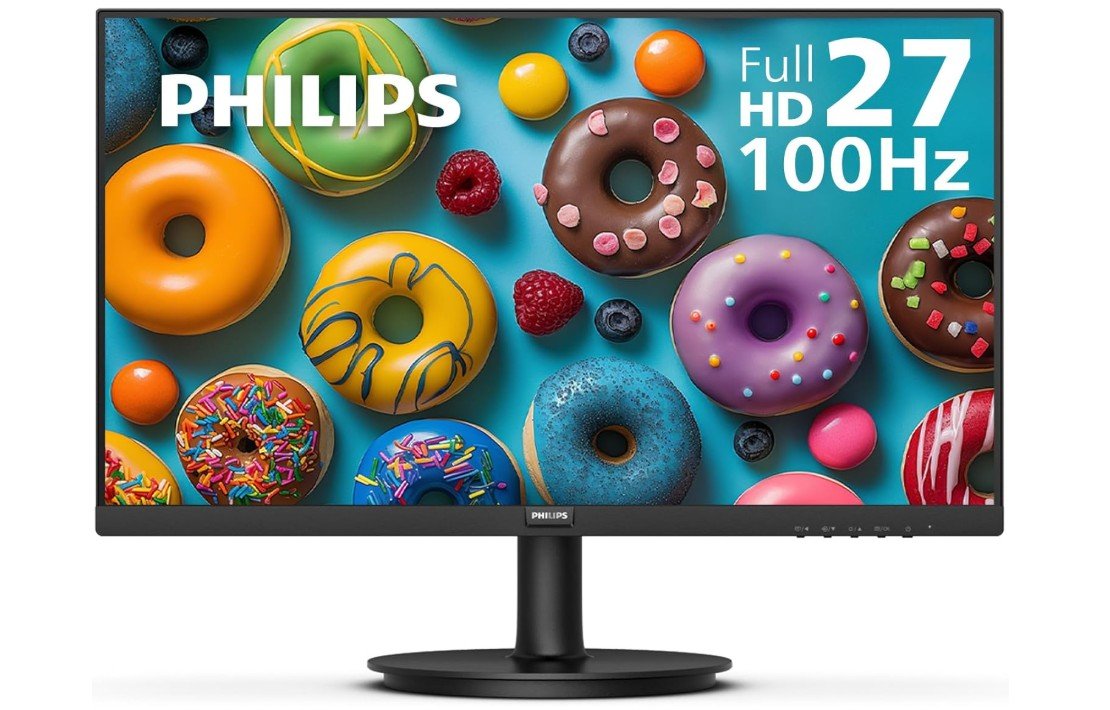
Philips New 27-inch Class Thin Full HD Monitor
Philips New 27-inch Class Thin Full HD Monitor
The Philips 271V8LB is a solid budget-friendly monitor for programming, coding, and everyday productivity. Its 27-inch frameless display provides a large workspace for multitasking, reading code, and working with multiple windows side by side. The Full HD VA panel offers good contrast and comfortable viewing, while the 100Hz refresh rate makes scrolling through code and documents feel smoother than traditional 60Hz office monitors.
Eye-care features help reduce eye strain during long coding sessions, and VESA mount support adds flexibility for ergonomic desk setups. Although the 1080p resolution feels slightly less sharp on a 27-inch screen compared to 1440p monitors, overall comfort, smoothness, and affordability make it a good programming monitor choice.
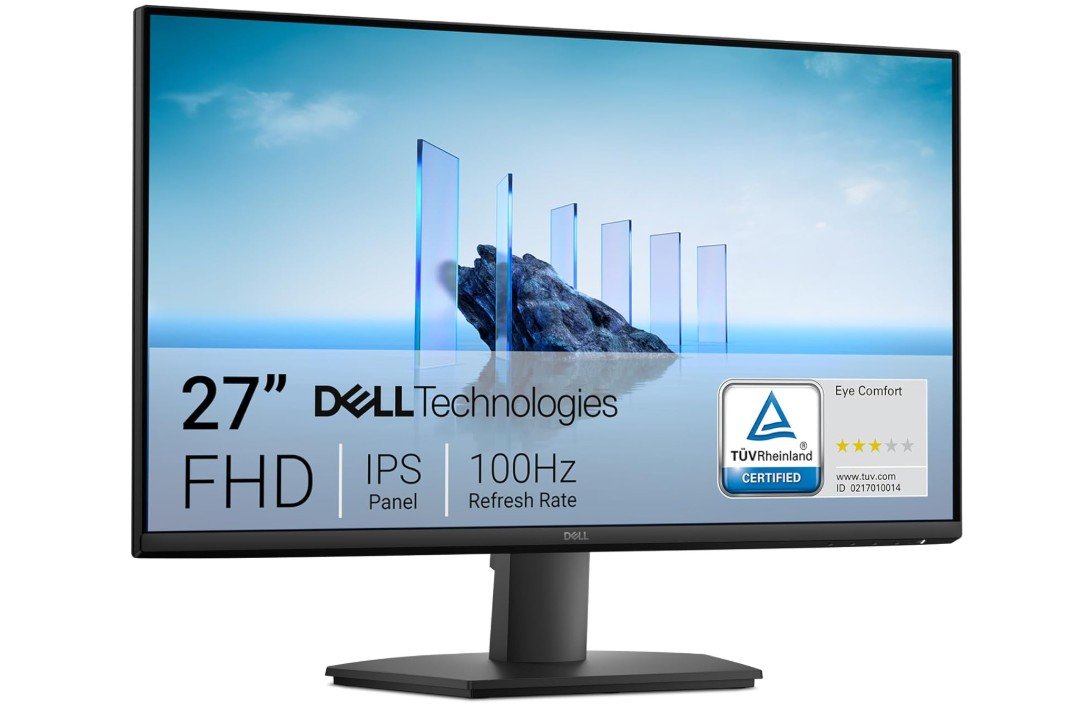
Dell 27 Monitor – SE2725HM
Dell 27 Monitor – SE2725HM
The Dell SE2725HM is an excellent budget-friendly monitor for programming, coding, and everyday productivity. Its 27-inch IPS display provides clear visuals, accurate colors, and wide viewing angles, making it comfortable for long coding sessions and multitasking with multiple windows. The 100Hz refresh rate makes scrolling through code, documents, and webpages feel smoother than standard 60Hz office monitors, improving the overall desktop experience.
Dell’s ComfortView Plus and TÜV Rheinland-certified eye comfort features help reduce blue light and eye strain during extended work hours. The anti-glare coating also improves visibility in bright rooms. Although the Full HD resolution feels slightly less sharp for programming than 1440p monitors, overall comfort, reliability, and smooth performance make it a great coding monitor choice.
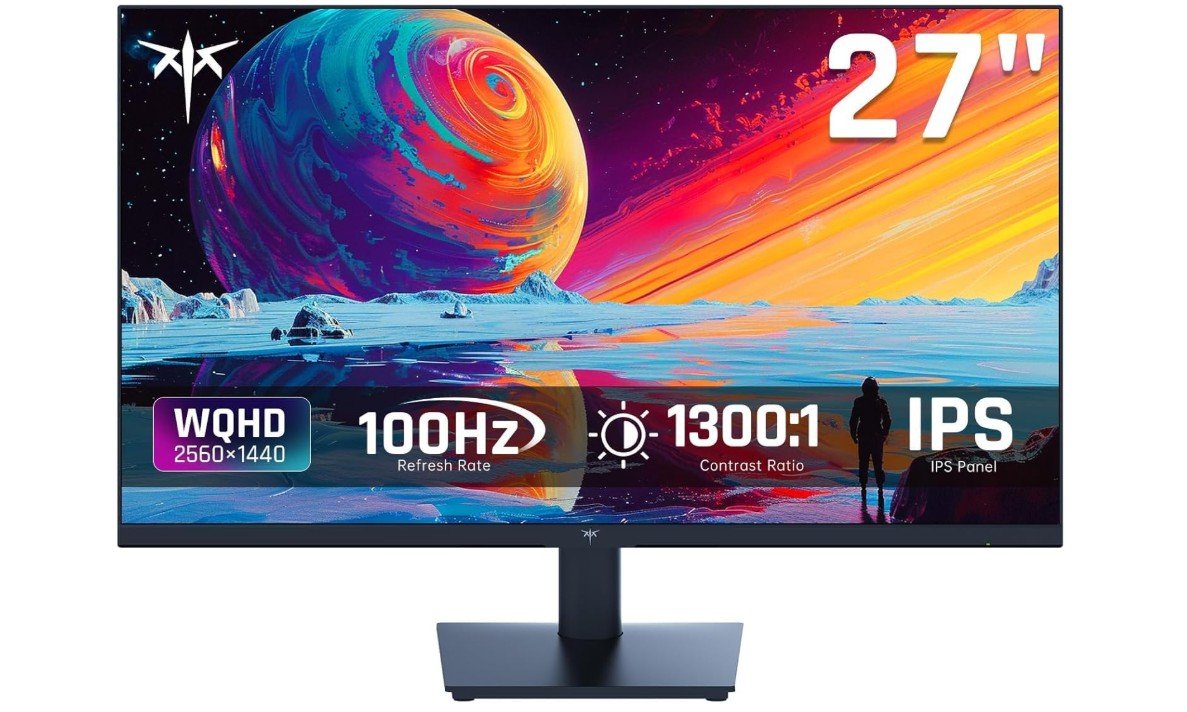
KTC 27 Inch QHD 100Hz Computer Monitor
KTC 27 Inch QHD 100Hz Computer Monitor
The KTC 27-inch QHD monitor is an excellent choice for programming, coding, and productivity thanks to its sharp 2560×1440 resolution and comfortable IPS display. The higher pixel density makes text look clearer and allows more code, windows, and tabs to fit on screen compared to standard 1080p monitors. Its 100Hz refresh rate also makes scrolling through code and documents feel smoother and more responsive during daily work.
The IPS panel delivers accurate colors and wide viewing angles, while anti-blue light technology helps reduce eye strain during long coding sessions. FreeSync and G-SYNC support are useful for casual gaming after work. Although the stand has limited adjustments, overall value, clarity, and comfort are excellent for programmers.
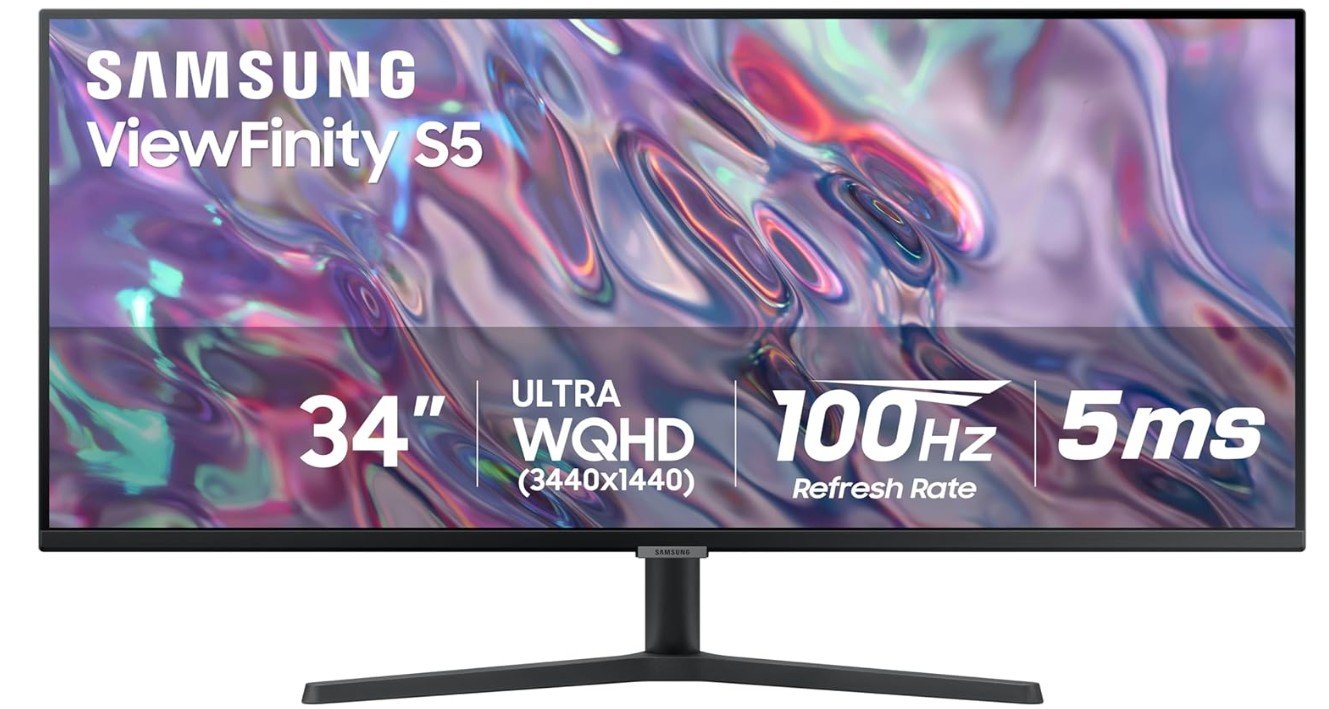
SAMSUNG 34″ ViewFinity S50GC Series Ultra-WQHD Monitor
SAMSUNG 34″ ViewFinity S50GC Series Ultra-WQHD Monitor
The Samsung ViewFinity S50GC is an excellent ultrawide monitor for programming, coding, and multitasking thanks to its massive 34-inch Ultra-WQHD display and 21:9 aspect ratio. The extra horizontal screen space allows programmers to keep multiple windows, terminals, browsers, and code editors open side by side without needing a dual-monitor setup. Its 100Hz refresh rate makes scrolling through code and documents feel smoother and more responsive, while HDR10 and the VA panel provide strong contrast and vibrant visuals.
Eye Care features help reduce strain during long coding sessions, and Picture-by-Picture functionality improves productivity further. Although the flat VA panel has slightly weaker viewing consistency than IPS displays, overall productivity performance and workspace efficiency are excellent for programming.
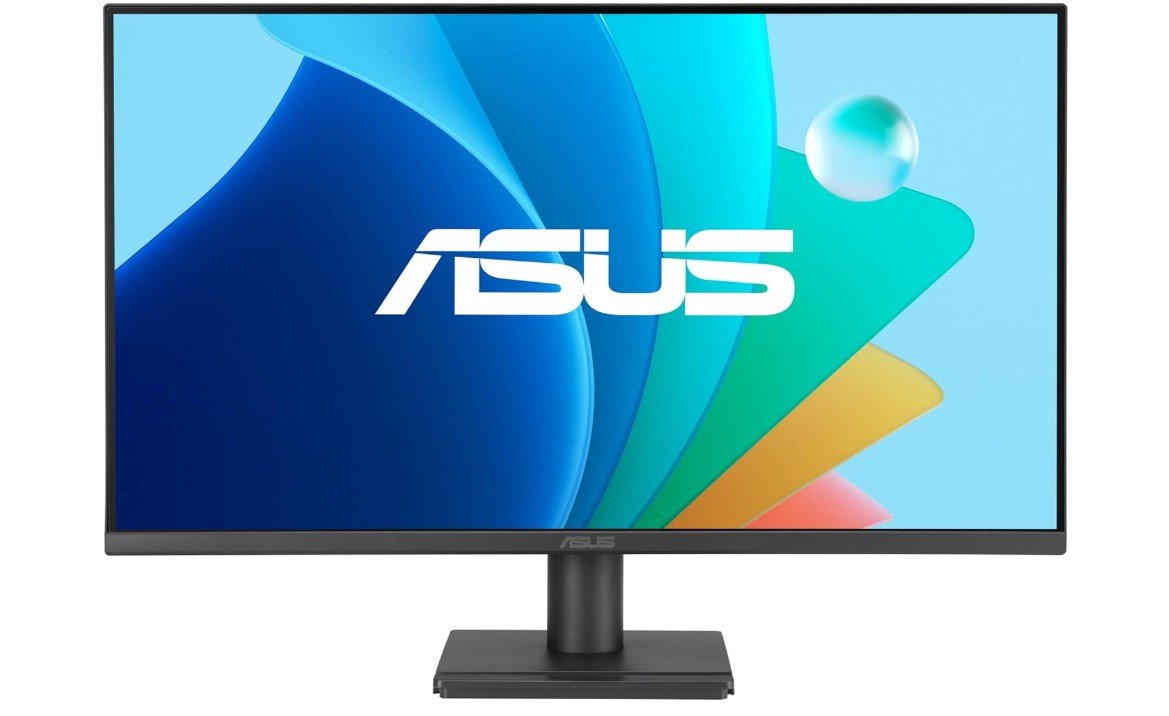
ASUS 27” Eye Care Monitor (VA279QG)
ASUS 27” Eye Care Monitor (VA279QG)
The ASUS VA279QG is an excellent budget-friendly monitor for programming, coding, and everyday productivity. Its 27-inch IPS display delivers clear visuals, accurate colors, and wide viewing angles that make reading code and multitasking comfortable during long work sessions. The 120Hz refresh rate provides noticeably smoother scrolling through code, documents, and webpages compared to standard 60Hz office monitors, while the 1ms MPRT and Adaptive-Sync support also make it capable of casual gaming after work.
ASUS Eye Care technologies, including Low Blue Light and Flicker-Free support, help reduce eye strain during extended coding sessions. Although the Full HD resolution feels slightly less sharp than 1440p monitors for programming, overall comfort, smoothness, and value are excellent.
Budget Monitors for Programming: A Complete Buying Guide
A good monitor can significantly improve productivity, comfort, and workflow for programmers. Since coding often involves spending long hours reading text, debugging software, and multitasking between applications, the display needs to provide sharp text clarity and comfortable viewing. A poor monitor can lead to eye strain, fatigue, and reduced efficiency, while a high-quality display creates a more enjoyable and productive working environment. Unlike gaming monitors that mainly focus on speed and motion performance, programming monitors prioritize readability, workspace size, and long-term comfort.
Choosing the Right Screen Size
Screen size is one of the most important factors when buying a monitor for programming. Smaller 24-inch monitors are practical for students, beginners, and compact desks because they provide enough space for basic coding tasks without taking up too much room. However, many programmers prefer 27-inch monitors because they offer more workspace for multitasking. A larger screen allows developers to keep code editors, terminals, browsers, and documentation open simultaneously, reducing the need to constantly switch between windows. Ultrawide monitors are also becoming increasingly popular because they provide a large continuous workspace that improves multitasking efficiency.
Importance of Resolution for Coding
Resolution directly affects text clarity and workspace area. Full HD monitors are affordable and still suitable for basic programming, but higher resolutions provide a much better coding experience. A 1440p monitor offers noticeably sharper text and allows more lines of code and applications to fit comfortably on screen. Many programmers consider a 27-inch 1440p monitor the ideal balance between clarity, affordability, and productivity. Higher-resolution displays reduce eye strain because text appears smoother and easier to read during long coding sessions.
IPS vs VA Panels for Programming
Panel technology also affects comfort and image quality. IPS monitors are generally the preferred choice for programming because they provide accurate colors, excellent text clarity, and wide viewing angles. Text remains sharp and consistent even when viewed from different positions, which improves comfort during long work sessions. VA panels provide deeper blacks and stronger contrast, making them better for entertainment and media consumption, but IPS displays usually deliver a cleaner and more comfortable experience for coding and productivity tasks.
Higher Refresh Rates Improve Comfort
Programming does not require extremely high refresh rates like competitive gaming, but smoother displays still improve the overall desktop experience. Modern monitors with 100Hz or 120Hz refresh rates make scrolling through code, documents, and webpages feel much smoother compared to traditional 60Hz displays. This smoother motion creates a more responsive feeling during everyday tasks and can make long work sessions feel more comfortable and less tiring.
Eye-Care Features Are Important
Eye-care technology is extremely valuable for programmers because coding often involves staring at a screen for many hours. Features such as low blue light modes, flicker-free backlighting, and anti-glare coatings help reduce eye strain and fatigue. Adjustable brightness settings and comfortable color temperatures can also improve viewing comfort during nighttime work or extended development sessions. These features may not sound exciting compared to gaming specifications, but they greatly improve long-term usability and comfort.
Ergonomics and Adjustability
A comfortable setup is essential for maintaining good posture and reducing neck or back strain during long programming sessions. Monitors with height adjustment, tilt, swivel, and pivot support allow users to position the screen more comfortably. Vertical pivot mode is especially useful for programmers because it allows more lines of code to remain visible at once. VESA mount compatibility is another helpful feature because it allows monitors to be attached to monitor arms for cleaner and more flexible desk setups.
Connectivity and Modern Features
Modern programming monitors should include practical connectivity options such as HDMI and DisplayPort. USB-C support has also become increasingly popular because it allows laptops to connect using a single cable for video, data transfer, and charging. Some monitors also include USB hubs for connecting accessories like keyboards, mice, and storage devices directly to the display. These features improve desk organization and make modern workstations more convenient and efficient.
Choosing the Best Monitor for Your Workflow
The best programming monitor depends on individual needs, desk space, and budget. Students and beginner programmers may be perfectly satisfied with a 24-inch Full HD IPS monitor, while professional developers often benefit more from 27-inch 1440p displays or ultrawide monitors that improve multitasking. Developers working with multiple applications, virtual machines, or large codebases usually benefit the most from larger and higher-resolution displays because they provide significantly more workspace and better efficiency.
FAQs
A good programming monitor has clear text, comfortable viewing angles, and a size/resolution that lets you see code and multiple windows without eye strain.
24″ to 27″ is a great range — big enough for split-screen work but still affordable under a budget.
1080p (Full HD) is common and clear for coding. If your budget allows, 1440p (QHD) gives more screen space for multiple panels and detailed text.
Not really — 60 Hz is fine for coding. Higher refresh rates are mainly for gaming.
Some programmers like curved monitors because they can reduce eye movement across very wide screens, but on budget sizes like 24″–27″ it’s less noticeable.
Yes — budget programming monitors work well for web browsing, multimedia, office tasks, and even casual gaming.
Final Thoughts
The best budget monitor for programming is not the one with the highest specs, but the one that makes coding comfortable. Focus on text clarity, screen size, panel quality, and eye care features. A well-chosen budget monitor can greatly improve productivity and comfort without costing a lot of money.

Jawad is a passionate tech enthusiast and writer who loves exploring the latest trends in hardware, gadgets, and digital innovation. With a sharp eye for performance and value, he delivers in-depth recommendations and buying guides to help readers make smarter tech decisions.