
Last Updated on May 15, 2026 by Jawad
Introduction
A budget Chromebook for students is an affordable and lightweight laptop designed for online learning, research, note-taking, and everyday schoolwork. Chromebooks run on ChromeOS, offering fast boot times, simple navigation, and smooth integration with Google apps like Docs, Drive, and Classroom. Many budget-friendly models also provide long battery life, compact designs, and reliable performance for web browsing, video streaming, and virtual classes. They are especially popular among students because they are easy to use, portable, and cost much less than traditional laptops.
Whether for school, college, or homework, a budget Chromebook gives students a practical and dependable device for learning and productivity.
We also have a recommendation for the Best Laptops for Online Classes, so make sure to check that out too!
Top Budget Chromebook for Students



Comparison
| Budget Chromebook for Students | Image | Rating | Processor / RAM | Display / Storage | Best For | Buy |
|---|---|---|---|---|---|---|
| Acer Gateway Chromebook 314 CBO314‑1H‑C476 🏆 Best Overall | 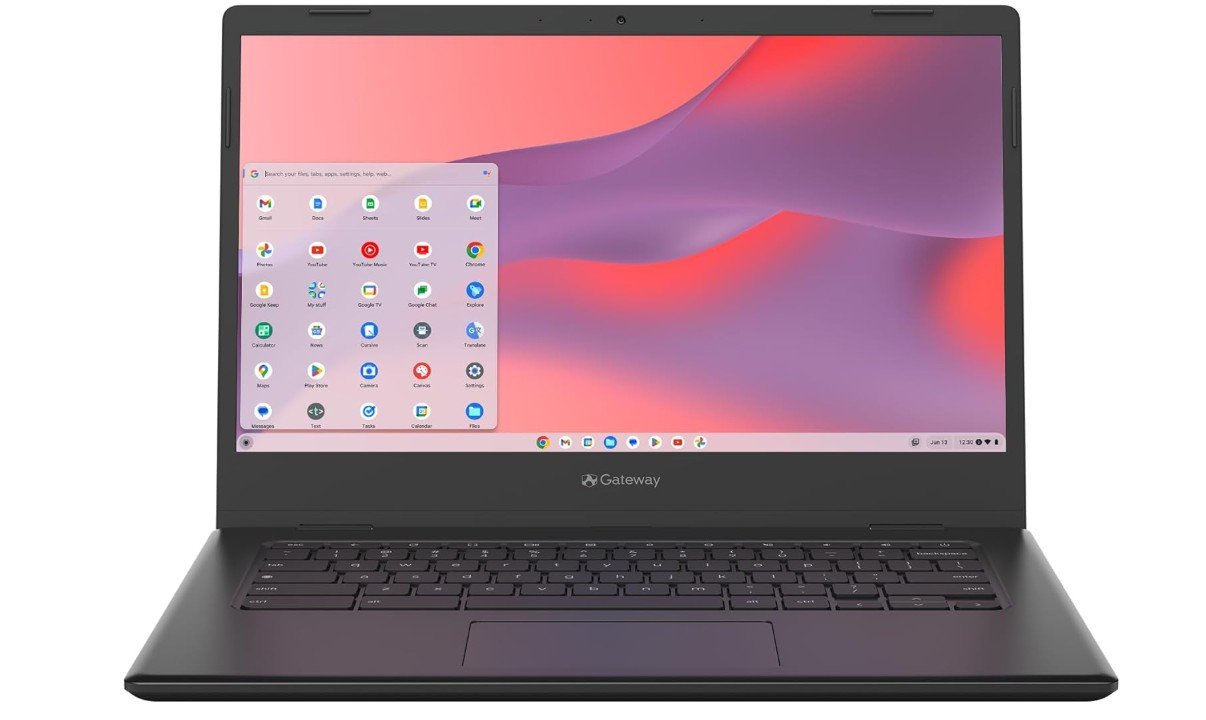 | ★★★★☆ | Intel Celeron N4500 / 4GB | 14″ FHD / 64GB eMMC | Everyday Schoolwork | Check Price |
| Lenovo IdeaPad 3i Chromebook | 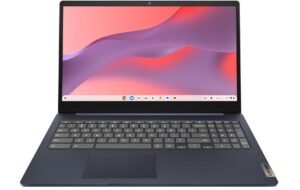 | ★★★★☆ | Intel Celeron N4500 / 8GB | 15.6″ FHD / 64GB eMMC | Larger Screen & Smooth Use | Check Price |
| HP Chromebook 14 | 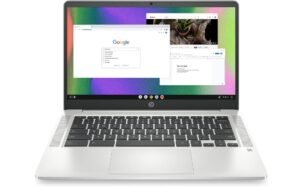 | ★★★☆☆ | Intel Celeron N4120 / 4GB | 14″ HD / 64GB eMMC | Simple Student Tasks | Check Price |
| ASUS Chromebook CM14 💰 Best Budget | 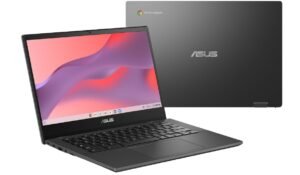 | ★★★☆☆ | MediaTek Kompanio 520 / 4GB | 14″ HD / 64GB eMMC | Budget Daily Use | Check Price |
| Samsung 14″ Galaxy Chromebook Go | 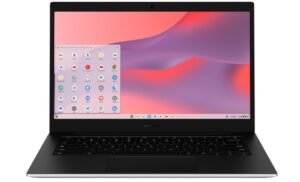 | ★★★☆☆ | Intel Celeron N4500 / 4GB | 14″ / 64GB eMMC | Student Everyday Laptop | Check Price |
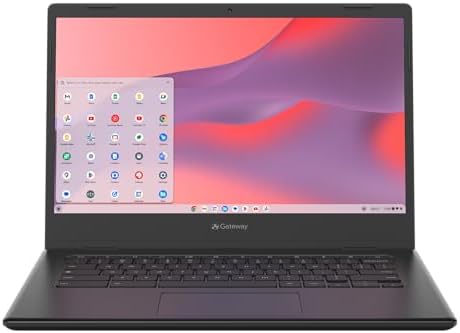
acer Gateway Chromebook 314 Laptop
acer Gateway Chromebook 314 Laptop
The Acer Gateway Chromebook 314 CBO314-1H-C476 is a budget-friendly Chromebook designed for students, casual users, and everyday web-based tasks. Powered by the Intel Celeron N4500 and ChromeOS, it handles browsing, online classes, streaming, email, and Google Workspace applications smoothly with good efficiency. The 14-inch Full HD display is a standout feature at this price range, offering sharper visuals and better viewing comfort than many HD-only budget laptops. With 4GB LPDDR4X memory and 64GB eMMC storage, the system feels responsive for light multitasking and cloud-focused workloads.
Its lightweight Star Black design makes it portable for school or travel, while Wi-Fi 5 connectivity ensures stable internet performance for daily use. Battery life is excellent for all-day productivity and entertainment. Although it is not built for heavy multitasking, gaming, or advanced desktop applications, the Chromebook 314 remains a reliable and affordable option for students and users focused on web browsing, streaming, and cloud-based productivity.
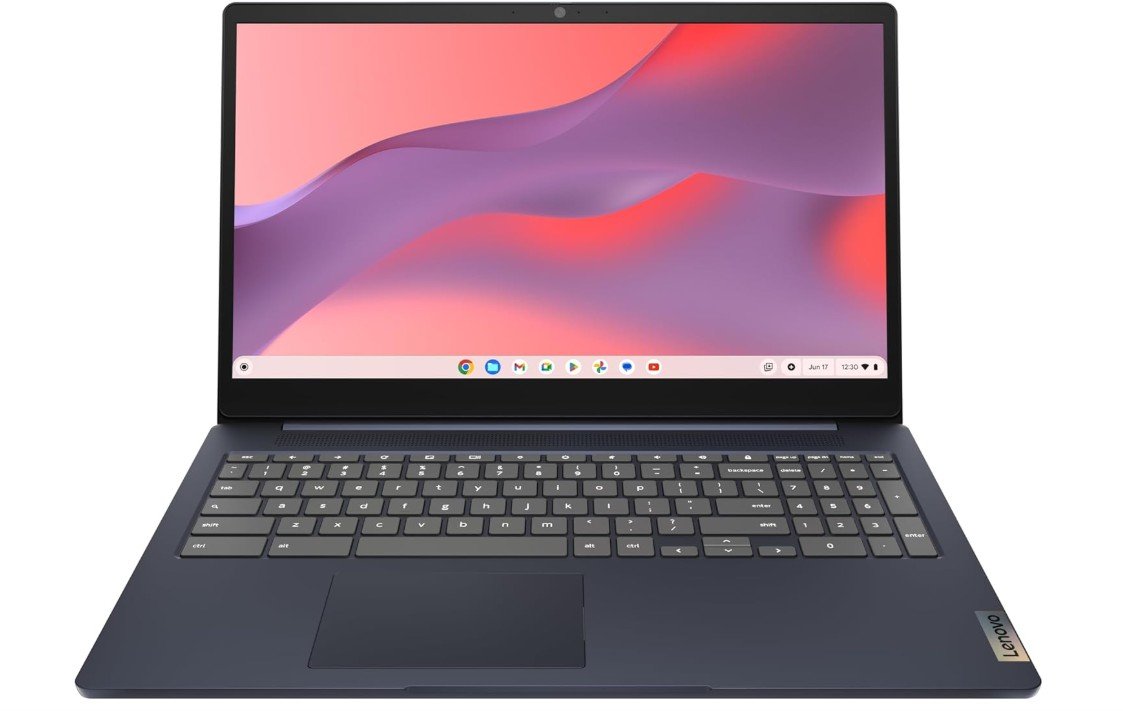
Lenovo IdeaPad 3i Chromebook
Lenovo IdeaPad 3i Chromebook
The Lenovo IdeaPad 3i Chromebook is a budget-friendly laptop that delivers solid everyday performance for students, casual users, and web-based productivity tasks. Powered by the Intel Celeron N4500 and 8GB RAM, it handles browsing, streaming, online classes, Google Workspace apps, and light multitasking smoothly within ChromeOS. The 15.6-inch Full HD display is a major advantage at this price range, providing sharper visuals and a more comfortable viewing experience for work and entertainment. Its lightweight Abyss Blue design looks modern and portable, while the 720p webcam supports video calls and online meetings effectively.
With 64GB eMMC storage, the system feels responsive for cloud-focused workflows and everyday use. Battery life is excellent, making it ideal for school or travel. Although it is not intended for gaming or advanced desktop software, the IdeaPad 3i Chromebook offers excellent value, dependable performance, and simple everyday usability for budget-conscious buyers.
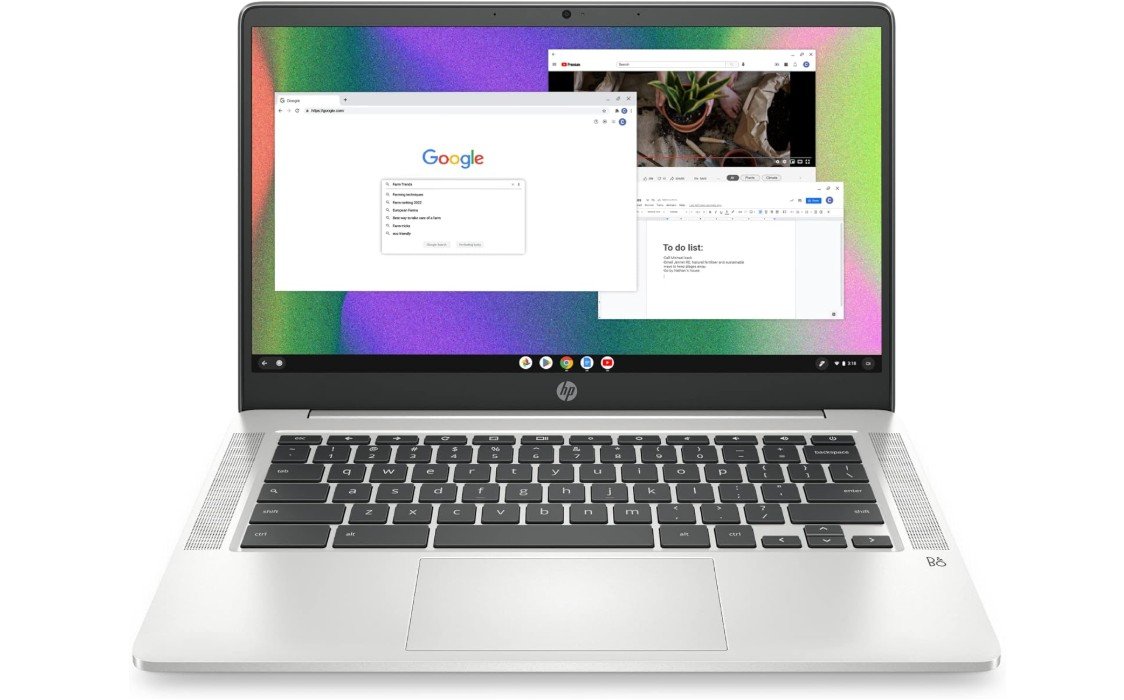
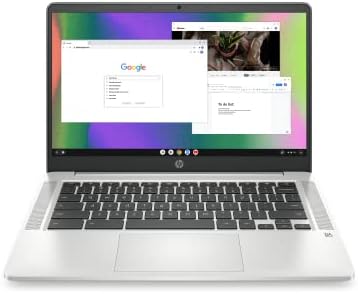
HP Chromebook 14 Laptop
HP Chromebook 14 Laptop
The HP Chromebook 14 (14a-na0226nr) is a lightweight and affordable Chromebook designed for students, casual users, and everyday web-based productivity. Powered by the Intel Celeron N4120 and ChromeOS, it handles browsing, streaming, online classes, email, and Google Workspace applications smoothly for basic daily tasks. The 14-inch HD display offers decent viewing comfort, while the thin Mineral Silver design keeps the laptop portable and stylish for school or travel. Battery life is one of its strongest features, lasting long enough for all-day use on a single charge.
Features like Wi-Fi connectivity, integrated 4K-capable graphics, and ChromeOS security make it reliable and easy to use. Although the 4GB RAM and 64GB eMMC storage limit heavy multitasking and demanding applications, the Chromebook still delivers excellent value for web browsing, cloud-based work, and media streaming.
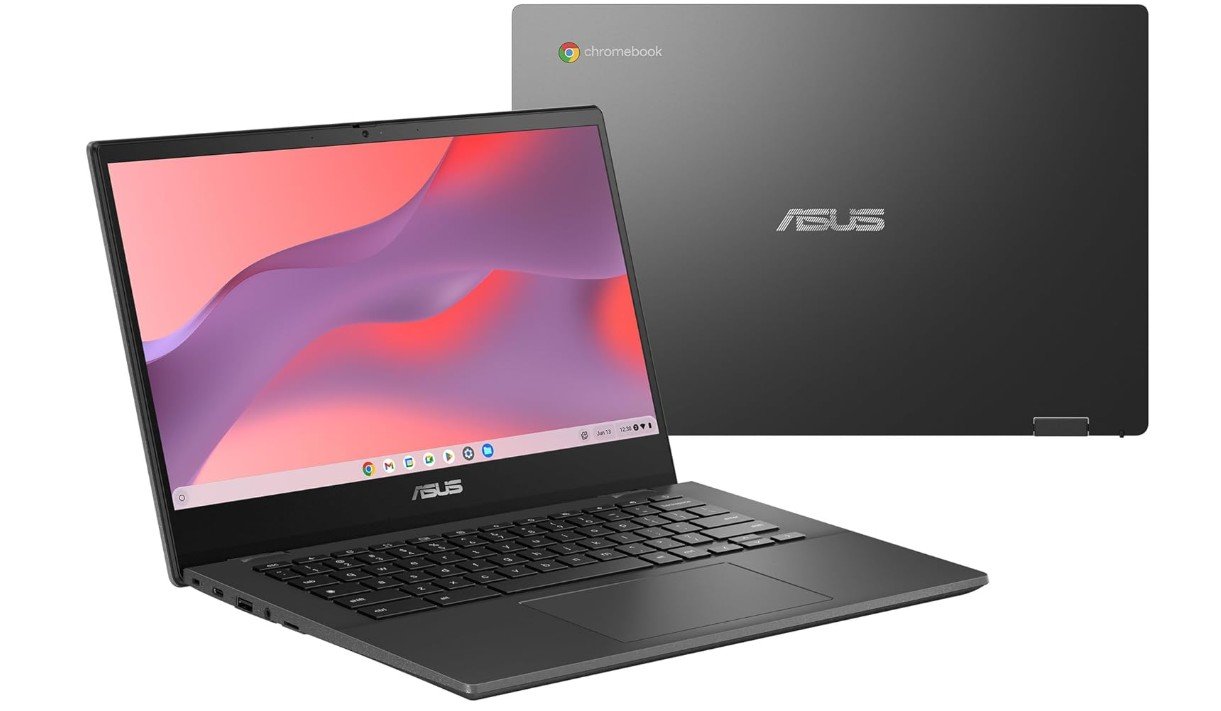
ASUS Chromebook CM14 Laptop
ASUS Chromebook CM14 Laptop
The ASUS Chromebook CM14 CM1402CM2A-DS44 is a reliable budget-friendly Chromebook designed for students, casual users, and everyday web-based tasks. Powered by the MediaTek Kompanio 520 processor and 4GB RAM, it handles browsing, streaming, online classes, email, and Google Workspace applications smoothly within ChromeOS. The 14-inch HD anti-glare display reduces reflections for more comfortable viewing during long study or work sessions, while the lightweight Gravity Grey design makes it easy to carry for school or travel. With 64GB eMMC storage, the laptop feels responsive for cloud-focused tasks and daily productivity.
ChromeOS provides fast boot times, simple navigation, and strong built-in security for worry-free use. Battery life is impressive, lasting through most of the day on a single charge. Although it is not designed for gaming or demanding desktop applications, the Chromebook CM14 offers excellent portability, affordability, and dependable everyday performance for students and casual users.
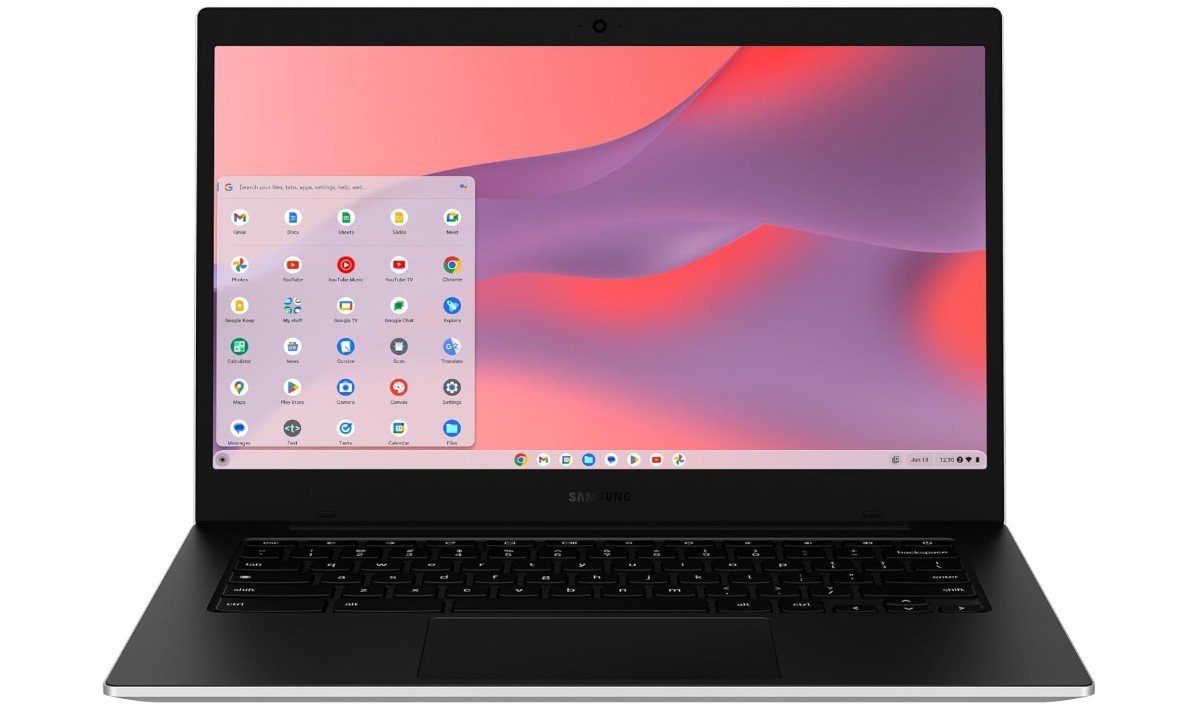
Samsung 14″ Galaxy Chromebook Go Laptop
Samsung 14″ Galaxy Chromebook Go Laptop
The Samsung Galaxy Chromebook Go XE340XDA-KA2US is a lightweight and student-friendly Chromebook designed for everyday web-based tasks and online learning. Powered by the Intel Celeron N4500 and 4GB RAM, it handles browsing, streaming, Google Workspace apps, email, and online classes smoothly within ChromeOS. The 14-inch display offers comfortable viewing for schoolwork and entertainment, while the slim silver design makes it highly portable for travel or classroom use. Battery life is impressive, allowing all-day productivity without frequent charging. ChromeOS provides fast boot times, simple navigation, and strong built-in security for worry-free everyday use.
With 64GB storage, the system performs best with cloud-based workflows and lightweight applications. Although it is not intended for gaming or demanding multitasking, the Galaxy Chromebook Go remains an excellent affordable laptop for students, casual users, and anyone seeking a reliable Chromebook with strong portability and long battery life.
Budget Chromebook for Students — Buying Guide
Chromebooks are a popular choice for students because they are affordable, easy to use, and designed mainly for online learning and everyday tasks. They run on Chrome OS, which is fast, simple, and secure. Most schoolwork today is done online using tools like Google Classroom, Google Docs, and Google Meet, and Chromebooks are built to handle these tasks smoothly. For students who do not need heavy software, a budget Chromebook can be a smart and cost-effective option.
Who Should Buy a Budget Chromebook
A budget Chromebook is ideal for students who mainly need a laptop for homework, research, online classes, writing assignments, presentations, and watching educational videos. It is perfect for school and college students who rely on web-based apps. However, if a student needs advanced software like video editing tools, graphic design programs, or heavy gaming, a Windows or Mac laptop may be a better choice.
Performance: Processor and RAM
The processor and RAM decide how smooth a Chromebook feels. Budget models usually come with Intel Celeron or MediaTek processors, which are good enough for daily school tasks. For RAM, 4GB is the minimum and works fine for basic use. If possible, choosing 8GB RAM is better because it allows smoother multitasking and keeps the Chromebook usable for a longer time.
Storage Options
Most budget Chromebooks come with 64GB eMMC storage. This may seem small, but Chromebooks are designed to use cloud storage like Google Drive. Students can store most of their files online and access them from anywhere. If you want to save more files offline, look for a Chromebook with expandable storage through an SD card slot.
Display Size and Quality
Display size matters a lot for comfort. Smaller 11-inch Chromebooks are lightweight and easy to carry, making them great for younger students. A 14-inch or 15.6-inch screen is better for typing, reading, and multitasking. Full HD displays are sharper and easier on the eyes, but HD screens are common in budget models and still usable for schoolwork.
Battery Life
Good battery life is very important for students. A Chromebook with 8 to 10 hours of battery life can easily last a full school day. This reduces the need to carry a charger and allows students to focus on learning without worrying about power.
Keyboard, Touchpad, and Webcam
Students spend a lot of time typing, so a comfortable keyboard is important. A smooth and responsive touchpad also improves daily use. For online classes, a 720p webcam and clear microphone are usually enough. These features help students attend virtual classes and meetings easily.
Chrome OS Updates and Security
Chrome OS updates automatically and includes built-in security features. This means students do not need antivirus software or manual updates. Chromebooks also receive long-term updates from Google, which helps keep the device secure and usable for many years.
Build Quality and Portability
Budget Chromebooks are usually lightweight and thin, making them easy to carry in a backpack. Some models are designed to be extra durable for school use. If the Chromebook will be carried daily, portability and build quality should be considered.
New vs Refurbished Chromebooks
Refurbished Chromebooks can be a great way to save money. They are often tested, cleaned, and sold at a lower price. Buying refurbished from a trusted seller can allow students to get better specs for less money.
Final Buying Tips
When buying a budget Chromebook for students, focus on RAM, battery life, and screen size. Choose at least 4GB RAM, long battery life, and a comfortable display. If your budget allows, go for 8GB RAM and a Full HD screen. A good Chromebook should feel simple, reliable, and easy to use for everyday school needs.
FAQs
A Chromebook is a laptop that runs Chrome OS, a simple and fast operating system made by Google. It works best with internet-based apps like Google Classroom, Docs, Sheets, and Slides.
Chromebooks are affordable, easy to use, secure, and fast-starting. They handle school tasks like online classes, writing assignments, research, email, and presentations well without slowing down.
Yes. Chromebooks can use the online version of Microsoft Office (Word, Excel, PowerPoint) through a web browser. They also work with Google Workspace apps.
Most budget Chromebooks come with 64GB eMMC storage. Because Chromebooks use cloud storage like Google Drive, this is usually enough for students who save files online.
Yes, 4GB RAM is usually enough for basic school tasks like browsing, document writing, and video calls. However, 8GB RAM is better for smoother multitasking and long-term use.
Yes, many apps like Google Docs, Gmail, and Netflix have offline modes, so students can work even without internet access.
Yes, many Chromebooks can install Android apps from the Google Play Store, which adds more tools for learning and creativity.
11–13″ screens are more portable for younger students.
14–15.6″ screens make it easier to read, type, and multitask for high school and college work.
Conclusion
A budget Chromebook is an excellent choice for students who need a simple, affordable, and reliable laptop. With the right balance of performance, battery life, and display size, it can handle most academic tasks smoothly. By understanding what features matter most, students and parents can choose the best Chromebook that fits both learning needs and budget.

Jawad is a passionate tech enthusiast and writer who loves exploring the latest trends in hardware, gadgets, and digital innovation. With a sharp eye for performance and value, he delivers in-depth recommendations and buying guides to help readers make smarter tech decisions.