
Last Updated on May 15, 2026 by Jawad
Introduction
A gaming mouse for beginners is all about simplicity, comfort, and reliable performance without overwhelming features. When someone starts PC gaming, they don’t usually need the fastest sensor or the most advanced customization options. Instead, what matters most is a mouse that feels good to use, responds accurately in games, and helps build confidence with every click. A good beginner-friendly gaming mouse offers a balance of solid build quality, smooth tracking, comfortable ergonomics, and enough customizable settings to help new players improve their aim and control without confusion.
We also have a recommendation for the Best Cheap Gaming Mouse Under $20, so make sure to check that out too!
Top Gaming Mouse for Beginners
![Redragon M602 Gaming Mouse, Ergonomic RGB Gaming Mouse Wired with 7200 Adjustable DPI, 9 Programmable Buttons, Professional Software for Gamer Office [Black]](https://m.media-amazon.com/images/I/4189L2UBl9L._AC_.jpg)


Comparison
| Product | Image | Rating | Sensor | DPI | Weight | Buttons | Connection | Buy |
|---|---|---|---|---|---|---|---|---|
|
Redragon M602 Gaming Mouse 🏆 Best Overall 🔥 Top Pick | 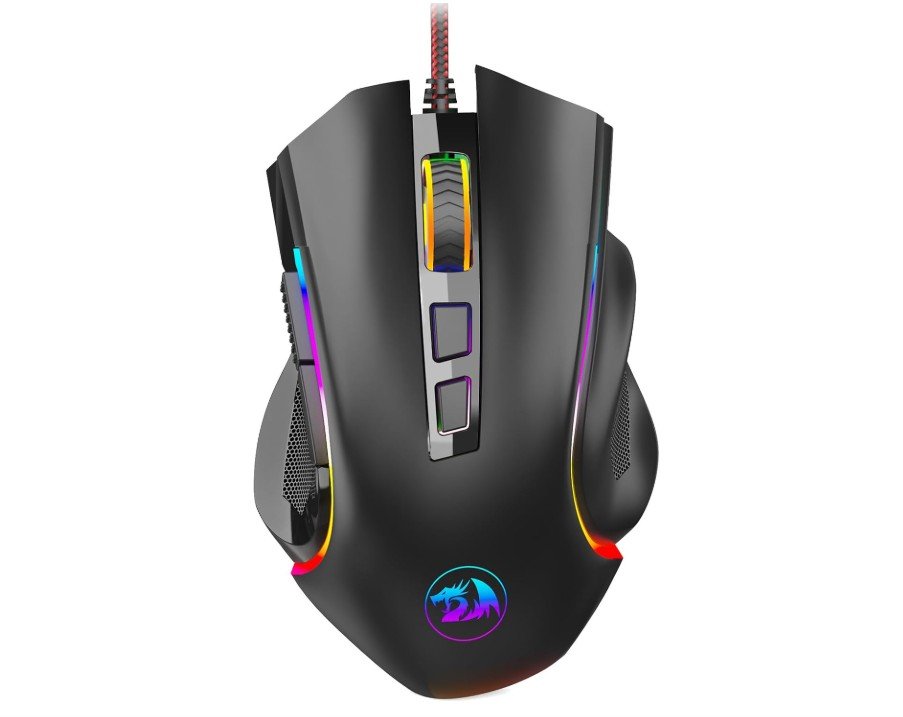 | ★★★★★ | Optical Sensor | 7200 DPI | 132g | 9 | Wired USB | Check Price |
|
Razer DeathAdder Essential 💰 Runner-Up |  | ★★★★☆ | Optical Sensor | 6400 DPI | 96g | 5 | Wired USB | Check Price |
| Logitech G305 Lightspeed Wireless |  | ★★★★★ | HERO Sensor | 12000 DPI | 99g | 6 | Wireless | Check Price |
| SteelSeries Rival 3 Gaming Mouse | 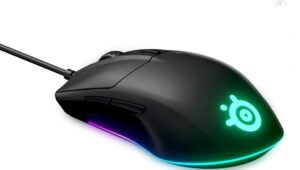 | ★★★★☆ | TrueMove Core | 8500 DPI | 77g | 6 | Wired USB | Check Price |
| Logitech G203 Wired Gaming Mouse | 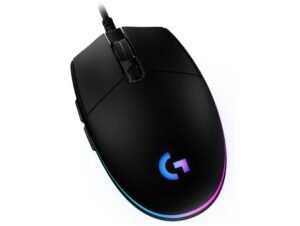 | ★★★★☆ | Optical Sensor | 8000 DPI | 85g | 6 | Wired USB | Check Price |
Redragon M602 Gaming Mouse
Redragon M602 Gaming Mouse
The Redragon M602 is a great beginner gaming mouse for users who want solid features at an affordable price. Its ergonomic design feels comfortable during long gaming or study sessions, while the textured grip helps improve control. The adjustable DPI settings up to 7200 allow beginners to experiment with different sensitivity levels for FPS, MOBA, and casual games.
The RGB lighting gives the mouse a stylish gaming appearance, and the programmable buttons add extra customization options. Although it is heavier than premium gaming mice, it still performs well for everyday gaming.
Overall, the M602 offers excellent value, comfort, and useful features for beginners starting PC gaming.
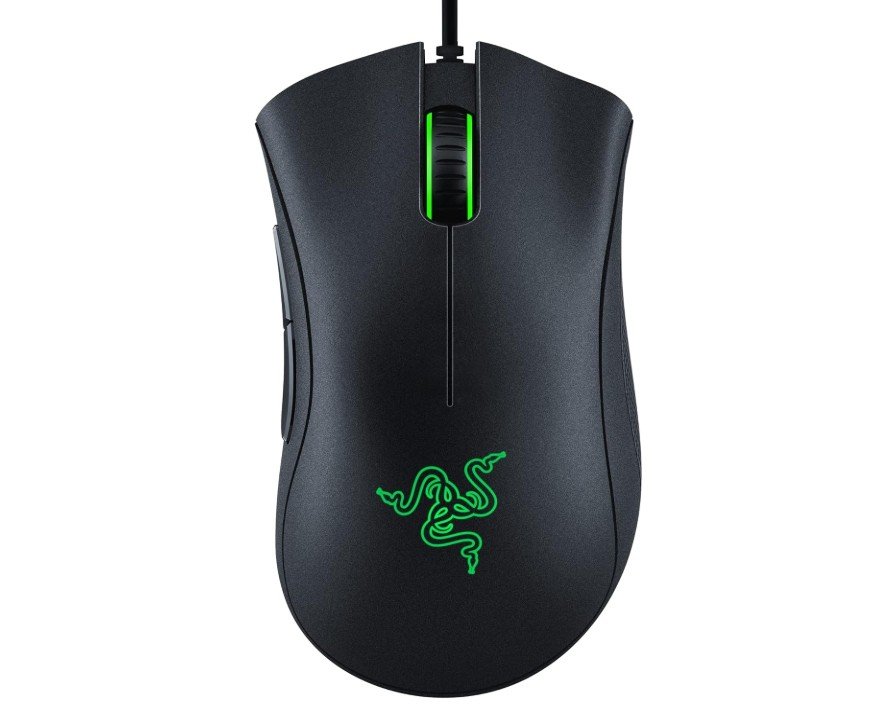
Razer DeathAdder Essential Gaming Mouse
Razer DeathAdder Essential Gaming Mouse
The Razer DeathAdder Essential is one of the best beginner gaming mice for users who want reliable performance at an affordable price. Its ergonomic design feels comfortable for long gaming sessions and works especially well for medium and large hands. The 6400 DPI optical sensor provides smooth and accurate tracking for casual gaming and everyday use, while the five programmable buttons add simple customization options for beginners.
The mechanical switches feel responsive and durable, and the rubber side grips improve control during gameplay. Although it lacks advanced features found in premium mice, it delivers excellent value, comfort, and dependable performance for new PC gamers.
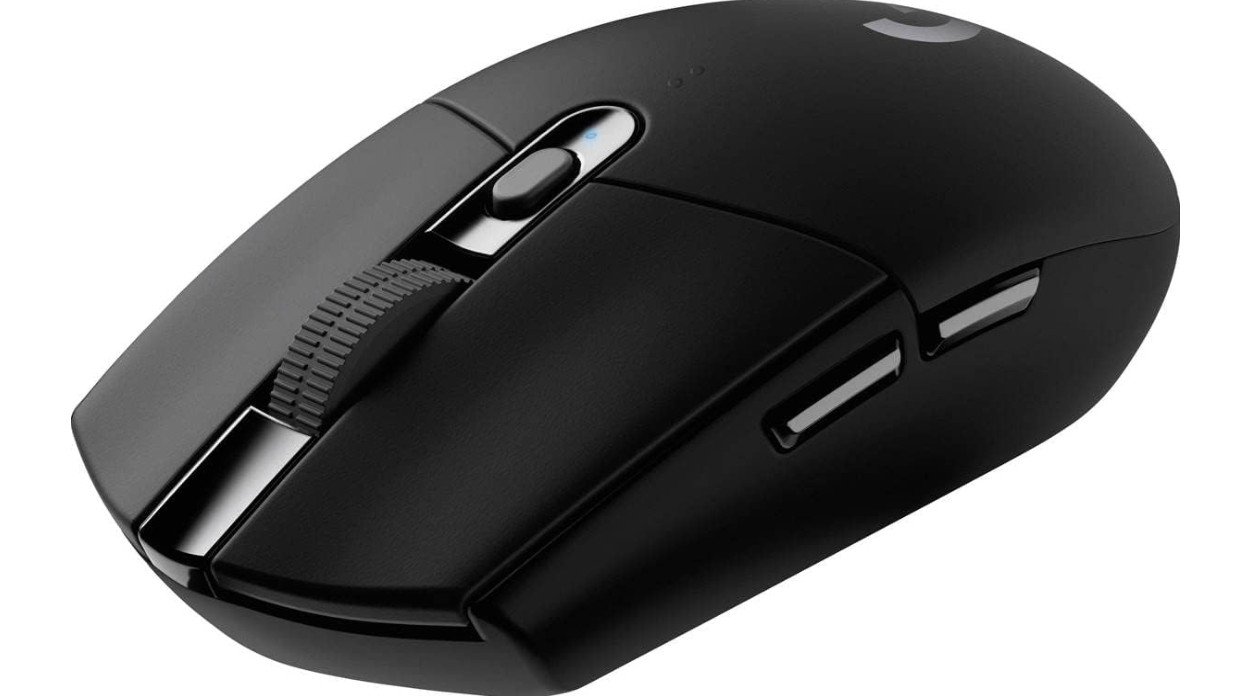
Logitech G305 Lightspeed Wireless Gaming Mouse
Logitech G305 Lightspeed Wireless Gaming Mouse
The Logitech G305 Lightspeed is an excellent beginner-friendly wireless gaming mouse that offers reliable performance at an affordable price. Its lightweight design feels comfortable for long gaming sessions, while the HERO sensor delivers accurate tracking with up to 12,000 DPI for smooth gameplay. The LIGHTSPEED wireless connection feels fast and responsive, making it great for FPS and casual gaming.
Beginners will also appreciate the simple six-button layout and onboard memory for saving settings. Battery life is impressive, lasting up to 250 hours on a single AA battery.
Overall, the G305 is a durable, easy-to-use gaming mouse that provides excellent value for new PC gamers.
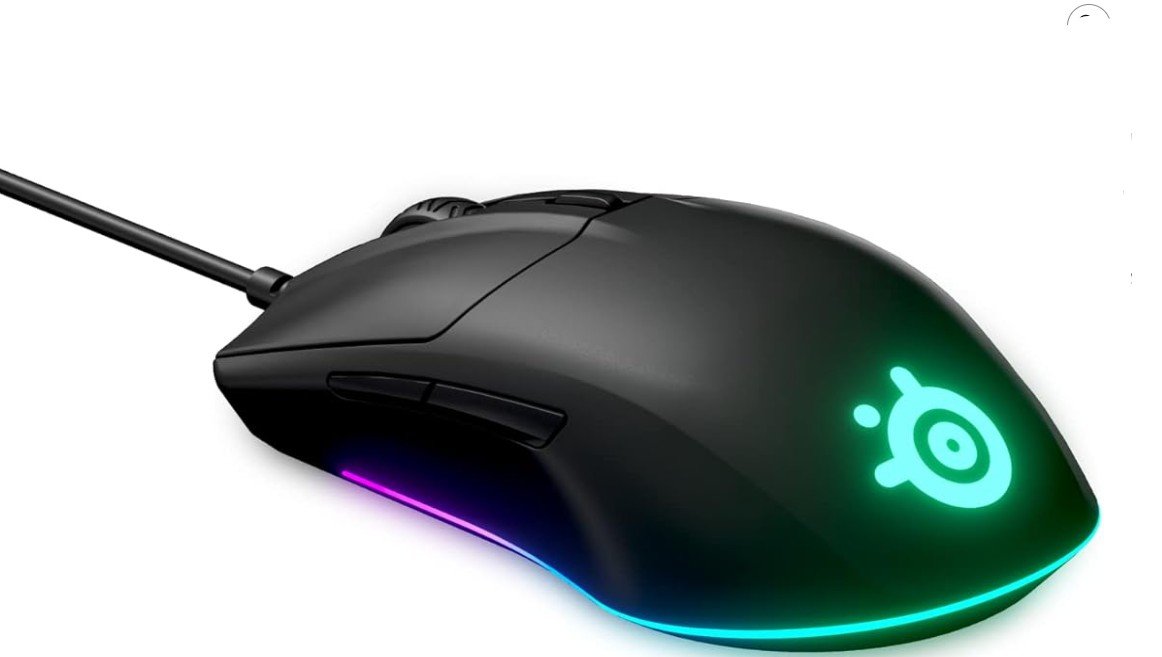
SteelSeries Rival 3 Gaming Mouse
SteelSeries Rival 3 Gaming Mouse
The SteelSeries Rival 3 is an excellent beginner gaming mouse that offers solid performance, comfort, and durability at an affordable price. Its lightweight ergonomic design feels comfortable for long gaming sessions and works well for different grip styles. The TrueMove Core optical sensor provides accurate tracking with up to 8,500 CPI, making it great for casual FPS, MOBA, and everyday gaming.
The split-trigger buttons feel responsive and satisfying, while the six programmable buttons allow simple customization for beginners. The Prism RGB lighting adds a stylish gaming look without being too distracting.
Overall, the Rival 3 is a reliable, easy-to-use gaming mouse that delivers excellent value for new PC gamers.
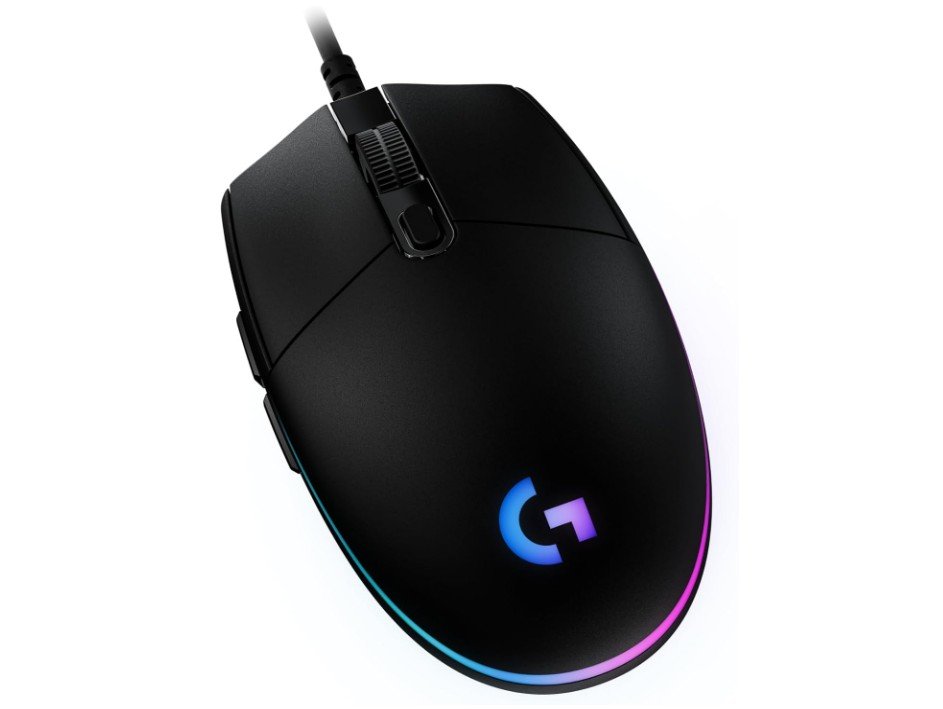
Logitech G203 Wired Gaming Mouse
Logitech G203 Wired Gaming Mouse
The Logitech G203 is one of the best beginner gaming mice for users who want reliable performance at an affordable price. Its lightweight design feels comfortable during long gaming sessions, while the 8,000 DPI sensor delivers smooth and accurate tracking for FPS, MOBA, and casual games. The LIGHTSYNC RGB lighting adds a colorful gaming look, and the six programmable buttons allow easy customization for beginners.
The mouse also includes onboard memory, so users can save their preferred settings directly on the device. Its wired connection ensures stable performance without battery concerns.
Overall, the G203 offers excellent value, comfort, and dependable gaming performance for new PC gamers.
Gaming Mouse for Beginners — A simple buying guide
Choosing your first gaming mouse can feel confusing. There are many numbers, buzzwords, and styles. This guide breaks it down into easy parts so you can pick a mouse that fits your hand, games, and budget. I’ll keep language simple and practical.
Why the right mouse matters
A good mouse makes games easier and more fun. It helps with aiming, movement, and comfort during long sessions. A poor choice can cause pain, slow reactions, or frustration. As a beginner, pick something comfortable, reliable, and not too expensive — you don’t need pro gear yet.
Main things to check
1. Sensor type and accuracy
The sensor is the most important part. Look for an optical sensor (not older ball sensors). Optical sensors are precise and work well on most mousepads. Sensor specs often show DPI or CPI — higher numbers mean more sensitivity, but higher is not always better. It is better to have adjustable DPI so you can find what feels right.
2. DPI / sensitivity
DPI (dots per inch) describes how far the cursor moves when you move the mouse. Beginners should focus on being able to change DPI in steps (e.g., 400, 800, 1600, 3200). Lower DPI often helps with accurate aiming in FPS games. Most decent mice let you change DPI with a button.
3. Polling rate
Polling rate (Hz) is how often the mouse reports position to the PC. Common values: 125, 250, 500, 1000 Hz. 500–1000 Hz is fine for gaming. Higher polling rates give slightly faster response but need more CPU.
4. Wired vs Wireless
Wired: cheaper, no battery, stable connection.
Wireless: freedom from cable, newer wireless tech is very reliable and low-latency. For beginners, wired is the safest and more budget-friendly choice. If you prefer no cable, choose a wireless mouse from a trusted brand.
5. Shape and ergonomics
Mouse shape and size matter a lot. There are three common grip styles:
- Palm grip: whole hand rests on mouse. Choose a larger ergonomic shape.
- Claw grip: fingers arch; mouse is medium-sized.
- Fingertip grip: only fingertips touch; mouse is small/light.
Try to hold a mouse in store if possible. If not, look for pictures with hand-size guides or check dimensions in the product page.
6. Weight
Some mice are light (under 80 g), some are heavy (over 100 g). Lightweight mice help fast movements and are popular in FPS games. Heavier mice can feel more stable. Beginners often prefer mid-weight or light mice because they feel easier to move.
7. Buttons and programmability
Basic gaming needs: left, right, scroll, and 1–2 side buttons. Extra buttons are useful for MMO/MOBA games but can be confusing at first. Programmable buttons are useful — they let you map macros or keys using the mouse software. Don’t overbuy buttons if you don’t need them.
8. Switch quality and durability
Look for rated button life like “20M clicks” or “50M clicks.” Mechanical switches with good make (Omron or similar) feel crisp and last longer. This matters for long-term value.
9. Build quality and feet (skates)
Sturdy shell and smooth PTFE (Teflon) feet make the mouse glide well. A braided cable is durable, but rubber cables are okay for cheap models. Good feet reduce friction and noise.
10. Software and profiles
Many brands provide software to change DPI, RGB, button mapping, and save profiles to on-board memory. On-board memory is nice — it keeps settings when you move to another PC. Check if the software is simple and stable.
11. RGB and looks
RGB is purely aesthetic. If you care about lighting, choose a mouse with customizable RGB. If not, you can save money by skipping it.
Frequently Asked Questions
DPI (dots per inch) shows how far the cursor moves on the screen when you move the mouse. A higher DPI means faster movement. But more isn’t always better — what matters is what feels comfortable. Many gamers play well in the mid-range (e.g., 400-2,000 DPI) and adjust based on their game and play style.
Wired mice tend to have lower latency and don’t require batteries. Wireless mice now offer very strong performance with near-zero lag and more freedom. Choose what fits your setup and budget.
Very important. Your hand size, grip style (palm, claw, fingertip) and comfort during long sessions matter a lot. A shape that fits your hand will reduce fatigue and improve your control.
Extra buttons can be helpful if you play MMOs or strategy games, but for many beginners they are not essential. Lights (RGB) may look cool but don’t improve performance. Focus first on comfort, sensor quality and build.
With good build quality you can expect several years of use. But the switches, cable, and wear-and-tear matter. Choosing known brands and good reviews helps ensure longevity.
Conclusion
If you’re beginning your gaming journey, the right mouse is more than just flashy specs. What truly matters is a combination of comfort, good sensor performance, and a shape/size that fits your hand. Focus on a reasonable DPI range, proper ergonomics, and reliability. Extra features like programmable buttons, RGB lighting, high polling rates and wireless connectivity are nice to have — but they’re secondary to the basics.
Start with something solid in the mid-budget range that suits your grip, hand size, and game genre. As you grow and learn your play style, you can upgrade further. A well-chosen beginner gaming mouse can serve you well for many hours of fun and competition.

Jawad is a passionate tech enthusiast and writer who loves exploring the latest trends in hardware, gadgets, and digital innovation. With a sharp eye for performance and value, he delivers in-depth recommendations and buying guides to help readers make smarter tech decisions.