
Last Updated on May 14, 2026 by Jawad
Introduction
The market for wireless gaming mice under $50 has developed considerably, providing good performance, dependable connectivity, and stylish ergonomics without breaking the bank. Low-latency wireless performance, a good sensor for accurate tracking, a comfortable form factor, and an adequate amount of battery life are all essential components for gamers, whether they are competitive or casual.
Expert purchasing guides state that the top low-cost wireless gaming mice continue to offer competitive features like 12,000 DPI sensors, long battery life, and manageable weight and latency.
We also have a recommendation for the Best Wireless Gaming Mouse Under $100, so make sure to check that out too!
Top Budget Wireless Gaming Mouse Under $50


Comparison
| Mouse | Image | Rating | Sensor | DPI | Weight | Battery | Connectivity | Buttons | Best For | Buy |
|---|---|---|---|---|---|---|---|---|---|---|
|
Logitech G305 LIGHTSPEED 🏆 Best Overall 🔥 Top Pick |
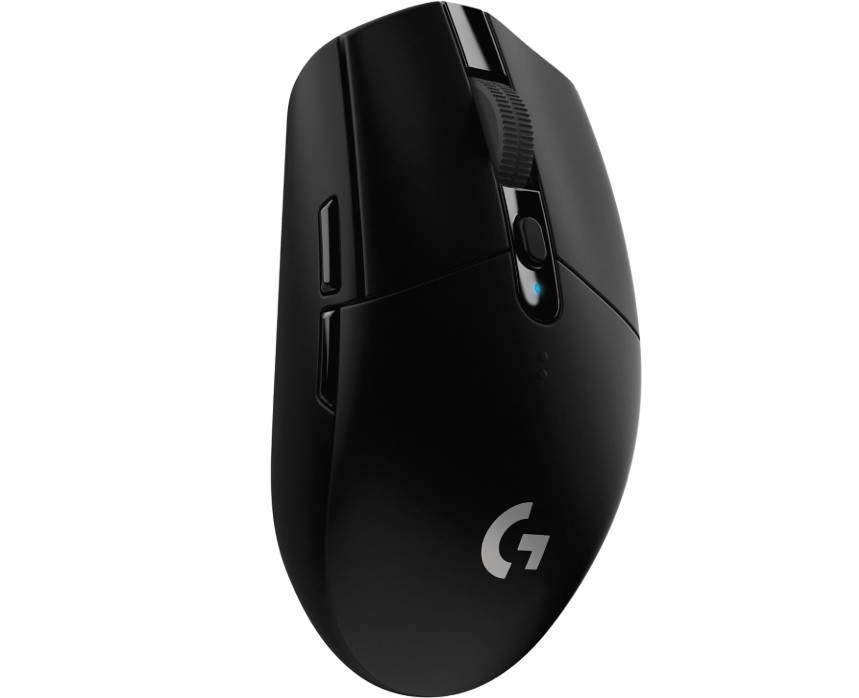 | ★★★★★ | HERO Sensor | 12,000 | 99g | 250h | LIGHTSPEED Wireless | 6 | Performance + Battery | Check Price |
| HyperX Pulsefire Haste Wireless |
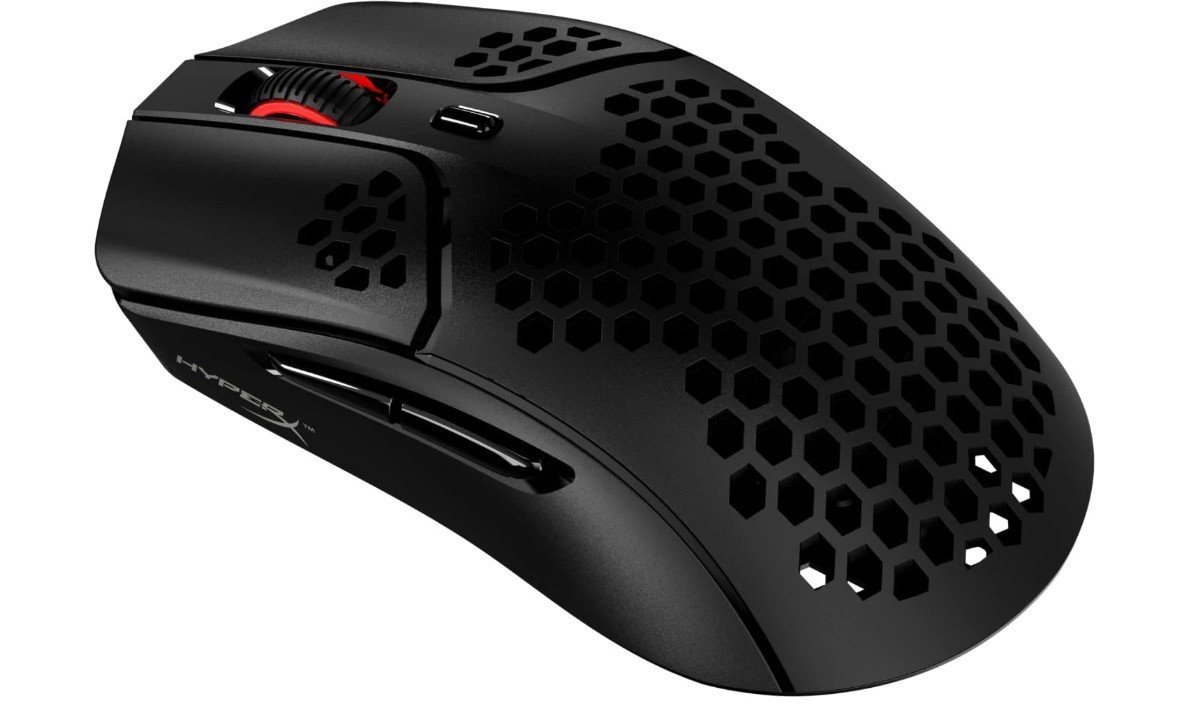 | ★★★★★ | PAW3335 | 16,000 | 61g | 100h | 2.4GHz Wireless | 6 | Ultra Lightweight | Check Price |
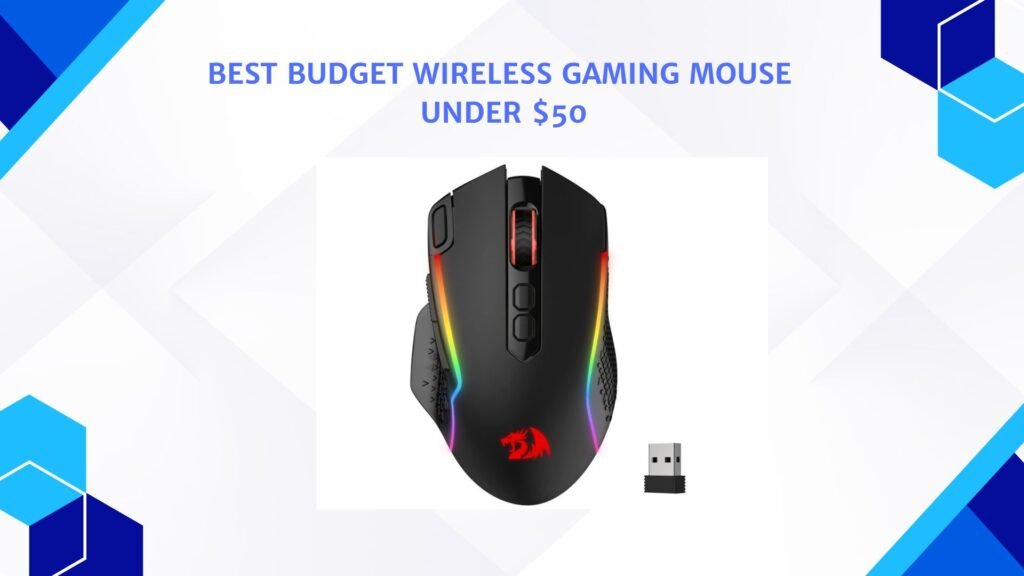
| Redragon M810 Pro |
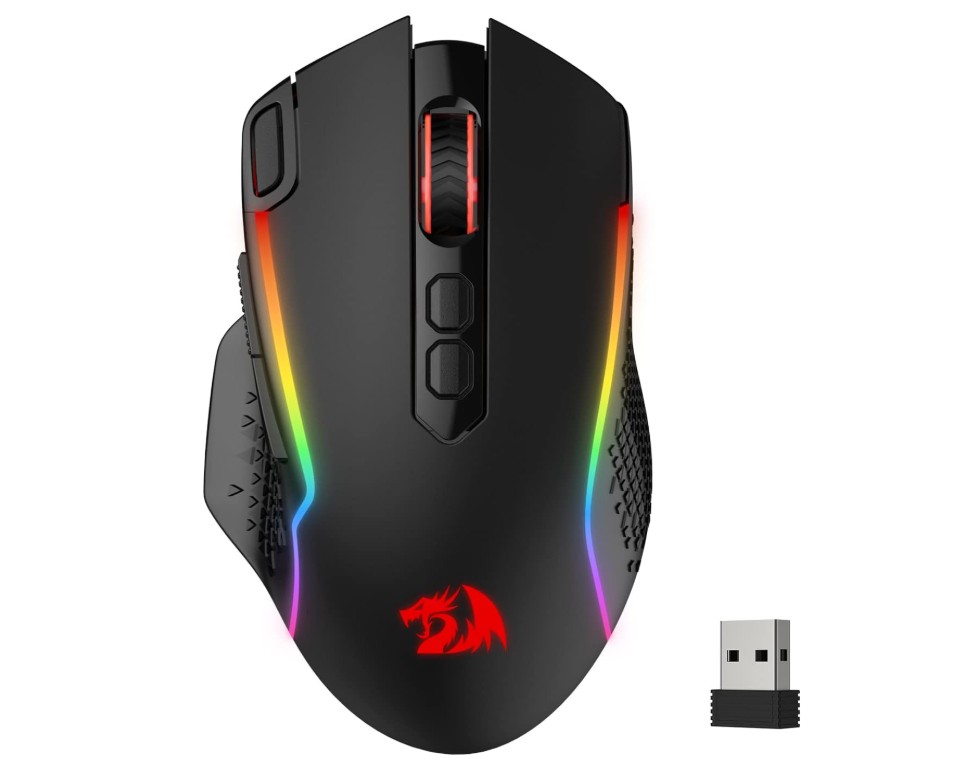 | ★★★★☆ | Optical | 10,000 | 110g | 45h | 2.4GHz / Wired | 8 | Macro Gaming | Check Price |
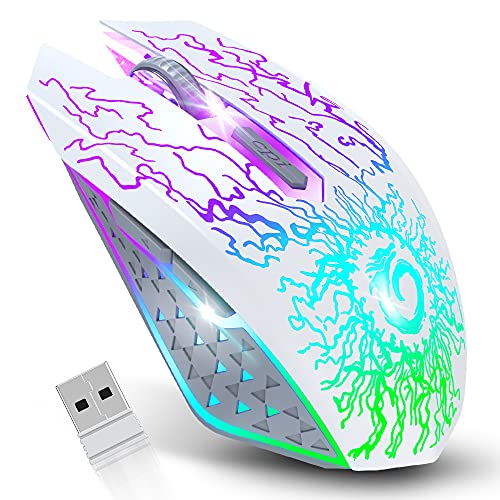
| SOLAKAKA SM600 |
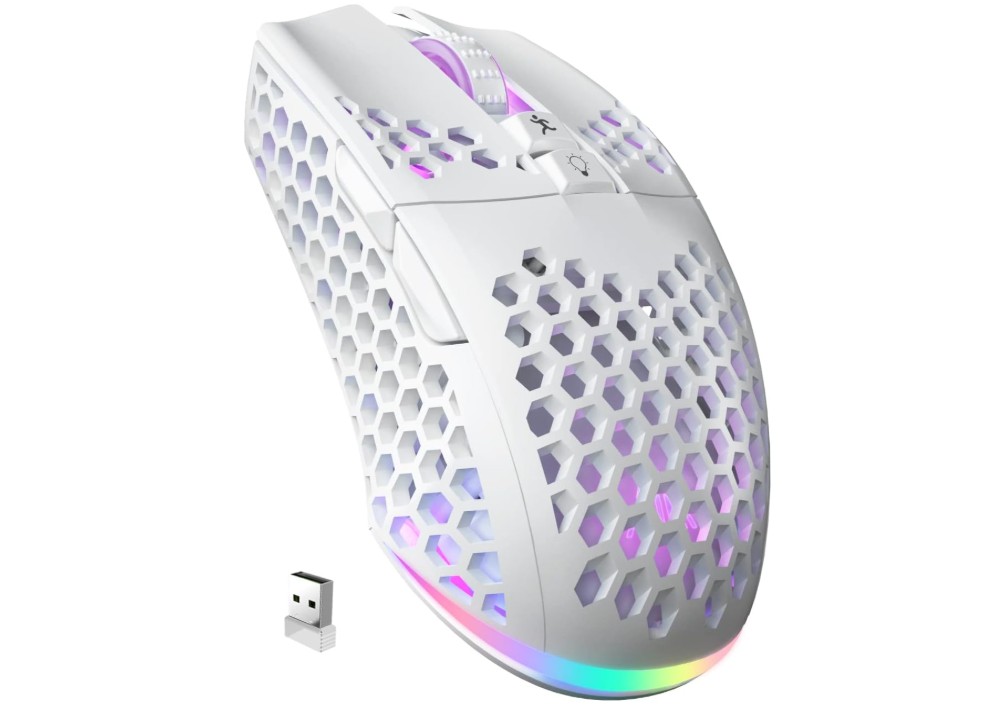 | ★★★★☆ | Optical | 10,000 | ≈90g | Rechargeable | BT 5.1 / 2.4GHz / Wired | 6 | Multi-Device | Check Price |
|
VersionTECH Wireless Mouse 💰 Best Budget |
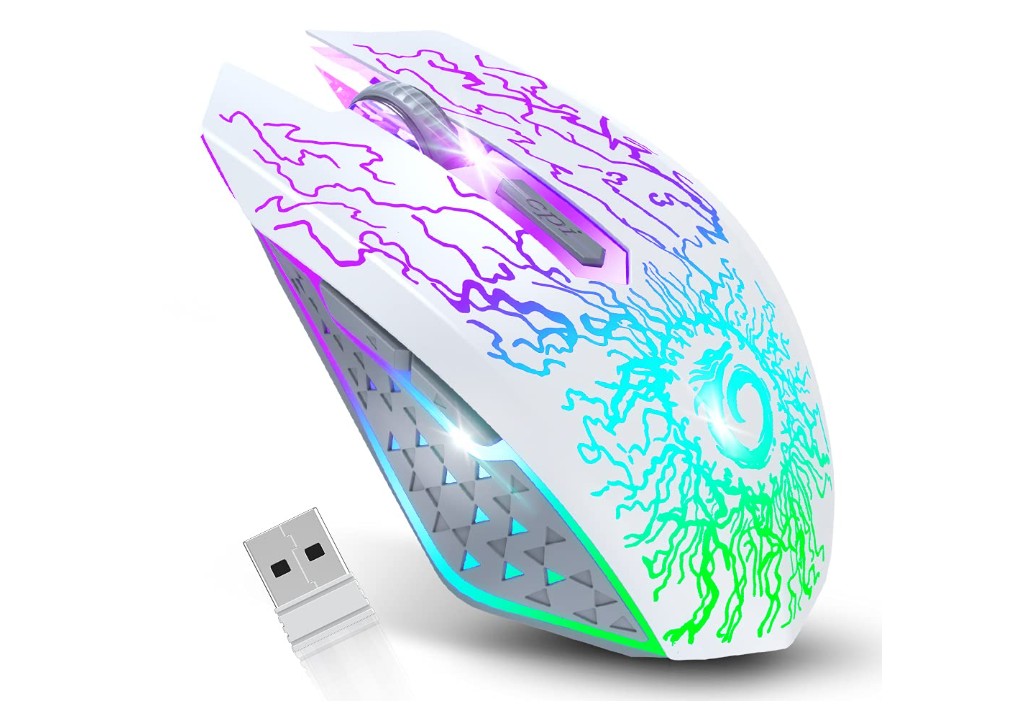 | ★★★☆☆ | Optical | 2400 | ≈100g | Rechargeable | 2.4GHz Wireless | 6 | Lowest Price | Check Price |
Logitech G305 LIGHTSPEED Wireless Gaming Mouse
Logitech G305 LIGHTSPEED Wireless Gaming Mouse
The Logitech G305 Lightspeed is one of the best budget wireless gaming mice for gamers who want reliable performance without spending too much. It features Logitech’s HERO sensor with up to 12,000 DPI, delivering smooth tracking and accurate movement during gaming sessions.
The LIGHTSPEED wireless connection feels fast and responsive, almost like a wired mouse. Its lightweight design makes it comfortable for long hours of use, while the compact shape is great for claw and fingertip grip users. Battery life is excellent, lasting up to 250 hours on a single AA battery.
The six programmable buttons and onboard memory add extra customization for gaming and productivity.
HyperX Pulsefire Haste – Wireless Gaming Mouse
HyperX Pulsefire Haste – Wireless Gaming Mouse
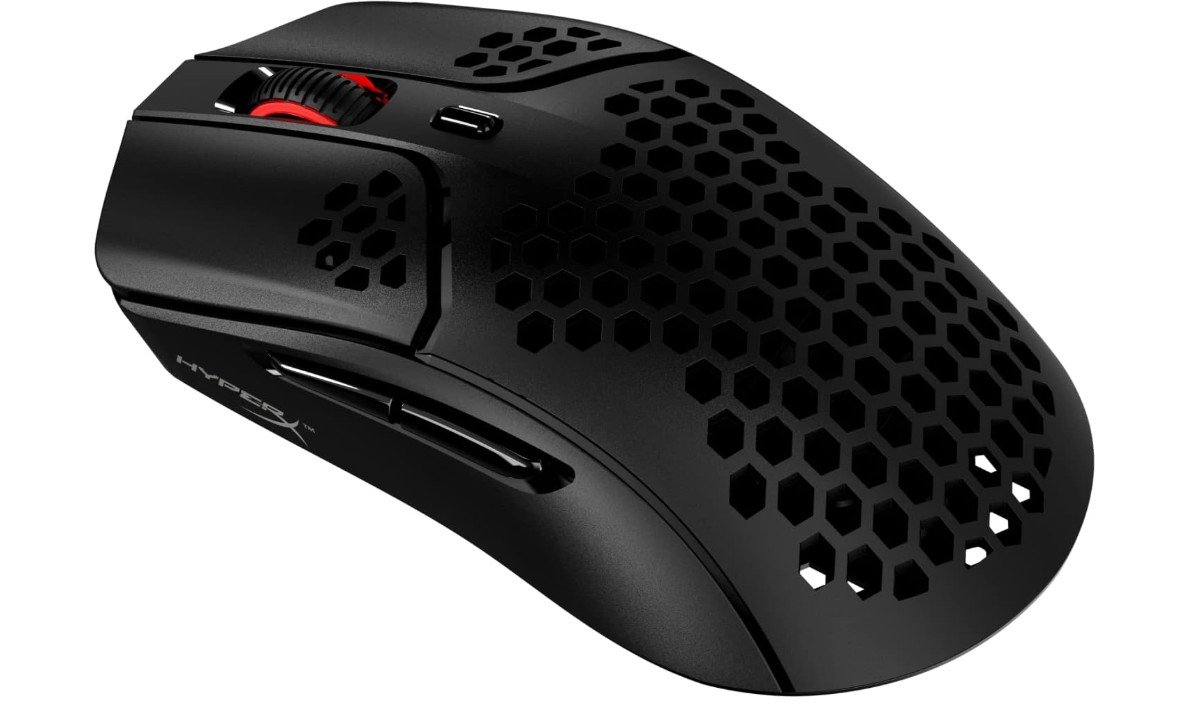
The HyperX Pulsefire Haste Wireless is an excellent lightweight gaming mouse designed for fast and comfortable gameplay. Weighing only 61g, it feels incredibly light and smooth during long gaming sessions. The honeycomb shell design helps reduce weight while still feeling durable and solid in hand. Its 2.4GHz wireless connection is responsive with low latency, making it great for FPS and competitive gaming.
The Pixart sensor delivers accurate tracking with up to 16,000 DPI, while the six programmable buttons add useful customization options. Battery life is impressive, lasting up to 100 hours.
Overall, it offers great value, comfort, speed, and reliable wireless performance for gamers.
Redragon M810 Pro Wireless Gaming Mouse
Redragon M810 Pro Wireless Gaming Mouse
The Redragon M810 Pro Wireless Gaming Mouse offers impressive features for gamers who want performance at an affordable price. It supports both wired and wireless modes, giving flexibility for gaming and daily use. The 10,000 DPI optical sensor provides accurate tracking and smooth movement, especially for FPS and MMO games.
Its ergonomic shape feels comfortable during long gaming sessions, while the RGB lighting adds a stylish gaming look. The eight programmable buttons and rapid-fire key are useful for custom controls and macros. Battery life is solid, lasting up to 45 hours on a full charge.
Overall, it delivers great value, reliable performance, and useful gaming features.
SOLAKAKA SM600 White Wireless Gaming Mouse
SOLAKAKA SM600 White Wireless Gaming Mouse
The SOLAKAKA SM600 Wireless Gaming Mouse is a budget-friendly option packed with useful gaming features. It supports tri-mode connectivity, including Bluetooth 5.1, 2.4GHz wireless, and USB-C wired mode, making it versatile for different devices. The lightweight honeycomb shell design feels comfortable during long gaming sessions and helps reduce hand fatigue.
Its adjustable DPI settings and programmable buttons provide decent customization for casual and competitive gaming. The RGB lighting adds a stylish touch to gaming setups, while the rechargeable battery offers convenient everyday use.
Overall, the SM600 delivers solid value for gamers looking for an affordable wireless gaming mouse with modern features and flexible connectivity.
VersionTECH. Wireless Gaming Mouse
VersionTECH. Wireless Gaming Mouse
The VersionTECH Wireless Gaming Mouse is a good budget-friendly option for casual gaming and everyday use. It features a comfortable ergonomic design with colorful LED lighting that gives it a stylish gaming look. The silent click buttons are useful for quiet environments like offices or late-night gaming sessions.
Its 2.4GHz wireless connection is stable and responsive for regular gaming and productivity tasks. The rechargeable battery adds convenience, while the three adjustable DPI levels allow basic sensitivity control. Although it is not designed for professional esports gaming, it performs well for its price range.
Overall, it offers solid value, comfort, and attractive features for budget gamers.
Buying Guide: Budget Wireless Gaming Mouse Under $50
Instead of focusing on flashy specs, choosing a great wireless gaming mouse under $50 requires striking a balance between comfort, features, and real-world performance. Reliable wireless connections, capable optical sensors, and usable battery life are to be expected at this price point; however, ultra-lightweight, high-end materials, or expensive esports-grade features may occasionally be sacrificed. Depending on how you play, this guide explains the important factors, how to assess them, and what to prioritize.
Core features to evaluate
Sensor & DPI
The accuracy of tracking is determined by the optical sensor. Instead of just looking at maximum DPI numbers, look for reliable sensor families (such as PixArt variants like PAWxxxx or PixArt-derived HERO in Logitech) and real-world tracking performance. An exaggerated maximum DPI figure is less significant to most players than a real, reliable sensor that can track accurately at common DPI settings (400–3200). Solid midrange sensors are used by many budget winners, and they are more than sufficient for both casual and competitive play.
Polling rate & latency
The polling rate, expressed in Hz, is the number of times per second that the mouse sends the PC its position on the screen. Although input delay is reduced by higher polling rates (500–1000 Hz), good budget mice typically have reliable wireless implementations at 1000 Hz. A mouse with a dependable 2.4 GHz operation and demonstrated low click latency should be prioritized if you play competitive esports; casual players can get by with slightly lower specifications.
Wireless connectivity: 2.4 GHz vs Bluetooth vs hybrid
At this price, the most popular and recommended dongle mode for gaming is 2.4 GHz since it offers the most stable connection and the lowest latency. Bluetooth is better for light gaming or productivity because it saves power and supports multiple devices, but it frequently introduces lag and lower polling rates. While tri-mode mice (BT + 2.4 GHz + wired) provide flexibility, make sure the 2.4 GHz mode is given priority for performance.
Battery life and power approach
Budget mice use three approaches: replaceable AA/AAA batteries (long life but need spares), built-in rechargeable cells (convenience), or hybrid with wired charging while in use. If you want uninterrupted sessions, look for mice with realistic claims, a quick rechargeable option, or a long disposable battery life. Keep in mind how the manufacturer measures battery life, using RGB off vs. on.
Weight and ergonomics
Fatigue and flick speed are affected by weight. Although they are becoming more and more common, ultra-light honeycomb shells (less than 70 g) occasionally compromise long-term durability. Budget wireless mice typically weigh between 70 and 110 g; choose one based on your preferred grip style (fingertip/claw: lighter and narrower; palm: heavier and wider). Try to try the shape out in person or measure it against a mouse you already like.
Buttons, switches, and customization
Verify the quantity and positioning of additional buttons if you require macros or play MMOs. Click feel and longevity are influenced by switch type (Omron or comparable); look for rated click lifespans (e.g., 20–70M clicks). A benefit of onboard memory for profiles is that it allows you to switch between systems without having to reinstall software.
Durability & build quality
Check reviews for complaints of peeling coatings, flaky dongles, or double-click problems. Purchasing from a seller with a fair return policy lowers risk; cheaper mice may have more variation between units.
FAQs
Yes — many offer solid performance for casual and competitive gaming with reliable wireless connections and decent sensors.
Most quality models use 2.4 GHz wireless with low latency, which is fine for FPS, MOBA, and other games under normal use.
Battery life varies by model; some last weeks on a single charge, while others may need recharging more often, depending on use and lighting.
2.4 GHz is generally faster and more stable for gaming; Bluetooth is ok for everyday use, but can feel slower in fast games.
Conclusion
Prioritize models with reliable sensors and a tested 2.4 GHz configuration if you want the safest, most frequently recommended option under $50. These will provide the best combination of dependable tracking and low latency. Tri-mode mice are appealing for style or multi-device use, but make sure the 2.4 GHz mode is the main performance mode. Lastly, before making a purchase, read user reviews that test latency, tracking, and long-term reliability, and make sure the weight and shape fit your grip.

Jawad is a passionate tech enthusiast and writer who loves exploring the latest trends in hardware, gadgets, and digital innovation. With a sharp eye for performance and value, he delivers in-depth recommendations and buying guides to help readers make smarter tech decisions.