
Last Updated on May 15, 2026 by Jawad
Introduction
A cheap laptop under $300 is a budget-friendly option for students, casual users, and anyone needing a simple device for everyday tasks. These affordable laptops are designed to handle web browsing, online classes, video streaming, document editing, and light productivity work without requiring a large investment. Many models include compact designs, decent battery life, and lightweight portability, making them convenient for travel and daily use. While they may not deliver high-end gaming or professional editing performance, budget laptops under $300 are ideal for basic computing needs.
Whether for school, remote learning, or home use, an inexpensive laptop can still provide reliable functionality and excellent value for money.
We also have a recommendation of the Best 2-in-1 Laptops Under $600, so make sure to check that out too!
Top Cheap Laptop Under $300


Comparison
| Product | Image | Rating | CPU | Display | RAM | Storage | OS | Buy |
|---|---|---|---|---|---|---|---|---|
| ASUS Vivobook Go 15.6” |
 | ★★★★★ | Ryzen 3 7320U | 15.6” FHD | 8GB | 128GB SSD | Windows | Check Price |
|
Acer Aspire Go 15 🏆 Best Overall 🔥 Top Pick |
 | ★★★★★ | Intel Core 3 N355 | 15.6” FHD IPS | 8GB | 128GB UFS | Windows 11 | Check Price |
| Lenovo IdeaPad 1 14 |
 | ★★★★☆ | Intel Celeron N4020 | 14” HD | 4GB | 64GB eMMC | Windows | Check Price |
| Acer Chromebook Spin 311 |
 | ★★★★☆ | Intel Celeron N4020 | 11.6” Touch | 4GB | 32GB eMMC | ChromeOS | Check Price |
|
HP 14 Laptop 💰 Best Budget |
 | ★★★★☆ | Intel Celeron N4020 | 14” HD | 4GB | 64GB eMMC | Windows | Check Price |
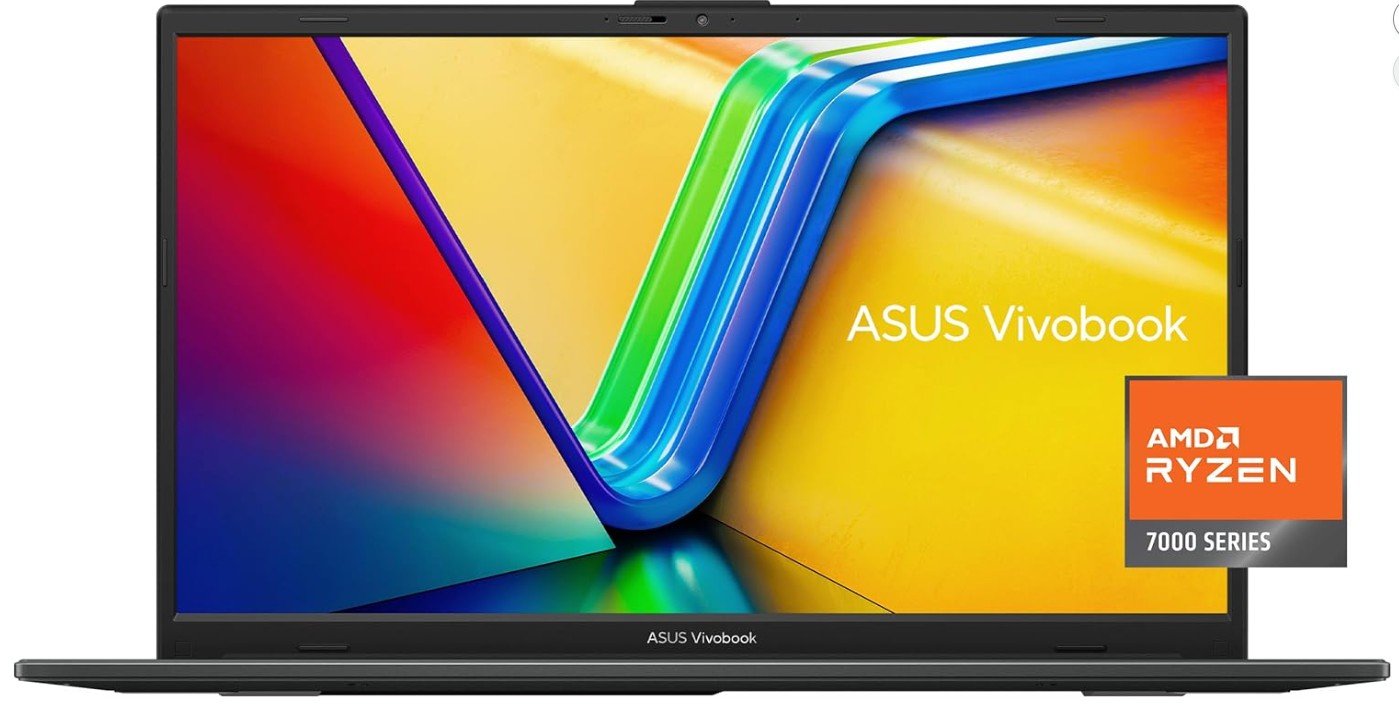
ASUS Vivobook Go 15.6” FHD Slim Laptop
ASUS Vivobook Go 15.6” FHD Slim Laptop
The ASUS Vivobook Go 15 E1504FA-AS33 is a solid budget-friendly laptop designed for students, home users, and everyday productivity tasks. Powered by the AMD Ryzen 3 7320U and 8GB DDR5 RAM, it delivers smooth performance for web browsing, office work, online classes, and media streaming. The 15.6-inch Full HD display provides decent clarity for daily use, while the slim and lightweight design makes it easy to carry anywhere.
Features like fast charging, military-grade durability, and a physical webcam shield add extra value and practicality. Although the 128GB SSD offers limited storage and the laptop is not built for heavy gaming or advanced creative workloads, it remains an excellent affordable option for basic computing needs.
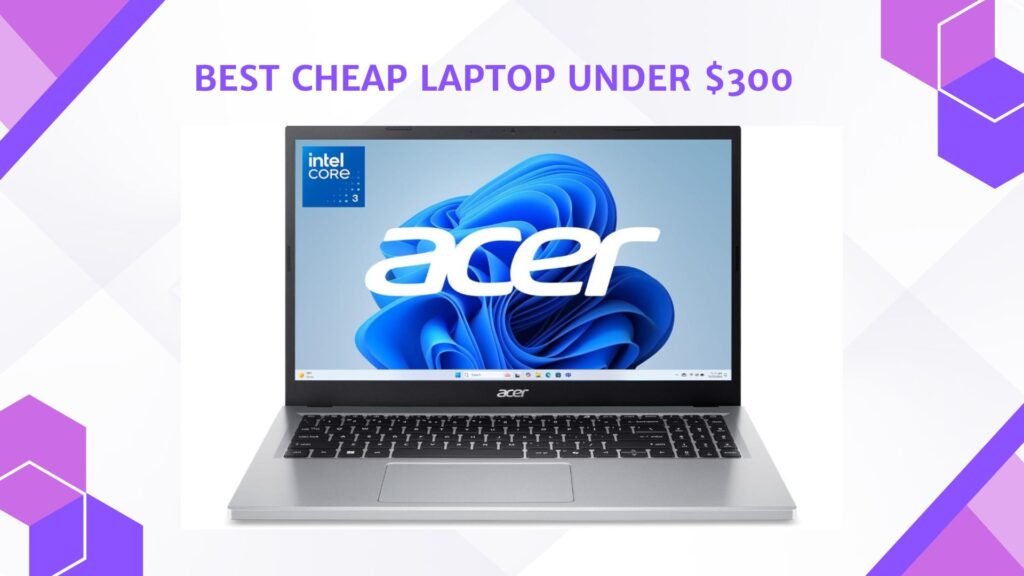
Acer Aspire Go 15 AI Ready Laptop
Acer Aspire Go 15 AI Ready Laptop
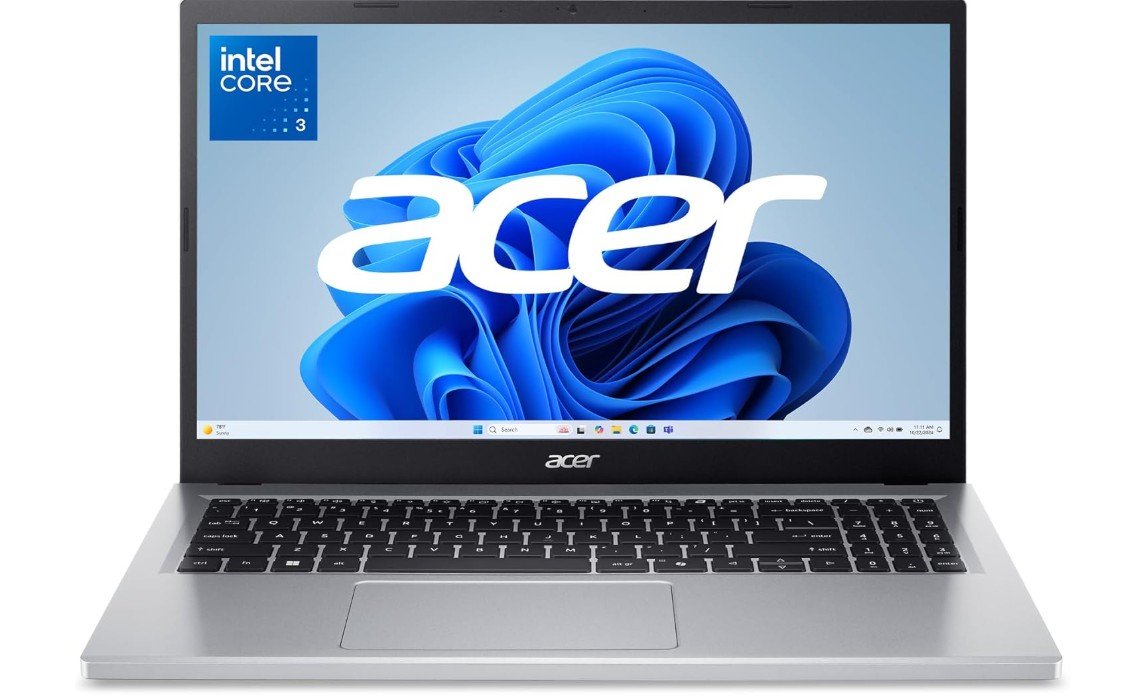
The Acer Aspire Go 15 AI Ready Laptop is a budget-friendly everyday laptop designed for students, home users, and light productivity tasks. Powered by the Intel Core 3 N355 processor and 8GB DDR5 RAM, it handles web browsing, online classes, office work, and media streaming smoothly for daily use. The 15.6-inch Full HD IPS display offers decent color and viewing angles, while Wi-Fi 6 improves wireless connectivity for modern networks. Its slim, lightweight design makes it easy to carry, and Windows 11 Home in S Mode provides a simple and secure user experience.
Although the integrated Intel graphics and 128GB UFS storage limit gaming and heavy multitasking performance, the laptop remains a solid affordable option for basic computing needs, long battery life, and casual everyday usage.
Lenovo IdeaPad 1 14 Laptop
Lenovo IdeaPad 1 14 Laptop
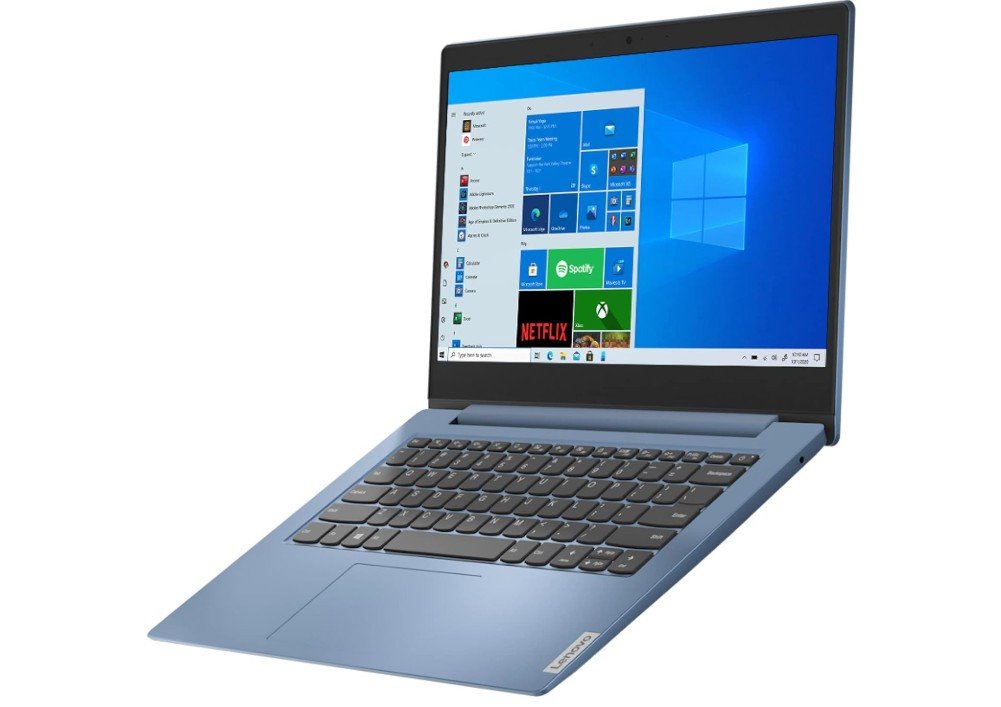
The Lenovo IdeaPad 1 14 is an ultra-budget laptop designed for students, casual users, and basic everyday computing tasks. Powered by the Intel Celeron N4020 with 4GB RAM, it handles light activities such as web browsing, online classes, email, and document editing reasonably well. Its compact 14-inch HD display and lightweight Ice Blue design make it portable and easy to carry for school or travel. Battery life is surprisingly solid for an affordable laptop, and the keyboard offers comfortable typing for daily use.
However, the limited 64GB storage and entry-level processor struggle with multitasking and demanding applications. Windows 10 in S Mode helps improve security and performance, but overall this laptop is best suited for simple tasks and budget-conscious buyers rather than gaming or heavy productivity work.
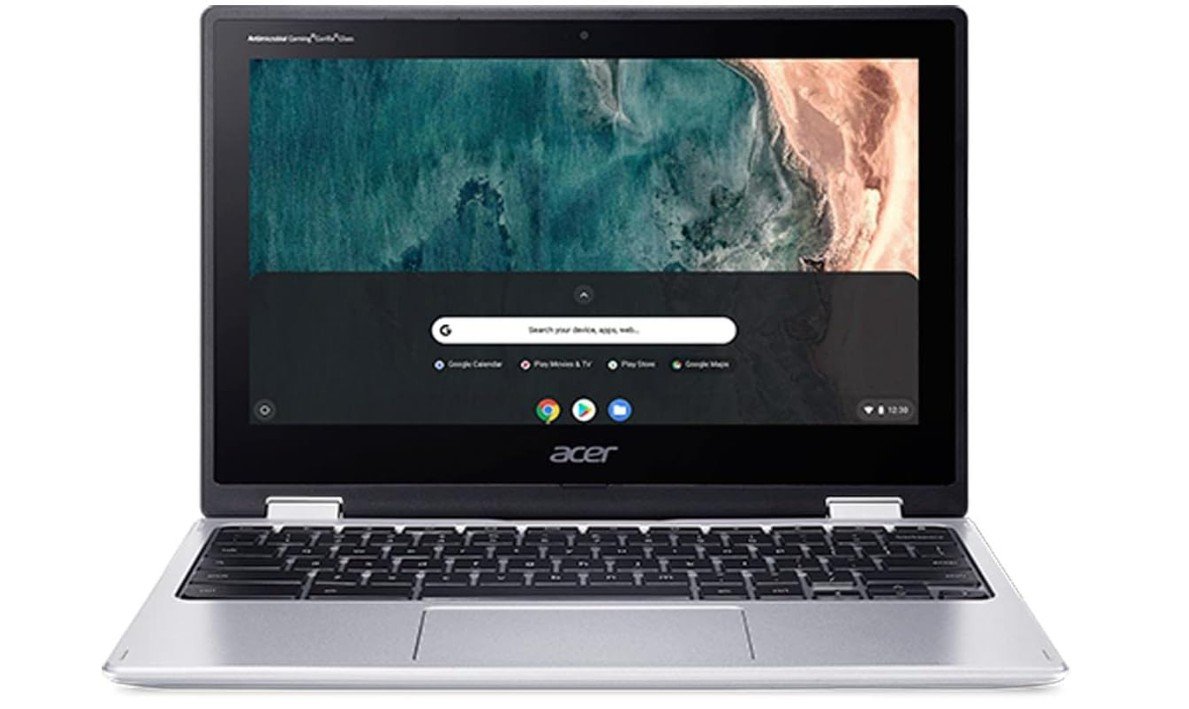
Acer Chromebook Spin 311 Convertible Laptop
Acer Chromebook Spin 311 Convertible Laptop
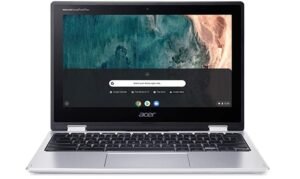
The Acer Chromebook Spin 311 CP311-2H-C679 is a compact and affordable convertible laptop designed for students, kids, and everyday users who mainly rely on web-based tasks. Powered by the Intel Celeron N4020 and ChromeOS, it handles browsing, online classes, streaming, and basic productivity smoothly with excellent battery efficiency. The 11.6-inch HD touchscreen and 360-degree hinge make it versatile for tablet, tent, or laptop use, while the lightweight design is highly portable for travel or school. Features like Gigabit Wi-Fi 5, Bluetooth 5.0, and a durable build add solid everyday convenience.
Although the 32GB eMMC storage and entry-level processor limit heavy multitasking and offline applications, the Chromebook remains a reliable, easy-to-use device for simple computing needs, cloud-based work, and educational use.
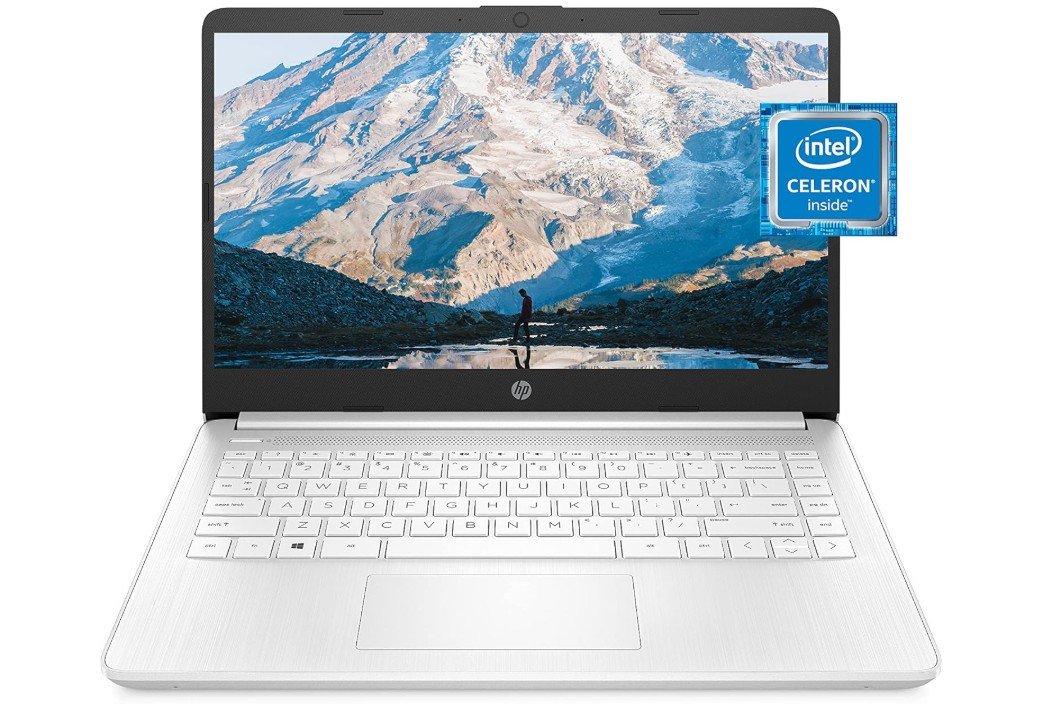
HP 14 Laptop
HP 14 Laptop
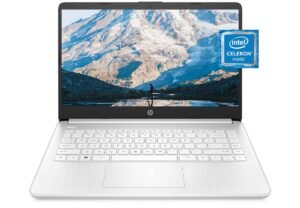
The HP 14-dq0040nr is an affordable and lightweight laptop built for students, casual users, and everyday productivity tasks. Powered by the Intel Celeron N4020 with 4GB RAM, it handles web browsing, online classes, email, and basic office work reasonably well. The 14-inch micro-edge HD display gives the laptop a modern look while keeping the design compact and portable for travel or school use. Features like Windows 11 Home, included Microsoft 365 subscription, and fast boot times add strong value for budget buyers.
Battery life is decent for daily tasks, and the thin Snowflake White design feels stylish and easy to carry. However, the limited 64GB storage and entry-level processor make it less suitable for heavy multitasking, gaming, or demanding applications. Overall, it is a solid entry-level laptop for basic computing and everyday home use.
Cheap Laptop Under $300 Buying Guide
Finding a good laptop under $300 used to be difficult, but modern budget laptops have improved significantly over the past few years. Today’s affordable laptops are capable of handling web browsing, online classes, office work, streaming, video calls, and everyday productivity tasks surprisingly well. While you should not expect premium gaming performance or advanced creative capabilities at this price range, a carefully chosen budget laptop can still provide excellent value for students, casual users, and remote workers.
The biggest challenge when buying a cheap laptop is avoiding weak hardware that becomes slow after only a short period of use. Many low-cost systems cut corners with poor processors, low memory, slow storage, or low-quality displays. Understanding which specifications matter most will help you choose a laptop that feels fast, reliable, and practical for daily use.
What to Expect From a Laptop Under $300
Budget laptops are designed primarily for basic computing tasks rather than heavy gaming or professional workloads. Most affordable systems can easily handle internet browsing, YouTube streaming, email, Microsoft Office, Google Docs, Zoom meetings, and school assignments.
However, there are limitations. Cheap laptops usually use entry-level processors, integrated graphics, smaller storage drives, and lower-quality displays compared to premium models. Multitasking performance may also be limited if the system only includes 4GB of RAM.
Despite these compromises, budget laptops have improved thanks to newer Intel and AMD processors that offer much better efficiency and performance than older entry-level chips. Many affordable laptops now also include SSD storage, which dramatically improves boot speed and responsiveness compared to older hard drives.
Processor: The Most Important Component
The processor, or CPU, is the most important part of any budget laptop. A weak processor can make even simple tasks feel slow and frustrating.
In the under-$300 category, you will commonly find Intel N-series chips, Intel Celeron processors, AMD Ryzen 3 processors, and occasionally Intel Core i3 chips. Among these options, Ryzen 3 and Core i3 systems usually offer the best overall experience because they provide smoother multitasking and better long-term performance.
Intel N-series processors such as the Intel N100, N150, N200, and N305 have become increasingly popular in budget laptops because they offer solid efficiency for basic everyday tasks. They are much better than older Celeron processors and can comfortably handle browsing, streaming, and office work.
Older Intel Celeron processors like the N4020 are still common in extremely cheap laptops, but they struggle with multitasking and can feel slow when running multiple applications simultaneously. If possible, it is better to choose a newer Intel N-series or Ryzen processor instead.
RAM: Avoid 4GB If Possible
RAM is extremely important in budget laptops because it directly affects multitasking performance. Many cheap laptops still ship with only 4GB of memory, which can feel limiting in Windows 11.
For the best experience, look for laptops with at least 8GB of RAM. Systems with 8GB run significantly smoother during web browsing, video calls, multitasking, and office work. Some newer budget laptops now even include DDR5 memory, which improves responsiveness further.
Chromebooks can function reasonably well with 4GB RAM because ChromeOS is lighter than Windows, but Windows laptops benefit greatly from 8GB. Users planning to keep the laptop for several years should prioritize memory capacity whenever possible.
Storage: SSD vs eMMC
Storage type is another critical factor. Older budget laptops often used slow eMMC storage, which can make the system feel sluggish. Modern SSDs are much faster and dramatically improve loading times, application responsiveness, and overall user experience.
A 128GB SSD is usually the minimum recommended capacity in 2026. While 64GB systems still exist, they fill up very quickly after Windows updates and application installations.
Some ultra-budget Chromebooks still use 32GB or 64GB eMMC storage, but this is less problematic because ChromeOS relies heavily on cloud storage and web applications.
Display Quality Matters More Than You Think
Many buyers focus only on processor specifications while ignoring display quality, but the screen has a huge impact on everyday usability.
Cheap laptops often use low-resolution HD displays with poor brightness and limited color accuracy. Whenever possible, choose a laptop with a Full HD (1920×1080) display because it provides sharper text, better image quality, and a more comfortable viewing experience.
IPS panels are also preferable because they offer wider viewing angles and better color quality compared to basic TN panels.
Some affordable laptops still use 1366×768 resolution displays, especially in the lowest price range. These screens are usable for basic tasks but feel outdated compared to modern Full HD panels.
Windows Laptop vs Chromebook
One of the biggest decisions in the under-$300 category is choosing between a Windows laptop and a Chromebook.
Chromebooks are ideal for users who mainly rely on web browsing, Google Docs, streaming, email, and online classes. ChromeOS is lightweight, simple, secure, and optimized for low-end hardware. Chromebooks also tend to offer excellent battery life and smoother performance on weaker processors.
Windows laptops provide more flexibility because they can run traditional desktop applications such as Microsoft Office, Photoshop Elements, or certain educational software. However, Windows requires stronger hardware to run smoothly, which is why extremely cheap Windows laptops can sometimes feel slower than similarly priced Chromebooks.
Students and casual users focused mainly on web-based tasks may find Chromebooks to be the better overall value under $300.
Battery Life and Portability
Most budget laptops focus on efficiency rather than raw power, which often results in decent battery life. Many affordable laptops can now last between 6 and 10 hours during light productivity tasks such as browsing or video playback.
Thin-and-light designs are also becoming more common in budget systems. Lightweight laptops are especially useful for students and travelers who need portability for school or remote work.
However, extremely cheap laptops sometimes sacrifice build quality to reduce cost. Plastic construction is common, and flex around the keyboard or display lid is normal in this price range.
Connectivity and Ports
Modern budget laptops typically include Wi-Fi 5 or Wi-Fi 6 support, USB-A ports, USB-C connectivity, HDMI outputs, headphone jacks, and Bluetooth support.
Wi-Fi 6 is worth prioritizing if possible because it improves wireless speed and stability on newer networks. USB-C charging is also becoming increasingly common and adds extra convenience.
Before buying, make sure the laptop includes the ports you need for external displays, accessories, or storage devices.
Are Cheap Gaming Laptops Worth It?
True gaming laptops are difficult to find under $300 unless you buy refurbished or used models. Most laptops in this price range rely on integrated graphics, which are only suitable for light gaming such as Minecraft, Roblox, older esports titles, or cloud gaming services.
If gaming is important, consider increasing your budget slightly or looking for refurbished laptops with older dedicated GPUs. Refurbished business laptops can also offer surprisingly good value because they often include better build quality and stronger processors than brand-new ultra-budget models.
Refurbished Laptops Can Offer Better Value
One of the smartest ways to maximize value under $300 is buying refurbished or renewed laptops from trusted sellers. Refurbished business laptops from Dell Latitude, Lenovo ThinkPad, or HP EliteBook series often provide stronger performance, better keyboards, and higher durability than brand-new budget consumer laptops.
Older Core i5 or Ryzen 5 business laptops frequently outperform brand-new entry-level systems with Celeron processors. However, buyers should check battery health, warranty coverage, and seller reputation before purchasing refurbished products.
FAQs
Yes — you can find laptops that handle basic tasks like web browsing, emails, video calls, streaming, and schoolwork at this price. Expect compromises like modest performance and simpler builds.
Aim for at least 4 GB RAM, some form of SSD/eMMC storage, and a screen of 1366×768 or better. Battery life of 6–10 hours is ideal for everyday use.
Yes — they’re fine for browsing, writing, video calls, and light productivity. They’re not suited for heavy software (like video editing, CAD, or gaming)
Yes — refurbished laptops with better specs (older business models) can offer much better performance than new budget ones, but check warranty and battery condition.
Sometimes — but many cheap laptops use soldered RAM or eMMC storage that cannot be upgraded. Always check before buying.
Expect only very light, browser-based games. Full gaming or graphic-intensive software isn’t realistic in this price range.
Concluison
A laptop under $300 is a smart choice for basic needs like online classes, web browsing, emails, and document work. Most options in this range are Chromebooks or entry-level Windows laptops, which offer decent performance, long battery life, and good portability for students and everyday users. While they’re not built for gaming or heavy software, they deliver great value for simple tasks. If you choose a model with an SSD (or fast eMMC), enough RAM, and solid battery life, a budget laptop under $300 can easily handle daily use without breaking the bank.

Jawad is a passionate tech enthusiast and writer who loves exploring the latest trends in hardware, gadgets, and digital innovation. With a sharp eye for performance and value, he delivers in-depth recommendations and buying guides to help readers make smarter tech decisions.