
Last Updated on May 15, 2026 by Jawad
Introduction
A desktop PC for students provides reliable performance, larger screens, and better multitasking capabilities for studying, assignments, online classes, and creative projects. Compared to laptops, desktop PCs often offer better upgrade options, stronger performance for the price, and improved ergonomics for long study sessions. Many student-friendly desktops include fast processors, SSD storage, and enough RAM to handle research, coding, video editing, and productivity software smoothly. They are also ideal for remote learning, content creation, and light gaming during free time.
Whether for school, college, or university use, a good desktop PC helps students stay productive, organized, and efficient while offering excellent value for everyday academic tasks and entertainment.
We also have a recommendation for the Best PC for working from Home, so make sure to check that out too!
Top Desktop PC for Students



Comparison
| Desktop PC | Image | Rating | CPU | RAM | Storage | Form Factor | Use Case | Buy |
|---|---|---|---|---|---|---|---|---|
|
Dell Optiplex 3060 Desktop 🏆 Best Overall 🔥 Top Pick | 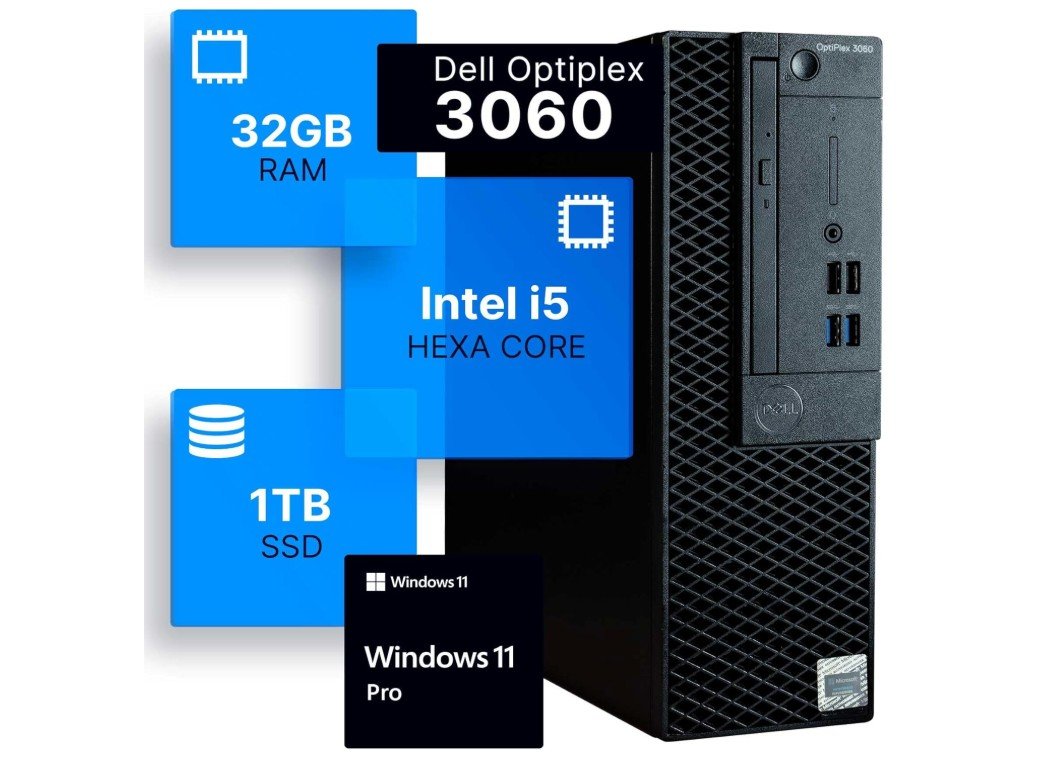 | ★★★★☆ | Intel Core i5‑8500 | 32 GB | 1 TB SSD | Tower | Student Work / Multitasking | Check Price |
|
Apple 2021 iMac (Renewed) 💰 Best Value | 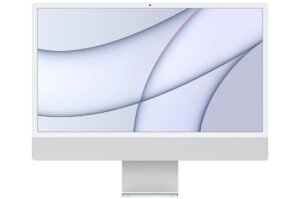 | ★★★★☆ | Apple M1 8‑core | 8 GB | 512 GB SSD | All‑in‑One | Online Classes / Creative Tasks | Check Price |
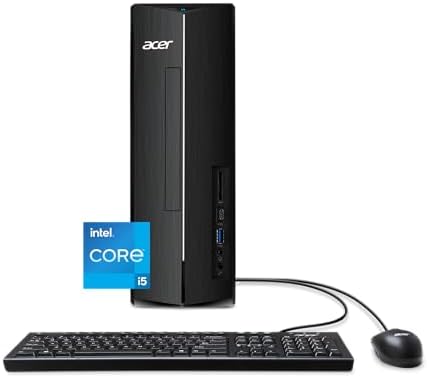
| acer Aspire XC‑1780‑UA91 Desktop | 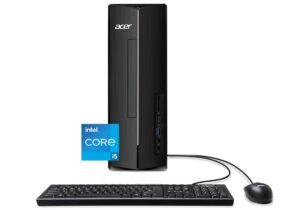 | ★★★★☆ | Intel Core i5‑13400 | 8 GB | 512 GB SSD | Compact Tower | Everyday Schoolwork | Check Price |
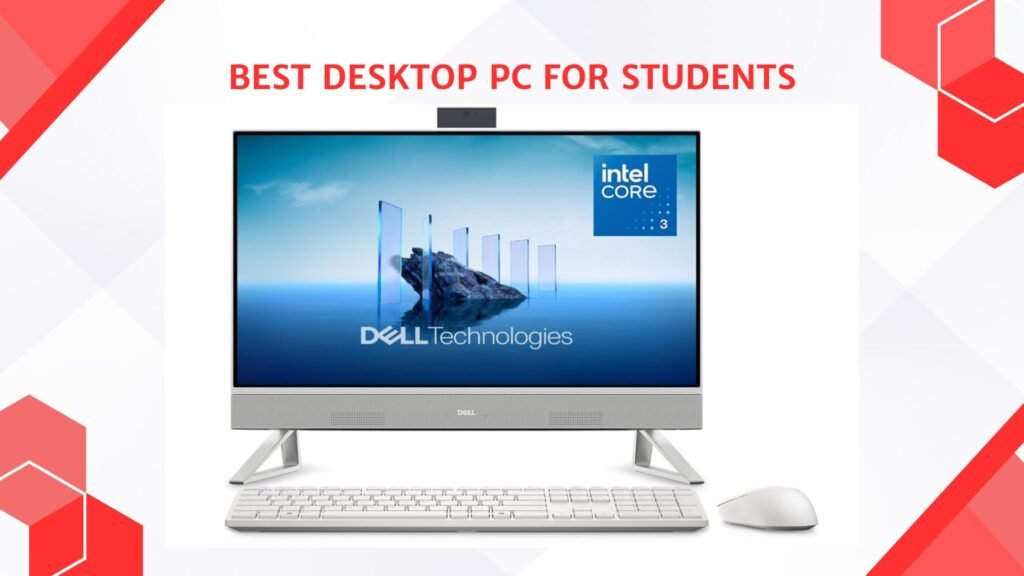
| Dell 24 All‑in‑One Desktop | 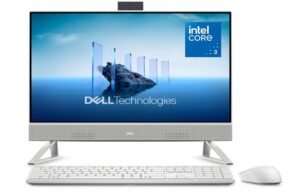 | ★★★☆☆ | Intel Core 3 100U | 8 GB | 512 GB SSD | All‑in‑One | Basic School Tasks | Check Price |
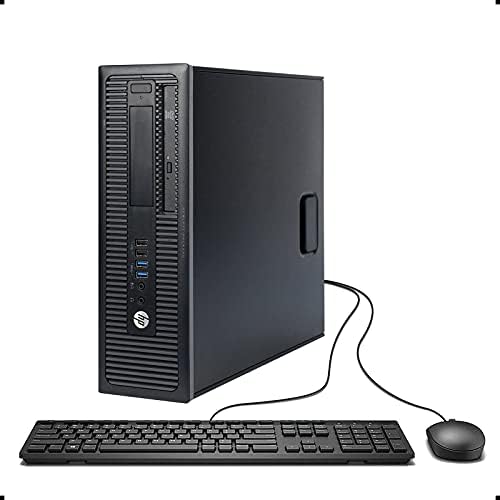
| HP ProDesk 600 G1 SFF Desktop | 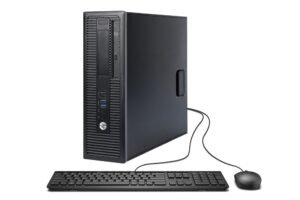 | ★★★☆☆ | Intel Core i5‑4570 | 8 GB | 500 GB HDD | Small Form Factor | Budget Student Use | Check Price |
Dell Optiplex 3060 Desktop Computer
Dell Optiplex 3060 Desktop Computer
The Dell OptiPlex 3060 Renewed Desktop is an excellent budget-friendly computer for students, home learning, and everyday productivity. Powered by the Intel Core i5-8500, 32GB DDR4 RAM, and a fast 1TB SSD, it delivers smooth performance for online classes, research, Microsoft Office, web browsing, and multitasking. Windows 11 Pro comes preinstalled, making setup simple and ready for school or office work right out of the box.
Built-in Wi-Fi and Bluetooth add convenience for wireless connectivity, while the compact design saves desk space. Although it’s not designed for modern gaming, it’s a reliable and affordable option for studying, remote work, and daily use.
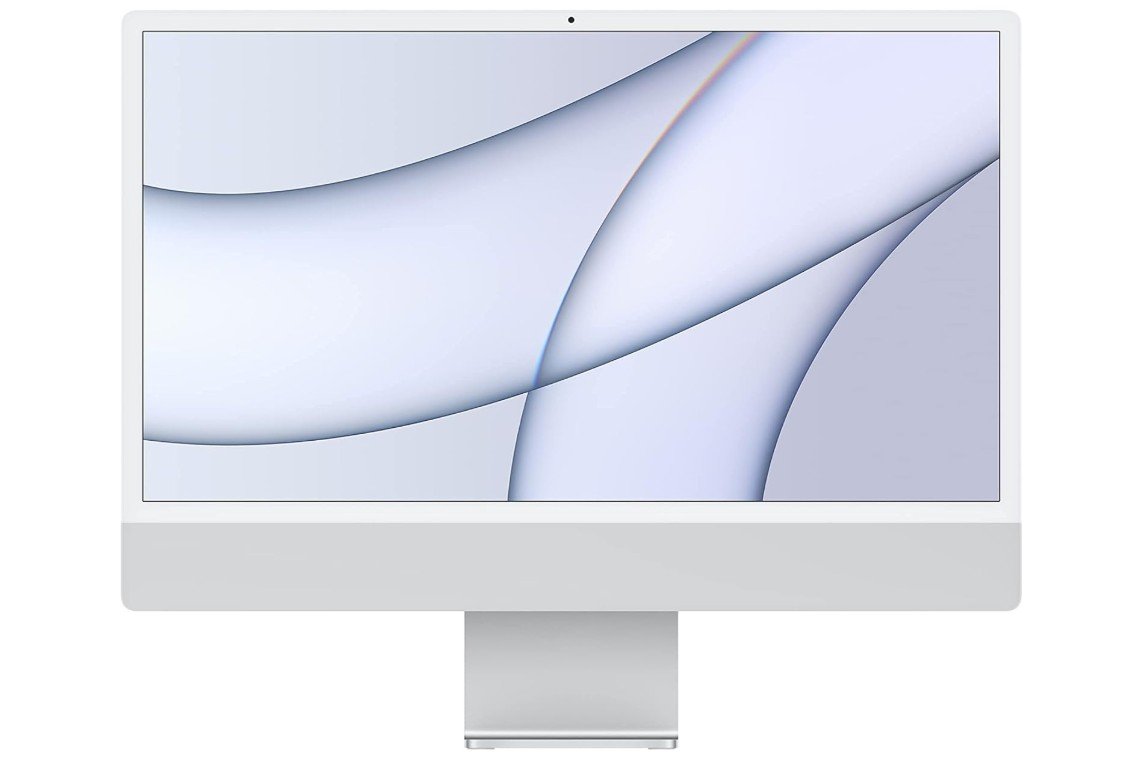
Apple 2021 iMac (Renewed)
Apple 2021 iMac (Renewed)
The Apple 2021 iMac with the M1 chip is an outstanding all-in-one computer for students who want reliability, speed, and a premium user experience. Its 24-inch 4.5K Retina display looks stunning for online classes, research, video editing, and creative projects, while the Apple M1 chip delivers fast and efficient everyday performance. The 8GB RAM and 512GB SSD provide smooth multitasking and quick app loading for schoolwork and productivity.
Its slim, quiet design fits perfectly in dorm rooms or study spaces, and the excellent speakers and webcam make virtual classes more enjoyable. Overall, it’s a stylish, dependable, and student-friendly desktop computer.
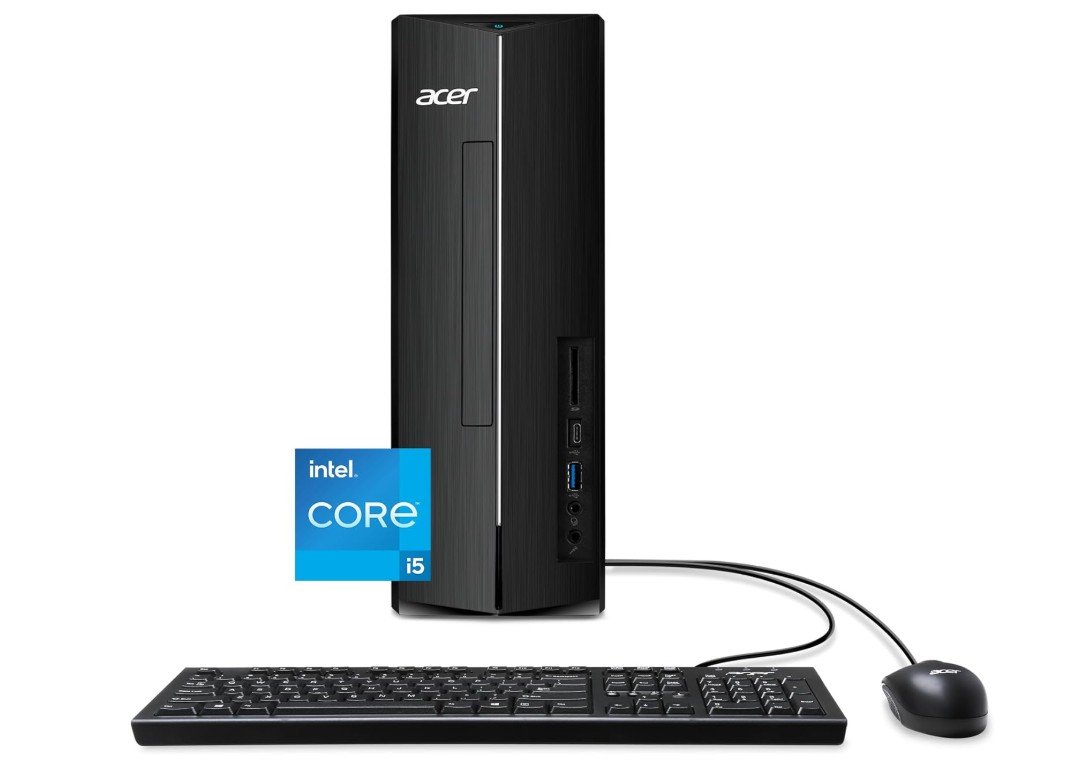
acer Aspire XC-1780-UA91 Desktop
acer Aspire XC-1780-UA91 Desktop
The Acer Aspire XC-1780-UA91 is a dependable and student-friendly desktop built for everyday schoolwork, online learning, and productivity. Powered by the Intel Core i5-13400 processor, it delivers smooth performance for multitasking, web browsing, research, Microsoft Office, and video streaming. The 512GB PCIe Gen 4 SSD provides fast boot times and responsive app loading, while Wi-Fi 6E ensures reliable wireless connectivity for virtual classes and downloads.
Its compact design fits easily into small study spaces or dorm rooms, and Windows 11 Home offers a modern, easy-to-use experience. Although the 8GB RAM is basic for heavy workloads, this desktop remains an excellent affordable option for students and home users.
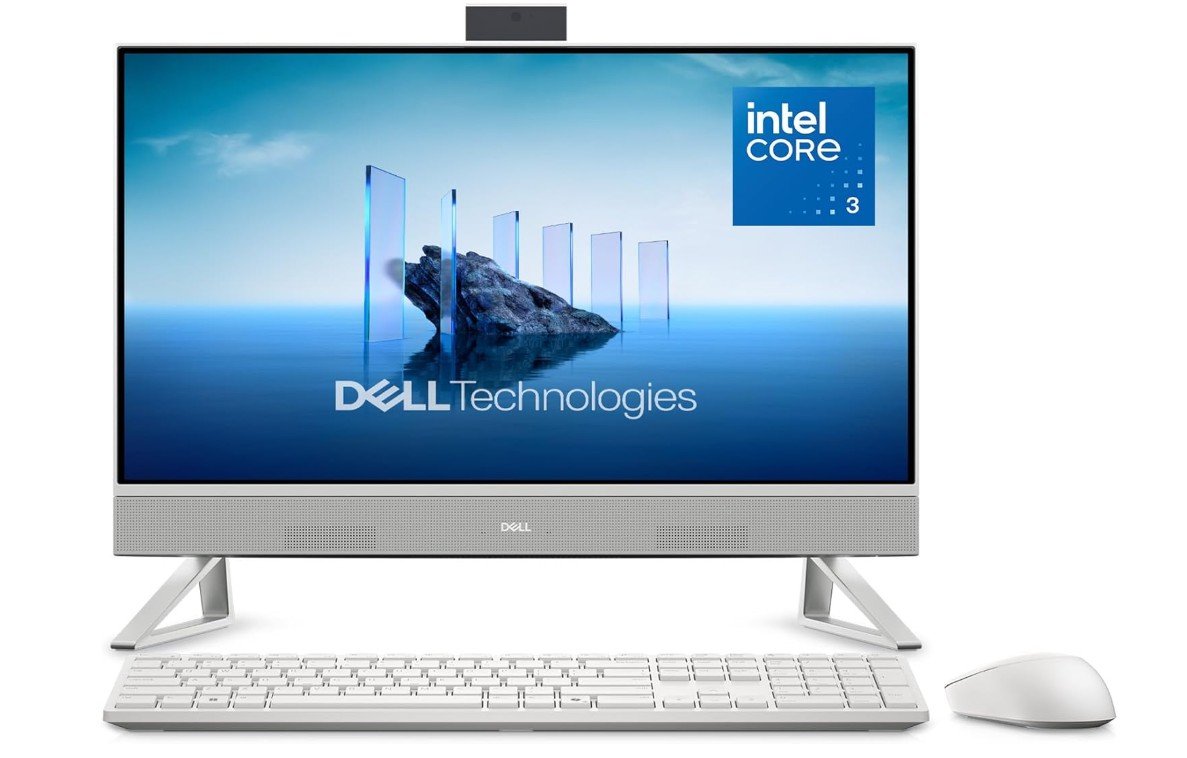
Dell 24 All-in-One Desktop
Dell 24 All-in-One Desktop
The Dell 24 All-in-One Desktop is a practical and student-friendly PC designed for everyday productivity, online learning, and entertainment. Its 23.8-inch Full HD display provides clear visuals for studying, video calls, and streaming, while the Intel Core 3 Processor 100U delivers smooth performance for web browsing, Microsoft Office, and multitasking. The 8GB DDR5 RAM and 512GB SSD help keep the system responsive with fast boot and load times.
Its all-in-one design reduces desk clutter and fits perfectly in dorm rooms or study spaces. Windows 11 Home offers a modern user experience, and Dell’s onsite service support adds extra peace of mind for students and families.
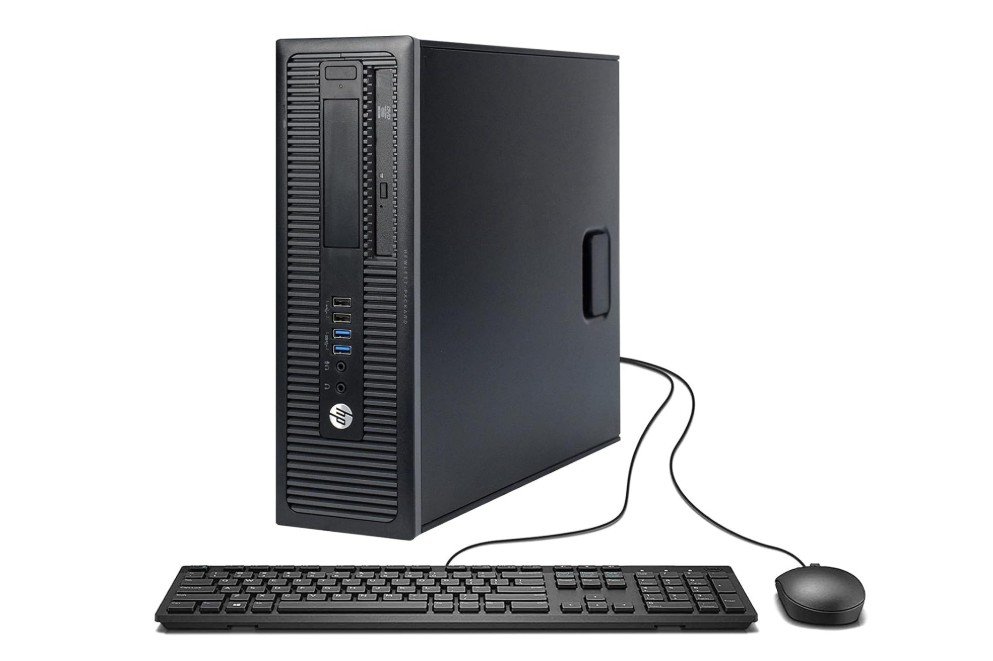
HP ProDesk 600 G1 SFF Slim Business Desktop Computer
HP ProDesk 600 G1 SFF Slim Business Desktop Computer
The HP ProDesk 600 G1 SFF Renewed Desktop is a budget-friendly and dependable option for students who need a simple computer for schoolwork and everyday tasks. Powered by the Intel Core i5-4570 processor, 8GB RAM, and a 500GB hard drive, it handles web browsing, online classes, document editing, and basic multitasking smoothly. Windows 11 Pro comes preinstalled, making it ready for productivity right out of the box.
Its slim small-form-factor design saves desk space, while USB 3.0 ports and a built-in DVD drive add extra convenience for older media and accessories. Although not designed for gaming or heavy creative work, it’s an affordable and practical student desktop for daily use.
Desktop PC Buying Guide for Students
Buying a desktop PC for school should focus on getting the best value, comfort, and performance for the kind of work you do. Students use computers for writing, research, video calls, basic photo/video editing, coding, and sometimes light gaming. This guide explains what parts matter, sensible specs for different student needs, and tips to save money while getting a machine that lasts.
What matters most (and why)
- CPU (processor): The CPU controls general speed. For most students, a recent Intel Core i3/i5 or AMD Ryzen 3/5 is enough. These chips handle web browsing, document work, video calls, and light editing smoothly. If you plan heavy video editing, 3D work, or serious programming, pick a higher-end i7/Ryzen 7 or better.
- RAM (memory): RAM affects multitasking. Today, 16 GB is the practical baseline for smooth multitasking and browser use; 8 GB is workable for very light use but is tight and may feel sluggish as apps get heavier. If you want to keep the PC useful for several years, aim for 16 GB or more.
- Storage: An SSD (solid-state drive) makes the biggest difference in perceived speed. A 512 GB SSD is a good starting point for most students — fast boot times and enough space for documents, projects, and media. Consider a secondary HDD or cloud storage if you need lots of space. University IT recommendations often list 512 GB SSD as a practical minimum.
- Graphics: Integrated graphics (built into the CPU) are fine for school tasks, streaming, and light photo editing. Dedicated GPUs are only necessary for gaming or heavy creative work.
- Display & ergonomics: A good monitor reduces eye strain. A 24- to 27-inch Full HD (1080p) or higher panel is comfortable for reading and multitasking. Use a separate keyboard and a comfortable mouse — they matter for long typing sessions.
- Connectivity & Wi-Fi: Built-in Wi-Fi 6 (or 6E) and Bluetooth are helpful for stable online classes and wireless peripherals. An SD card reader is useful for media students.
Types of desktop PCs for students
- Traditional tower: Best if you want upgradability and long life. Easier to add RAM, storage, or a GPU later.
- Mini PC: Small, quiet, and often cheaper. Great for tight desks and basic tasks, but check upgrade options. Mini PCs give good value for space-limited students.
- All-in-One (AiO): Clean look and easy setup because the monitor and PC are one unit. Good for dorm rooms and minimal desks, but usually harder to upgrade. AiOs are ideal if you care about space and style more than upgradability.
- Refurbished / Renewed: Buying renewed units can save money. Choose sellers with return policies and warranty for peace of mind.
Recommended specs by student type
- Basic student (writing, browsing, online classes): Intel Core i3 / Ryzen 3, 8–16 GB RAM, 256–512 GB SSD. Cheap and energy-efficient; works well for freshmen or light users.
- Most students (multitasking, research, light editing): Intel Core i5 / Ryzen 5, 16 GB RAM, 512 GB SSD. This hits the sweet spot for price vs performance and will stay useful for several years.
- Creative or CS students (video editing, coding, some gaming): Intel Core i7 / Ryzen 7, 16–32 GB RAM, 1 TB SSD (or SSD + HDD), and a midrange dedicated GPU if you need rendering or gaming power.
- Budget gaming / power user: Focus on a strong GPU and at least 16 GB RAM; choose CPU/GPU balance depending on the apps you use.
Upgradeability and future-proofing
- Pick a case and motherboard that let you add RAM and storage later. Even if you start with 8 GB, having room to upgrade to 16 or 32 GB is smart.
- SSD slots: a PCIe NVMe slot is faster than SATA. If you can, buy a system with an empty M.2 slot for easy future upgrades.
- Power supply: a larger PSU helps if you plan to add a dedicated GPU.
Peripherals and extras worth budgeting for
- Monitor: Good quality 24″ FHD or a 27″ 1440p for more screen space.
- Keyboard & mouse: A comfortable keyboard and accurate mouse save time and strain.
- Webcam & mic / headset: Essential for online classes — built-in cameras vary in quality, so consider a separate webcam if you’ll be on many video calls.
- Surge protector / UPS: Protects your work and prevents data loss.
Buying tips to save money
- Buy refurbished from trusted sellers to get a higher-spec machine at lower cost; check warranty and return policy.
- Student discounts: Many vendors and retailers offer student pricing — always check.
- Bundle deals: Some sellers include monitor/keyboard bundles at a discount.
- Timing: Sales (back-to-school, holidays) often bring the best deals.
Quick checklist before you buy
- Is RAM at least 16 GB (or upgradeable)?
- Does it have an SSD (preferably NVMe) and at least 512 GB?
- Is the CPU recent (last 2–3 generations) and at least a quad-core?
- Can you add more RAM or storage later?
- Does it include Wi-Fi 6 / Bluetooth and enough ports?
- What warranty and return policy does the seller offer?
FAQs
Students should focus on a fast processor (Intel Core i3/i5 or AMD Ryzen 3/5), at least 8–16 GB of RAM, an SSD for quick start-up and file load, and good internet connectivity (Wi-Fi/Bluetooth). A comfortable screen and reliable keyboard/mouse also help daily study tasks.
It depends on the work. For writing papers, online classes, research, and basic software, a mid-range PC with an i5/Ryzen 5 and 8–16 GB RAM is enough. For video editing, graphic design, coding, or gaming, a stronger PC with more RAM and storage is better.
16 GB RAM is recommended because it ensures smooth multitasking with many browser tabs, apps, and files open at once. 8 GB can work for light tasks but may feel slow if you run multiple apps together.
Always go for an SSD. SSDs (solid-state drives) make the computer start up fast and open files quickly. An HDD is slower and can make your PC feel sluggish. If you need lots of space, you can add an HDD for extra storage.
Desktops usually give more performance for the price, and they are easier to upgrade later. However, laptops are portable. If you don’t need to move your PC, a desktop is great for home study spaces.
Yes. Renewed desktops are tested and work well, and they cost less than new ones. Just check the seller’s return policy and warranty before buying.
Final words
For most students, a desktop with a modern midrange CPU (Core i5/Ryzen 5), 16 GB RAM, and a 512 GB SSD gives the best balance of price, speed, and longevity. Choose a mini PC or AiO if desk space is tight, but prefer a tower if you want to upgrade over time. Buying refurbished can stretch your budget, but check warranty and seller ratings. Investing a little more now — especially in RAM and an SSD — pays off in daily comfort and fewer slowdowns over the life of the PC.

Jawad is a passionate tech enthusiast and writer who loves exploring the latest trends in hardware, gadgets, and digital innovation. With a sharp eye for performance and value, he delivers in-depth recommendations and buying guides to help readers make smarter tech decisions.