
Last Updated on May 15, 2026 by Jawad
Introduction
Streaming PCs for YouTube and Twitch are designed to handle gaming, live broadcasting, video recording, and content creation smoothly and efficiently. A good streaming PC typically includes a powerful multi-core processor, dedicated graphics card, fast SSD storage, and enough RAM to manage gameplay and streaming software at the same time. These systems help streamers maintain stable frame rates, high-quality video output, and smooth multitasking during live sessions. Many modern streaming PCs also support advanced encoding technologies for better stream performance and lower CPU usage.
Whether you are a beginner creator or an experienced streamer, a reliable streaming PC can significantly improve video quality, workflow, and overall audience experience on YouTube and Twitch.
We also have a recommendation for the Best Prebuilt Gaming PC Under $700, so make sure to check that out too!
Top Streaming PCs for YouTube/Twitch


Comparison
| PC | Image | Rating | CPU | GPU | RAM | Storage | Best For | Buy |
|---|---|---|---|---|---|---|---|---|
|
iBUYPOWER Y40 PRO Black Gaming PC 🏆 Best Overall |
 | ★★★★★ | AMD Ryzen 9 7900X | NVIDIA GeForce RTX 5070 Ti | 32GB DDR5 | 2TB NVMe SSD | High‑Performance Streaming | Check Price |
|
Thermaltake LCGS Versa i570S 💰 Best Value |
 | ★★★★☆ | Intel Core i9‑14900KF | NVIDIA GeForce RTX 5070 | 32GB DDR5 | 1TB NVMe SSD | Heavy Multitasking & Streaming | Check Price |
| MSI Codex Z2 Gaming Desktop |
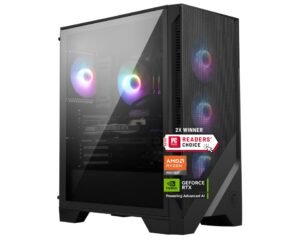 | ★★★★☆ | AMD Ryzen 7 8700F | NVIDIA GeForce RTX 5070 | 32GB DDR5 | 2TB NVMe SSD | Balanced Streaming + Gaming | Check Price |
| Skytech Gaming Azure 3 Desktop PC |
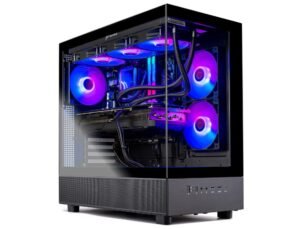 | ★★★★☆ | AMD Ryzen 7 7700X | NVIDIA GeForce RTX 5070 | 32GB DDR5 | 1TB Gen4 NVMe SSD | Mid‑Range Streaming | Check Price |
| iBUYPOWER Slate Gaming PC |
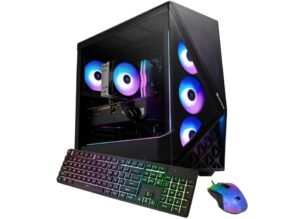 | ★★★★☆ | Intel Core Ultra 7 265F | NVIDIA GeForce RTX 5060 | 32GB DDR5 | 1TB NVMe SSD | Beginner Streaming | Check Price |
iBUYPOWER Y40 PRO Black Gaming PC Desktop Computer
iBUYPOWER Y40 PRO Black Gaming PC Desktop Computer
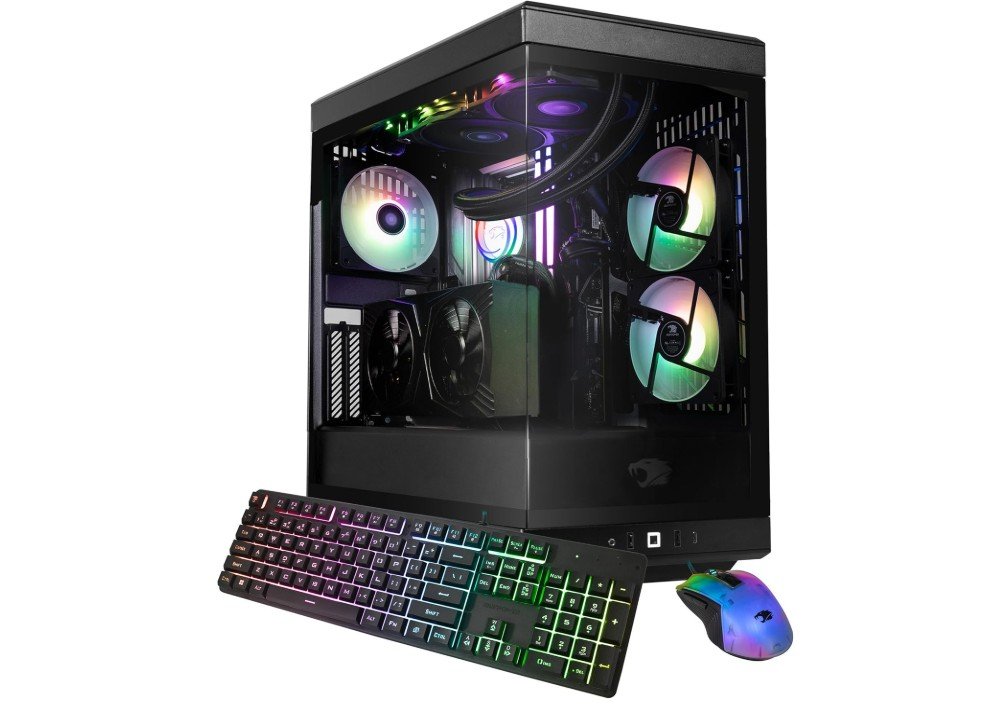
The iBUYPOWER Y40 PRO Black Gaming PC is an exceptional system for YouTube creators, Twitch streamers, and high-end gaming enthusiasts. Powered by the AMD Ryzen 9 7900X and RTX 5070 Ti 16GB, it delivers outstanding gaming performance while handling streaming, video editing, and multitasking with ease. The 32GB DDR5 RAM and 2TB NVMe SSD provide fast responsiveness, smooth workflow performance, and plenty of storage for large media files and game libraries.
Its panoramic Y40 case with RGB lighting gives the setup a premium streamer aesthetic, while strong airflow and liquid cooling help maintain stable temperatures during long sessions.
Overall, it’s a powerful creator-focused prebuilt for gaming, streaming, and content production.
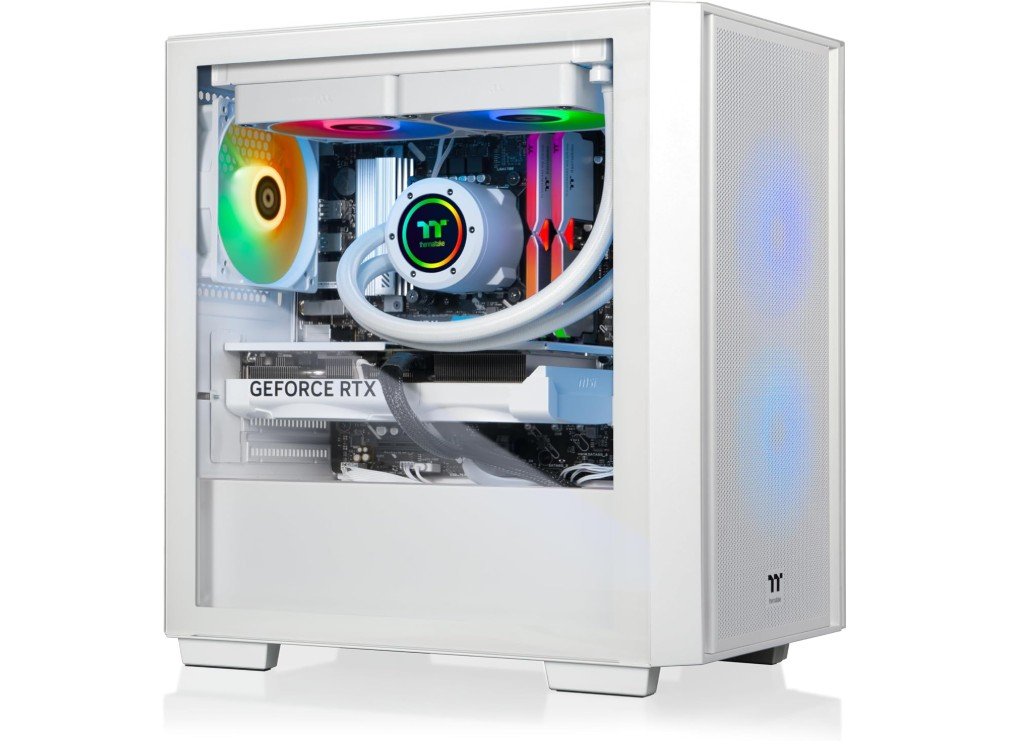
Thermaltake LCGS Versa i570S Gaming Desktop
Thermaltake LCGS Versa i570S Gaming Desktop
The Thermaltake LCGS Versa i570S Gaming Desktop is a powerful high-end system built for YouTube creators, Twitch streamers, and competitive gamers. Featuring the Intel Core i9-14900KF and NVIDIA GeForce RTX 5070, it delivers exceptional gaming performance while handling streaming, video editing, and multitasking with ease. The 32GB DDR5 RGB memory ensures smooth workflow performance, and the 1TB NVMe SSD provides fast boot times and quick access to large media files.
Its airflow-focused chassis and liquid cooling help maintain stable temperatures during long streaming sessions, while the RGB lighting adds a premium creator setup aesthetic.
Overall, it’s an excellent prebuilt PC for gaming, content creation, and live streaming workloads.
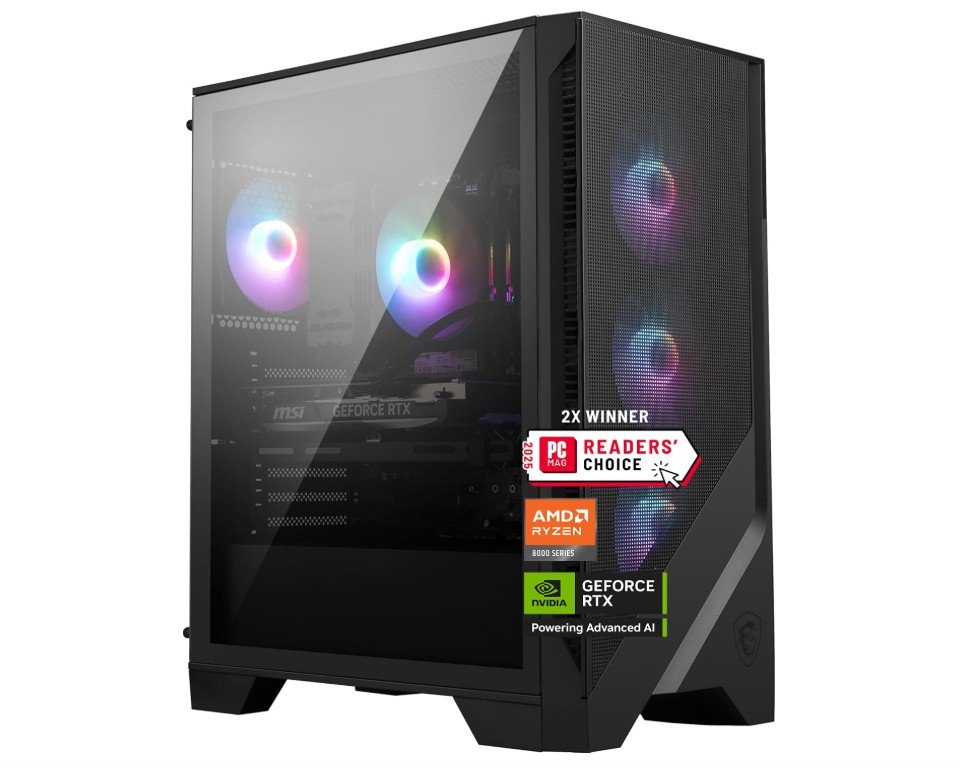
msi Codex Z2 Gaming Desktop
msi Codex Z2 Gaming Desktop
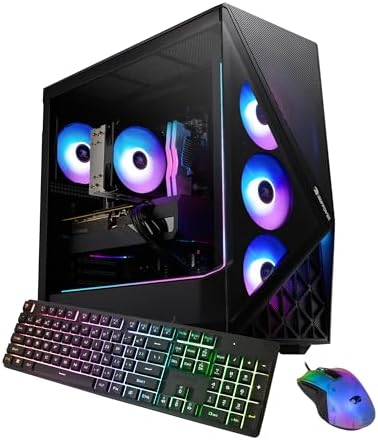
The MSI Codex Z2 Gaming Desktop is an excellent choice for YouTube creators, Twitch streamers, and gamers who want powerful performance without building a PC from scratch. Equipped with the AMD Ryzen 7 8700F and NVIDIA GeForce RTX 5070, it handles high-refresh gaming, live streaming, video editing, and multitasking smoothly. The 32GB DDR5 memory ensures responsive performance while running OBS, editing software, and games simultaneously, while the large 2TB NVMe SSD offers fast load times and plenty of storage for recordings and projects.
Its airflow-focused design keeps temperatures stable during long sessions, and VR-ready support plus USB-C connectivity add modern versatility for creators and streamers.
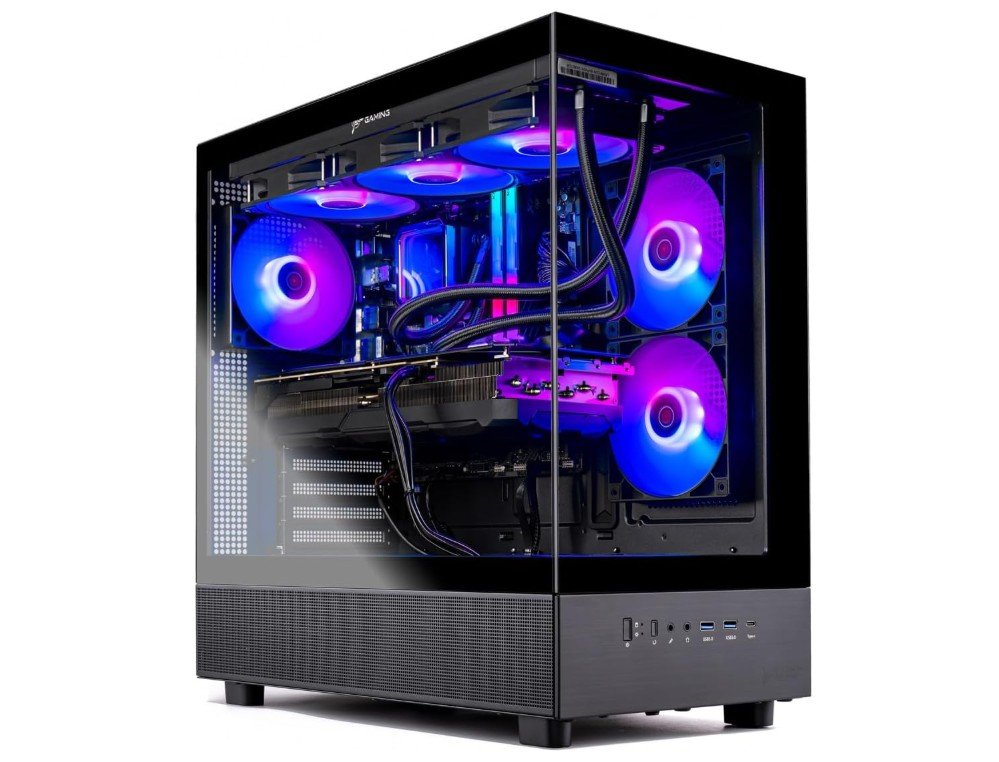
Skytech Gaming Azure 3 Desktop PC
Skytech Gaming Azure 3 Desktop PC
The Skytech Gaming Azure 3 Desktop PC is an excellent system for YouTube creators, Twitch streamers, and high-performance gaming. Powered by the AMD Ryzen 7 7700X and NVIDIA RTX 5070 12GB, it delivers smooth gameplay, fast rendering, and reliable streaming performance for modern titles and content creation workloads. The 32GB DDR5 RGB RAM and 1TB Gen4 NVMe SSD ensure responsive multitasking, fast boot times, and quick access to large video projects.
Its 360mm ARGB liquid cooler keeps temperatures stable during long streaming sessions, while the 850W Gold PSU adds long-term reliability. Overall, it’s a stylish, powerful, and creator-friendly prebuilt PC ideal for gaming, editing, and live streaming.
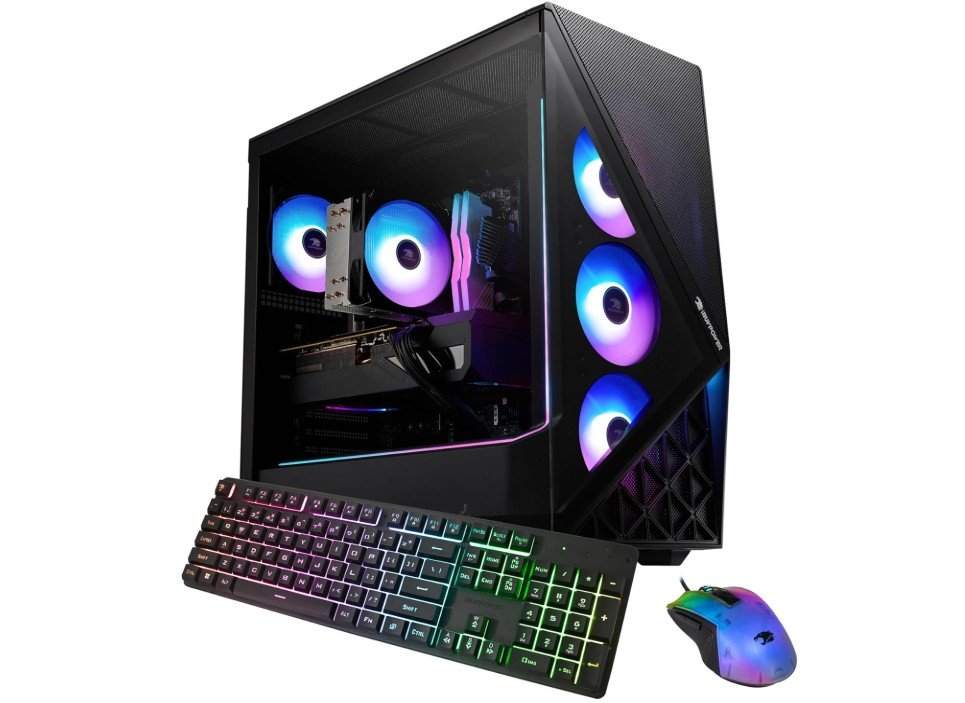
iBUYPOWER Slate Gaming PC Desktop
iBUYPOWER Slate Gaming PC Desktop
The iBUYPOWER Slate Gaming PC SBI7N5603 is a strong choice for YouTube creators, Twitch streamers, and gamers looking for modern performance at a solid value. Powered by the Intel Core Ultra 7 265F and NVIDIA GeForce RTX 5060, it handles streaming, gaming, multitasking, and video editing smoothly at 1080p and 1440p settings. The 32GB DDR5 RGB RAM provides excellent responsiveness for OBS, Adobe Premiere, and multitasking workflows, while the 1TB NVMe SSD ensures fast boot and load times.
Its airflow-focused Slate chassis keeps temperatures under control during long sessions, and the included keyboard and mouse make setup easy for new creators and streamers.
Streaming PCs for YouTube & Twitch — Complete Buying Guide
Choosing the right streaming PC for YouTube and Twitch is one of the most important decisions for any content creator. A streaming PC must handle multiple tasks at the same time, such as gaming, encoding video, managing audio, running overlays, and keeping chat applications responsive. Because of this, streaming systems require stronger and more balanced hardware than standard home computers. Understanding the key components and features helps you invest in a PC that delivers smooth performance and reliable streams.
Why the CPU Matters for Streaming
The processor plays a major role in streaming performance because it manages multitasking and background processes. A modern 6-core CPU can work for beginners, but an 8-core or higher processor is recommended for smooth broadcasting. Strong multi-core performance allows you to stream, game, and edit content without slowdowns. If you plan to render videos or run several apps at once, choosing a powerful CPU ensures your system remains responsive during long sessions.
The Importance of a Strong GPU
The graphics card is essential not only for gaming visuals but also for video encoding. Modern NVIDIA RTX GPUs include dedicated hardware encoders that reduce CPU usage and help maintain stable frame rates while streaming. For 1080p streaming, a mid-range GPU is usually enough, while higher resolutions like 1440p or 4K benefit from more powerful graphics cards. A capable GPU ensures better image quality and smoother broadcasts.
How Much RAM Do You Need?
Memory is critical for multitasking. Streaming software, browsers, overlays, and games all use RAM at the same time. While 16GB is considered the minimum, 32GB is recommended for consistent performance. Faster memory such as DDR5 also improves system responsiveness, helping you switch scenes, open programs quickly, and manage multiple applications without lag.
Storage Speed and Capacity
Fast storage significantly improves workflow efficiency. NVMe SSDs offer quicker boot times, faster game loading, and rapid file transfers compared to traditional drives. A 1TB SSD is a good starting point, but creators who record long sessions may want additional storage space. Fast storage helps reduce waiting times when editing or uploading content.
Cooling and Airflow for Long Streams
Streaming sessions can last for hours, which puts constant load on your hardware. Good cooling systems, including high-quality air coolers or liquid cooling, prevent overheating and maintain stable performance. Proper airflow also reduces noise levels, which is important if your microphone is placed close to your PC during live broadcasts.
Power Supply and System Reliability
A reliable power supply ensures stable performance and protects your hardware from power issues. Streaming PCs with strong GPUs require higher wattage power supplies with good efficiency ratings. Investing in a quality PSU helps maintain long-term stability and allows room for future upgrades.
Connectivity and Ports
Connectivity features can make a big difference in your streaming setup. Built-in Wi-Fi offers flexibility, while Ethernet connections provide the most stable streaming experience. Multiple USB ports are useful for webcams, microphones, capture cards, and lighting accessories. Modern PCs with USB-C support also offer faster data transfers and improved compatibility with new devices.
Prebuilt vs Custom Streaming PCs
Prebuilt streaming PCs are popular because they are ready to use and tested for compatibility. They often include warranties and customer support, which is helpful for beginners. Custom-built PCs offer more flexibility and potential savings, but they require technical knowledge. Many new streamers prefer prebuilt systems because they save time and reduce setup complexity.
Choosing Based on Your Budget
Your streaming goals should guide how much you spend. Beginners who stream at 1080p can start with mid-range systems that offer reliable performance. Intermediate creators may need more RAM, faster storage, and stronger GPUs for editing and multitasking. Professional streamers aiming for high-resolution content should consider high-end components to ensure future-proof performance.
Future-Proofing Your Streaming Setup
A good streaming PC should allow room for upgrades as your channel grows. Look for systems with extra RAM slots, additional storage options, and a power supply that supports future hardware. Planning ahead ensures you can improve your setup without replacing the entire system later.
FAQs
A good starting point is an 8-core CPU, RTX-series GPU, 16GB–32GB RAM, and an NVMe SSD. These specs help run games, OBS, and background apps smoothly during live streams.
Yes. Most modern gaming PCs work well for streaming because they already include powerful CPUs and GPUs. Just make sure the system has enough RAM and a strong graphics card with hardware encoding.
It’s not required, but RTX GPUs are popular because their NVENC encoder reduces CPU load and provides better stream quality with smoother performance.
16GB is the minimum for beginners, but 32GB is recommended for multitasking, editing videos, and running multiple programs during streams.
Yes, if your PC has a strong CPU and enough RAM. Many creators use one system for streaming, editing, and uploading content.
Prebuilt PCs are great for beginners because they are ready to use and require less technical setup. They also include warranties and support.
Conclusion
The best streaming PC for YouTube and Twitch balances CPU performance, GPU power, memory capacity, fast storage, reliable cooling, and strong connectivity. Understanding how each component affects streaming helps you choose a system that fits your needs and budget. Whether you are just starting or already growing your audience, investing in the right streaming PC will improve stream quality, reduce technical issues, and make content creation more enjoyable.

Jawad is a passionate tech enthusiast and writer who loves exploring the latest trends in hardware, gadgets, and digital innovation. With a sharp eye for performance and value, he delivers in-depth recommendations and buying guides to help readers make smarter tech decisions.