
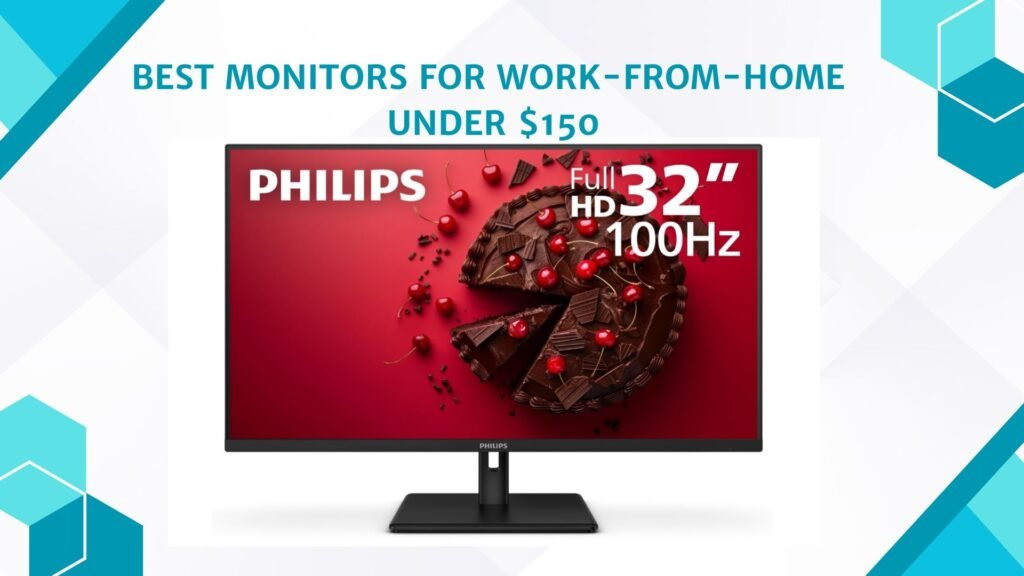
Last Updated on May 15, 2026 by Jawad
Introduction
Monitors for work-from-home setups under $150 offer an affordable way to improve productivity, comfort, and multitasking during daily tasks. These budget-friendly monitors often feature Full HD resolution, IPS panels for better viewing angles, and eye-care technologies like flicker-free screens and low blue light modes to reduce eye strain during long working hours. Many models also include slim bezels, adjustable stands, and multiple connectivity options for laptops and desktop PCs.
Whether you attend virtual meetings, manage spreadsheets, edit documents, or browse the web, an affordable monitor can significantly enhance your remote work experience. Budget work-from-home monitors provide reliable performance without taking up a large portion of your budget.
We also have a recommendation for the Best Monitors for Students, so make sure to check that out too!
Top Monitors for Work-from-Home Under $150


Comparison
| Product | Image | Rating | Screen Size | Panel Type | Refresh Rate | Connectivity | Eye Comfort | Buy |
|---|---|---|---|---|---|---|---|---|
|
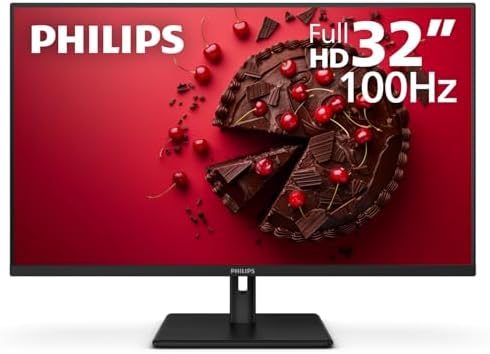
Philips 32E1N1100L 32″ Frameless Monitor 🏆 Best Overall | 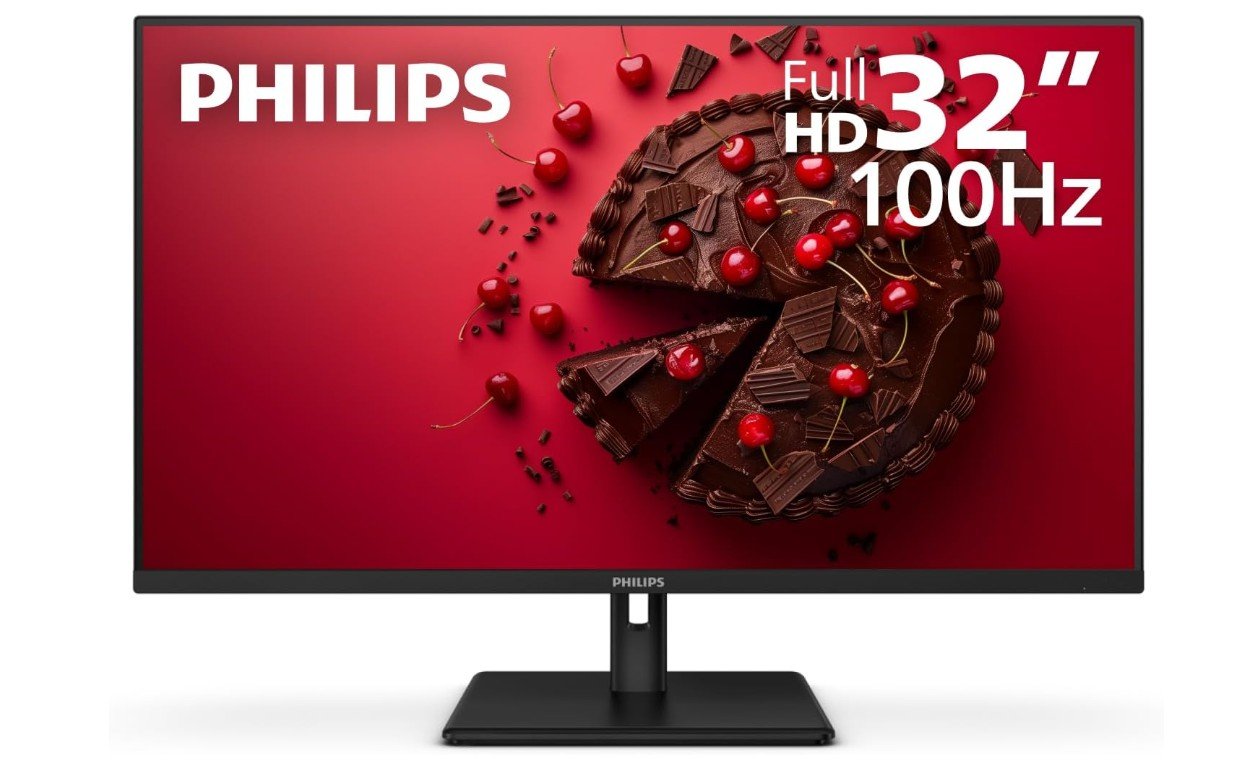 | ★★★★★ | 32″ | VA | 100Hz | HDMI, VGA | Low Blue Light, Flicker‑Free | Check Price |
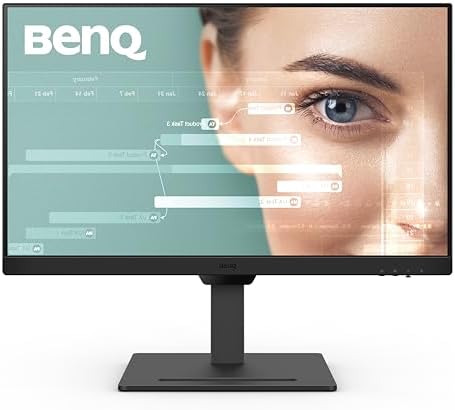
| BenQ GW2790T 27″ Monitor |  | ★★★★☆ | 27″ | IPS | 100Hz | DisplayPort, HDMI | Low Blue Light, Flicker‑Free | Check Price |
| Samsung 27″ Essential S3 (S36GD) Series Curved Monitor | 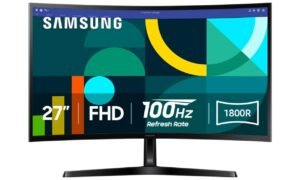 | ★★★★☆ | 27″ | VA Curved | 100Hz | HDMI, VGA | Eye Saver Mode | Check Price |
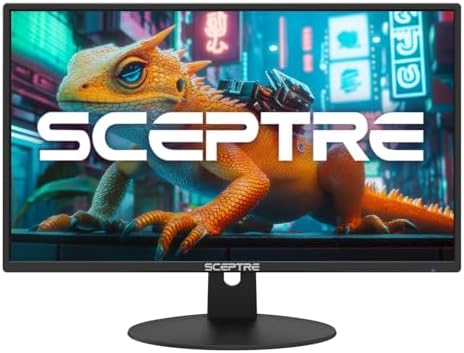
| Sceptre 24-inch Prime Monitor |  | ★★★★☆ | 24″ | IPS | 100Hz | HDMI ×2, VGA | Built‑in Speakers | Check Price |
| Dell 27 Monitor – SE2725HM | 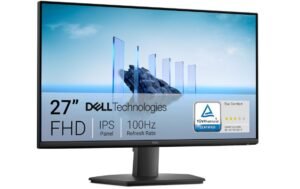 | ★★★★☆ | 27″ | IPS | 100Hz | HDMI, VGA | ComfortView Plus | Check Price |
Philips 32E1N1100L 32″ Frameless Monitor
Philips 32E1N1100L 32″ Frameless Monitor
The Philips 32E1N1100L is a great budget-friendly monitor for work-from-home setups, casual gaming, and everyday productivity. Its large 32-inch Full HD VA panel delivers strong contrast and deep blacks, making videos, office tasks, and general media consumption look more immersive. The 100Hz refresh rate and Adaptive-Sync support provide smoother motion than standard 60Hz office monitors, improving scrolling and casual gaming performance.
The frameless design gives it a modern appearance, while VESA mount compatibility adds flexibility for desk setups. Eye-care features also help reduce strain during long work sessions. Although the 1080p resolution appears less sharp on a 32-inch screen, overall comfort, smoothness, and value make it a solid home office monitor choice.
BenQ GW2790T 27″ Monitor
BenQ GW2790T 27″ Monitor
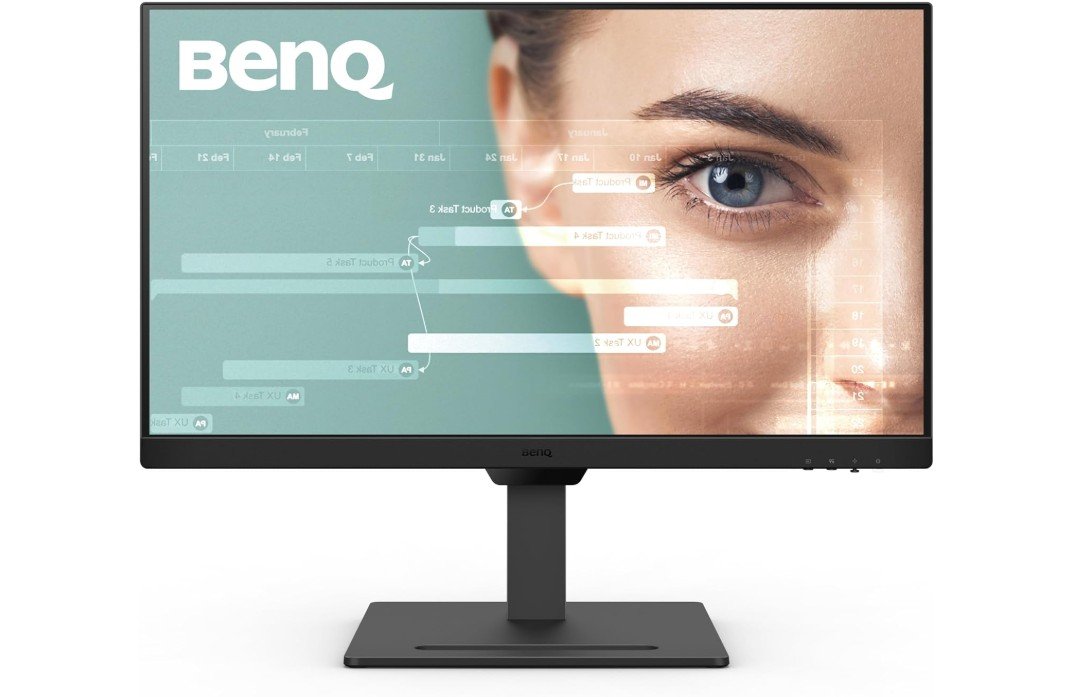
The BenQ GW2790T is an excellent 27-inch monitor for work-from-home users who want comfort, smooth performance, and strong everyday usability. Its IPS panel delivers clear Full HD visuals with good color accuracy and wide viewing angles, while the 100Hz refresh rate makes scrolling, multitasking, and video playback feel noticeably smoother than standard 60Hz displays. BenQ’s Eye-Care technologies, including Low Blue Light, Flicker-Free, and Adaptive Brightness, help reduce eye strain during long work sessions.
The ergonomic stand with height and tilt adjustment also improves comfort for daily use. Although the 1080p resolution feels less sharp on a 27-inch screen, overall comfort, smoothness, and productivity-focused features make it a fantastic office monitor.
Samsung 27″ Essential S3 (S36GD) Series Curved Monitor
Samsung 27″ Essential S3 (S36GD) Series Curved Monitor
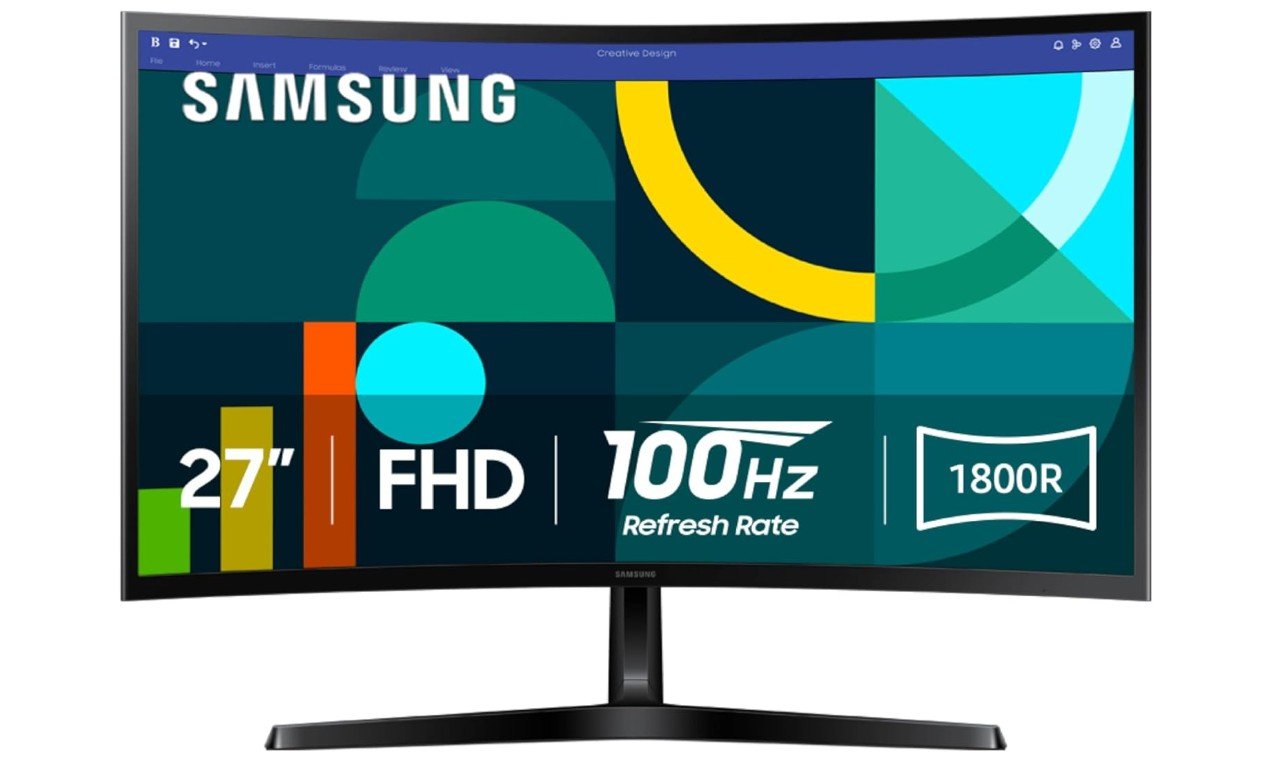
The Samsung Essential S3 (S36GD) is a solid 27-inch curved monitor designed for work-from-home users who want comfort, smooth performance, and an immersive viewing experience at an affordable price. Its 1800R curved Full HD display creates a more engaging workspace, while the 100Hz refresh rate makes scrolling, multitasking, and casual gaming feel smoother than traditional 60Hz office monitors. Samsung’s Advanced Eye Comfort features help reduce eye strain during long work sessions, and Game Mode improves visibility in darker scenes for casual gaming.
The slim design also looks modern on any desk setup. Although the 1080p resolution appears slightly soft on a 27-inch screen, overall comfort, smoothness, and value are very good for everyday productivity.
Sceptre 24-inch Prime Monitor
Sceptre 24-inch Prime Monitor
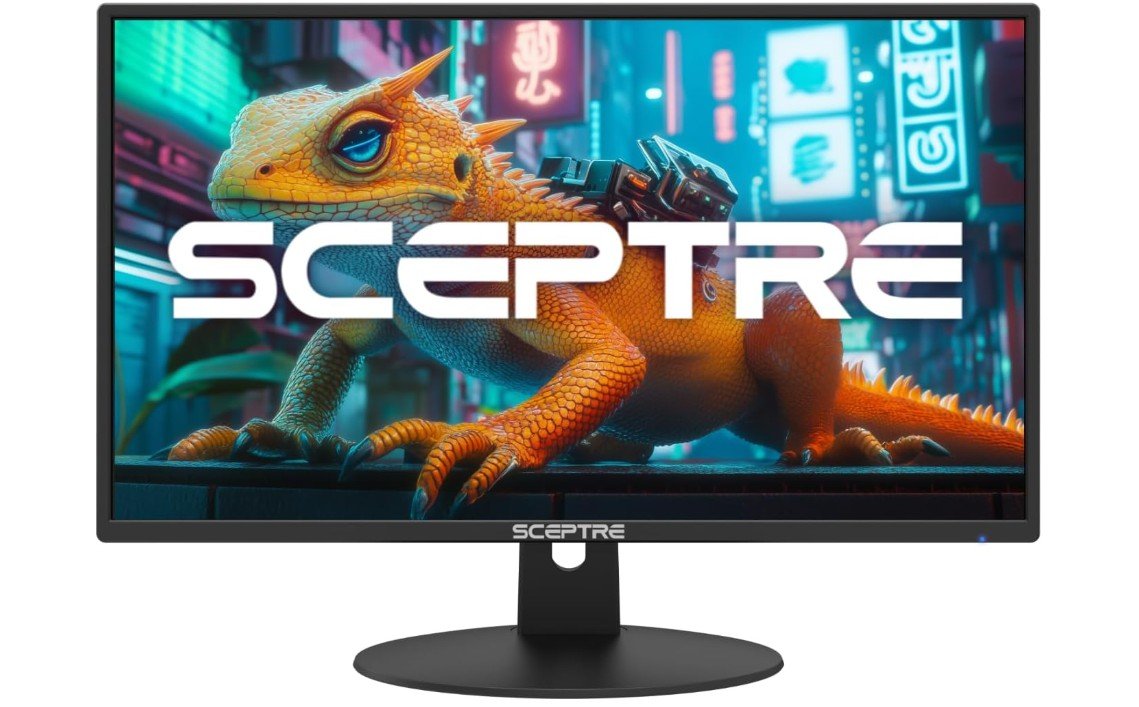
The Sceptre 24-inch Prime Monitor is a great budget-friendly display for work-from-home setups, everyday productivity, and casual entertainment. Its Full HD 1080p screen delivers clear visuals, while the 100Hz refresh rate makes scrolling, multitasking, and video playback feel smoother than traditional 60Hz office monitors. With 100% sRGB color coverage, colors appear vibrant and pleasant for daily use, web browsing, and streaming. Built-in speakers and dual HDMI ports also add useful convenience for home office setups.
The slim-bezel design gives the monitor a modern appearance that fits nicely into compact desks or dual-monitor configurations. Although ergonomics are limited and the speakers are basic, overall value and smooth performance are excellent for the price.
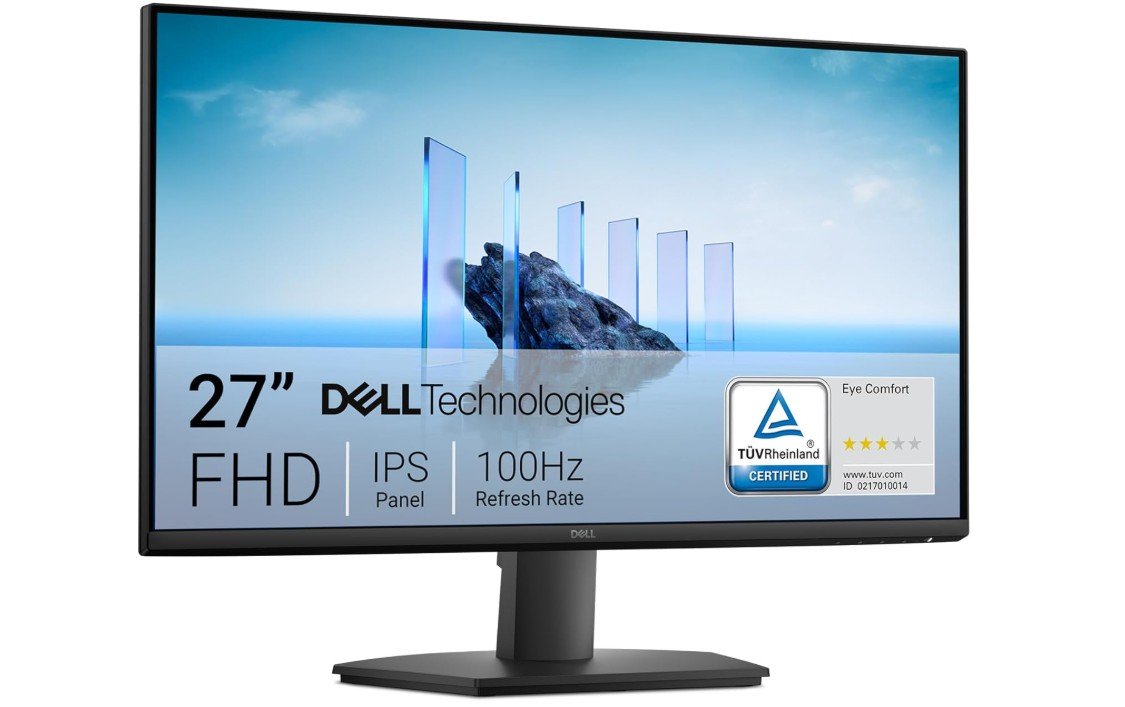
Dell 27 Monitor – SE2725HM
Dell 27 Monitor – SE2725HM
The Dell SE2725HM is a reliable and comfortable 27-inch monitor designed for work-from-home users, students, and everyday productivity. Its IPS panel delivers clear Full HD visuals with accurate colors and wide viewing angles, while the 100Hz refresh rate makes scrolling, multitasking, and video playback feel smoother than traditional 60Hz office monitors. Dell’s ComfortView Plus and TÜV Rheinland-certified eye comfort features help reduce blue light exposure and eye strain during long work sessions.
The anti-glare coating also improves visibility in bright rooms. Although the 1080p resolution feels slightly soft on a 27-inch display, overall build quality, comfort, and smooth performance make it an excellent office monitor choice.
Buying Guide: Best Monitors for Work-from-Home Under $150
Working from home has become normal for many people, including students, freelancers, office workers, and small business owners. One of the most important parts of a home office is a good monitor. A laptop screen is often too small for long hours of work, while a proper monitor gives you more space, better comfort, and higher productivity. The good news is that you do not need to spend a lot of money. There are many good monitors available under $150 that work perfectly for work-from-home needs.
This buying guide will help you understand what to look for when choosing a work-from-home monitor under $150 and how to pick the best one for your daily tasks.
Why a Good Monitor Matters for Work-from-Home
When you work from home, you may spend 6 to 10 hours a day looking at your screen. A good monitor helps reduce eye strain, improves posture, and makes multitasking easier. A larger screen allows you to open two or more windows side by side, which saves time and reduces stress. Even a budget monitor can make a big difference compared to using a small laptop display.
Ideal Screen Size for Home Office Use
For monitors under $150, the most common sizes are 22-inch, 24-inch, and 27-inch.
A 24-inch monitor is the sweet spot for most users. It offers enough space for documents, emails, and web browsing without taking up too much desk space. Text looks sharp, and it works well with Full HD resolution.
A 27-inch monitor gives you more screen space and feels more immersive. It is great for multitasking, but at this price range, most 27-inch monitors use Full HD resolution, which may look slightly less sharp than on smaller screens. Still, it is perfectly fine for office work.
A 22-inch monitor is a good option for small desks or tight spaces. It is affordable and practical, especially for students or basic office use.
Resolution: What Is Enough for Office Work?
Most monitors under $150 come with Full HD resolution (1920 × 1080). This resolution is more than enough for work-from-home tasks such as writing, spreadsheets, video calls, browsing, and emails.
Higher resolutions like 1440p or 4K are usually not available in this budget range, but for normal office work, Full HD works very well and keeps text clear and readable.
Panel Types: IPS vs VA vs TN
Understanding panel types helps you choose the right display quality.
IPS panels are the best choice for work-from-home users. They offer better color accuracy and wide viewing angles. This means the screen looks good even if you move your head or sit slightly to the side. IPS panels are great for reading text, video calls, and light content creation.
VA panels have higher contrast and deeper blacks. They are good for reading and watching videos, especially in darker rooms. Viewing angles are not as wide as IPS, but they are still good for office use.
TN panels are usually cheaper but have poor viewing angles and weaker colors. They are less common now and not recommended for long work hours.
For most people, IPS is the safest and most comfortable choice.
Refresh Rate: Is 100Hz Worth It?
Standard office monitors usually have a 60Hz refresh rate, but many new budget monitors now offer 75Hz or 100Hz.
A 100Hz monitor makes scrolling smoother and reduces motion blur when moving windows or browsing the web. You do not need this for office work, but once you use it, it feels more comfortable and responsive. If you can get 100Hz under $150, it is a nice bonus.
Eye-Care Features: Very Important for Long Hours
Eye comfort is one of the most important things to consider.
Look for monitors that include:
- Low Blue Light mode to reduce eye strain
- Flicker-Free technology to prevent headaches
- Anti-glare coating to reduce reflections
Brands like Dell, BenQ, Samsung, and Philips focus heavily on eye-care features. If you work long hours, these features are more important than gaming features.
Ergonomics: Stand Adjustments and VESA Support
Most budget monitors come with a basic tilt-only stand. This is okay, but height-adjustable stands are better for posture.
If height adjustment is not included, check for VESA mount support. VESA mounting allows you to use a monitor arm or wall mount, which helps you set the screen at eye level and keep your desk clean.
Good posture reduces neck and back pain, especially for full-time remote workers.
Connectivity: Ports You Actually Need
For work-from-home use, you do not need many ports, but the basics are important.
Most monitors under $150 include:
- HDMI (essential for modern laptops and PCs)
- VGA (D-sub) for older systems
Some monitors also include DisplayPort, which is a bonus but not required. USB-C and USB hubs are rare in this price range.
If you plan to connect two devices, such as a laptop and a desktop, having two HDMI ports can be very useful.
Built-in Speakers: Helpful but Not Essential
Some budget monitors include built-in speakers. These are convenient for video calls, online classes, and basic audio, but the sound quality is usually average.
If you already use headphones or external speakers, built-in speakers are not necessary. Think of them as a bonus, not a must-have feature.
Curved vs Flat Monitors for Work
Curved monitors are becoming popular even in the budget category.
A curved monitor can feel more comfortable on larger screens like 27 inches because it slightly wraps around your field of view. This can reduce eye movement and improve focus.
A flat monitor is simpler and works well for all types of tasks. For most office users, both curved and flat displays work fine. It comes down to personal preference.
Brand Reliability and Warranty
When buying a budget monitor, brand reputation matters. Trusted brands usually offer better quality control and warranty support.
Good brands for budget work-from-home monitors include:
- Dell
- BenQ
- Samsung
- Philips
- LG
- Sceptre
Some brands even offer extended warranties or advance replacement, which adds extra peace of mind.
Who Should Buy a Monitor Under $150?
A monitor under $150 is perfect for:
- Work-from-home employees
- Students and online learners
- Freelancers and writers
- Office and administrative work
- Home business users
If you are doing professional photo editing, video editing, or advanced design work, you may need a higher-end monitor. But for normal productivity, this budget range is more than enough.
FAQs
Yes — you can find reliable monitors with solid display quality, comfortable viewing, and essential ports for home office tasks at this budget.
Most monitors in this range are between 21.5″ and 27″, offering a good balance of workspace and desk footprint.
1080p (Full HD) is the most common and ideal at this price, providing clear text and comfortable viewing for work and video calls.
Not usually — 60 Hz is fine for typical work tasks like browsing, documents, spreadsheets, and video conferencing.
Final Thoughts
Monitors for work-from-home under $150 offer excellent value. You can get a large screen, clear Full HD resolution, comfortable eye-care features, and smooth performance without spending much money. The key is to focus on what matters most: screen size, panel type, eye comfort, and basic connectivity.
A good monitor can improve your productivity, reduce eye strain, and make working from home more comfortable every day. With the right choice, even a budget monitor can feel like a big upgrade to your home office setup.

Jawad is a passionate tech enthusiast and writer who loves exploring the latest trends in hardware, gadgets, and digital innovation. With a sharp eye for performance and value, he delivers in-depth recommendations and buying guides to help readers make smarter tech decisions.