
Last Updated on May 15, 2026 by Jawad
Introduction
A budget prebuilt gaming PC under $500 is a great starting point for beginners who want affordable gaming performance without building a custom system. These entry-level gaming desktops are capable of handling popular esports and casual games like Valorant, CS2, Fortnite, Minecraft, and Rocket League at smooth frame rates, especially at 1080p settings. Many affordable prebuilt PCs include modern processors, fast SSD storage, and upgrade-friendly designs that allow future improvements to graphics cards or memory.
They are ideal for students, casual gamers, and first-time PC users looking for reliable everyday performance and light gaming. With careful selection, a budget gaming PC under $500 can deliver solid value and enjoyable gameplay.
We also have top recommendations for the Best Prebuilt Gaming PC Under $700, so make sure to check that out too!
Top Budget Prebuilt Gaming PC Under $500



Comparison
| Product | Image | Rating | CPU | GPU | RAM | Storage | Connectivity | Buy |
|---|---|---|---|---|---|---|---|---|
|
HP Pavilion Gaming Desktop 🏆 Best Overall 🔥 Top Pick |
 | ★★★★★ | Ryzen 5 5600G | RX 5500 | 8GB | 256GB SSD | WiFi | Check Price |
| YAWYORE Gaming PC Desktop |
 | ★★★★★ | Ryzen 5 5600GT | Vega Graphics | 16GB | 1TB NVMe SSD | WiFi | Check Price |
| Blackout Computers Gaming PC |
 | ★★★★☆ | Intel Core i7 | RX 580 (8GB) | 16GB | 1TB NVMe SSD | WiFi + Bluetooth | Check Price |
| NINGMEI Soul Gaming PC |
 | ★★★★☆ | Ryzen 5 5600GT | Vega 7 | 16GB | 1TB NVMe SSD | WiFi | Check Price |
|
NOVATECH Phantom 2.0 💰 Best Budget |
 | ★★★★☆ | Xeon i7 | RX 580 | 16GB | 512GB SSD | WiFi + Bluetooth | Check Price |
HP Pavilion Gaming Desktop Computer
HP Pavilion Gaming Desktop Computer
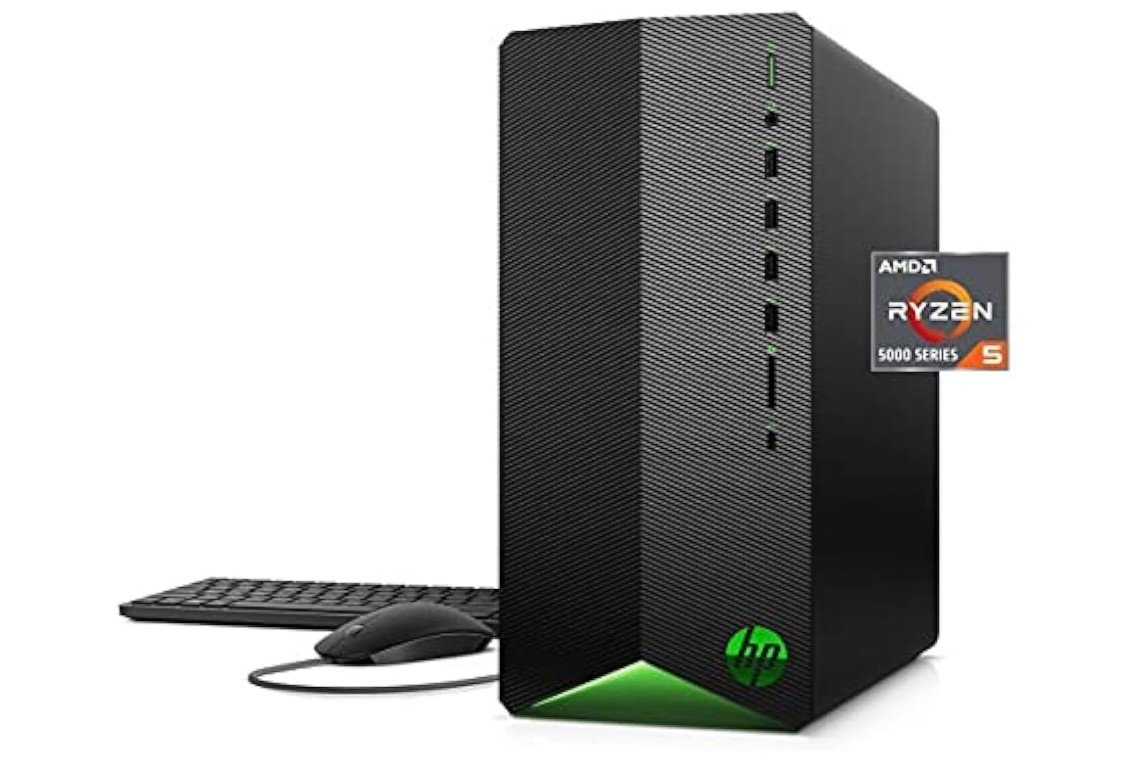
The HP Pavilion Gaming Desktop is a budget-friendly gaming PC that offers dependable performance for casual gaming, schoolwork, and everyday productivity. Powered by the AMD Ryzen 5 5600G and Radeon RX 5500 4GB graphics, it handles popular esports titles and lighter AAA games smoothly at 1080p settings. The compact design fits well in smaller setups while maintaining a clean gaming aesthetic. Its 256GB NVMe SSD provides fast boot times, though storage may feel limited for larger modern game libraries.
The included keyboard and mouse make setup convenient for beginners. Overall, it’s a solid entry-level gaming desktop for users seeking affordability, reliability, and decent everyday performance.
YAWYORE Gaming PC Desktop Computer
YAWYORE Gaming PC Desktop Computer
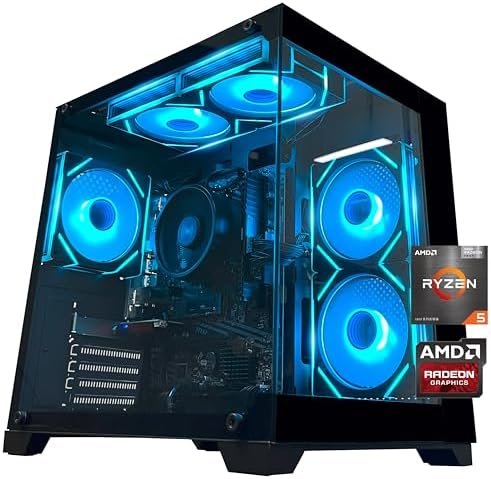
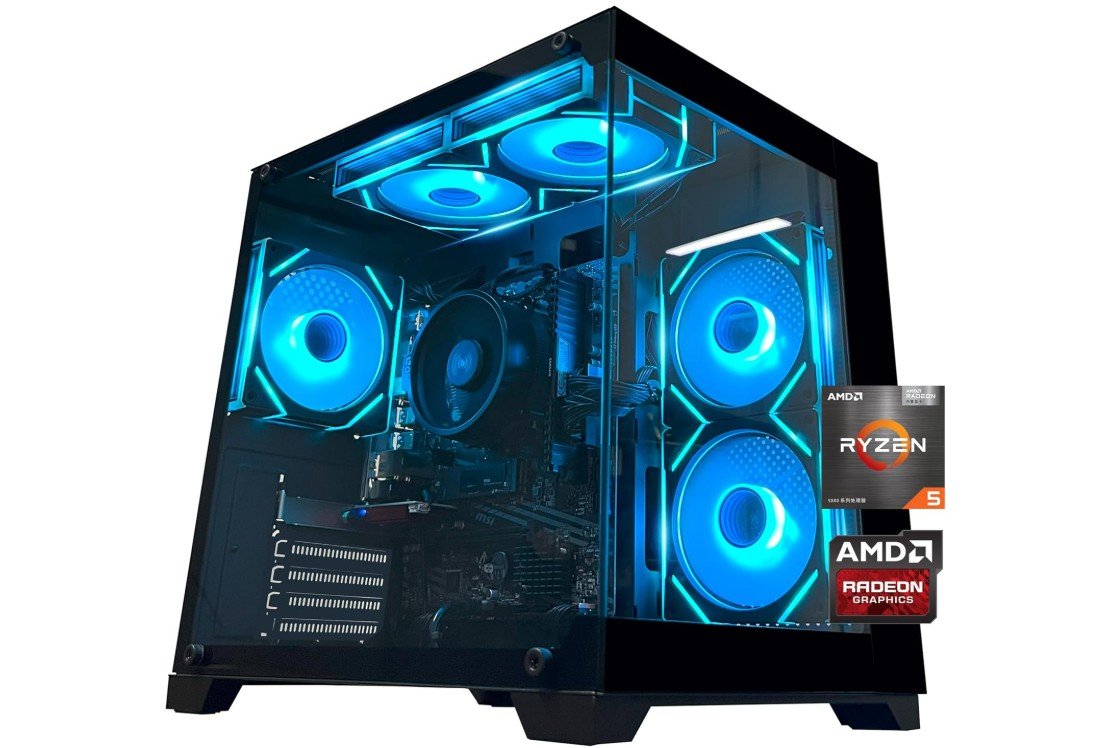
The YAWYORE Gaming PC Desktop is a budget-friendly system designed for casual gaming, home use, and everyday productivity. Powered by the AMD Ryzen 5 5600GT, it delivers solid performance for esports titles, light content creation, and multitasking. The 16GB DDR4 3200MHz RAM ensures smooth everyday responsiveness, while the fast 1TB NVMe SSD provides quick boot times and ample storage for games and applications.
Its stylish “Sea View Room” tempered-glass case gives the PC a modern gaming aesthetic with good airflow potential. The included 550W 80Plus power supply and built-in Wi-Fi add convenience for mainstream users. Overall, it’s a reliable entry-level gaming desktop with good value for casual gamers and office users.
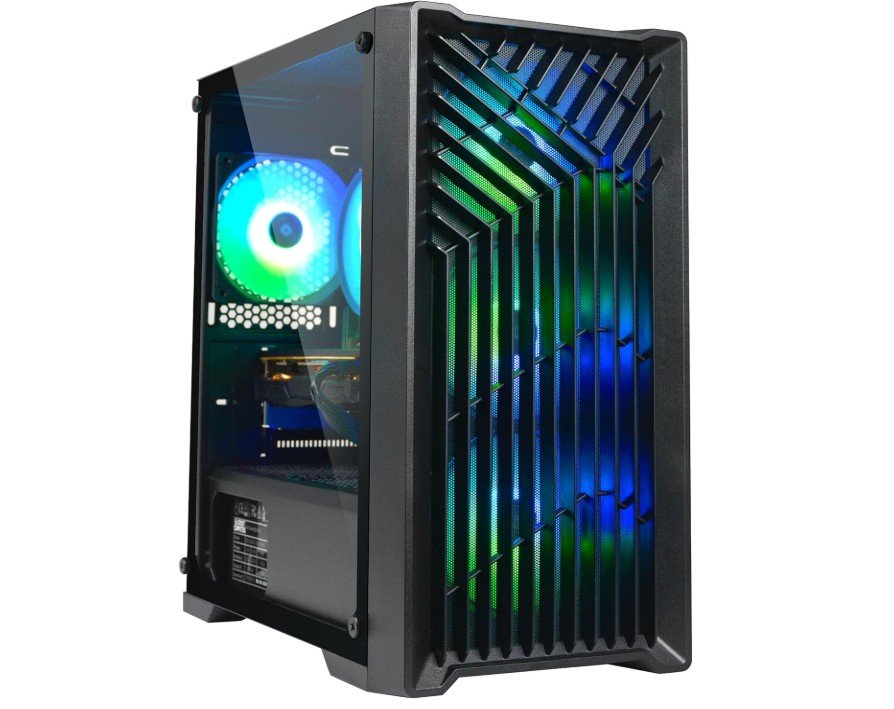
Blackout Computers Gaming Desktop PC
Blackout Computers Gaming Desktop PC
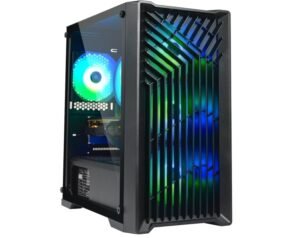
The Blackout Computers Gaming Desktop PC is a budget-oriented gaming system that delivers solid 1080p performance for casual and esports gamers. Powered by an Intel Core i7 processor and Radeon RX 580 8GB graphics, it handles games like Fortnite, GTA V, Valorant, and Apex Legends smoothly at medium to high settings. The 16GB RAM and fast 1TB NVMe SSD provide responsive multitasking and quick loading times for games and applications.
Its RGB fan setup and tempered-glass styling give the PC a modern gaming appearance, while Wi-Fi, Bluetooth 5.0, and Windows 11 Pro add convenience. As a renewed system, it offers strong value for budget-conscious gamers seeking affordable VR-ready performance.
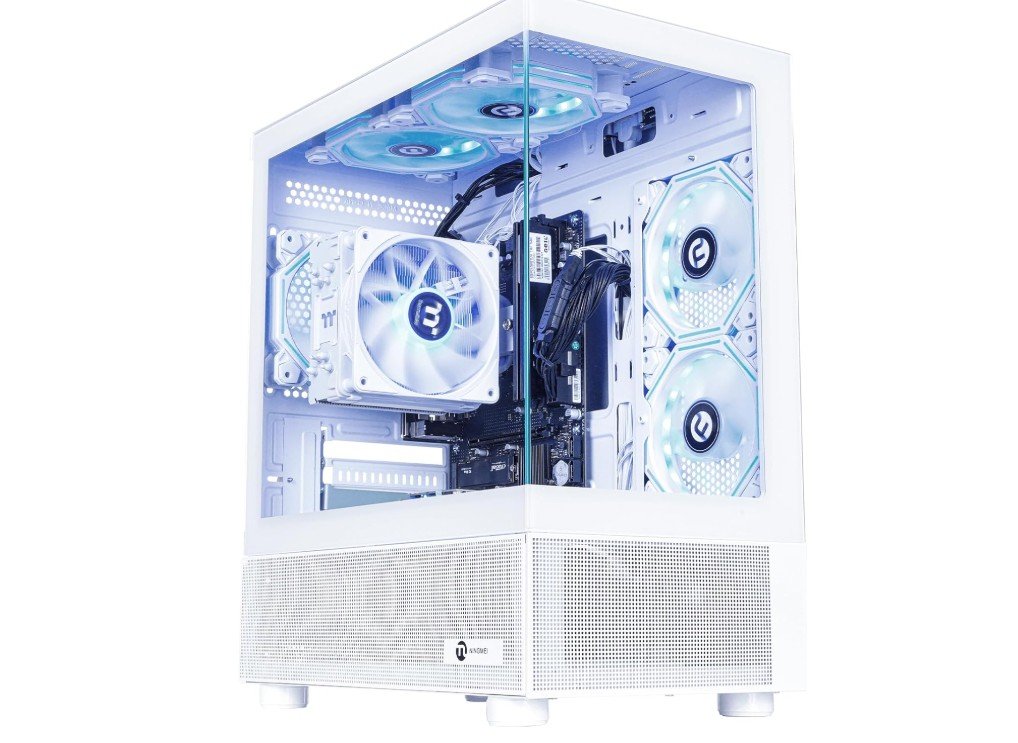
NINGMEI Soul Gaming PC Desktop
NINGMEI Soul Gaming PC Desktop
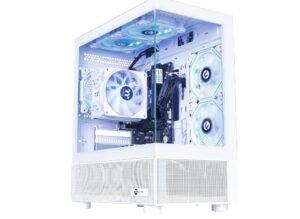
The NINGMEI Soul Gaming PC is a stylish entry-level desktop designed for casual gaming, schoolwork, and everyday productivity. Powered by the AMD Ryzen 5 5600GT with integrated Radeon Vega 7 graphics, it handles esports titles, light gaming, media streaming, and multitasking smoothly without requiring a dedicated GPU. The 16GB DDR4 3200MHz RAM ensures responsive performance for daily tasks, while the fast 1TB NVMe SSD provides quick boot times and ample storage for applications and games.
Its clean white chassis gives the system a modern aesthetic that stands out on any desk setup. Windows 11 Home comes preinstalled, making it a convenient plug-and-play option for budget-conscious users and beginner gamers.
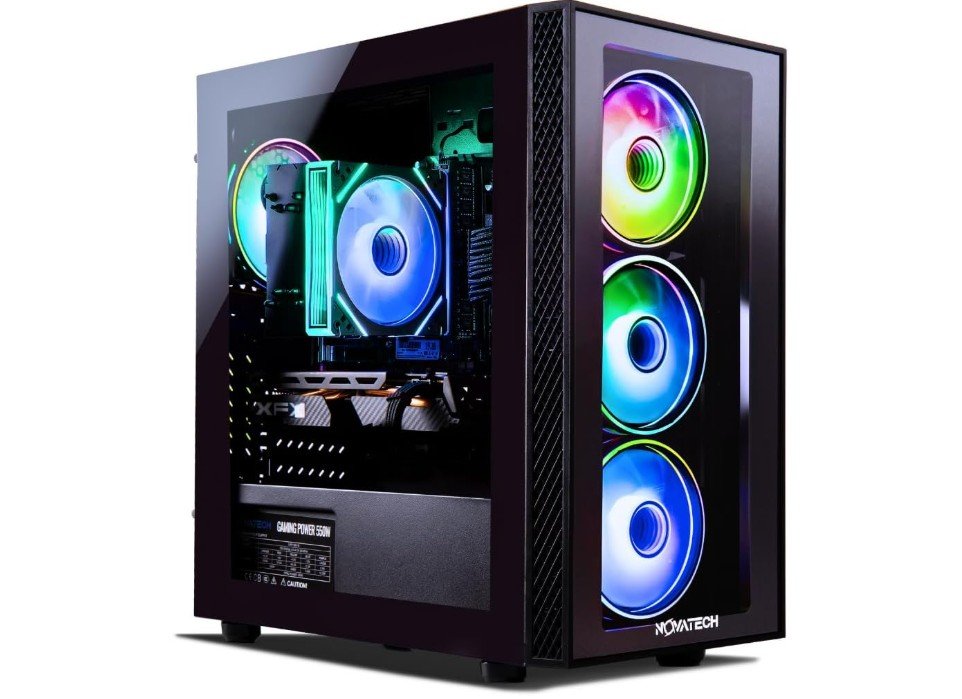
NOVATECH Phantom 2.0 – Prebuilt Gaming PC
NOVATECH Phantom 2.0 – Prebuilt Gaming PC
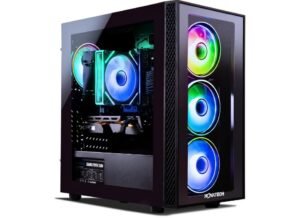
The NOVATECH Phantom 2.0 is a budget-friendly prebuilt gaming PC designed for casual gamers and everyday users seeking solid 1080p performance at an affordable price. Equipped with an Intel Xeon i7 processor and Radeon RX 580 graphics, it handles esports titles and older AAA games smoothly on medium to high settings. The 16GB RAM provides decent multitasking capability, while the 512GB M.2 SSD ensures fast boot and application loading times. Windows 11 Pro comes preinstalled, adding productivity features and modern compatibility.
Its gaming-style tower design and included one-year warranty make it an appealing entry-level option for gamers who want reliable performance without spending heavily on newer hardware.
Buying Guide for Budget Prebuilt Gaming PC Under $500
Understanding What to Expect
Buying a budget prebuilt gaming PC under $500 requires balancing performance, price, and features. In this range, you should not expect ultra‐high gaming settings or 4K quality. Instead, aim for systems that run popular games at 720p or 1080p with low to medium settings. These PCs are also great for schoolwork, browsing, and streaming. If you choose smartly, you can get a system that feels fast and responsive for everyday use and still offers enjoyable gaming performance.
CPU: The Most Important Component
The processor plays a huge role in system speed and gaming stability. In a $500 prebuilt, you will often see older Intel Core i5 or i7 models, or AMD Ryzen 3 and Ryzen 5 chips. Avoid outdated CPUs like early‐generation Core processors or low-end Celeron and Athlon models. For good gaming performance, look for at least 4 cores, but 6 cores is more ideal. CPUs like Ryzen 5 3600, Ryzen 5 5600G, or Intel 6th generation i5/i7 or newer are strong picks in this price range.
GPU: Dedicated or Integrated Graphics
Graphics power decides how well a PC handles modern games. Budget prebuilts may include older dedicated GPUs like GTX 1050 Ti, GTX 1650, RX 570, or RX 580. These are great options if you want smoother performance in popular titles. If a PC comes with AMD integrated graphics (like Vega in Ryzen 5 5600G), it can still run lighter games well. Dedicated GPUs are better overall, but strong integrated graphics are acceptable if you’re focused on esports or older games.
RAM: Aim for 16GB if Possible
Many cheap prebuilts include 8GB RAM, which is the bare minimum for gaming today. It works, but you may experience slowdowns when running multiple apps. If you can find a PC with 16GB, you’ll get smoother gameplay, better multitasking, and overall faster performance. If you end up with 8GB, check if it’s upgradeable later. Most desktops allow you to add another stick of RAM easily.
Storage: SSD Is a Must
Storage affects loading times, system boot speed, and how smooth your PC feels. Always look for an SSD (preferably NVMe). A 256GB or 512GB SSD is common in this budget and perfectly usable. A 1TB SSD is ideal, but not required. Some prebuilts offer both SSD and HDD, giving you speed and more storage space. Even if the SSD is small, you can expand storage later with another drive.
Upgradability Matters
One of the biggest advantages of buying a desktop is that you can upgrade it over time. Look for prebuilts that use standard parts: normal ATX or Micro-ATX motherboards, regular RAM, and standard power supplies. These make future upgrading easy. A 450W or 500W PSU is usually enough for entry-level graphics cards. Avoid PCs with very small cases, weak power supplies, or proprietary parts, as these limit your upgrade options.
Operating System and Extras
Most prebuilts come with Windows 10 or Windows 11 pre-installed. This saves money compared to buying a license separately. Some PCs also include a basic mouse and keyboard, which is helpful if you’re setting up your first gaming space. RGB lighting, glass side panels, or fancy cases may look cool, but they’re not important in this price range. Focus on performance first, appearance second.
New, Used, or Refurbished?
At under $500, refurbished or renewed systems can be great value. They often include stronger parts from previous years, such as older i7 CPUs or RX 580 GPUs, at much lower prices. Just make sure the seller is trusted, and check for a decent warranty, ideally 90 days or more. Read customer reviews to learn about reliability, noise levels, and heat performance.
Cooling and Airflow
Good cooling keeps your PC healthy and quiet. Many budget systems only come with one fan. Check if the case has front and rear vents, and at least two fans if possible. If airflow looks weak, don’t worry too much — you can add extra fans later for a low cost. Better airflow improves temperatures and even helps your components last longer.
Match Your PC to Your Needs
Before buying, think about the kind of games you play. If your focus is esports titles like Valorant, Fortnite, CS2, Minecraft, or Rocket League, then even integrated graphics can be enough. If you want to play open-world or graphically heavy games, try to find a system with a dedicated GPU. Your usage matters just as much as the hardware.
Think Long-Term Value
A budget prebuilt PC under $500 should be seen as a starting point. The goal is to get solid core parts now — a decent CPU, SSD storage, upgradeable RAM, and a standard-sized case and power supply. Later, when you save more money, you can upgrade the RAM, install a better GPU, or add extra storage. Over time, this turns an inexpensive starter machine into a surprisingly strong gaming system.
FAQs
A sub-$500 prebuilt PC will generally handle less demanding games (eSports titles, older AAA games at lower settings) and light gaming at 720p–1080p. High-end modern games at high settings usually require a higher budget.
Often, refurbished or used prebuilt gaming desktops with older but stronger CPUs and GPUs (e.g., older GTX or Radeon cards) offer better gaming performance for the same price than brand-new budget systems.
Mini PCs with capable integrated graphics can be an option under $500, but their gaming performance is typically weaker than desktops with dedicated GPUs. Some mini PCs might be more geared toward everyday computing with light gaming
Absolutely. Everyday tasks like browsing, office work, video streaming, and light content creation are manageable on budget rigs — sometimes better than gaming performance.
Final Thoughts
Buying a gaming PC under $500 is about making smart decisions, not chasing top-tier specs. If you focus on CPU strength, GPU capability, RAM amount, storage type, and upgrade potential, you can find a system that performs well in both gaming and daily use. Look for fair warranties, read reviews, and compare different models. With the right pick, you’ll have a smooth gaming experience today and a base that can grow stronger tomorrow.

Jawad is a passionate tech enthusiast and writer who loves exploring the latest trends in hardware, gadgets, and digital innovation. With a sharp eye for performance and value, he delivers in-depth recommendations and buying guides to help readers make smarter tech decisions.